Hello, I need some help for create a effect like this hair:
077
Artist credit: sn077
https://x.com/Sn077_
I installed the watercolor brushes but I don’t get the desired effect.
Thanks.
Hello, I need some help for create a effect like this hair:
077Artist credit: sn077
https://x.com/Sn077_
I installed the watercolor brushes but I don’t get the desired effect.
Thanks.
Hi @erick.bonas
Was this image made by someone else and you’re posting it as an example?
In this forum, we only post our own work made with Krita. If you post someone else’s work, such as for reference, you need to credit them and provide a link to their website.
If you created this image yourself, please state that. For the time being, I’ve unlisted this post. It can be relisted once the credit is provided.
Source: 8. Post only your own stuff
Hi, @sooz.
Thanks for your explanation. I find this example in Pinterest. @sn077_
The link: https://br.pinterest.com/pin/376402481375801384/
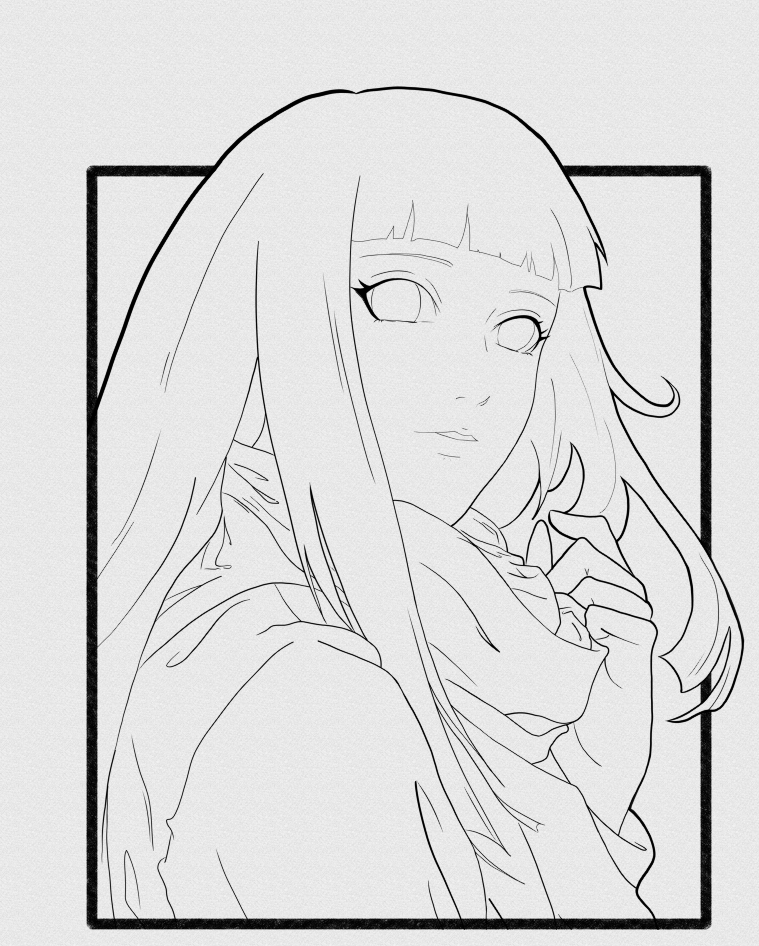
I draw this image below and I want to reproduce this style in my draw
Thanks
Thanks for the reply. A screenshot on Pinterest is not sufficient to credit the artist. I found their X account and added the link on the post for you.
The post is listed now.
Thanks for finding the artist page, I haven’t X account.
In the next post I will be more carefully
You could achive that effect with slight colour shifts and a very low opacity spray/wash/sponge, but I think your best bet is probably use a pattern or a canvas texture.
There are some default textures which are explained here:
https://www.davidrevoy.com/article156/texture-pack-1
and this thread suggests using procreate textures:
https://krita-artists.org/t/20-free-paper-canvas-textures/77155
Since this category is meant for posting tutorials, not for asking for support, I’ll move the topic into an appropriate category.
Michelist
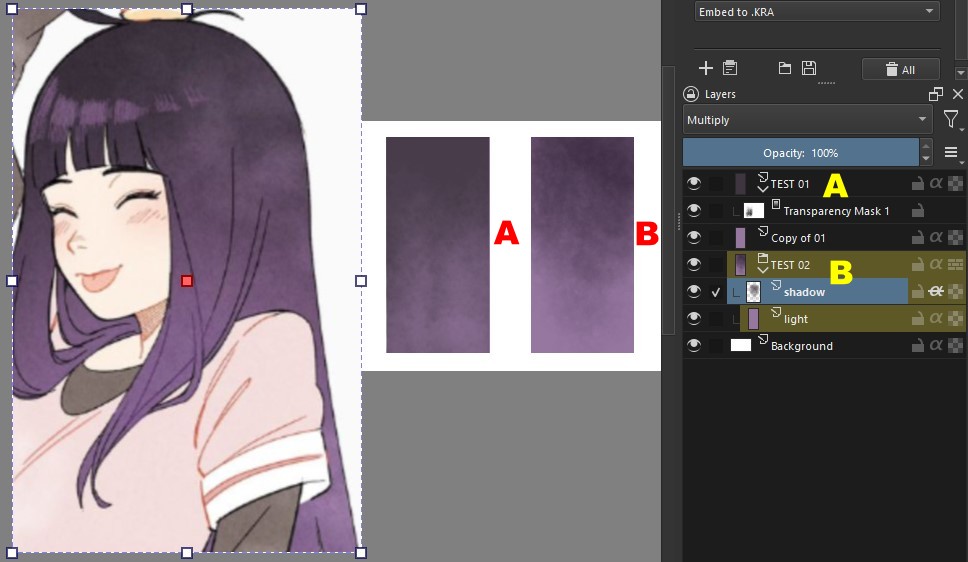
I use few brushes in Krita. This topic got me curious and I decided to try it out. I did two tests.
• First test (A): I created a rectangle and filled it with the darkest tone of the hair. I duplicated this layer and colored the rectangle of the copy layer with the lighter tone and left it underneath.
Then, I placed a Transparency Mask on the layer with the dark tone. To edit the mask, I changed the default colors to black and white. I used a brush called: WaterC Basic Round-Grunge with different opacities. It gives a reasonable result…
• Second test (B): here I created a layer (light) where I placed a rectangle with the lightest color solid. I created a layer above (shadow), set to Multiply mode and clicked on that inherited alpha button (the crossed out “a”).
This way, only the parts of the rectangle below would be affected. I used the same brush and colored it with the darkest color.
Anyway, they are just different ways of working…
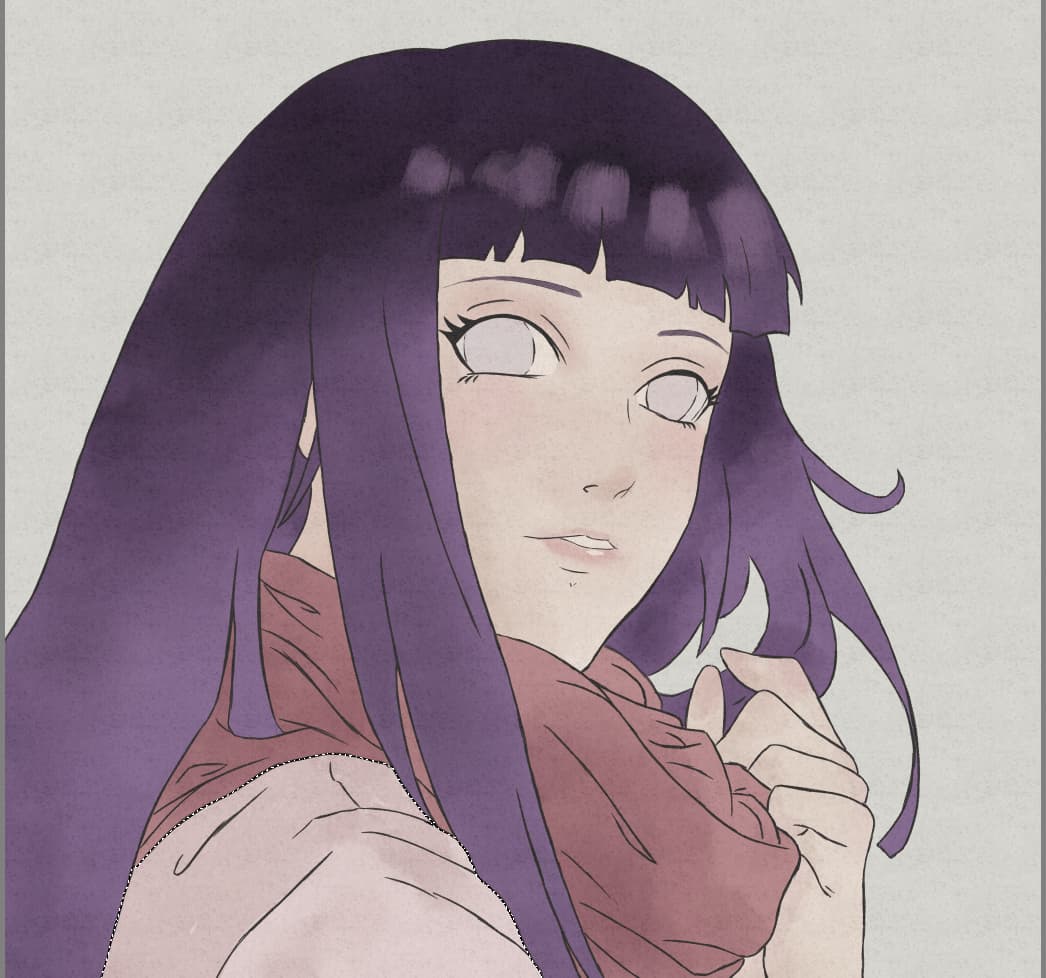
Thanks @Guerreiro64 for your help. I’m new in Krita world and digital art. I tried your method (B) and got this result below
But your test is better.
Your drawing looks cool.  The brush I used is part of a group, try experimenting with the others to see what happens.
It occurred to me that there might be other ways: apply a gradient and then some filter that gives this watercolor effect.
Krita’s G’Mic has a series of filters, I was testing them the other day. I don’t remember if there was a watercolor one, but it’s almost certain that there must be a similar one there…