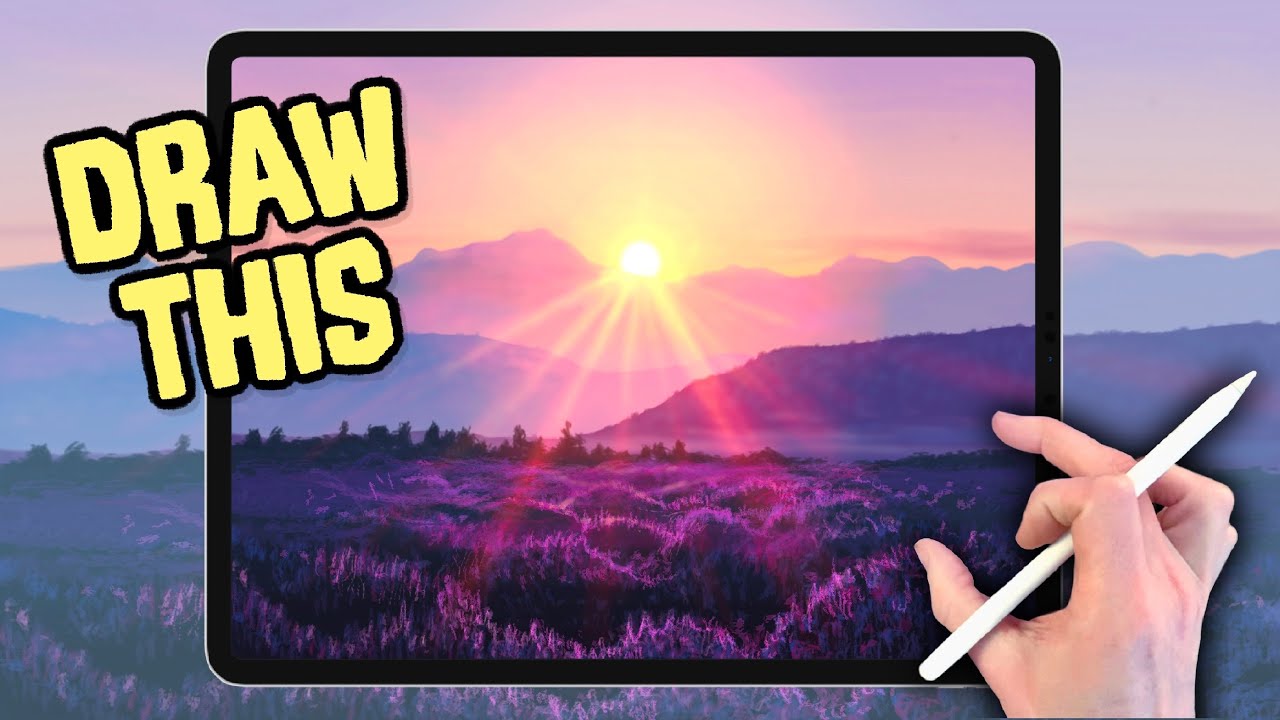
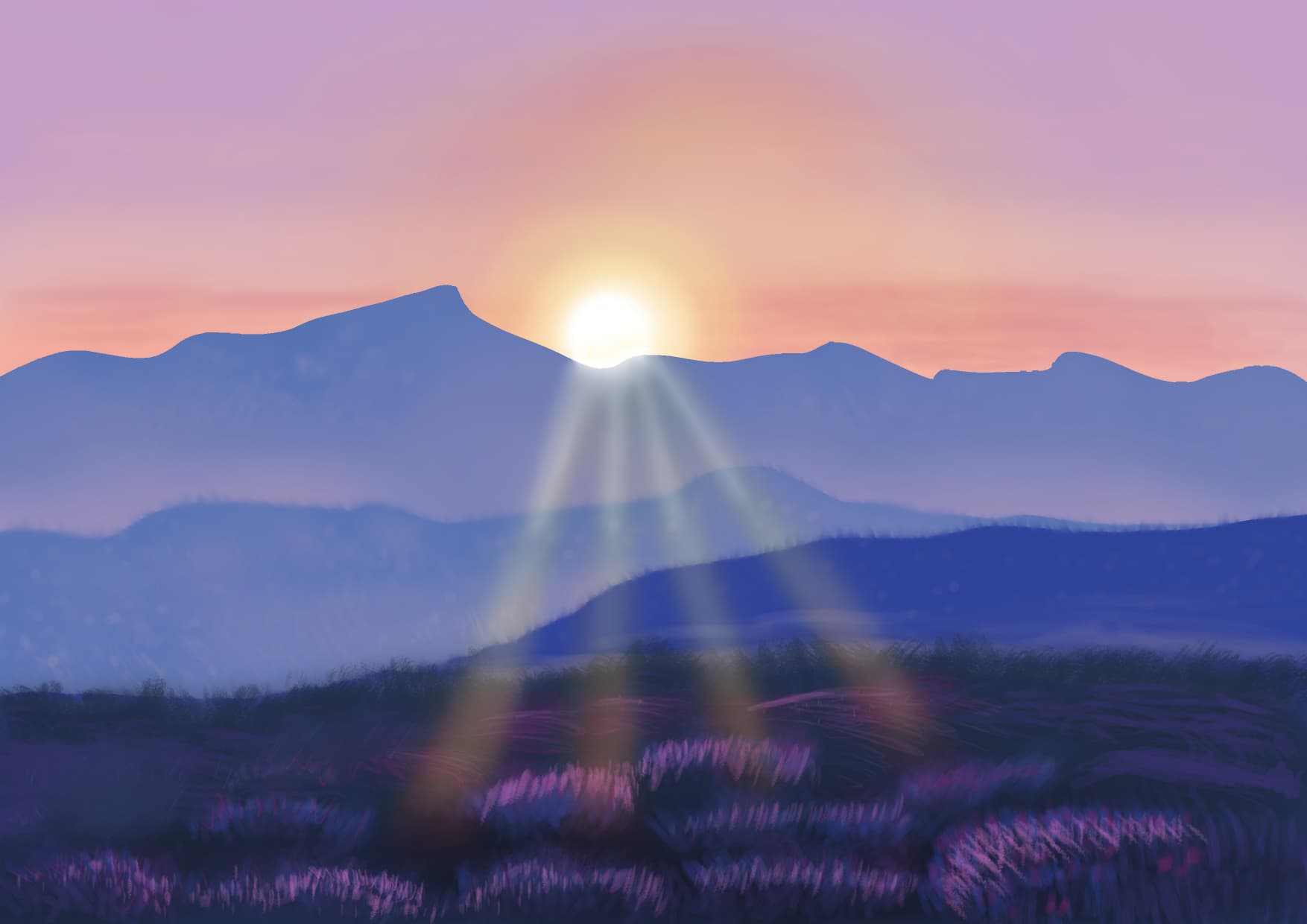
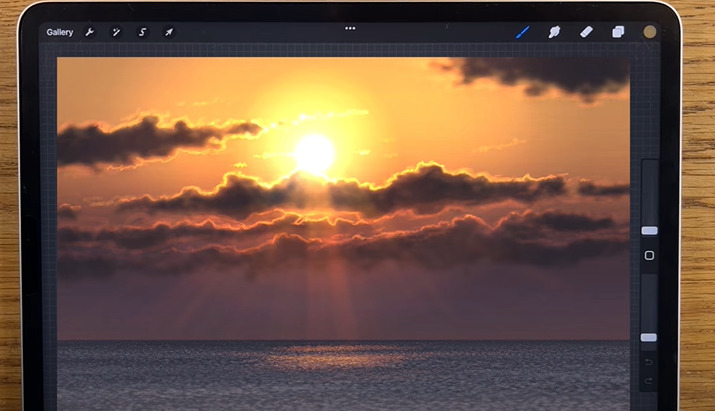
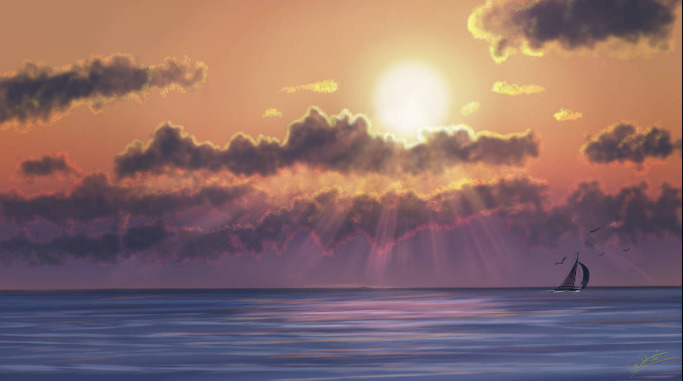
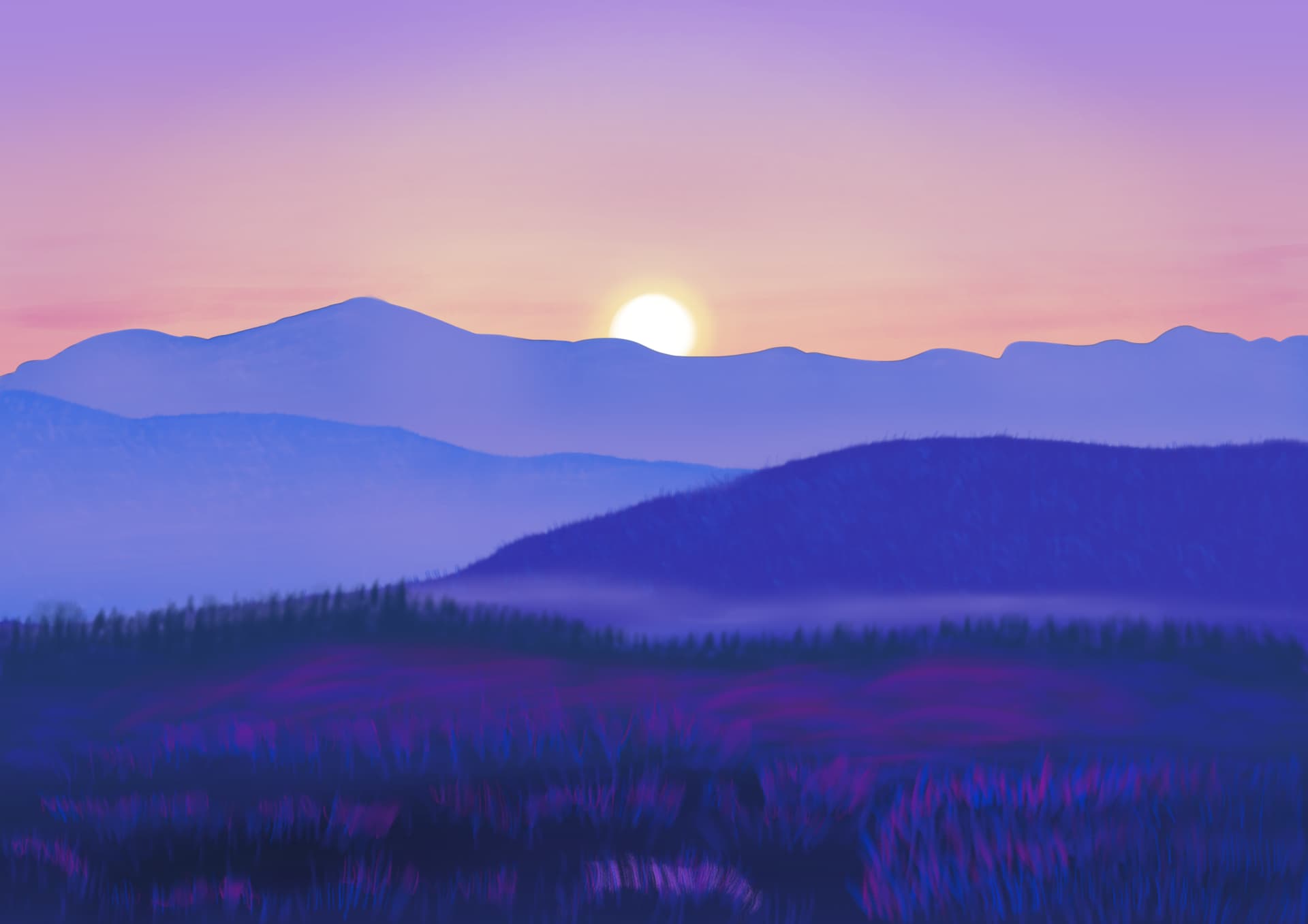
I am trying to get the rays of the sun to look similar to how this guy does his with Krita. How would I achieve this? I can use Addition for the brush. But I can’t seem to get the same effect for the rays; even with the correct opacity.
He also uses Procreate. So, his brushes that he uses are slightly different. Any suggestions for brushes that would be best for this piece? I used dry brushing and dry bristles as brushes for the foliage. But can’t seem to get the same effect as it seems the Youtuber is using some kind of texture brush.
Hey, I can’t try it at the moment, but comparing the paintings, I see much more warm reds in the reference. You will also need a layer with a suitable blending mode, but I can’t say off hand which one. Maybe addition? But there are many more worth trying.
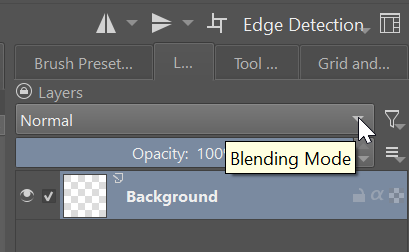
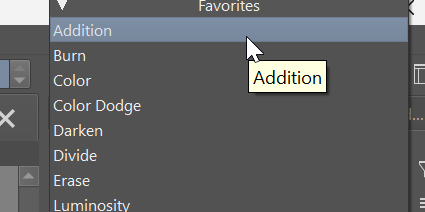
Seems like you have the technique down. And I just now figured out that I can set Addition for layers. I’ll try that brush you suggested.
As for leatherwood and rain forest brushes, might have to go and get another brush pack. I don’t know if there are any textures that are built in to get the same effect.
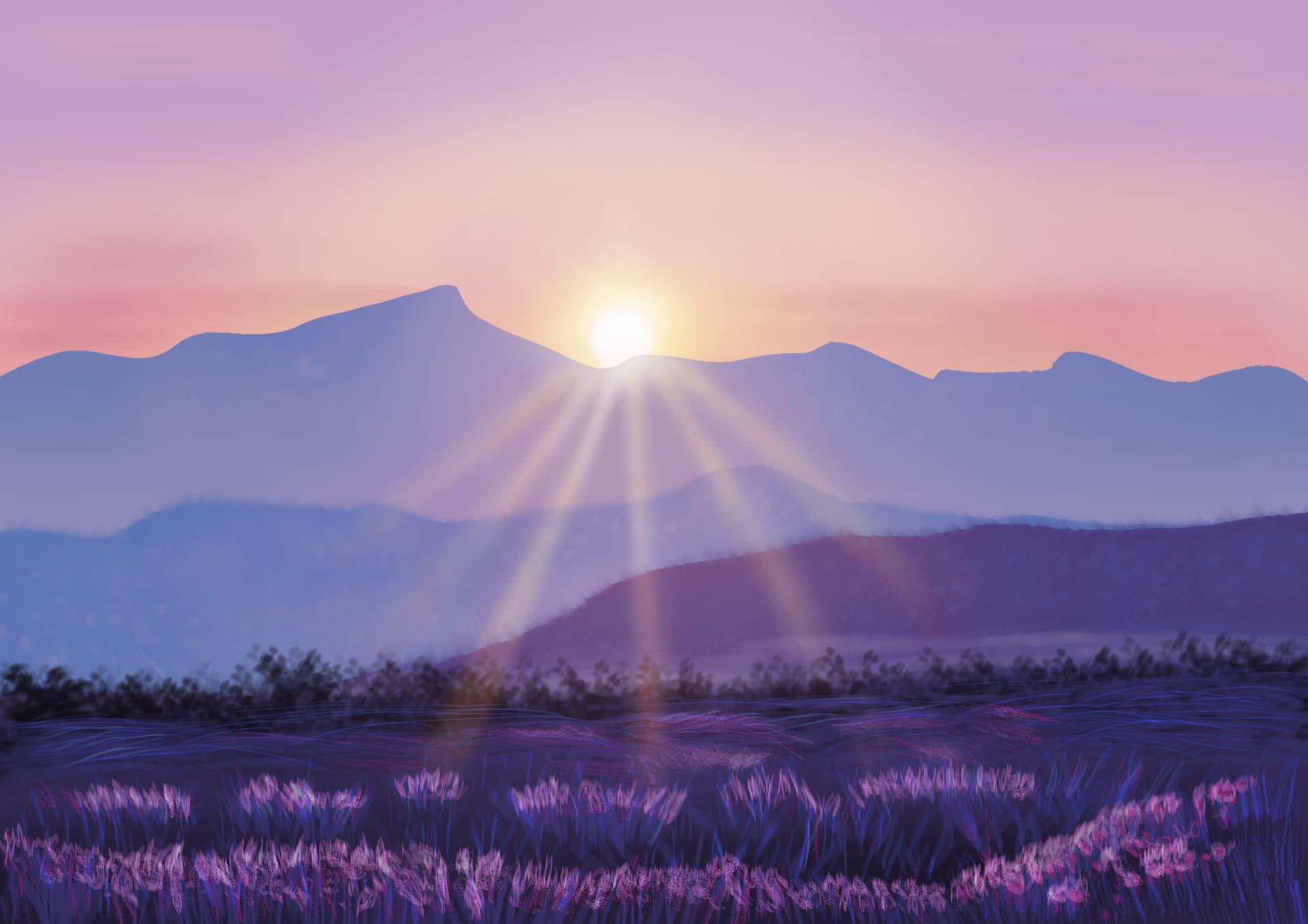
For this sample piece I am doing, all I used for the foliage in place of the leatherwood brush was just the bristle brushes. I am sort of applying what I learned from Bob Ross’s videos.
Looks cool, but I think you skipped some steps, right? I saw the video and it took him a lot of time to get the final look. You probably need to build up that glow carefully with many small refinements.
Perhaps the effect is just a bit too subtle. In the tutorial there’s really a lot of reddish glow and he even blurred the mountains a bit to make the light overpowering. This is what I meant that it looked like some steps were missing.
It is always going to look bad before it starts to look good. Im not sure if you went all the way to the end.
Remember this: BIG MEDIUM SMALL. his bushes, his peaks and his rays. Grass blades.
Have you tried Screen, overlay or divide. One of them( or none of them) will lighten towards the selected color.
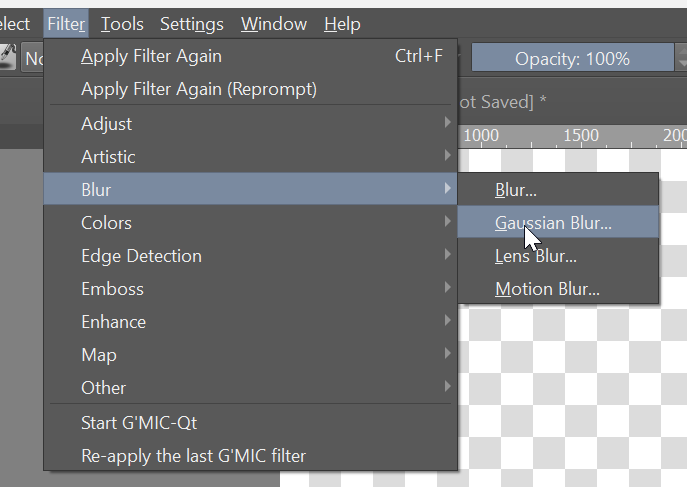
Did you see the new James Julier video, “Mountain Sunrise”? He talks a lot more about how he does his sunbeams in this video… but there is still a bunch of time lapse involved. Much of the magic here seems to be in two main things, drawing a mix of straight and freehand lines and then using the blur in a way that diffuses the light as it moves further away from the sun. Later on, he also adds in some more things that “Catch the light further”. Like he says, “It’s the real combination of effects” that makes everything come together."
And yes, there are many times when I’m painting along where I’ve felt that Procreate just cheats!
@LLEPPSTER I’ve mostly been using the airbrush and flow brush. I can’t determine what he means by 30% and all that other jazz when he is referring to size however. Also, all I used so far as been addition. BTW, I am poor. So… yeah.
@steve.improvthis I could watch that video to get a better idea of how he does it. I did freehand lines with addition, and then I blurred them. I still couldn’t get the same effect. So, maybe sine he has a video that focuses mainly on that, that may help.
Time to experiment or read up on the blending modes. A lot of good stuff in there. Eventually we will need to buy them a coffee to show our appreciation… a small one.
I have one more question. How can I get the same effect with the foliage? Because the guy is making it seem easy with the texture brush he’s using in Procreate.