I just finished the longest video on my youTube channel dedicated to krita.
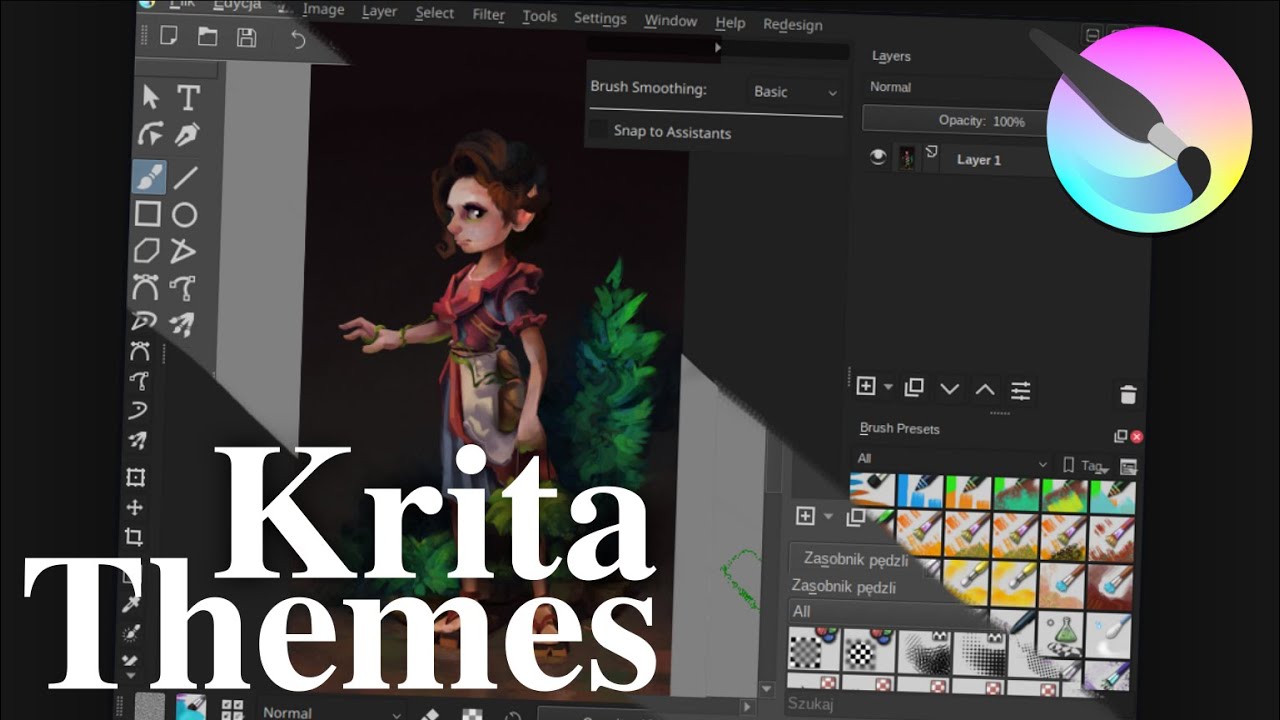
This shows what customization possibilities krita give, on example of my custom theme (so if anybody wants to recreate it, the video will show, how).
It also shows how to install the two ways of installing plugins, and basically a lot of small tips.
Hope you’ll like it
These changes (your personal tweaks, the UI redesign plugin, all the community feedback,…) make the UI so so beautiful and a joy to work with! This is absolutely fantastic!
@oliver, @digitalnomada thank you guys, I’m very happy you liked it - this feedback from the community is something that makes me keep doing those videos.
I tried to install your Krita UI Interface, but I got an error, see below.
I have Krita 4.3.0.
Do you know why I got this error? I downloaded the latest version from your Github and imported it from Krita.
AttributeError
Python 3.8.1: C:\Program Files\Krita\bin\krita.exe
Sun Aug 16 08:59:22 2020

A problem occurred in a Python script.  Here is the sequence of
function calls leading up to the error, in the order they occurred.

 C:\Users\...\AppData\Roaming\krita\pykrita\krita-redesign\redesign.py in createActions(self=<krita-redesign.redesign.Redesign object>, window=<PyKrita.krita.Window object>)
   95         if (self.usesNuToolOptions and
   96             Application.readSetting("", "ToolOptionsInDocker", "false") == "true"):
   97                 self.ntTO = ntToolOptions(window)
   98
   99         if self.usesNuToolbox:
self = <krita-redesign.redesign.Redesign object>
self.ntTO = None
global ntToolOptions = <class 'krita-redesign.nuTools.nttooloptions.ntToolOptions'>
window = <PyKrita.krita.Window object>

 C:\Users\...\AppData\Roaming\krita\pykrita\krita-redesign\nuTools\nttooloptions.py in __init__(self=<krita-redesign.nuTools.nttooloptions.ntToolOptions object>, window=<PyKrita.krita.Window object>)
   49         # Disable the related QDockWidget
   50         self.dockerAction = self.findDockerAction(window, "Tool Options")
   51         self.dockerAction.setEnabled(False)
   52
   53
self = <krita-redesign.nuTools.nttooloptions.ntToolOptions object>
self.dockerAction = False
self.dockerAction.setEnabled undefined
AttributeError: 'bool' object has no attribute 'setEnabled'
    __cause__ = None
    __class__ = <class 'AttributeError'>
    __context__ = None
    __delattr__ = <method-wrapper '__delattr__' of AttributeError object>
    __dict__ = {}
    __dir__ = <built-in method __dir__ of AttributeError object>
    __doc__ = 'Attribute not found.'
    __eq__ = <method-wrapper '__eq__' of AttributeError object>
    __format__ = <built-in method __format__ of AttributeError object>
    __ge__ = <method-wrapper '__ge__' of AttributeError object>
    __getattribute__ = <method-wrapper '__getattribute__' of AttributeError object>
    __gt__ = <method-wrapper '__gt__' of AttributeError object>
    __hash__ = <method-wrapper '__hash__' of AttributeError object>
    __init__ = <method-wrapper '__init__' of AttributeError object>
    __init_subclass__ = <built-in method __init_subclass__ of type object>
    __le__ = <method-wrapper '__le__' of AttributeError object>
    __lt__ = <method-wrapper '__lt__' of AttributeError object>
    __ne__ = <method-wrapper '__ne__' of AttributeError object>
    __new__ = <built-in method __new__ of type object>
    __reduce__ = <built-in method __reduce__ of AttributeError object>
    __reduce_ex__ = <built-in method __reduce_ex__ of AttributeError object>
    __repr__ = <method-wrapper '__repr__' of AttributeError object>
    __setattr__ = <method-wrapper '__setattr__' of AttributeError object>
    __setstate__ = <built-in method __setstate__ of AttributeError object>
    __sizeof__ = <built-in method __sizeof__ of AttributeError object>
    __str__ = <method-wrapper '__str__' of AttributeError object>
    __subclasshook__ = <built-in method __subclasshook__ of type object>
    __suppress_context__ = False
    __traceback__ = <traceback object>
    args = ("'bool' object has no attribute 'setEnabled'",)
    with_traceback = <built-in method with_traceback of AttributeError object>

The above is a description of an error in a Python program.  Here is
the original traceback:

Traceback (most recent call last):
  File "C:\Users\...\AppData\Roaming\krita\pykrita\krita-redesign\redesign.py", line 97, in createActions
    self.ntTO = ntToolOptions(window)
  File "C:\Users\...\AppData\Roaming\krita\pykrita\krita-redesign\nuTools\nttooloptions.py", line 51, in __init__
    self.dockerAction.setEnabled(False)
AttributeError: 'bool' object has no attribute 'setEnabled'
Edit: @Ebm2003 do you have the tool options located in docker as they should be for this plugin to work? Settings > configure krita > general > miscellaneous > in docker?
Sorry, been away from the project for a while, and I can’t look into this at the moment. Kapyia might have a solution for this, but I never encountered this error. Thanks for the ping @wojtryb!
Thank you for your response, I just found the error is from the language.
By default, I have Krita by French where I have the problem (See my previous message), but if I put Krita by American-English, everything it’s ok, and I can enjoy your work.
Then it’s getting clearer - I tested it only on the english version. Tomorrow I’ll check it with different translations - if it’s only problem with french, it may mean a wrongly translated action (I had something like that in polish, when not only user label, but action id got translated, making the action unusable - thanks for reminding me to check if it’s still the case and report/fix it).
If it doesn’t work in all the other translations, then maybe the creators of this addon used user labels to find the actions.
I looked into this problem. The plugin won’t work on any non-english version of krita as authors use text that is translated to get access to docker. The program is looking for Tool Options but it is something else in your version.
I printed out the French actions in there getting:
Afficheur de journaux
Animation
Bibliothèques vectorielles
Boîte à outils
Calques
Canaux
Compositions
Courbes d'animation
Documents récents
Ensembles de tâches
Gamut Masks
Gestion des LUT
Gestionnaire de bande dessinée
Grille et Guides
Histogramme
Historique d'annulations
Historique de préréglage de brosse
Motifs
Organiser
Outil numérique de mélange des couleurs
Palette
Panneau tactile
Pelure d'oignon
Préférences d'outils
Préréglages des brosses
Quick Settings Docker
Sketchbook Manager
Snapshot Docker
Sélecteur de couleurs artistiques
Sélecteur de couleurs avancé
Sélecteur de couleurs particulier
Sélecteur de couleurs simplifié
Timeline
Vue d'ensemble
Préférences d'outils looked a lot like some sort of options (google translator also said so), so I checked it and managed to open it with french translation.
I couldn’t find a neat way to differentiate those actions other than this text (and they are organized in alphabetical order, so I can’t pick the right one, as the position depend on translation), but I hope @slightlyangrydodo or @Kapyia will do
If you want to fix that until then, you can got to the folder where the plugin is stored (Settings > Manage Resources > Open resource folder, and then pykrita > krita-redesign > nuTools > nttooloptions.py) and change the line 50 to:
self.dockerAction = self.findDockerAction(window, "Tool Options")
if not self.dockerAction: self.dockerAction = self.findDockerAction(window, "Préférences d'outils")
if you want it to work both in english and french version
Oh, and I believe that this text is normally displayed over the Tool Options docker, so you can simply use this name for any language you like

 (google translator also said so), so I checked it and managed to open it with french translation.
