So that’s what smudge radius does?!!! 
I see some serious brush setting experimentation in my near future… 
Does the radius scale with the brush size?
So that’s what smudge radius does?!!!
I see some serious brush setting experimentation in my near future…
Does the radius scale with the brush size?
I tried experimenting with smudge radius since the banding also bothers me especially if I want to enable textures for the smudge engine.
Probably need more comprehensive tutorial since in my experience, banding can still happen even with smudge radius enabled and since it samples a wider area, it seems to affect the opacity of the brush as well, making it lighter at times.
The manual page might be useful: https://docs.krita.org/en/reference_manual/brushes/brush_engines/color_smudge_engine.html - it shows all the Color Smudge engine settings.
I did actually read that before, but it’s been a while. Should probably re-familiarise myself with the details… 
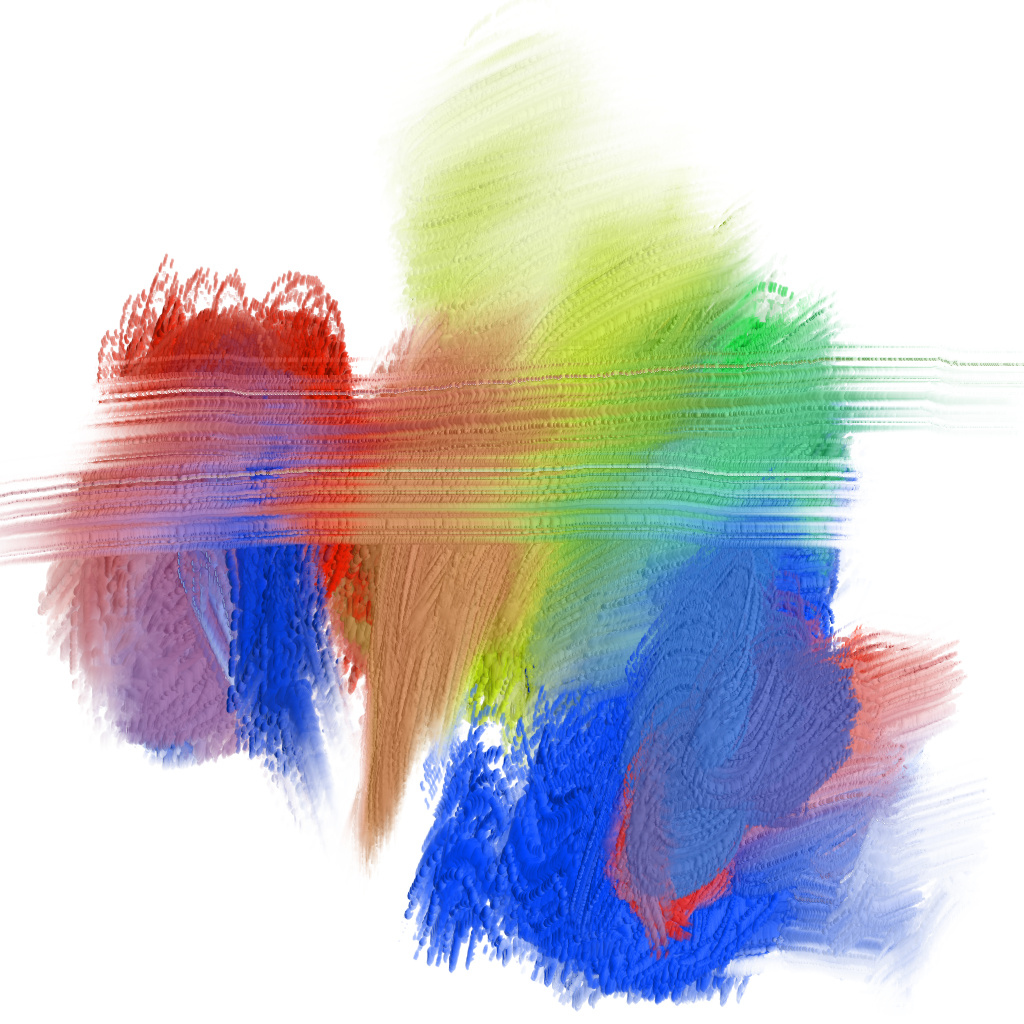
Okay, I think I finally have the smudge brush just about where I want it. It gives a pretty impressive impasto effect to the smudge brush engine, at least when using the DA_Oil brushtips with a smudge brush. It also works both with and without color. Without color, it looks like you’re running an empty brush through the paint, which is the effect I was going for. Anyway, here’s an image I made just smearing together primary colors (red, green, blue, and yellow)…
As @dkazakov suggested, the lightness builds up quickly, so I force it to be toned down significantly in the brush. I think smearing/dulling in this mode will always tend toward gray (assuming the brushtip is balanced in light/dark areas, otherwise it will tend toward white/black), but it takes a lot of mixing colors to get there. I’m probably going to add an option that lets you control the strength of the lightness/impasto effect manually and with pen pressure.
I just need to clean up a few things with it, then I’ll make a new merge request with this and the texturing lightness option. Hopefully that will happen this weekend.
Hi, @Voronwe13!
The image looks nice, except of the “pixelization” issue. Does it go away if you reduce spacing?
Guess I should check out the manual in detail. Thought I could just wing it. So much I still don’t know.
Yeah, spacing helps. I had the brush set pretty large, too, which amplifies the spacing. A smaller brush looks better with this.
After playing with more of the settings, I’m still running into some issues where it quickly goes to white/black with mixing, so I’m going to have to come up with some better countermeasures for that. Or maybe just disable or lower the impasto effect when the settings will cause that issue, if I can’t come up with a suitable solution.
One possible countermeasure that I’m going to try is, for smearing mode, just apply the full lightness on the first dab drawn in a stroke, and then its strength after that will be based on the color rate, so it only adds impasto effect to newer dabs in a stroke if there’s color that’s covering up the old impasto effect.
@Voronwe13 the turning into black thing had already been reported by @acc4 in this thread.
The feature request of @Tim adreessed that problem, the way it was presented there makes sense to me. If you keem adding value changes one on top of the other black is inevitable, but I am no programmer. The solution of making it change not value but hue or saturation makes sense.
I added a Lightness Strength option that can be controlled by the standard pressure sensor options, and that has helped with testing various options for fixing the lightness amplifying itself.
First question, should I call the option “Lightness Strength” or should I call it “Impasto Effect” in the options? Basically, it just controls the contrast in the mask as it’s applied, to make the light and dark parts stand out more or less. In effect, it makes the grooves in the paint look deeper or shallower, so it’s really just amplifying or toning down the impasto effect when used with standard smudge brushes (that have an RGBA tip). The “impasto effect” name does not make sense for standard brushes, since one of the uses for it is colored stamp brushes (that was my main motivation for creating this feature in the first place), but I don’t know if anyone uses stamp brushes with the smudge engine. I would keep the “lightness strength” name for standard brushes, but wonder if it should be changed to “impasto effect” or “impasto strength” for the smudge engine…?
Next question… Some of these issues can be fixed by settings in this Lightness Strength option. Should I hard code in the fixes, so that making a new brush with this ability doesn’t require setting things specifically for it, or should I allow people to make brushes that have these problems, and just give instructions in the manual for how to fix them?
For example, both dulling and smearing modes have this lightness amplification problem when color rate is low or turned off. Smearing can be fixed by setting the Lightness Strength to fall off with distance, with repeat turned off. Dulling can be fixed the same way, except repeat needs to be turned on (because dulling overwrites the color), and smudge radius needs to be turned on, to average the colors and lightness out, so it’s not picking up a specific hot spot of light or dark.
We could have some standard brushes with these settings already set, and let people change things or make their own brushes that will end up having the lightness amplification problem. Or I can hard code the smudge brush to make these adjustments invisibly to the user when the “preserve lightness” option is on, so that people making new brushes won’t run into this issue and have to look at the manual to find out how to fix it.
One compromise would be to have a button somewhere that just auto-sets these options to a default configuration that works. Anyway, let me know what you think. Thanks!
Hi, @Voronwe13!
I’m a bit of lost, about what feature you are talking about? About ColorSmudge+RGBA brush? Or about texturing? Perhaps we should split our discussion into several new threads?
In this message I assume you were talking about “ColorSmudge+RGBA”.
If you are going to adjust Brightness or Contrast of a predefined brush tip, then this option should be available in all the brush engines supporting them (e.g. in KisBrushOp as well). I would set the following requirements for them:
The name of the option should have the same works, like in KisBrushChooser. E.g. “Impasto Brightness”, “Impasto Contrast” or “Impasto Neutral Point”. Do I understand it right, you option works in exactly the same way as already existing sliders, doesn’t it?
Ideally, these options should be enabled (visible?) only when RGBA brush in Lightness mode is active. Otherwise, we’ll get bugreports like “the impasto option does nothing for my brush”.
I would prefer to disable all the opportunities for the user to shoot himself into foot. But I cannot give any more details without looking into the code.
Looks really complicated to use. I have a feeling like there is a simpler solution, like we found for “auto-spacing” option. Forcing the user to adjust sliders for each size/spacing values looks really inconvenient.
This solution looks best, though the algorithm should be considered carefully. We will not be able to change it in the future.
Oh, I have just seen it now! Super nice, you know much more about the Brush engine than I do. Cool stuff. 
Hi all, I am a bit lost. In what point we are?. Where are the latest releases? Is everything merged? @dkazakov and @Voronwe13 are you working in the same branch or different ones? please help, your work is awesome
Hi, @RamonM!
“Preserve Lightness” mode is implemented for Pixel Brush engine, it got merged into master and krita/4.3 and will be present in “Krita 4.3.0 Beta1” that is going to be released next week.
“Preserve Lightness” for ColorSmudge brush engine, is at the development state. There are no testing packages even.
“Preserve Lightness” for Textures afair, is at the testing stage. There was one testing package, but @Voronwe13 planned some changes. Though my memory could be wrong.
“Smear Alpha” checkbox for ColorSmudge engine is merged everywhere and will be present in “4.3.0 Beta1”.
Thanks a lot. Now i got everything clearer 
@Voronwe13 “Brightness Contrast” maybe? Descriptive enough while still not misdirecting beginners that would try to create the "impasto effect without an RGBA brush tip.
I’m working on getting a branch with “Preserve Lightness” for Color Smudge engine uploaded today. It will also have the changes I made for “Preserve Lightness” in textures.
The smudge engine work is basically done, it’s just a matter of tweaking some of the methods for preventing the lightness from building upon itself and turning the paint white or black. That’s what has been taking all of this time. What I’m going to submit today is a safe version, that basically tones down the impasto effect, so that it will disappear or be barely visible, if the other settings would make it a problem. It’s not ideal, but I’m still working out other ways to prevent the problem while still keeping the effect visible. But I’m going to submit what I have so you guys can start testing it. I will also include some brushes that use the effect for testing.
I submitted all of my current changes, so hopefully @dkazakov can get a build out soon for you to test (I would post a build, but I haven’t figured out how he gets his builds so small… mine end up over 1GB).
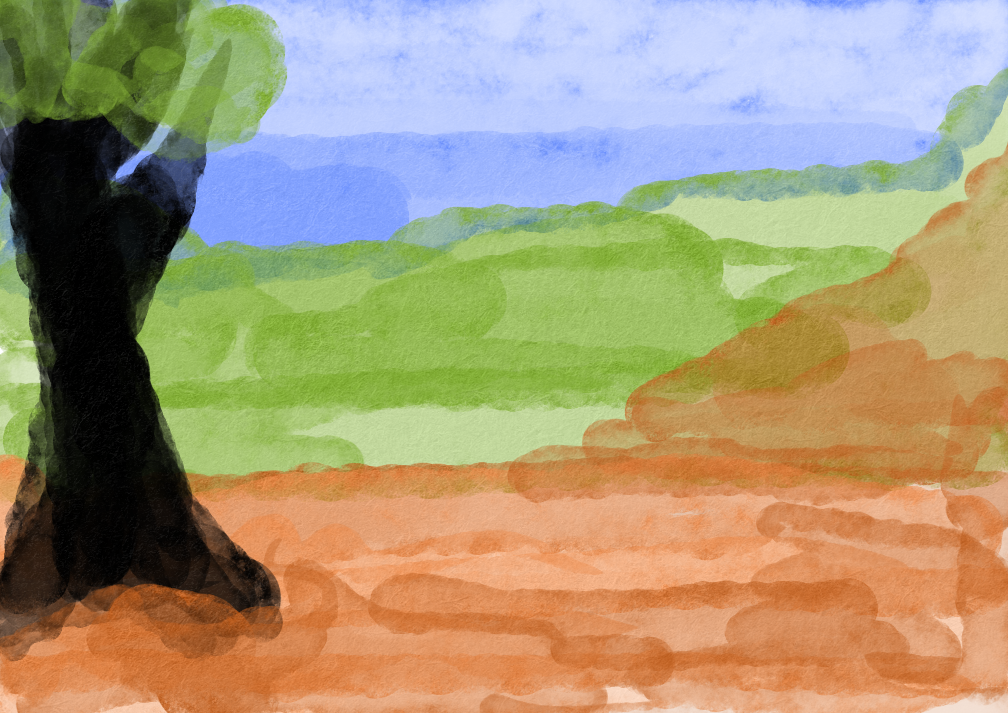
I just wanted to post an image I made just testing out the lightness texturing with a watercolor brush and a paper texture. My own painting skill isn’t great, but you can see the paper effect is really nice!
The size difference is probably because our packaging scripts strip out the debug symbols.
This is so inspiring