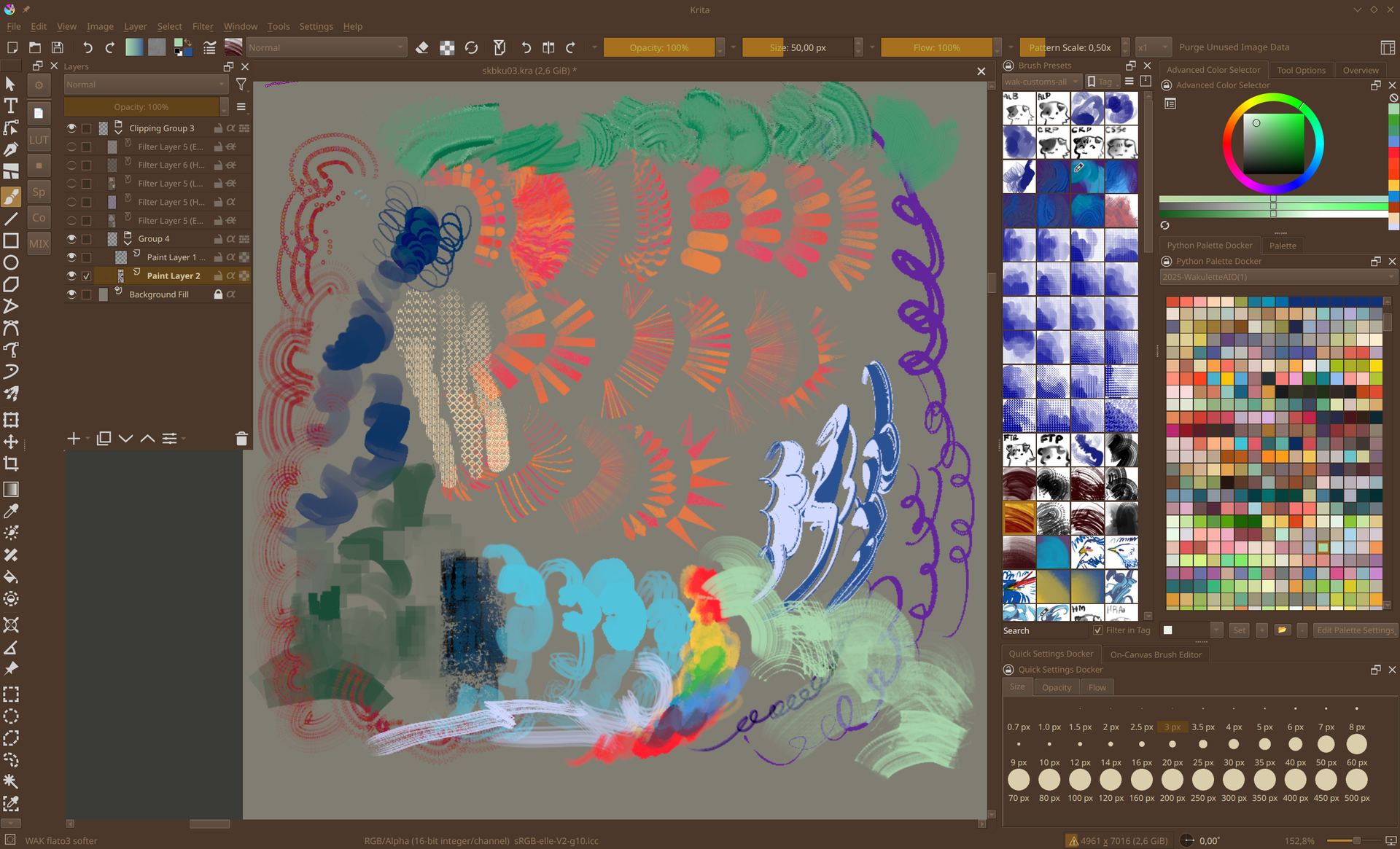
Main post overhaul; click the orange pen near the date to see older versions of this post!
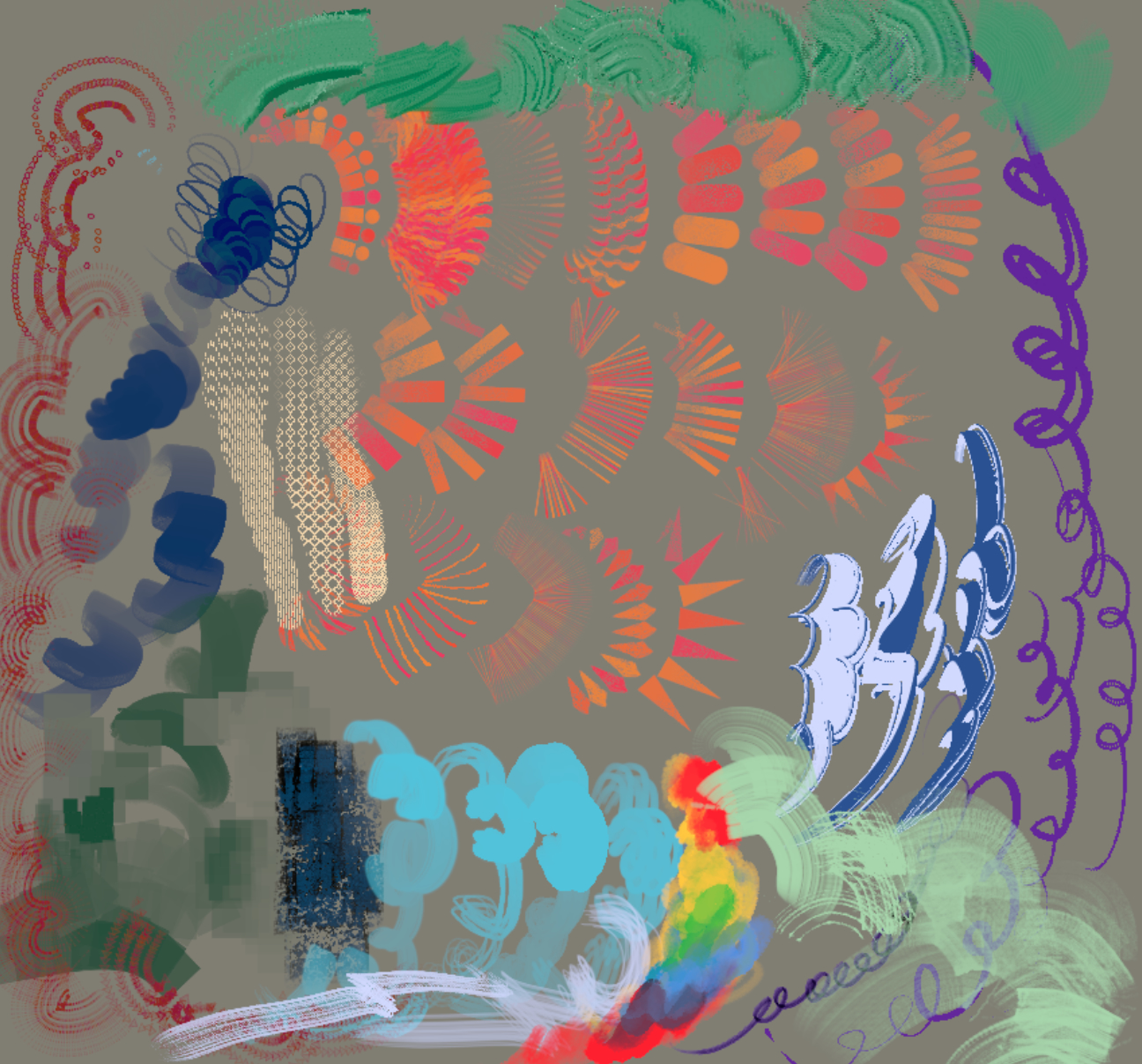
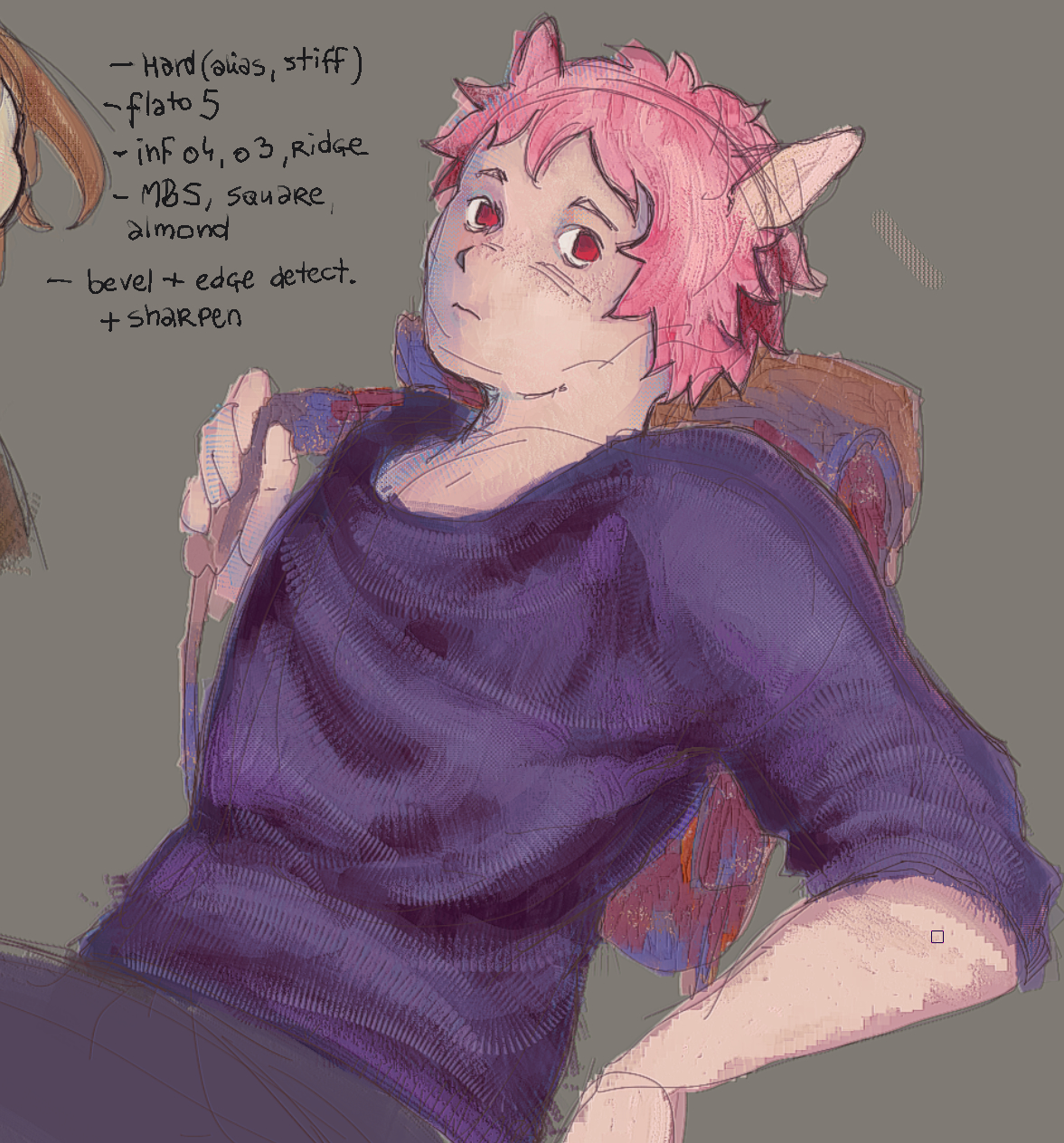
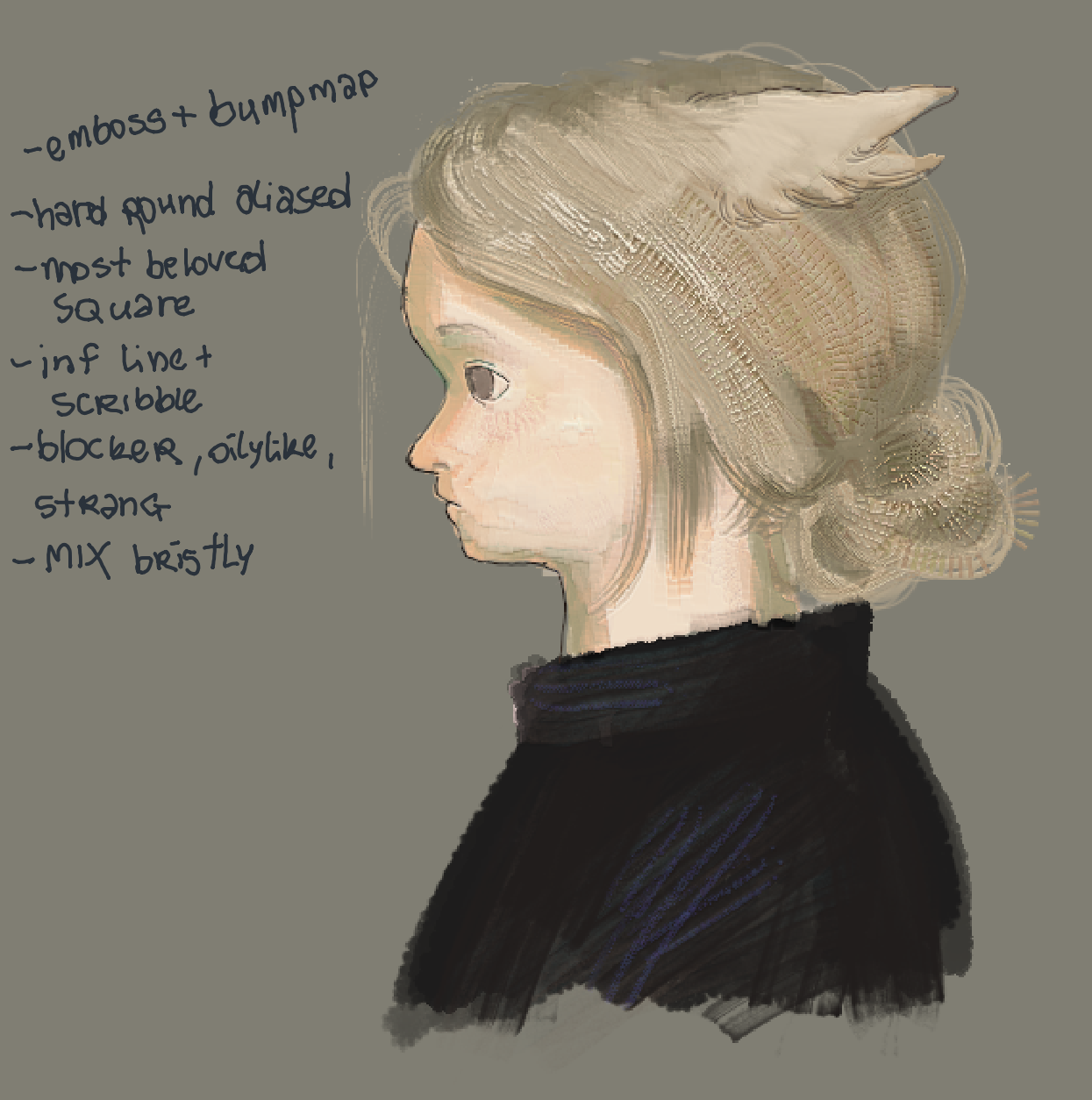
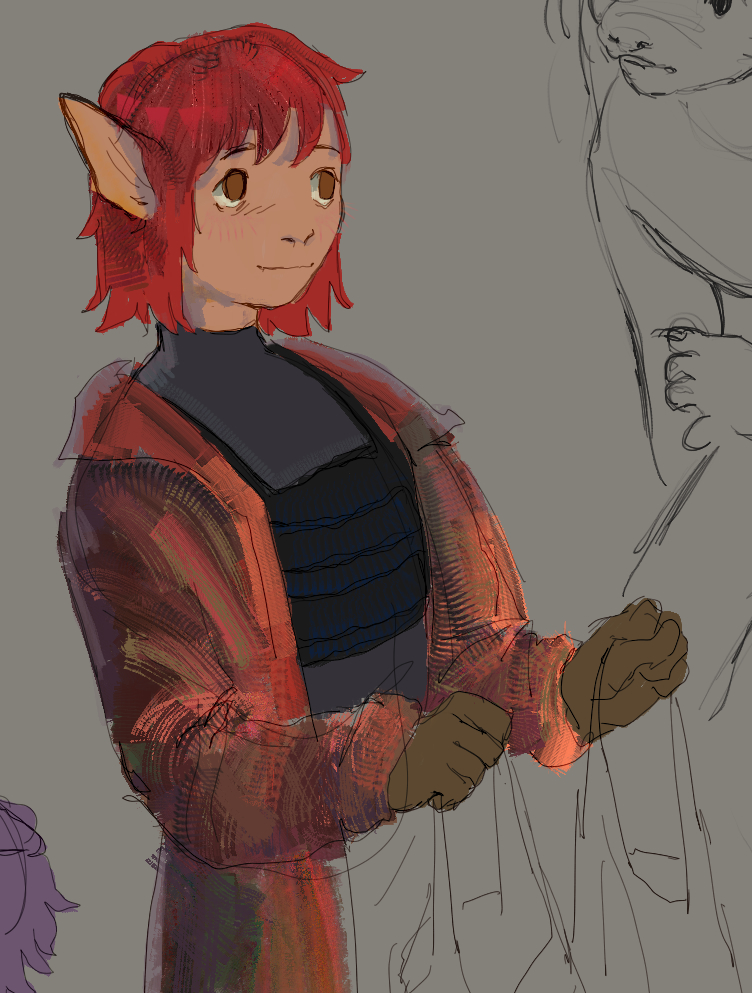
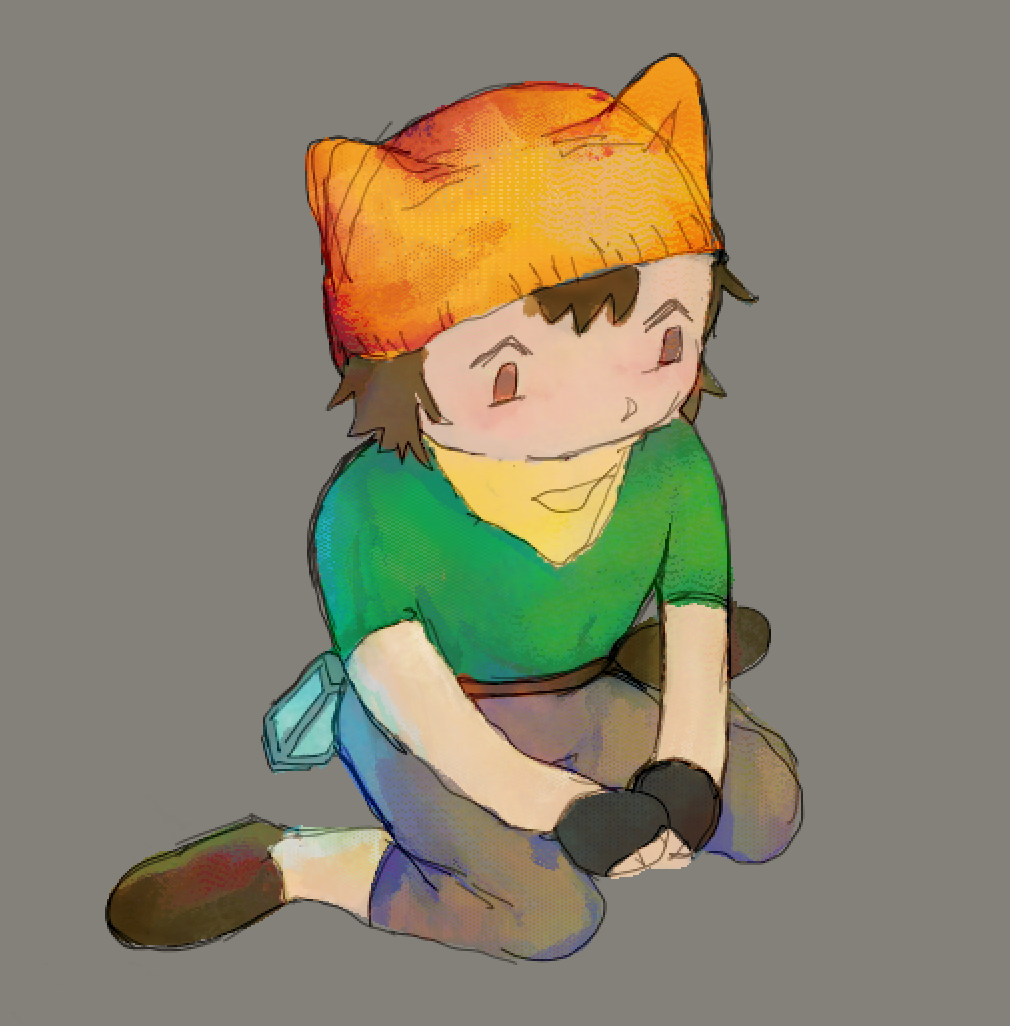
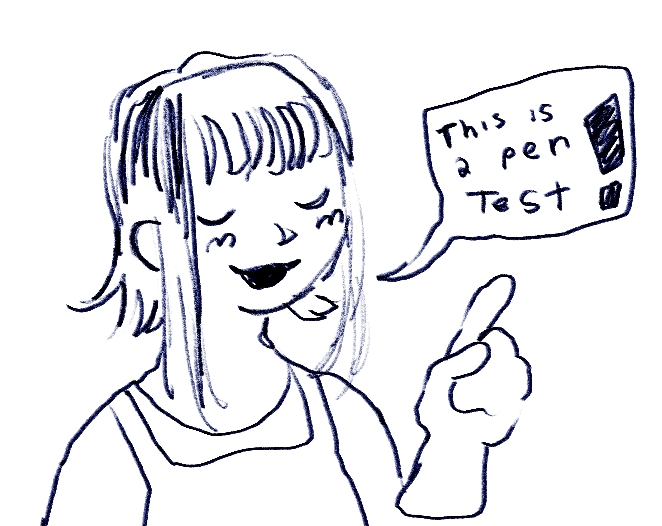
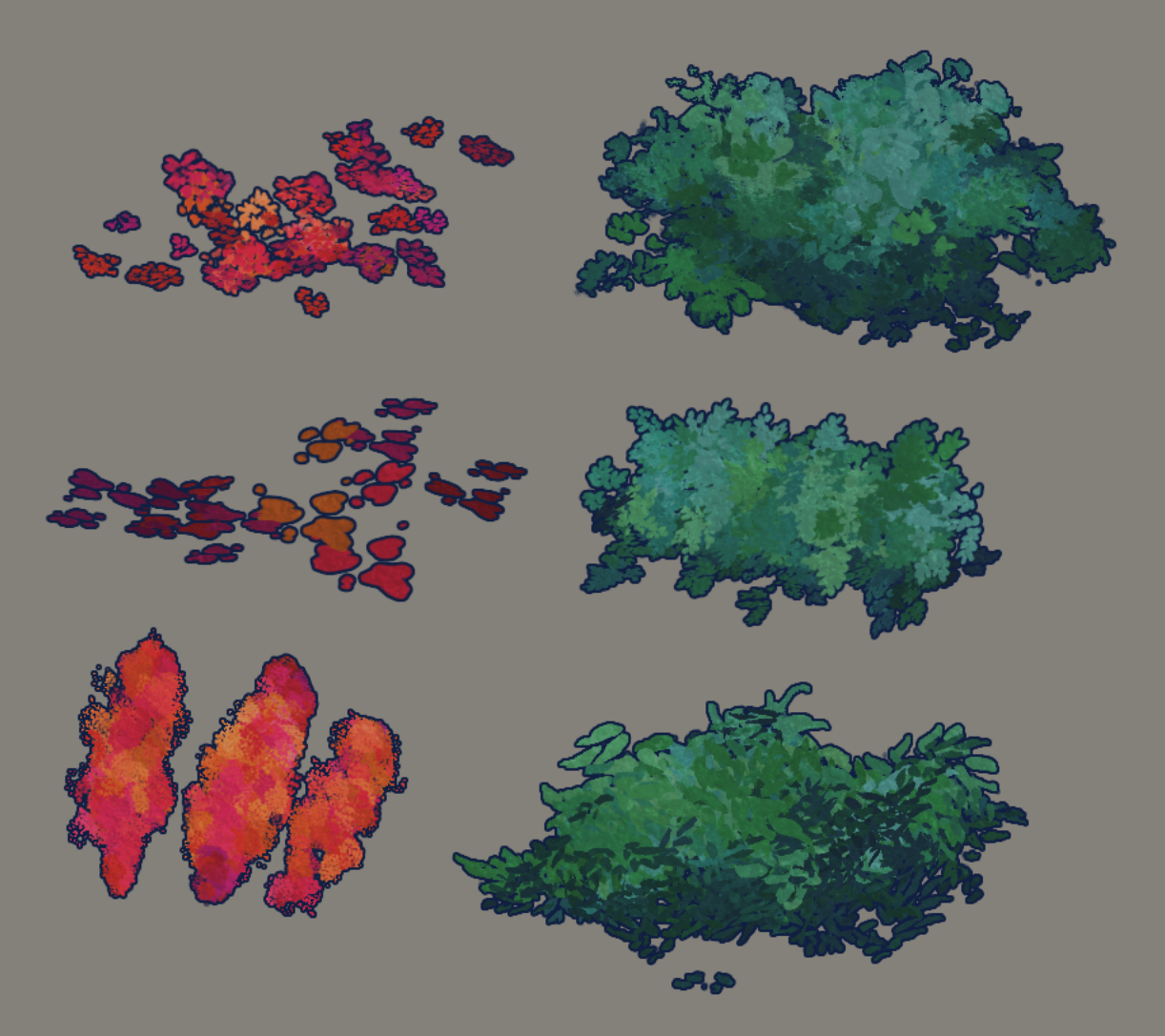
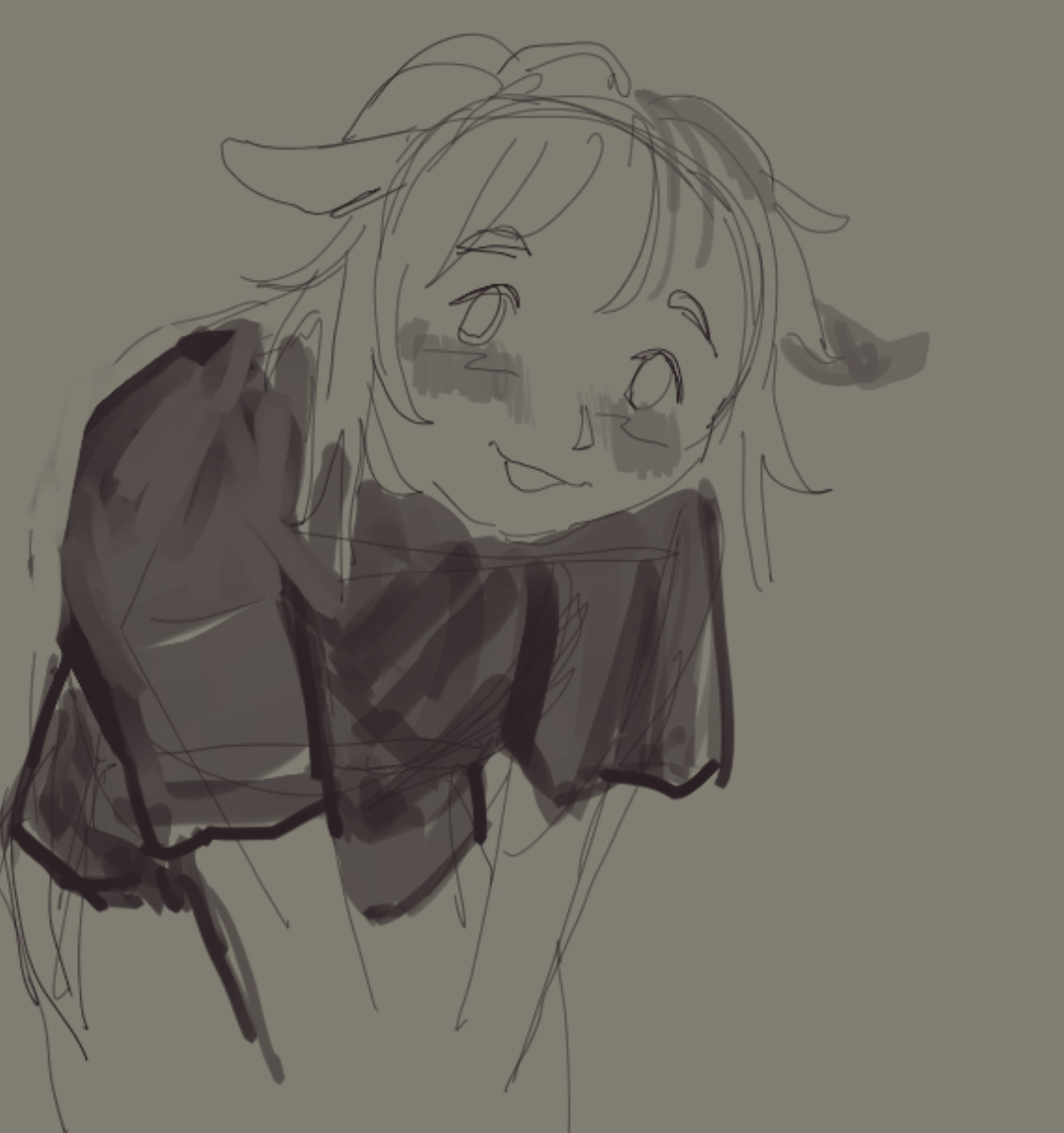
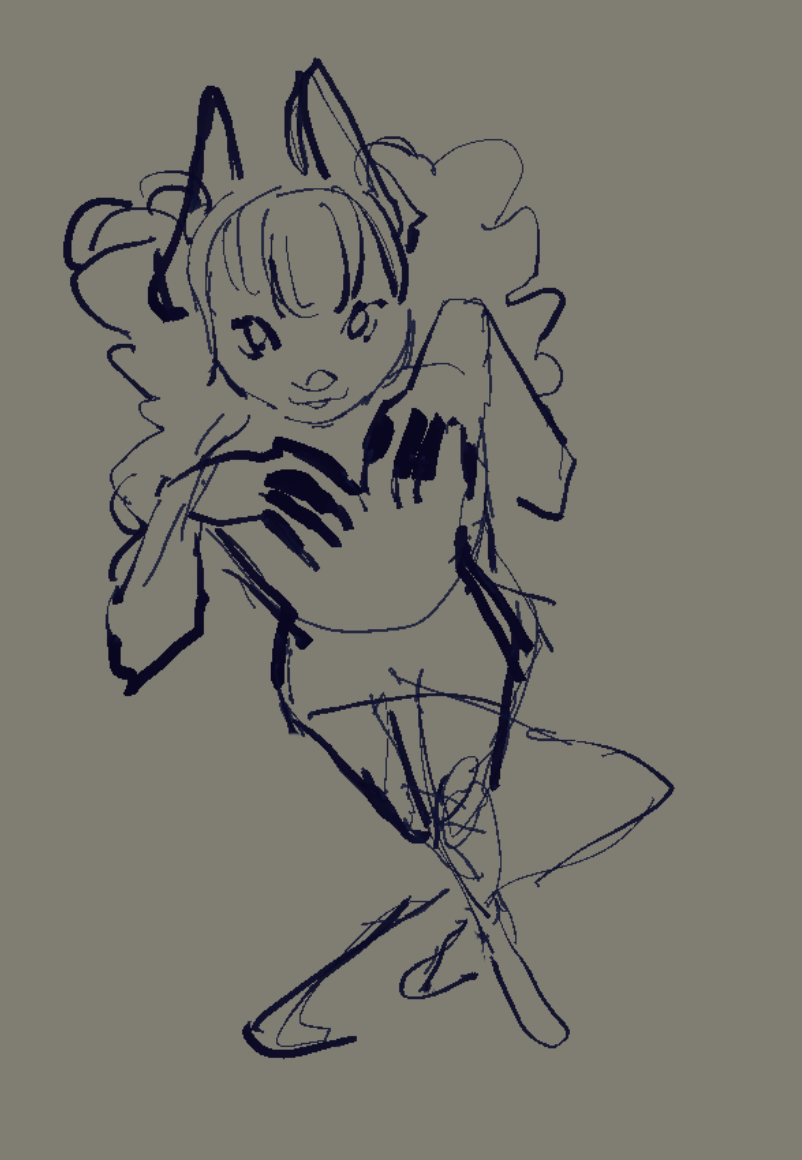
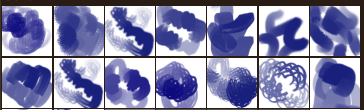
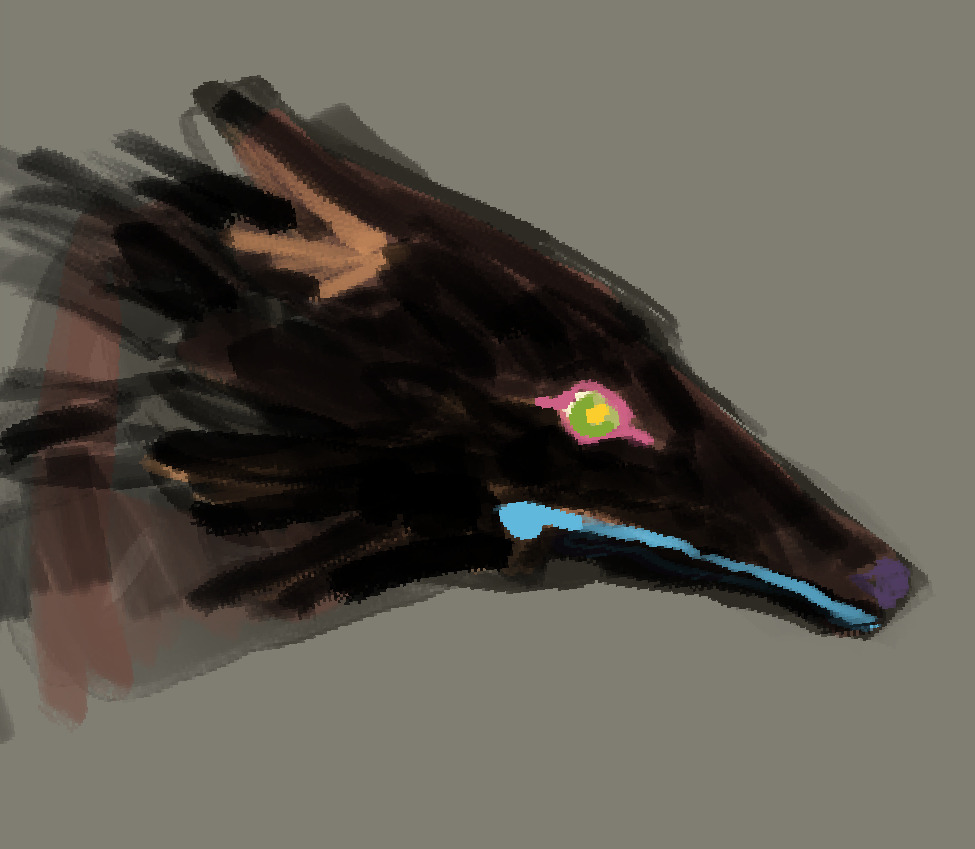
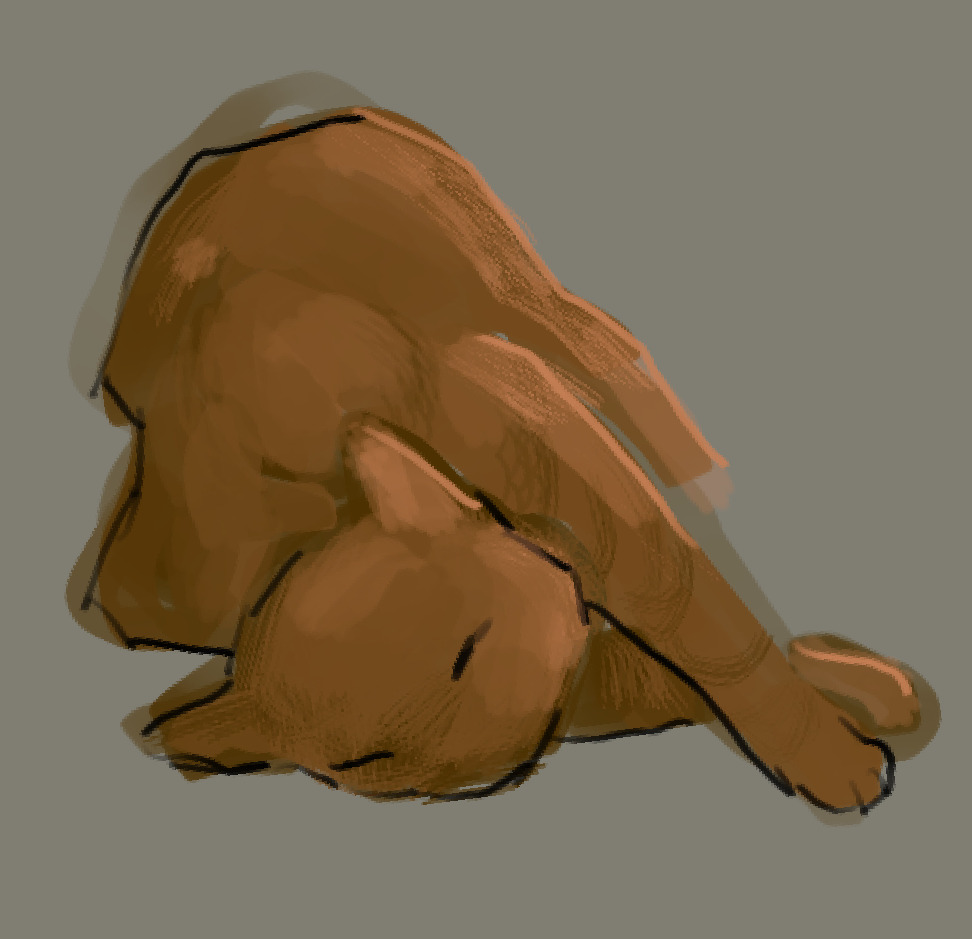
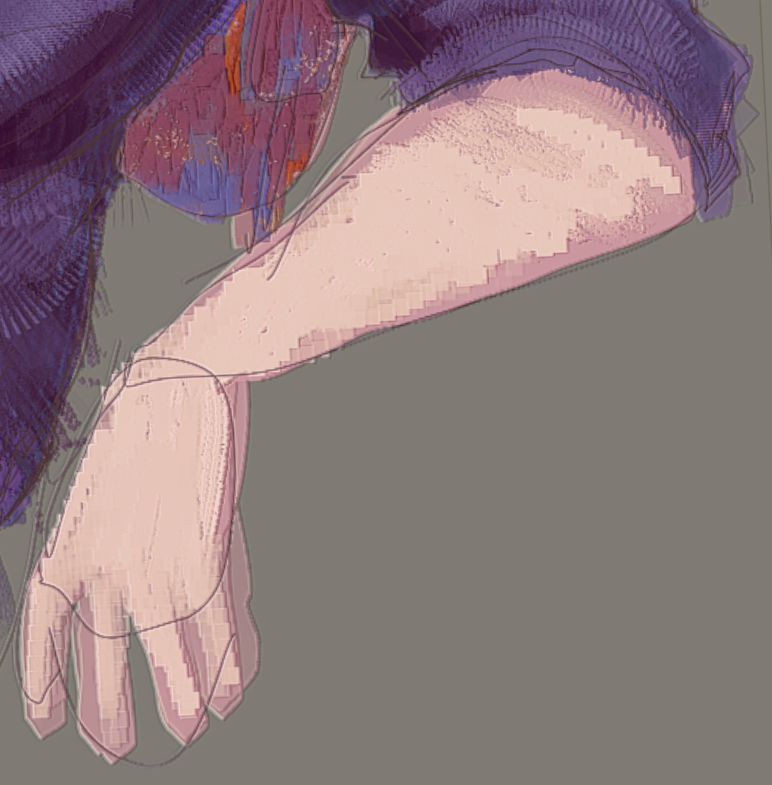
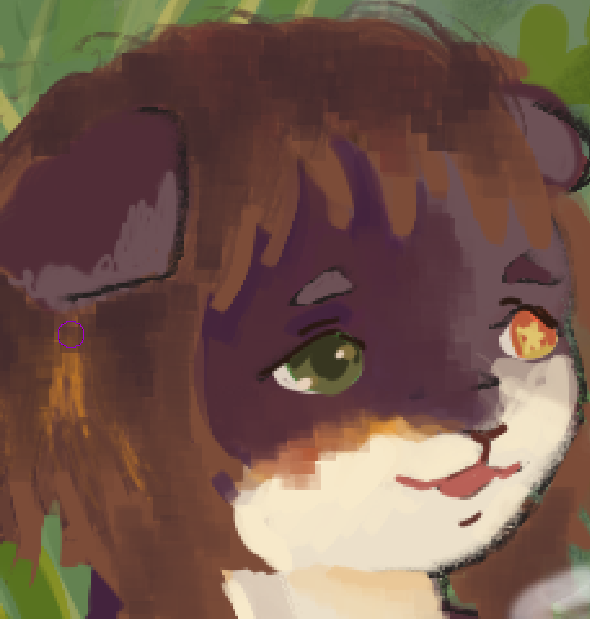
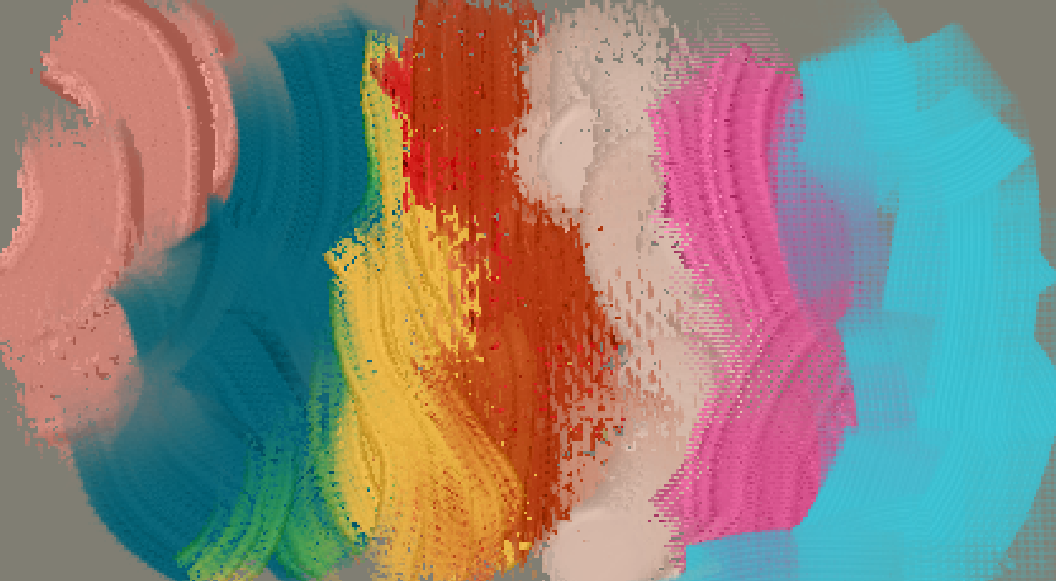
A little demo of a few, select brushes!
Welcome to a tiny big resource bundle I’ve been working on constantly the past few months. It’s been my little pet project, and I aim to make this into a one of the more extensive & detailed libraries – at least, as much as being a 1-person-team allows me to.
About
The bundle(s) are a multitool – you will find inkers, painters, smudge engine brushes, mixers, environment details, and more are upcoming!
Please keep in mind that while there are a lot of brushes & textures within, they are mainly optimized for more low-spec PCs and Android tablets. This means that they have been tested extensively on a more limited environment, and on smaller canvas sizes. You might have to change the settings to fit your workflow, machine, and art piece sizes.
Art types
This bundle is not oriented towards any specific style, type of painting, nor “look”. It is what you need it to be. The tools are tweaked for my preferences & my years of experience using other software, but that doesn’t mean it will be good for you. Get to drawing, and see what you can make – if you hate the feeling of a certain brush, play with the settings! It’s heavily encouraged to mess with those in this one.
Demos & use tips
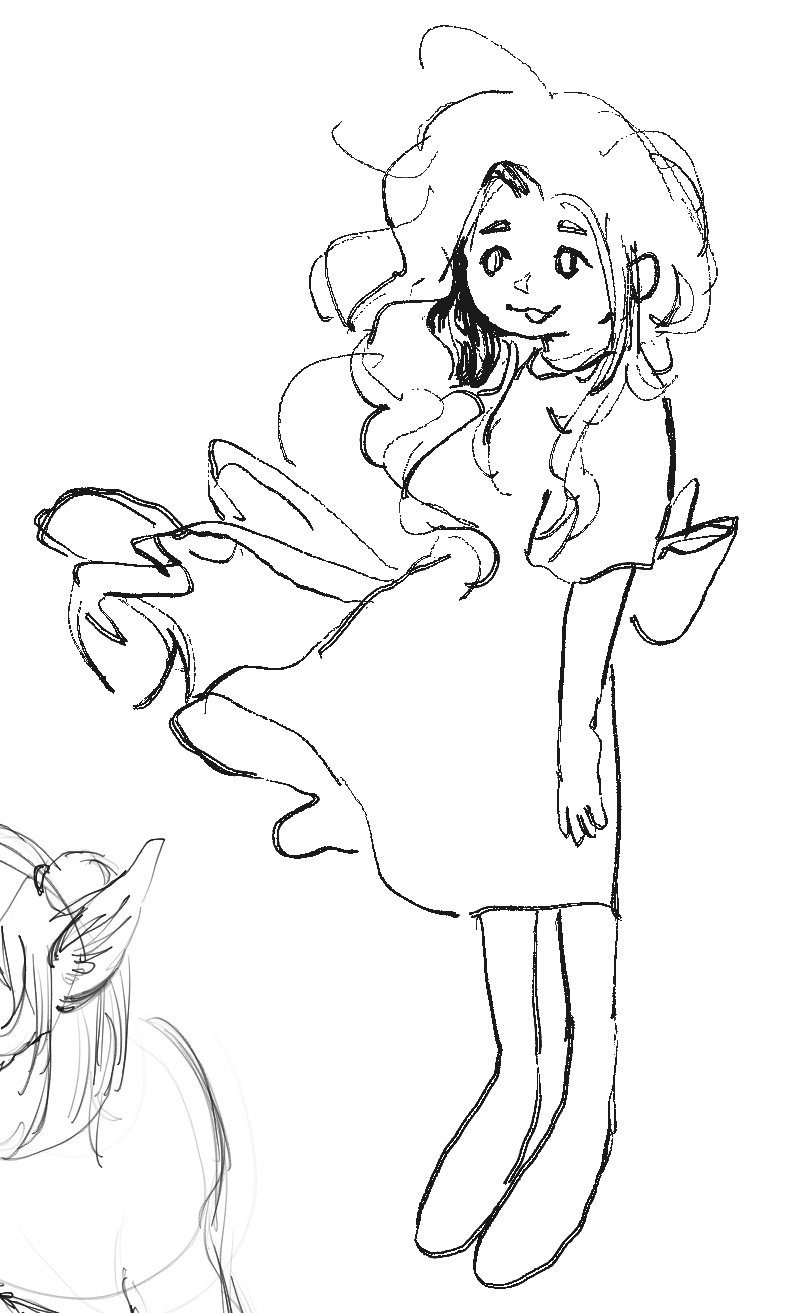
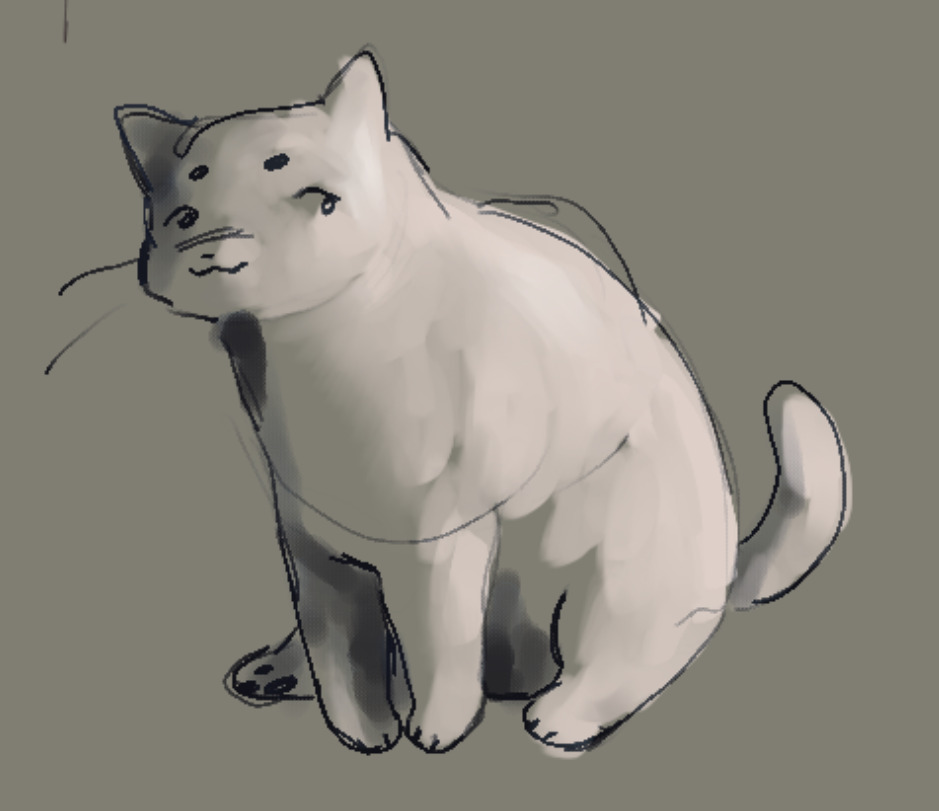
Some general demo art taken from my sketchbooks (WARNING: super long!):
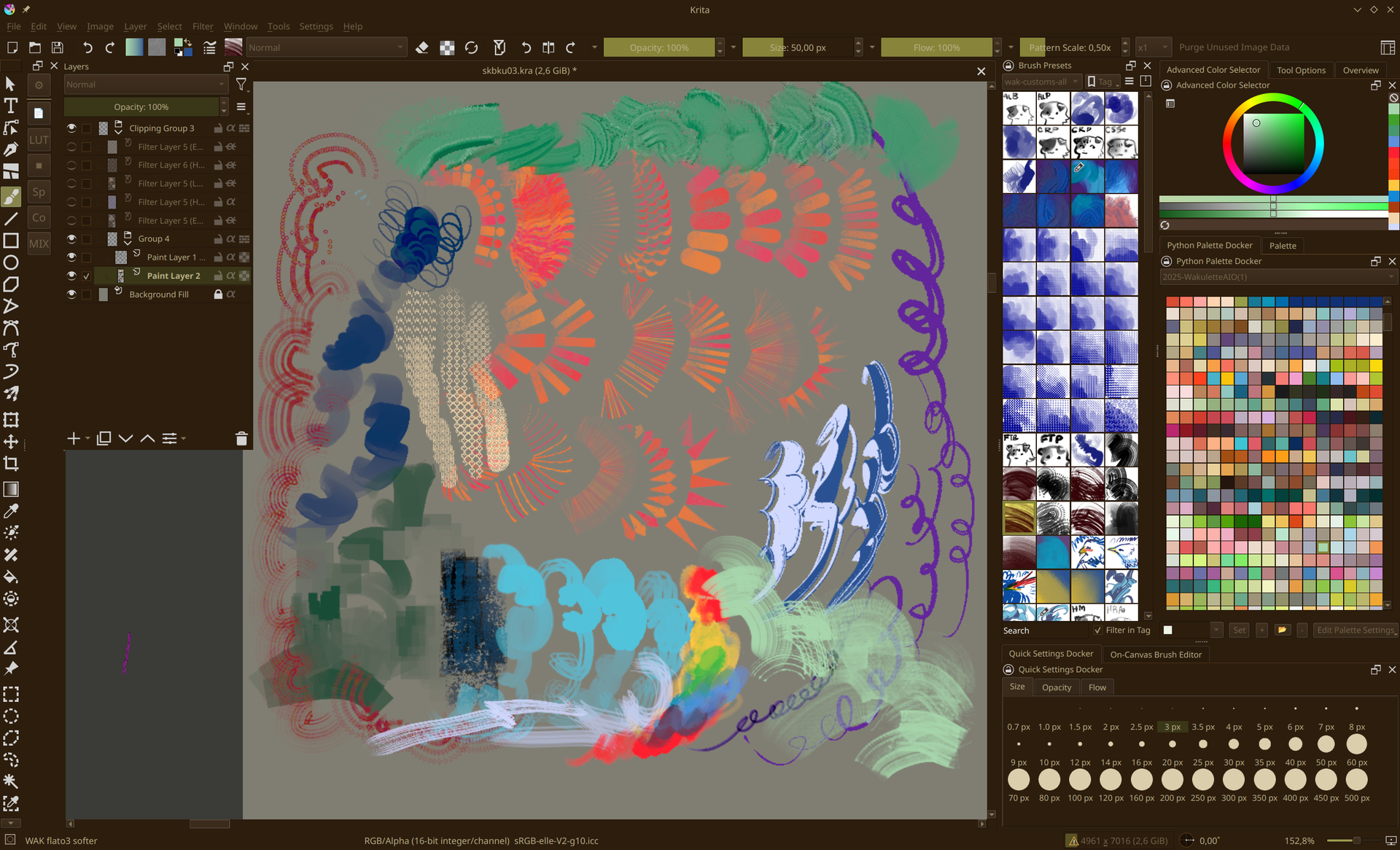
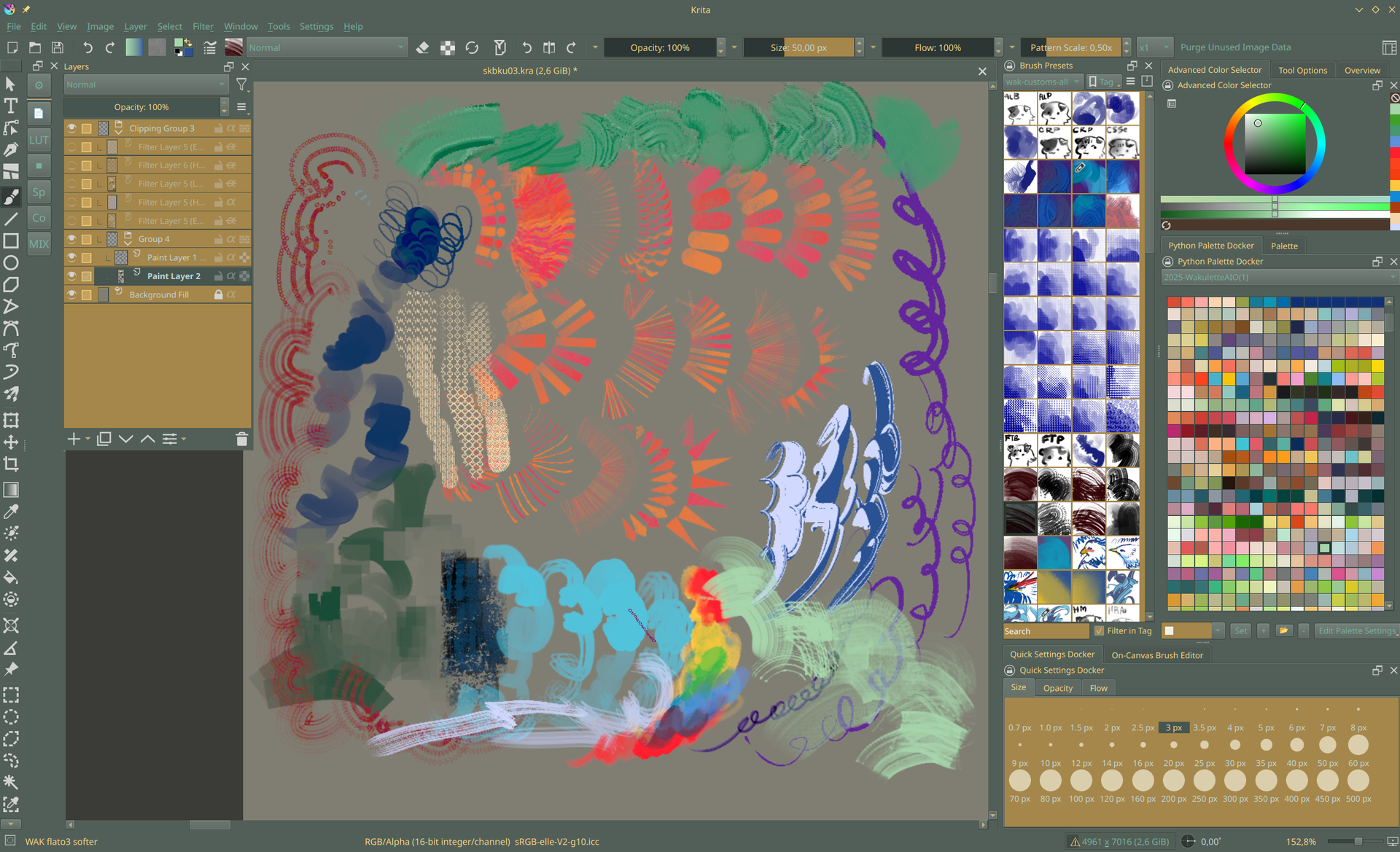
Theme previews – WARNING!!! Themes look best with the “Breeze” style, and not “Fusion”!
Teatime
Forest (UPD: 21-06-2026)
Seaside
Some other, general tips:
- I use bevel/ edge detection/ gradient/ bumpmap FX layers a lot!
- All “DUO” brushes can be used as gradient tips with the DUO gradient (or any other gradient!). In my opinion it just gives a really nice overall effect.
- The PMT gradients are mostly to be used as “pigment” for brushes. I’m still in the process of tweaking them, but some of these are semi-ports of the pigments I use in OurPaint & irl ink swatches.
- I use Forest at night, and Teatime for day as themes. They might not look too great on your monitors, but it’s mostly to keep my eyes from dying due to constant blue light exposure, so they’re super warm.
Licensing
This pack uses only the default Krita 4 resources (mainly the default textures), in addition to my materials. All of the materials made by me are completely free to use under CC-BY. Have fun tweaking this kit to your liking!
More info on licensing here in this post!
Changelog
29-04-26 – Initial v0.1 upload; basic brushes for doodling and quick art. Bonus: 3 themes + gradients + color palette
11-05-26 – Part 2 uploaded → here . Mainly DUO texturizers, flat brushes, and some scatter texturizers.
16-06-26 – Revamp of brush categories & some additional brushes. 12 new inkers, ~12 painterly brushes, FX brushes, 4 new gradients.
Other info
Click!
- Please keep in mind that this is still a work in progress. You will find duplicates of the same brush, with slight to no changes. You will find brushes that seem nonsensical or useless.
- This pack is still being updated. Back up your favorite brushes if you’ve changed any of their settings, because they might be completely different the next update.
- Things might not look like the previews I show or have made. They will be heavily dependent on your setup. I use a laptop with a bigger touchscreen, and prefer to not use my wrist too much lest it explodes. If you like your brushes more pressure sensitive, or aligning with rotation instead of tilt direction, you will have to change those yourself (because making more than 1 version of a >300 brush bundle would be, genuinely, unhinged).
- If something is genuinely broken, message me right off the bat. I will need to know what’s up, or I will not fix the error, whatever it may be.
82 Likes
can you tell me which one this is? I went through all the brushes and this one seems to elude me. All the rest seem great, can’t wait to really try them out.
Hi hi!! It’s this one:
You might have to fiddle with the lightness map values, I’m not sure if icc’s interfere with those! 
1 Like
the darker black color looked like Oddity Paint Square, but the blue didn’t look the right pattern when I was testing them. I guess I just need to mess with it a little more. Thanks!
1 Like
Quick rundown of the icons & what they mean to me, & general explaining of the pack:
-
Black character on white background
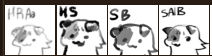 ← these types of icons
Those types of brushes are meant for prototype/thumbnail work, doodling, or just initial sketches & mixing.
Examples of using only these brushes:
200% zoom; basic paint series + hard pen default + hard round texture pixel
200% zoom; hard round antialiased + triangle fade pen + square paint
135% zoom; triangle pen expressive
Main goals of this part of the set:
- keep it simple
- be similar to my usual, simplified CSP set that I use for doodling
- have both simple opacity rendering, smoother color blends, and a few linework pens
- the super-crispy, no alias pens are usually for faster color fills!
- don’t look for precision, just jot down your ideas as fast as possible
-
Blue stroke on white background; “painterly”.
These are mostly very basic shapes & forms, with a bit of variety to keep things interesting. Not many blenders/mixers here.
Examples:
chalk fuzz + hollow blocker + oil fuzz
hex oil fat + blocker + sharp bristle sparser + very hairy rough
Main goals:
- Simplified painterly forms, that aren’t full on “realistic” but aren’t as plain as the basics above
- This is my main rendering toolbox & shape carvers
- Be fast, can’t lag, as I switch between these often to keep things interesting
-
Orange/yellow on blue background.
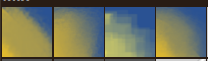
Mainly mixers & mixer-brushes. Very blendy, add some texture & edge.
No examples of only them, as they don’t work too well on their own; but they were used here!
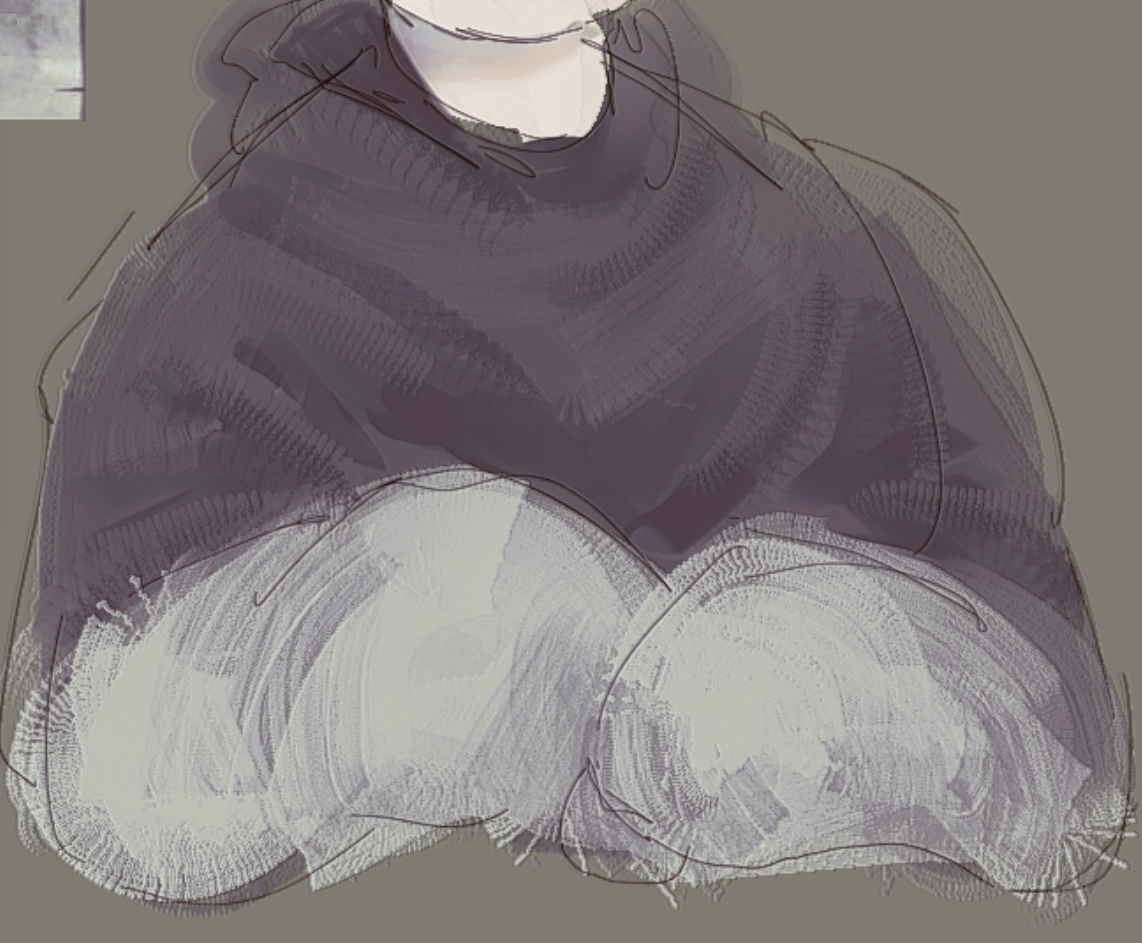
most beloved square series
most beloved square + scribbler
Goals:
- Versatile texture addition. You can easily switch out the brushtips & add your own favorite ones for texturizing!
- They’re hella fast & look nice
-
Blue on purple background; “cream”.

Impasto but speedy. I like adding “thick paint” areas to some parts of my art, but my laptop can’t handle a lot.
Examples of this set & how they overlap each other:
Goals:
- I love Memileo’s impasto but these brushes are resource HOGS. (with all due respect)
- I don’t need hyperrealism when most of my art is 200% zoomed in on a 2000x2000 canvas
- Not really meant to be standalone, but I’m sure there will be some wizard that can use them in that way
-
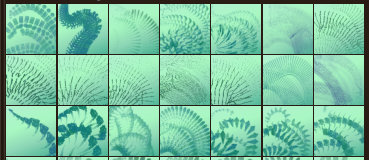
Green/celadon icons + golden-brown icons

A gigantic library of texturizers I use constantly, everywhere. Most of the fun effects in my art are just these types of “ribbons”, and they work amazingly with eg. emboss!
HINT: the golden-brown set can be used as gradient map brushtips, enhancing the texture even more. Work nicely with a simple foreground → background color gradient.
Again, not a standalone set, but here are examples of use:
(no typing out these ones since it’s hard to list off all of them)
Goals:
- perhaps a bit of a “cheap” way to get more textured, tactille art, but it’s fast & intuitive
- 1 brush can give many different effects, depending on how & when it’s used
- most are dual brushes to add a bit of randomness to the equation
-
Red on yellow background; rakes.
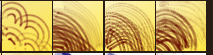
I think these are pretty self-explanatory. They’re nothing too special, just a bunch of fun rakes that (I hope) are a bit different from what everyone always does when they make a rake brush!
-
Black/dark red on white background; flats.

Hard to give examples, as I mainly use these to lay down color. All I have to say about these is that the black colored ones are more “crisp”, and the red ones are much softer, suited for bigger illustrations.
-
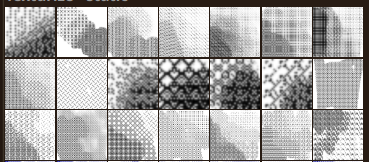
Black pattern on white background.
A ton of pixel patterns, although I am in the process of making more “HD” ones, too. I keep each pattern as a preset because it’s easier for me personally, but you can safely remove all but 1 brush & switch the pattern whenever you need to.
-
Remaining brushes; odds & ends.

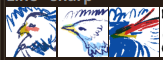
Any brushes that do not fit the above categories. Consider these a “testing” phase, where they might either change drastically or be removed in the future (or kept around as new categories!).
14 Likes
Thank you so much for sharing these!! I was just wondering, the custom themes don’t seem to be included in the .bundle file you shared in the google drive link (unless I’m overlooking something?). Teatime and Forest look lovely and I’d love to try them out.
That’s because you have to install them separately; the files are in the Google Drive, and you’ll have to put them into your resource directory, within the color-schemes folder ( on Windows, this is most likely `%appdata%\krita\color-schemes`).
Then you have to create another link that allows accessing the schemes, because the current one only provides access to the bundle, we can not navigate from there in your Google Drive.
Michelist
Must’ve been some odd Google happenings, I definitely copied the whole folder’s link. Thanks for the heads up! Now it should work as intended 
2 Likes
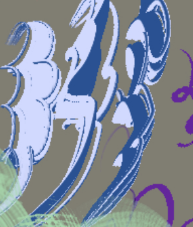
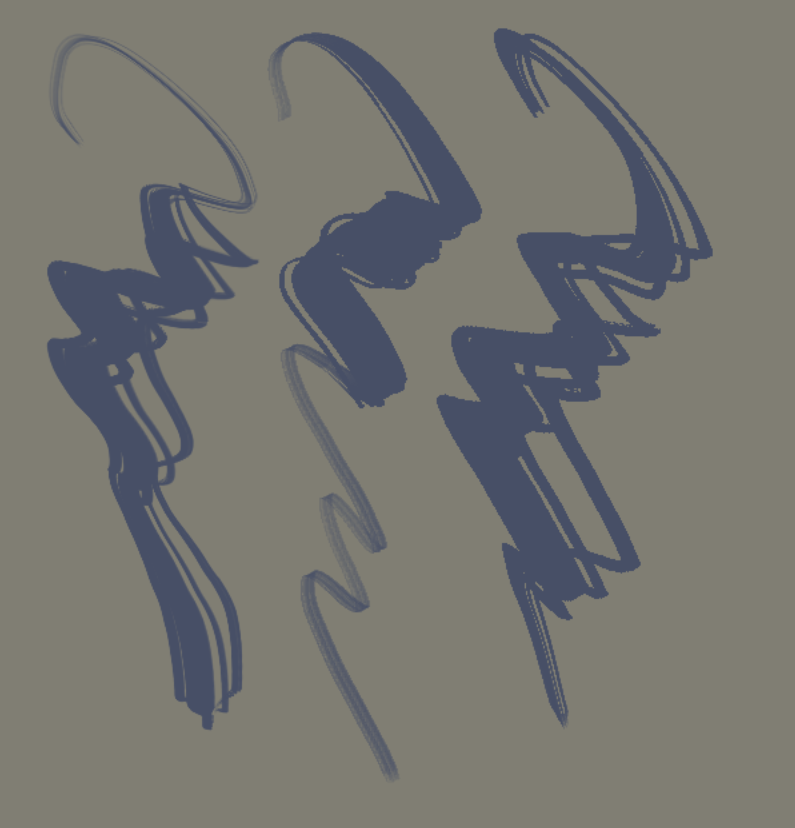
Thanks for the Brushes!! i was wondering if you could tell me which one this is?, i cant find it
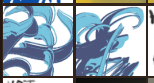
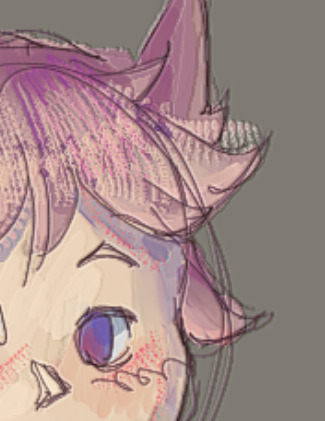
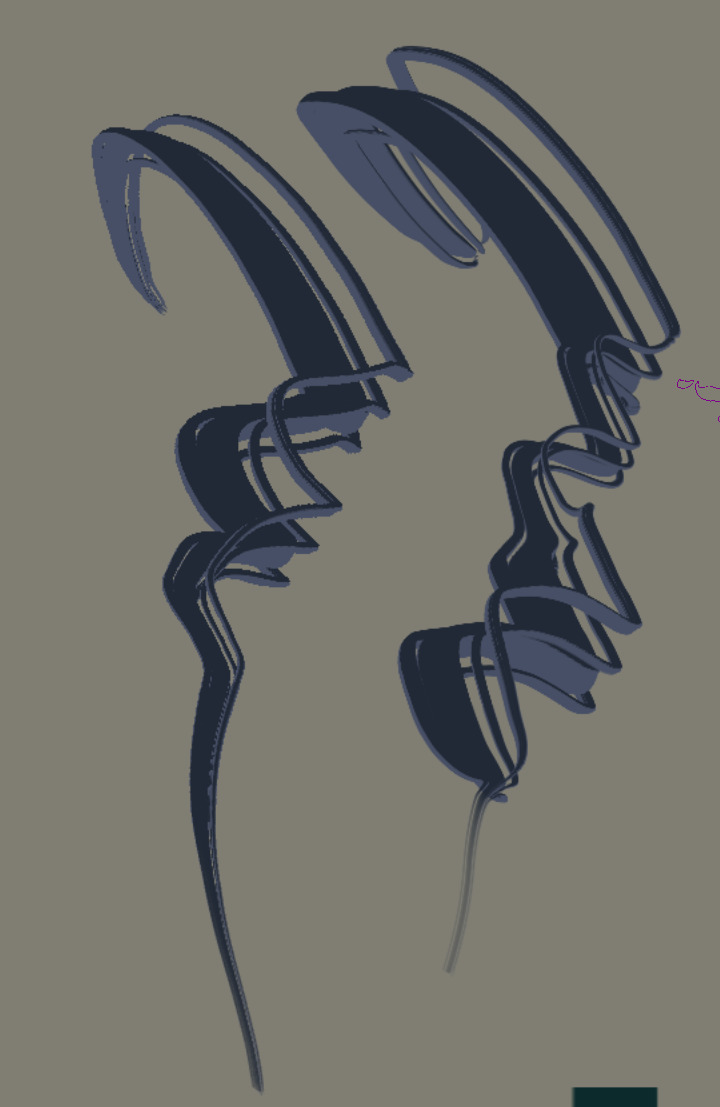
These are the icons! They’re called “hairpen” :-3
You can turn off sharpness in the brush settings to get a much smoother effect:
Left is with sharpen, right is without.
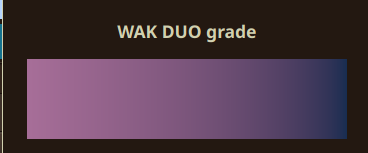
And to get the nice foreground/background dual color, you just have to select either my own gradient:
…or make your own! One node has to be a foreground color, the other a background color.
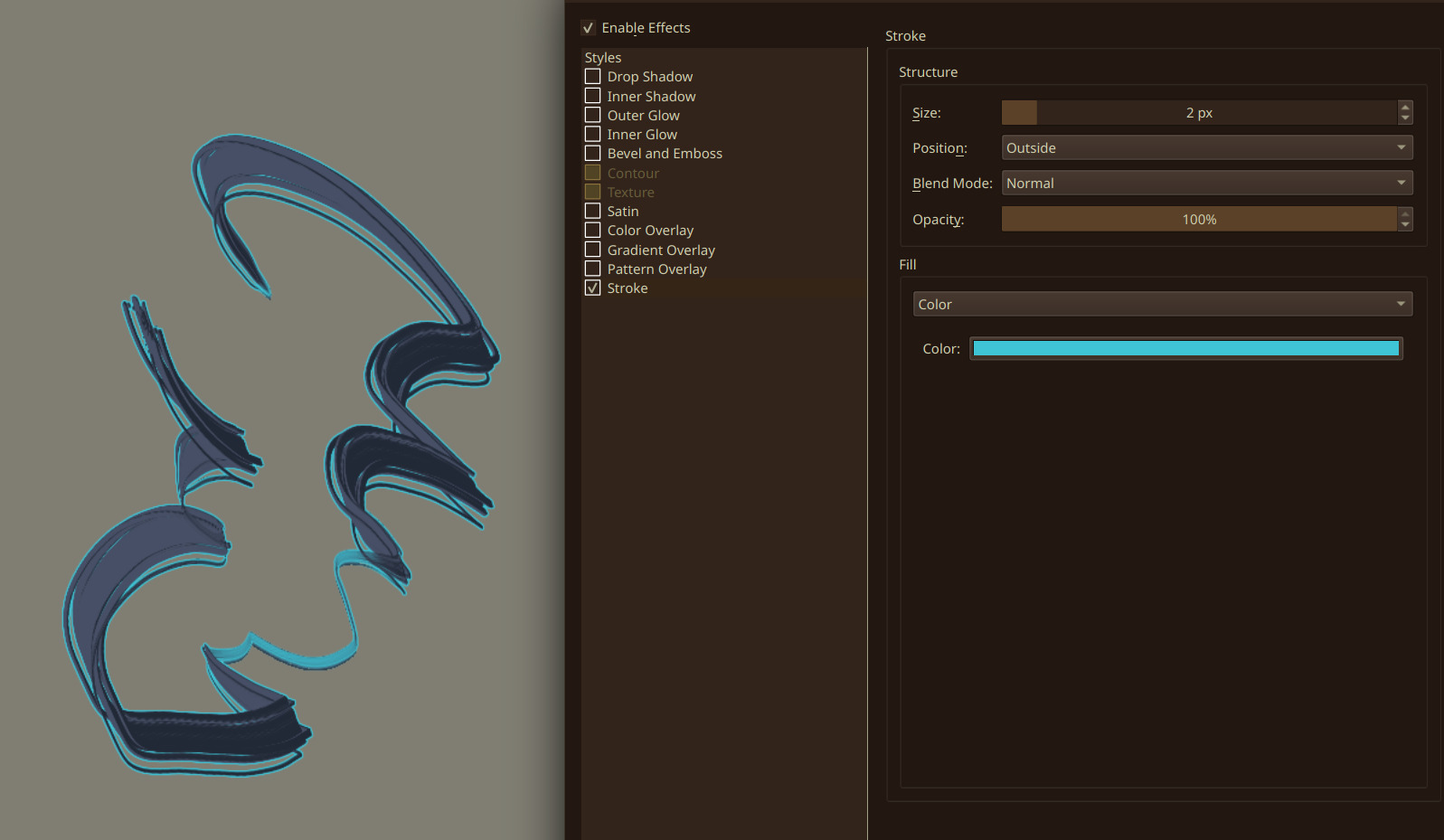
Additionally, you can use layer styles to give them an outline (or a third color!):
You might’ve not been able to notice them, because with the default gradient (foreground to transparent), the brushes look like this:
Hope that clears it up!!
1 Like
Beautiful brushes, loving every single one of them! Thank you for putting your hard work out there!
Super glad to hear that!!! : D
Batch 2 is, unfortunately, taking a bit longer than I’d like it to; lotsa fiddling with the parameters & testing to see if things work the way I intend them to. Still, it’s awesome that in it’s current state, the pack can be useful for others
1 Like
Small update for clarification:
- a LOT is still a pretty horribly rough WIP, but I intend to add
- a ton of variety leaves & flowers. It’s something I miss from my old CSP resources dearly, where I had a few packs for just this (although they weren’t always quite what I precisely wanted
- expect these to be mainly painterly at first, as gradient brushes take a lot more time & precision
- more “hairpen” variety
- my OG collections were BIG but I want to keep it relatively modest, while still being useful
- more presets for curlier/straight hair
- clothing details
- I always struggle with fast frill/edge designs, so I like to keep a few quick painterly presets at hand
- do not expect them to be gradient tips either
- they will most likely be animated from my current tests (it keeps things nice & varied!)
- organic
- skin, freckles, etc. focus WILL be here. not that they can’t be used for other things, mind you, I just want some neat texture adds
- variety of fur, although probably not what people expect? it’s hard to explain. I just prefer to add shading to my fur myself, if that makes sense
- bug ‘scales’, scales, feathers, you name it
Those are the main ones that are insanely time-consuming to test & tweak… and make. Hoping that I can show off some of the prototypes within the next week or so.
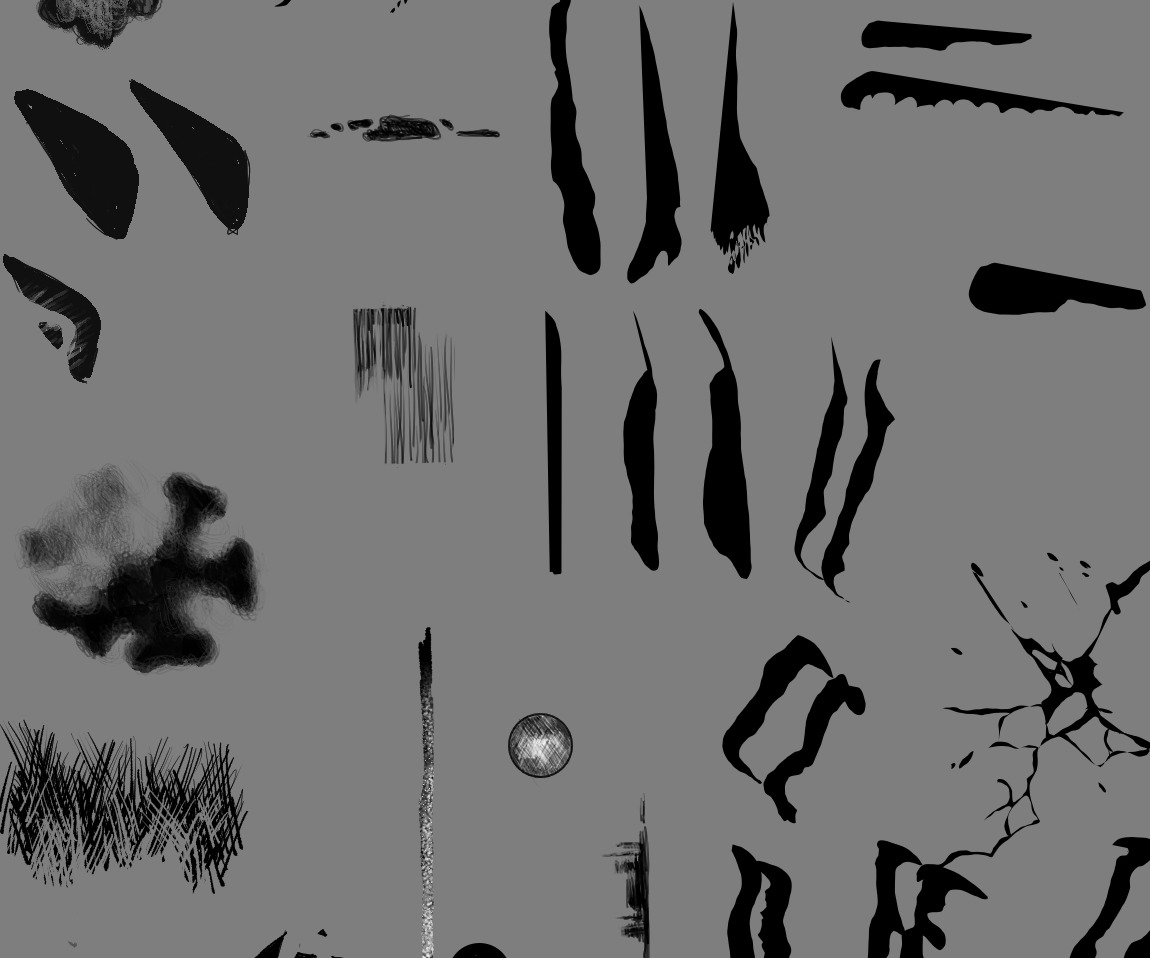
Fun fact: most of my WIP brushtips are just doodled on one canvas, like this:
& then I tweak them & check if they’re fun to use as a brush! Most rapid prototypes are just the fill tool + any basic brush with opacity set to pressure ^^ I’m also heavily inspired by the god-knows-how-old brushes that I’ve had in my catalog for a long time, like Greg Rutkowski’s, LaneDraws, Sebijy, 90% of the CSP asset store that I’ve archived over the years, and the (by modern standards) ancient, free PS packs that circulated on eg. DeviantArt back in the day. Most of the above I’ve sat and tweaked perfectly to my liking, but I just want a fresh start that I could share with others without weird copyright issues.
PS:
If you’ve been using this pack, please leave me some feedback if you have any! It’s super helpful to have some outside input on things like these.
Ok, I caved in. 
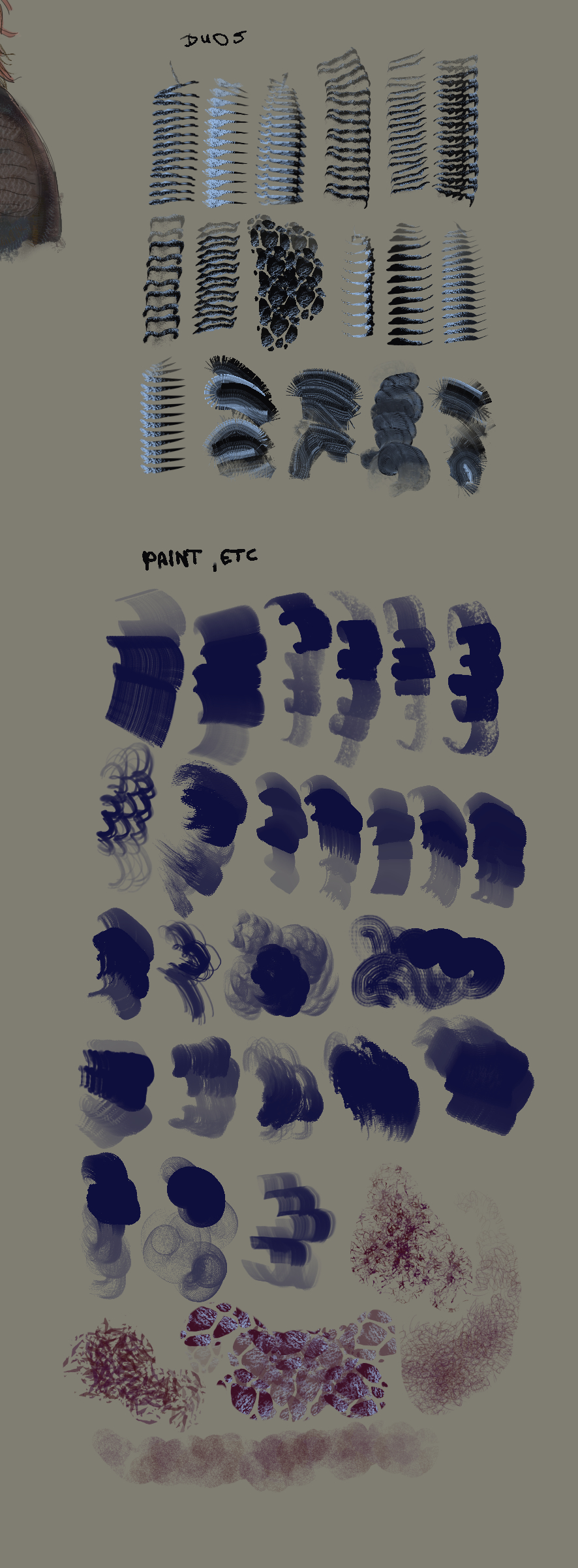
I added part 2 to the drive folder. This is a smaller addon, at around 50~ brushes. Mostly it’s some additional DUO texturizers & small tests that I found useful.
There we go!
As you can see, a lot of new DUO’s to pick from, and that includes duos for painting (because I love foreground/background colors for my brushwork to look a bit less predictable : P). Additionally, I’ve slowly started adding scatter brushes, but they often need a lot more stress tests. Prooobably will also look nicer with animated tips. I like having control over my scatter brushes usually, without using the lasso tool, but you can turn off the second brush & enjo the chaos if you prefer it that way!
As per usual, all brushtips were made by me, while all textures are bundled with Krita by default. All of my brushtips are (at least as of right now), CC-BY, so feel free to make your own bundles & brushes to share them here – or in your own threads!
Sorry about the lack of DIY textures for now, my textures are just far from finished & I want them to be actually useable for everyone else, not just my weird processes ^^”
3 Likes
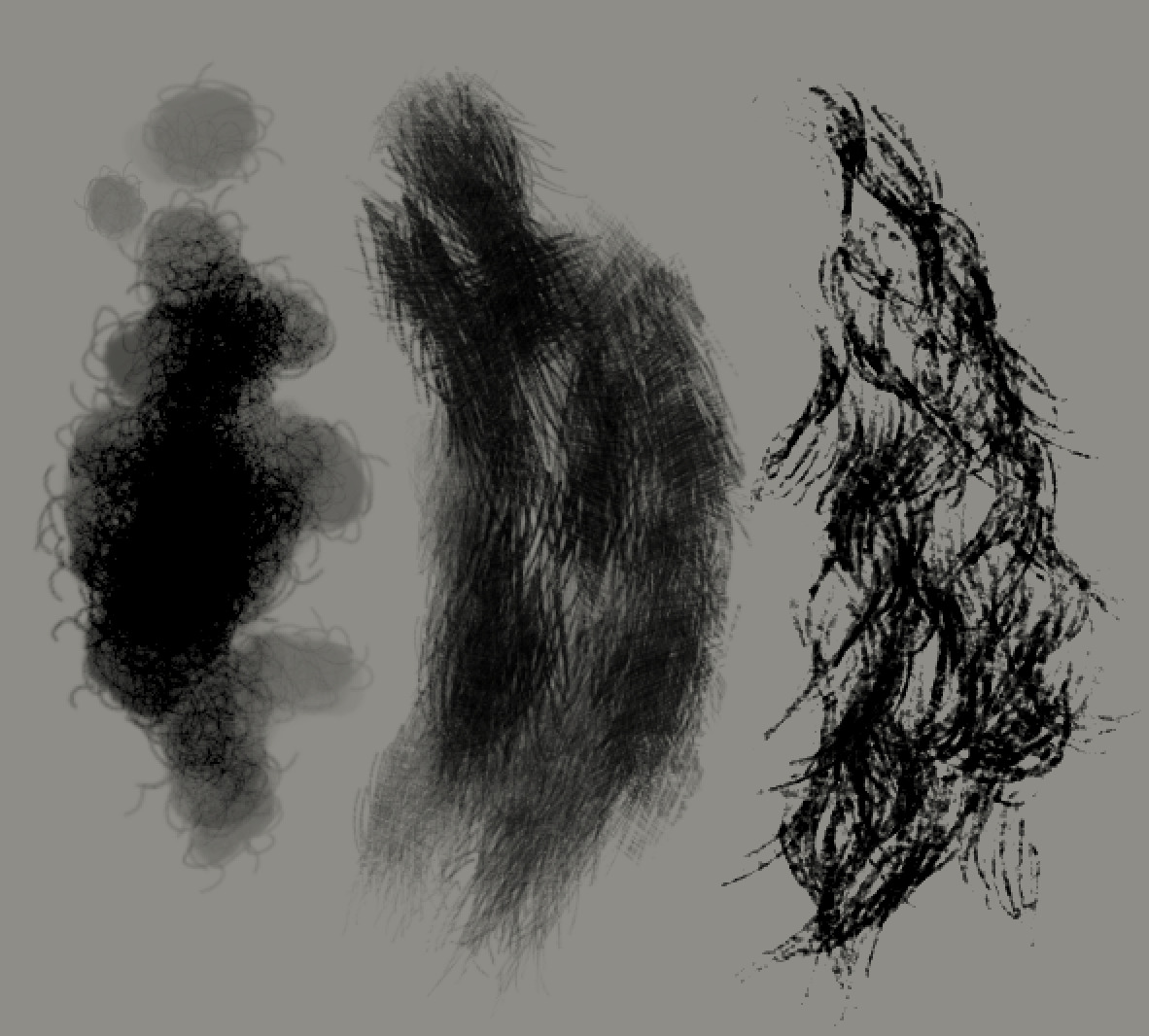
3 very simple brush examples
Working on the organics series has been TOUGH. Turns out that yes, gih tips can be super good for a more organic flow, but dear lord, making them is super time consuming. Then comes the settings tweaking, making them more texture-y (without actual textures, just masked brushes), checking their performance on my usual canvas sizes… Yeah, part 3 is gonna take a good while.
3 Likes
These look cool! I saw your post on Mastodon and wanted to check this out.
!!! Yippee!! : D Really glad you somehow found my post over there  !
!
I mentioned it in a thread over on fedi, but in general; this is meant to be a Krita version of what I was used to on CSP’s assets; I have archives on my drives spanning from circa 2014 to current day, being at around ~50GB of assets I decided were worth archiving. That’s a lot of brushes & textures & autoactions.
I really do appreciate the efforts made on the forums to make some really creative brushes, I really do – so I wanna make something less typically-Krita in style, easing people into its workflow slowly instead. Again, lots of my brushes are what I was used to in CSP, and again – 50 gigs of stuff to sift through.
This is also part of why I opted for using mainly the pixel engine over the smudge engine for 90% of the brushes. It’s just much closer to CSP’s general feel to use the pixel engine and THEN a blender/mixer, than using pure smudge engine… but that’s a problem for another day. // Week 2 of being in the trenches, researching Krita’s brush engine code. Sobs.
Aaanyway, now the only main sectors I gotta fill up are the organics (plant patterns, furs, skin), environment (greebles, painterly windows for sketching, treelines, etc.), texturizers (only ones left to do are scatters & dual brushes), and other animated brushtip experiments. I realize that I will probably have to separate this more “painterly” pack into its own v1.0 release, while the more comic-like brushes I used in CSP will have their own v1.0. The latter is just… extremely time consuming to get right. I guess it’s not quite as “snappy” for brushmakers as CSP’s multi-brushtip solution.
This is such a fun journey though, I’m really happy to be doing this silly set. It’s genuinely crazy to me that almost 500 people (or “clicks”) have checked out the drive for these, and I’m just, really really happy to give back something tangible after all those years.
Cheers!
3 Likes
oh my GOSH!!! This looks AWESOME!! I’m so excited I’m at loss of words, genuinely. Wonderful work, and thank you for checking out my brush bundle
1 Like
Just tried the second set
GOD they feel SOOO good to draw with, buttery, and crunchy!!
Its kind of insane how it seems like our needs as artists very much align LOL, im yet to see a brush that i cannot find a us for,
Thank you SO much for your hard work!!!
3 Likes