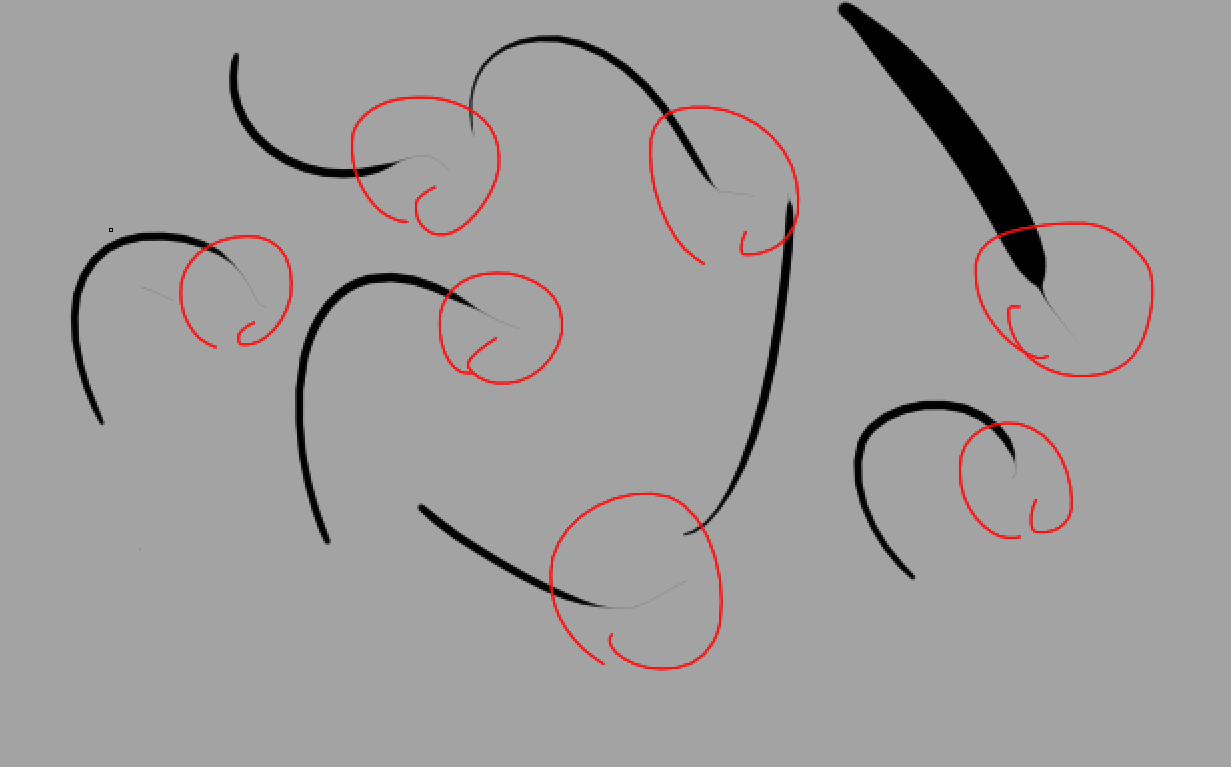
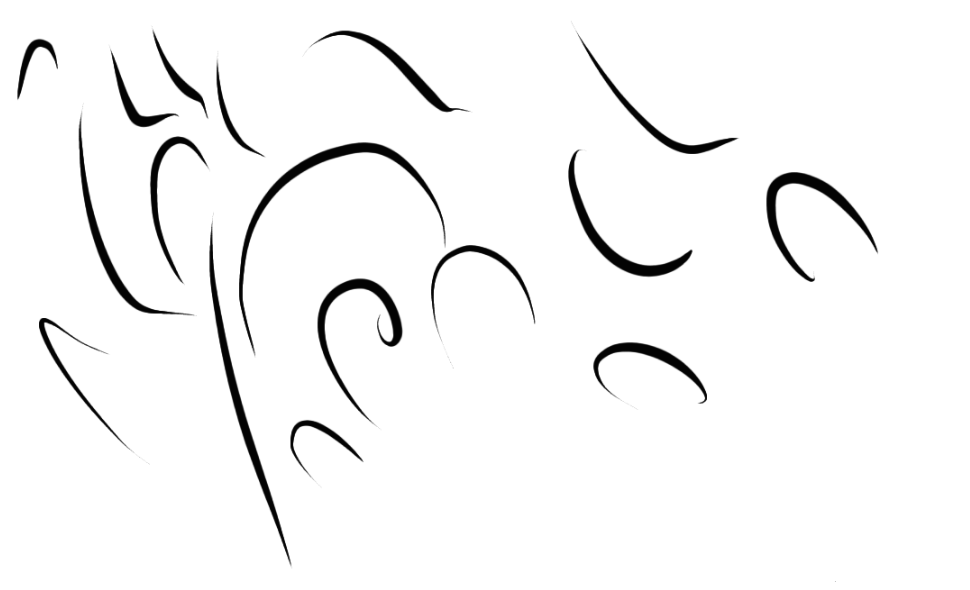
I’ve been using this tablet for a couple of months now, and I’ve noticed these weird thin lines that appear at the end of my lines, you can even see it in the red rings i used to highlight the tails that were appearing.
I’ve tried krita on a different system to see if it persists, and it does. Which means it’s either Krita itself or the tablet.
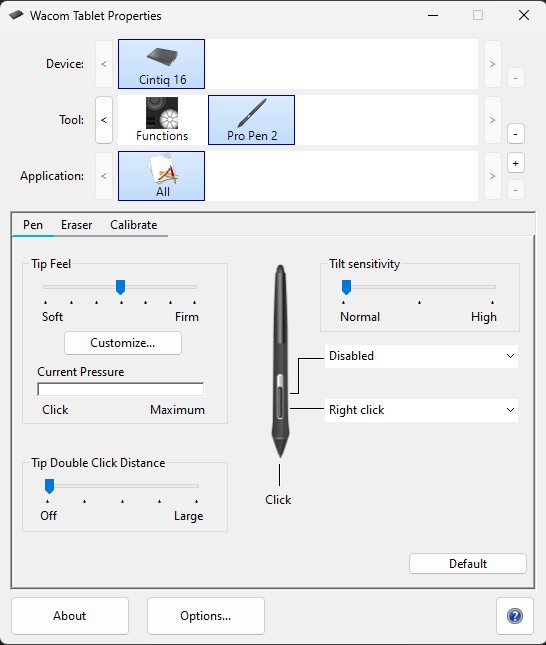
I use a Wacom Intuos BT M tablet.
I’ve tried restarting Krita and restarting my system, and it doesn’t seem to work. It seems to be on every pen regardless if it’s pressure senstivie or not.
I’ve tried both options, and for some reason now the brush has seemingly stopped doing it completely? But I can say that I tried this earlier and having a stabilizer seemed to lessen the effect and no stabilizer doing the opposite
For now it seems to work but I’ll update this if it ever comes back. I don’t recall doing anything other than trying to draw with the issues still there, I use a brush that’s very thin normally and it seemed to be the only one without the issue.
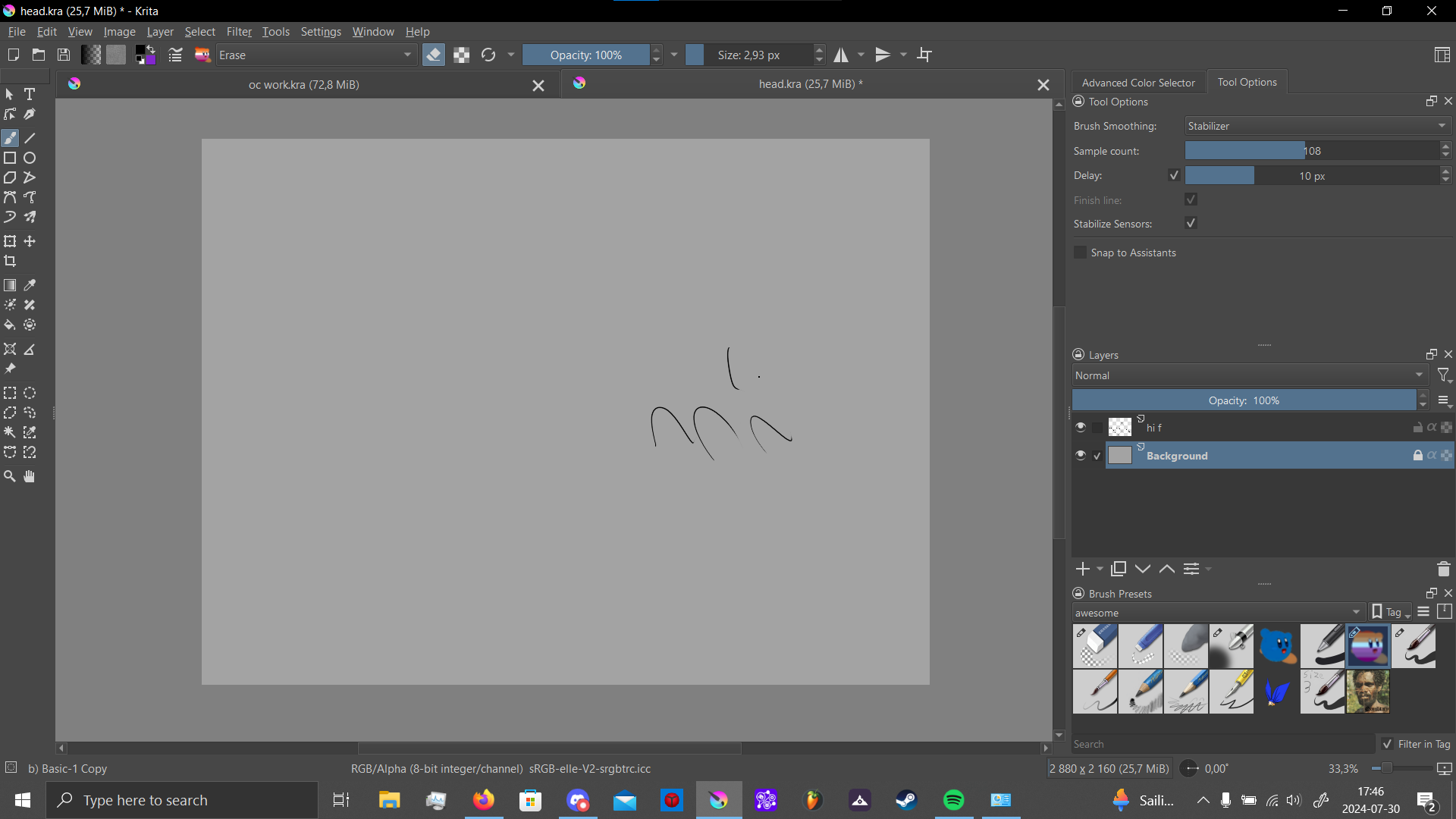
If you use Stabiliser then that will smooth out your position variations, i.e. hand wobble or finger shake or however you think of it.
If you also enable Stabilise Sensors then any stylus pressure variation will also be smoothed out. So if you quickly lift the stylus at the end of a stroke, the stroke pressure will decrease slowly to zero instead of going to zero quickly.
I notice that in your full screen screenshot, you were using the Basic-1 Copy brush preset. The Basic-1 does not have pressure variation (unless you’ve modified the Copy that you’ve made).
Is that with the brush presets you originally had the problem with?
Yeah, and I didn’t modify the brushes i gave an example with, but the brush I usually use for lineart is indeed modified as it is just the big pressure sensitive brush on the top right but made to always be at 3 px in size.
Keep an eye on the situation and bear in mind what I said about the Stabilise Sensors option.
For testing this, I’d initially use the Basic-5 Size brush preset which is a very simple brush preset with simple size variation controlled by pressure.
If the problem persists, I would probably ensure that you have the latest stable driver installed. It might be a good idea to disconnect the tablet, and to uninstall the old one before this.
You can search for the latest compatible driver here: Drivers
Hi, if you are using Stabilizer mode, be sure to disable “Delay”, it isn’t needed with pens unless you want this type of behavior.
Next, if you want to interrupt the stroke as soon as possible, disable the option “Finish line”. I believe this is what causes the weird endings for you.
If you don’t need a stabilizer, use the brush in “Basic” smoothing mode (it reduces some jitter). There should be no need to use “None” smoothing.