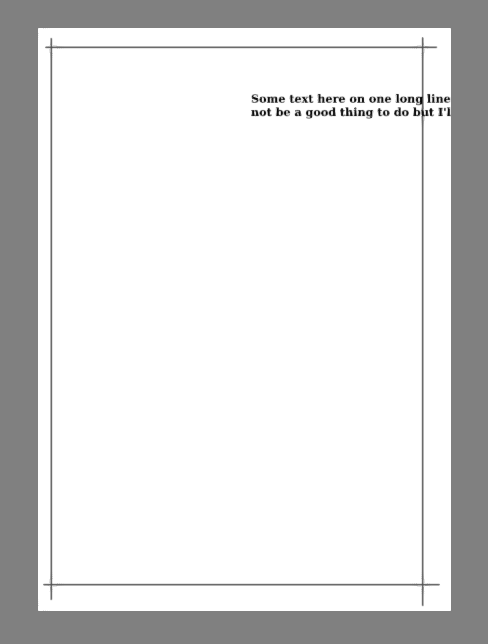
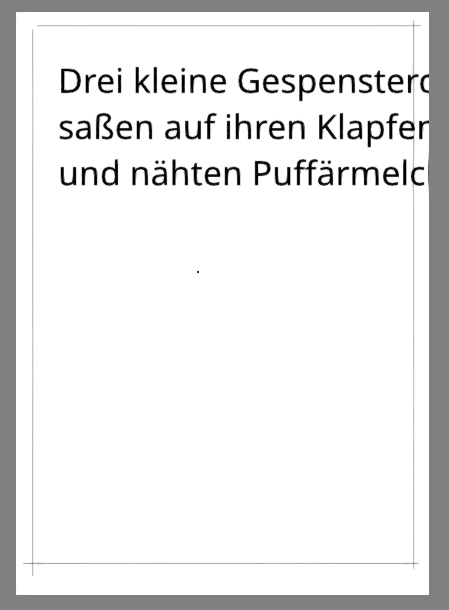
Hello, it is me again. Earlier today I had a problem with fonts but then with the Krita Next AppImage fonts are working.
But the other problem I have been having with 6.0.1 (Archlinux) as well seems to still exist.
I have a file that’s 9921×13984 pixels and just has a few lines on it. du -sh tells me it is 8.1 MB.
When I open that file, it takes 2 hours to open at 100% CPU, showing the “Waiting for image operation to complete” progress bar progressing very very slowly. Yesterday I waited it out using krita 6.0.1. Literally 2 whole podcast episodes while the fans were running full power.
I thought it was a fluke but now with the AppImage I created a file that is also 9921×13984 pixels, put a few words on it to verify that fonts work now, and turned off my computer. Now I have turned my computer back on and I have been waiting for 15 minutes at 100% CPU for the image operation to complete… I don’t think it will complete anytime soon.
I don’t know if it’s an accident that these 2 images are the only ones I recently made that have a vector layer…? And I am definitely someone who uses computers wrong a lot. But I don’t think this should happen
Edit: I found the recipe to reproduce it, all it takes is a vector layer and a paint layer. Takes 2 minutes to make. Before I closed the test image, it showed 1.1 GB of working size… The compressed .kra is 3.8 MB. I stopped the attempt to open it again after 15 minutes. This is not intended behavior, is it
It doesn’t happen at smaller dimensions, but I have made dozens of images at that resolution with 0 issue and I would like to create some more to match the set, it’s just that now I need a few with writing on them.
I don’t see how it would take 120 minutes to open when it takes 2 minutes to create, happily displays in real-time while creating it, and takes 5 seconds to save
Using the 6.1.0-prealpha (git bf7fa43) appimage of 2026-04-23 22:47 on Linux Mint,
I made a 10,000 x 14,000 .kra file with a simple paint layer and a simple vector text layer.
When open it uses 566 MB RAM and the .kra file is 3.2 MB.
Opening the .kra file takes less than 10 seconds for the ‘Waiting for image operation to complete’ progress bar and then less than 5 seconds for the image to be presented on screen.
My desktop computer is 15 years old and is quite weak and slow by modern standards.
So, there seems to be something strange going on with your situation.
Can you make your .kra file available using a file sharing download link?
I’d be happy to try it to see how it behaves for me.
Thank you for making that available.
It does have a problem and I had to End the krita appimage when I got tired of waiting for it to open.
The problem has something to do with the vector layer, possibly involving text in particular.
If I remove the vector layer aspects from inside the .kra file then I can open it and see you very impressive grid.
I can make a similar document and Save it to a .kra file then open that .kra file with no problems.
I tried to replace the vector content of your .kra file with that from my .kra file but the resulting .kra file would not open properly.
I’ve had a look around inside your TEST003.kra file and can’t fine anything that could stop it working but there must be something wrong, obviously.
Did you apply any transforms to the vector text after you’d made it?
Here is a screenshot of my working version of your document (no grid for me):
The difference i that I used text flow wrapping inside the text box but you seem to have used line feeds in your text.
I tired removing the line feeds from the .kra file vector-text content but that didn’t fix the problem either.
Can you try this again but with simple text content that fits on the layer and not use any kind of transform operation on it?
I did an experiment and tried out a dozen or so variations.
It seems to depend on what value I set for pixels/inch when creating a new file.
I use the exact same 9921×13984 pixel dimensions. I
create the file,
click on show grid,
draw my lines on the paint layer,
click on the T to make text,
write a few lines (within canvas bounds),
save and close,
open krita again and try to reopen the file.
If I create the file at 600 pixels/inch, it takes several seconds to open.
At 1200 (same pixel dimensions!), it takes several minutes.
At 2400, several hours.
(I know 2400 dpi is kind of insane but I swear it made sense at some point and then I’m just stuck using the same dimensions if I want the matching set, and for pure pixel graphics it made no real difference so far whether I set big dimensions and small dpi or small dimensions and big dpi.)
I wanted to try if showing the grid makes a difference but somehow closing krita made wayland crash and everything is showing funny colors so I have to reboot but I don’t want to have to rewrite the post. I will edit with my results in a few minutes
I can confirm that it’s the high resolution of 2400 that is causing the problem.
I changed it to 300 in the .kra file and that opens ok but the text is small:
I looked into this a bit and discussed it with the other developers, unfortunately not much progress yet. It seems to just get stuck doing what seems to be a lot of “nothing”, or at least things that are so small that they aren’t apparent when tracing the execution.
I at first thought this already got reported elsewhere, but turns out that was a different “waiting for image operation to complete” thing, so there’s now a bug report to track this problem: https://bugs.kde.org/show_bug.cgi?id=519785