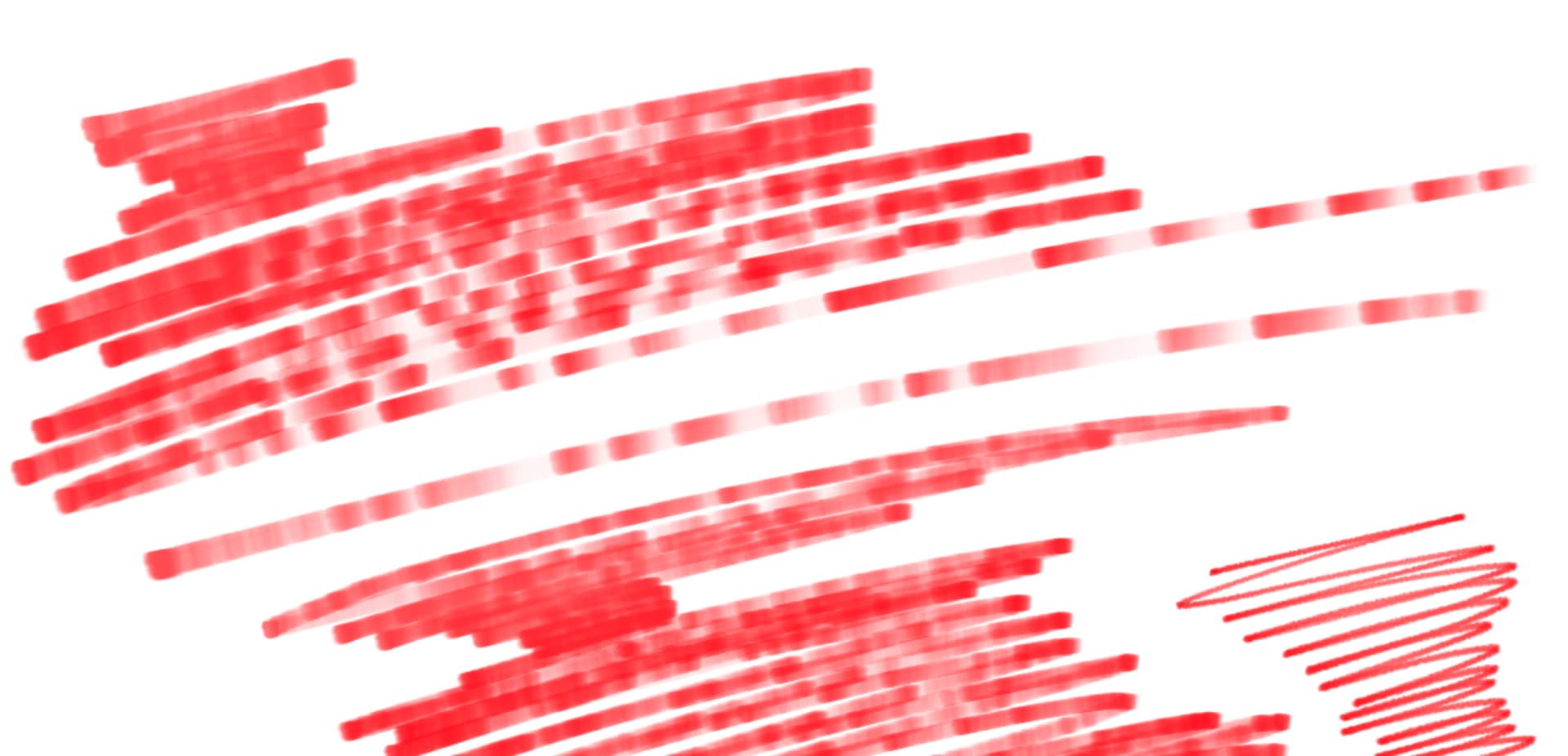
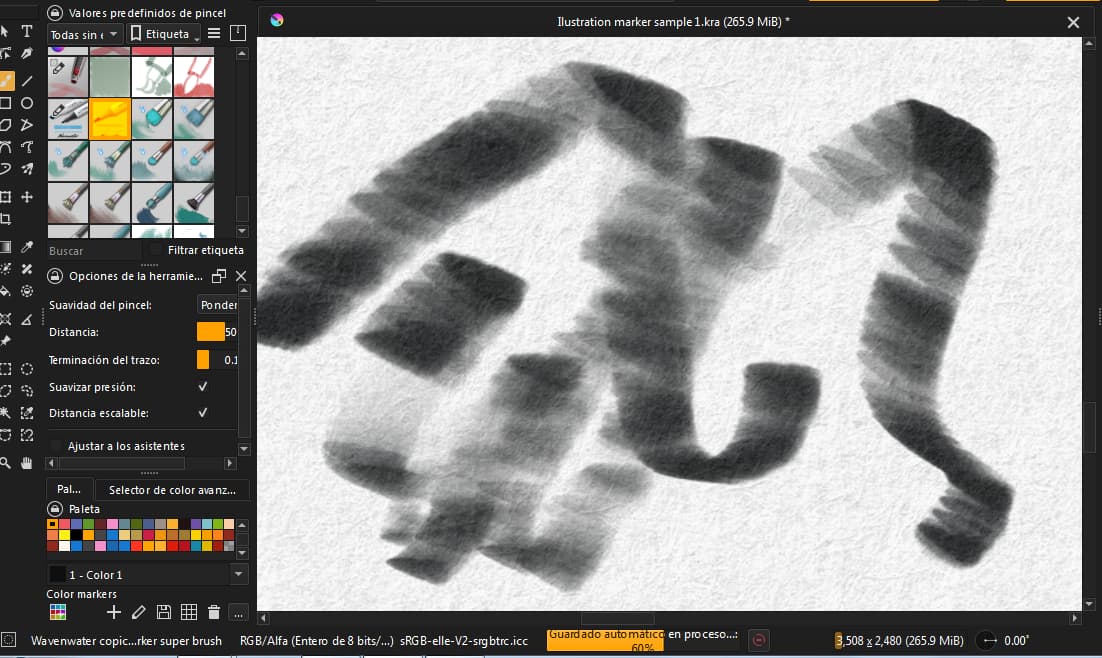
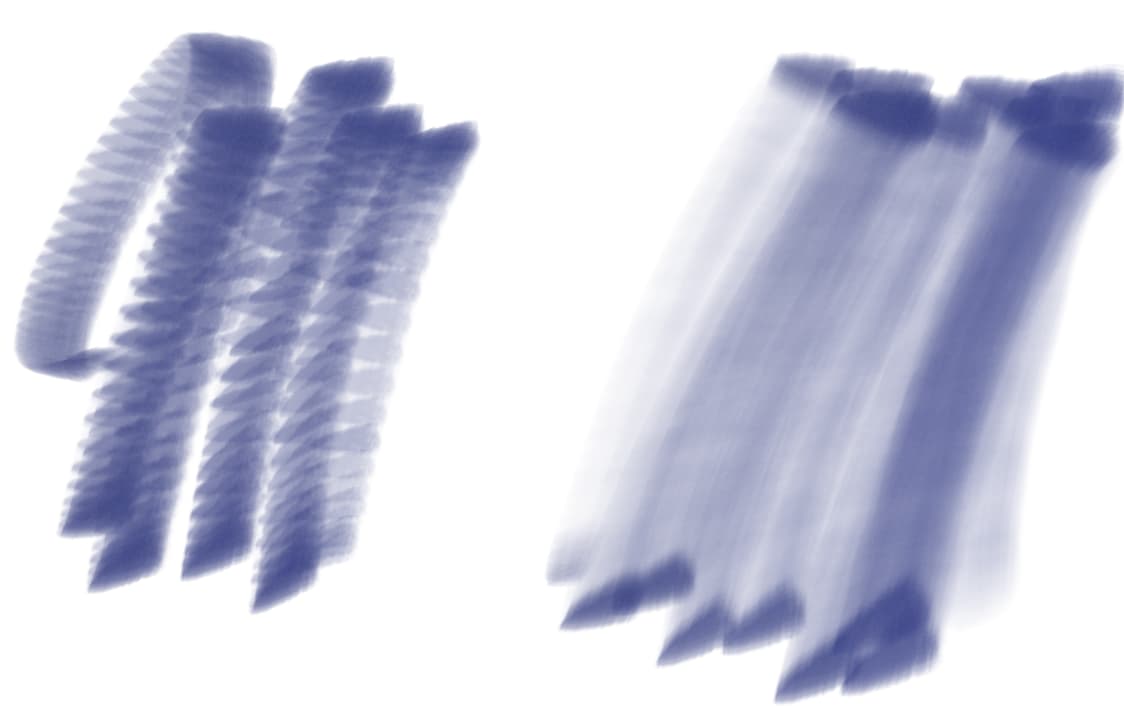
For some reason, I can’t get them to work properly. The spacing is just too large and it creates very noticeable splotches. I have changed my brush speed and the (auto) spacing, but still get this result:
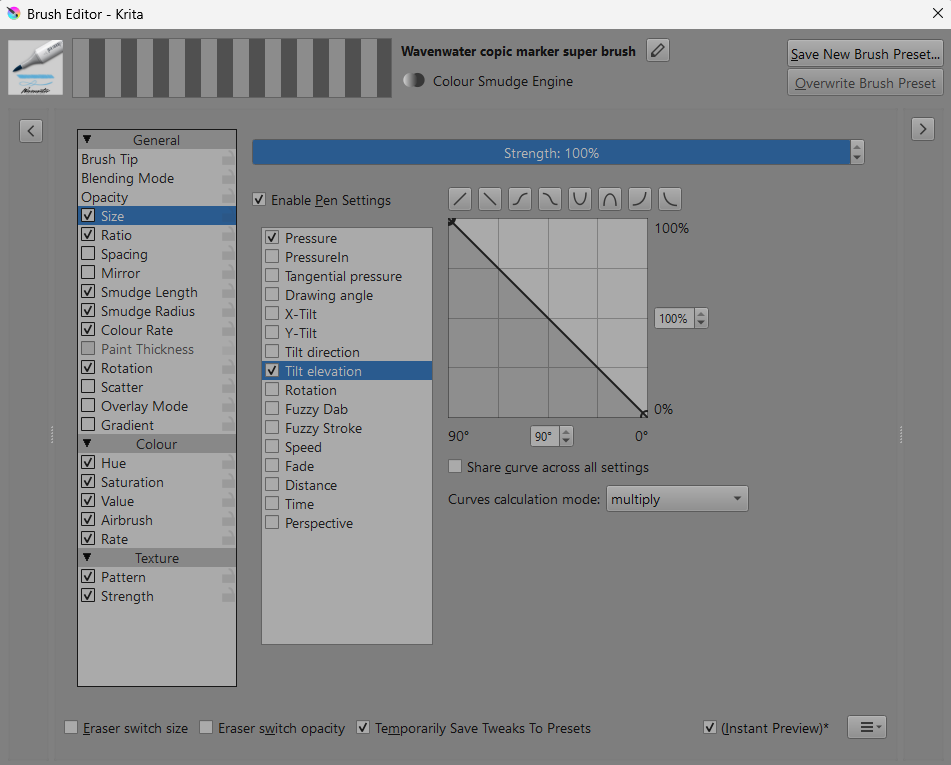
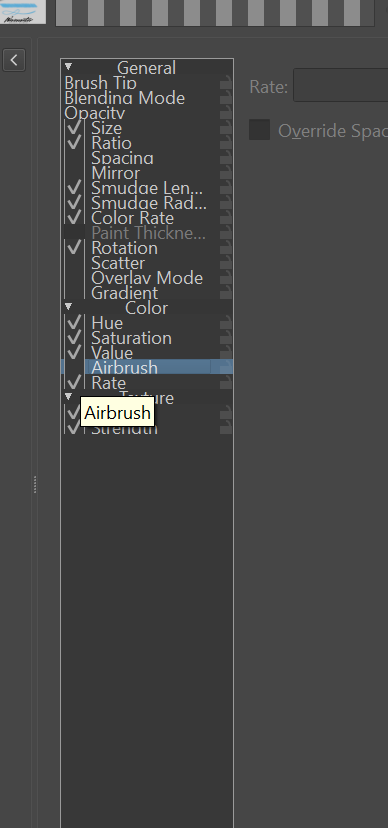
Looking at the Wavenwater copic marker superbrush in the brush editor, you can see that Size is controlled by a combination of Pressure and Tilt Elevation:
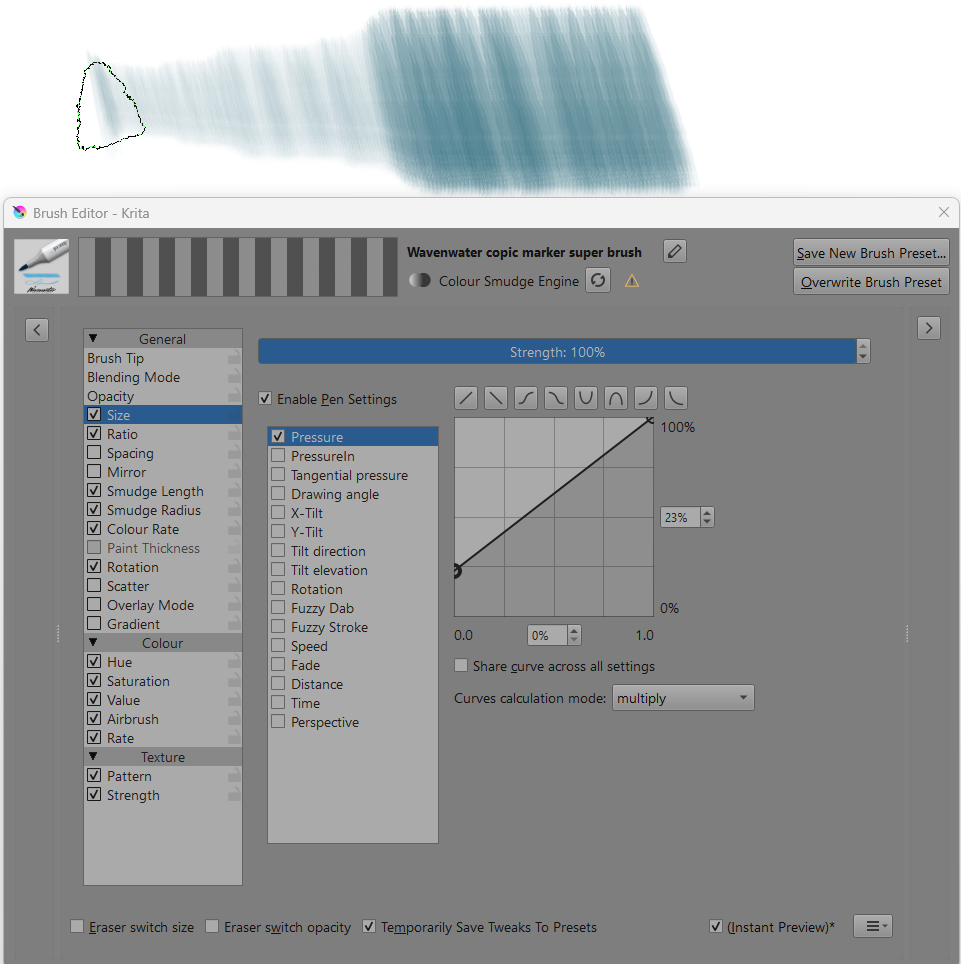
If your stylus has no Tilt output (or you’re using a mouse) the provided Tilt Elevation signal will be zero and so the Size will then be zero.
So, disable (by unticking) the Tilt Elevation control input to have Size only controlled by Pressure:
If your tablet has Tilt output then the brush should work for you.
What happens if you do a slow high pressure stroke and vary the stylus tilt along the stroke?
Have you tried modifying an existing brush such as Basic_2 Opacity so that its Size is controlled by Tilt Elevation with a straight line transfer curve so you can easily test the response to Tilt Elevation?
Sorry, i have issues writing here, i just want to say if my tablet got the tilt elevation by the brand i use, idk what other change i have to made for using that brush of marker.
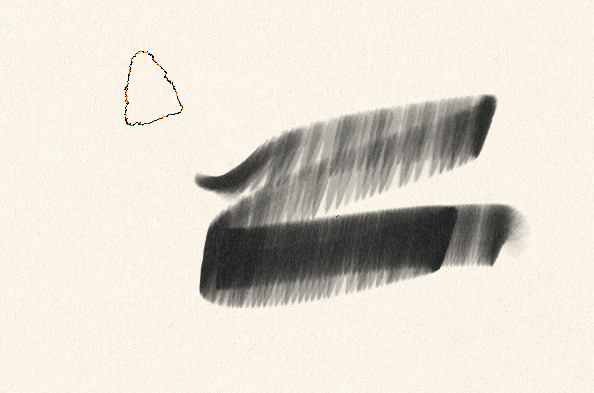
I can use that particular brush with my stylus/tablet which does not have any form of Tilt output, by modifying it as I showed.
What do you get if you try to use that brush?
Did you unzip it from the ZIP archive Krita Wavenwater Traditional concept beta.zip it ships in, and then tried to import the BUNDLE Wavenwater_Traditional_Concept_Beta_0.1.bundle contained in the ZIP archive, or did you simply try to import the ZIP archive? The first way, importing the unzipped BUNDLE is the correct way.
A bundle is imported into Krita via the menu ‘‘Settings’’ >> ‘‘Manage Resource Libraries…’’ and in the opening dialog you have to click the button + Import in the next dialog browse to the downloaded bundle, select it and confirm the selection. Now Krita imports that bundle, and you can use its content, so the brushes in case of this bundle.
In case this BUNDLE comes in an archive-file, like ZIP or RAR for instance, then you have to unpack the archive to get the BUNDLE-File it contains, then you can proceed as described above.
Hello @Michelist yes All bundles who are zíper I’ve unzipped them, it’s just nothing working, the icon and the brush predefenition appears, when I draw, nothing happen’s
Are you drawing with a mouse or a pressureless tablet? If so, that is the reason, you need a device which uses pressure and tilt, a mouse or trackball doesn’t provide either.
Then we need to know what make and model of your pen display, as well as your OS including version number and of course your exact version number of Krita, additionally we need to know from where you have got your version of Krita because the sources can have differences, so is it from the repo of your distro, Flatpak, snap, Steam, the stores from Epic or Microsoft, the Apple Store, or is it from Krita’s homepage like the AppImage for Linux and if you use Windows is it the installer or the portable version from Krita’s homepage?
You didn’t by chance begun “painting” with them on the background layer which is set to work as a fill layer? This may have unexpected results.