Another 2cents:
At least for transforming there is one setting that might help:
But generally I agree, that image editing as opposed to painting can get slow in Krita.
If one need a package to do both, this might be a hinderance.
The test
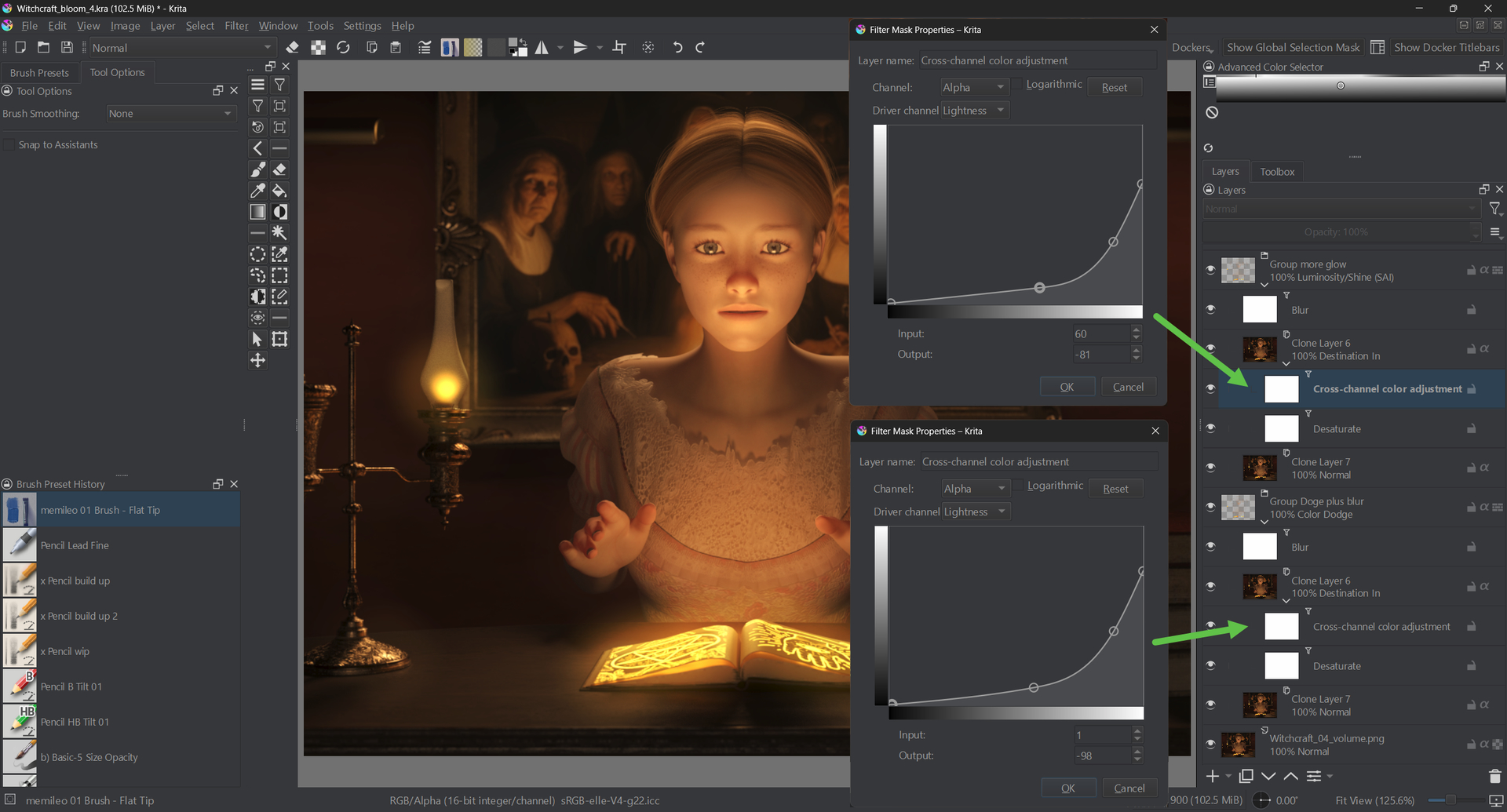
Some time ago I made a test with a render image of mine (1200 x 900 16bit integer) to checkout a setup for adding a non-destructive glow effect. I consider this a simple, non demanding task.
The setup uses blur filters and cross channel alpha luma masks.
The issue
This setup is so slow, that I wouldn’t use it for work (liquify tool etc. are a similar issue)
Example: enabling the luma groups:
(right click → watch in new tab or window to see the gif better / bigger - ignore the bad image quality, I had to compress heavily to get below the 3 MB upload limit)

The edits I try to do in the groups lead to the shown waiting time. This is an example of where Krita is just not the right tool for the work and let me choose other software.
Test setup: Krita 5.3 on a notebook (a decent machine) - Windows 11.
CPU: Intel Core i7 - 10750H (6 cores, 12 threads)
- Max Turbo Frequency: 5.00 GHz
- Processor Base Frequency: 2.60 GHz
Ram: 16 GB
Storage: NVMe SSD
GPU: Nvidia RTX 2070 MaxQ + Intel® UHD Graphics
As you can see, the CPU’s potential is not really used.

The assumption
I assume most people working as designers / graphics artists and not specifically as digital painters need fast painting, fast editing, fast and fully featured text and fast and fully featured vector features.
Those people might choose other tools.
Then there is the group of tablet painters (pros or non pros). They have so many choices and some of them just have a better tablet UI and / or are available on the Apple ipad eco system.
The $$$
Krita is free what makes it attractive. But, for example, the Affinity suit was below 200$ which, I think, was ok for most professional users (now, since the Canva aquisition, it is even free like Krita).
Summery
Krita is cool in its realm - digital painting - but, for me, it is not the choice to do work because painting is not the main part of it. And others, who mainly do painting, have so many choices.
Other remarks
The slow setup:

The first impression
Potential new users - who are not yet into the details - see this when they find krita.org:
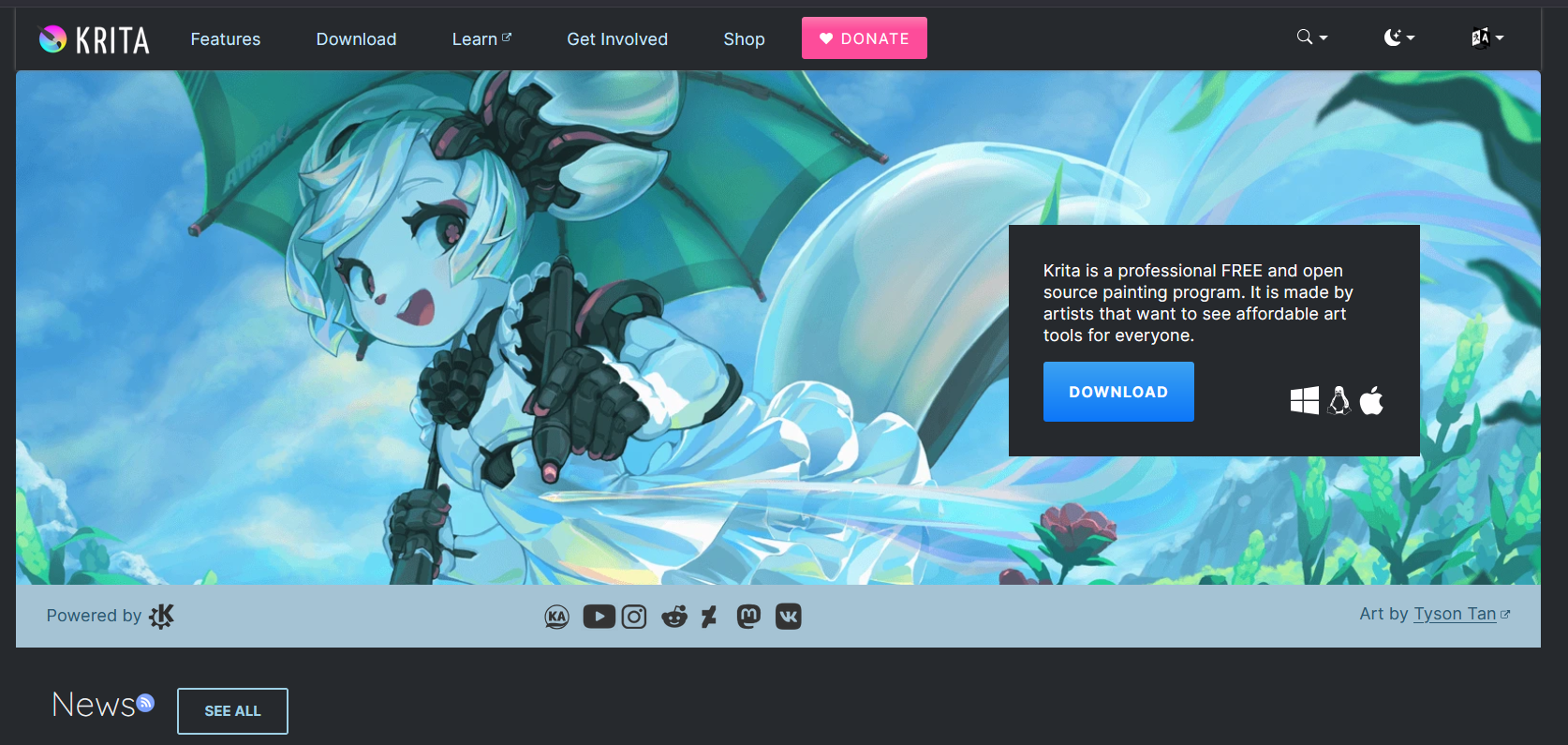
My first impression is: “This is for anime”.
Maybe people don’t get it, that Krita is for general purpose painting.
One annoying issue, when using a pen tablet instead of a pen display
This is the “you can’t see your cursor” issue. I noticed it, when trying to use a pen tablet attached to the notebook. In my opinion, this makes painting with Krita and a pen tablet less fun than it could be.
I know, it is worked on, but this issue is there for years and might bother potential new users.
So, all in all, Krita is good in what it is mainly does - digital painting. But it has its quirks.
As the inital question was about “professionals” (do we have a definition of that term?), I think, for general purpose digital artists, there are more complete packages.
Nonetheless, I guess, the userbase of Krita is bigger than we think and a lot of people use it for doing paid work. It’s just that the small Krita team does not have a marketing department which spreads this into the world.
EDIT:
I forgot to mention one big positive of Krita:
It supports 16 and 32 bit images. I, for axample, can composite exr render passes in it. Most painting apps don’t offer this. But in 32 bit the slow editing is a limitation. In the end, I am using the mighty Davinci Fusion for this, but Fusion / Resolve are not very good at painting 