I know nothing about QT programming, so I apologize if I say anything incorrect! 
I’ve noticed that many applications have added a Windows 11-style theme after migrating to QT 6 on Windows. Will Krita include this UI theme? It might make the user interface look more modern and cohesive within Windows.
[quote=“Banana_Bomb, post:1, topic:127651”]
’ve noticed that many applications have added a Windows 11-style theme after migrating to QT 6 on Windows. Will Krita include this UI theme?
[/quote] Sorry, i didnt have Windows 11 but could you give as an example please.
For example, the desktop publishing software Scribus added a Windows 11 theme after migrating to QT6.
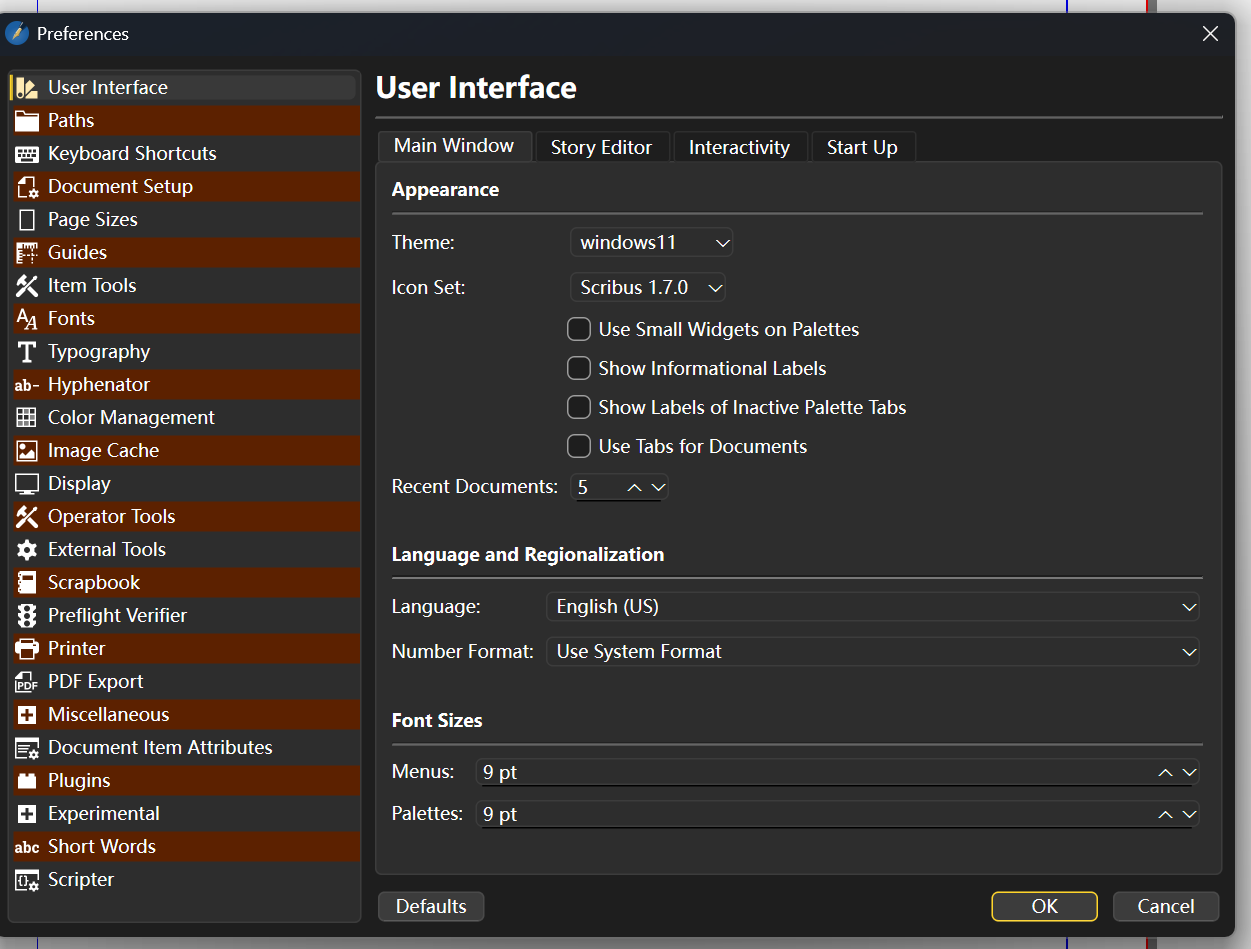
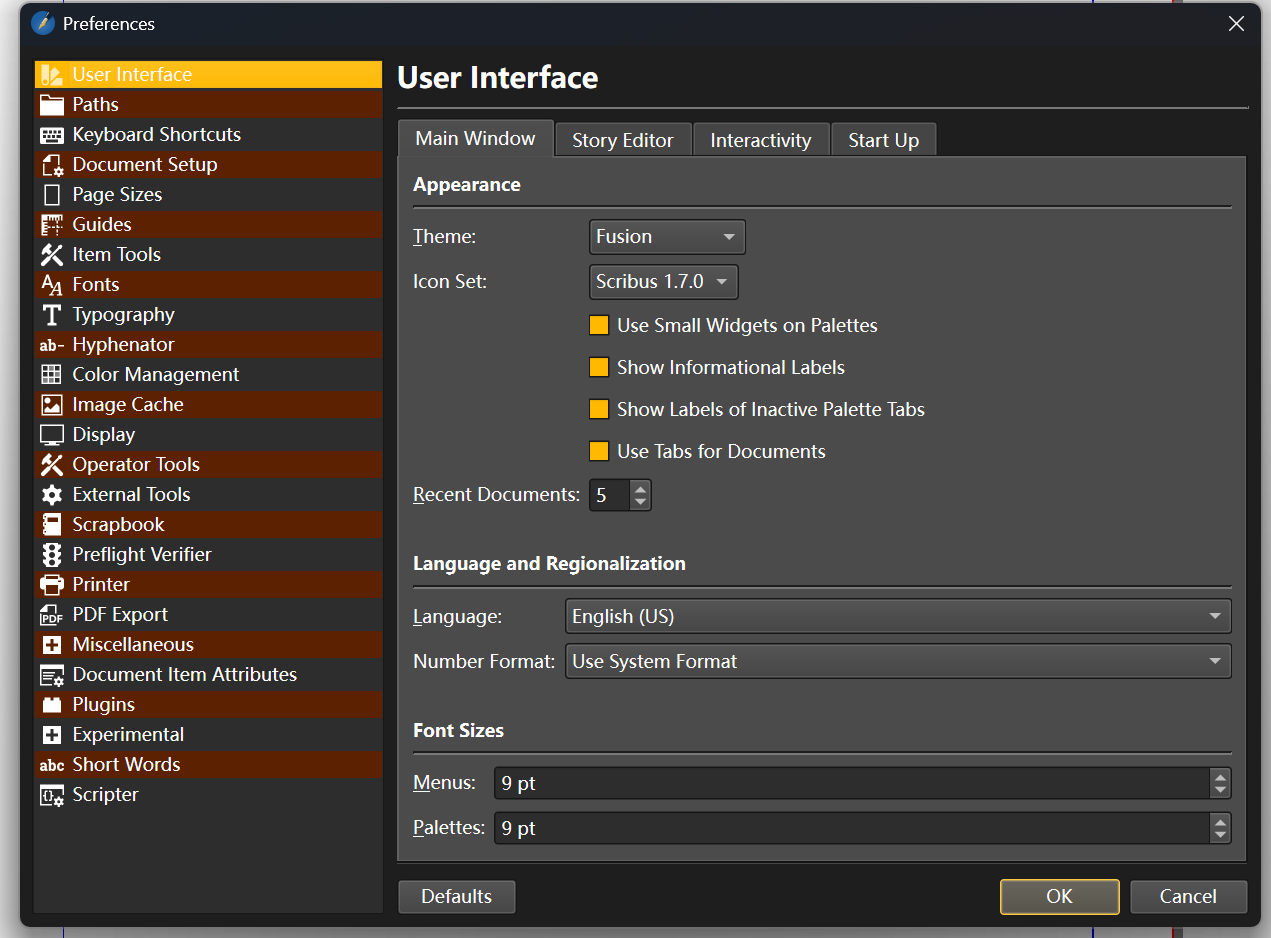
Of course, it can also be switched to the Fusion theme, just like in Krita.
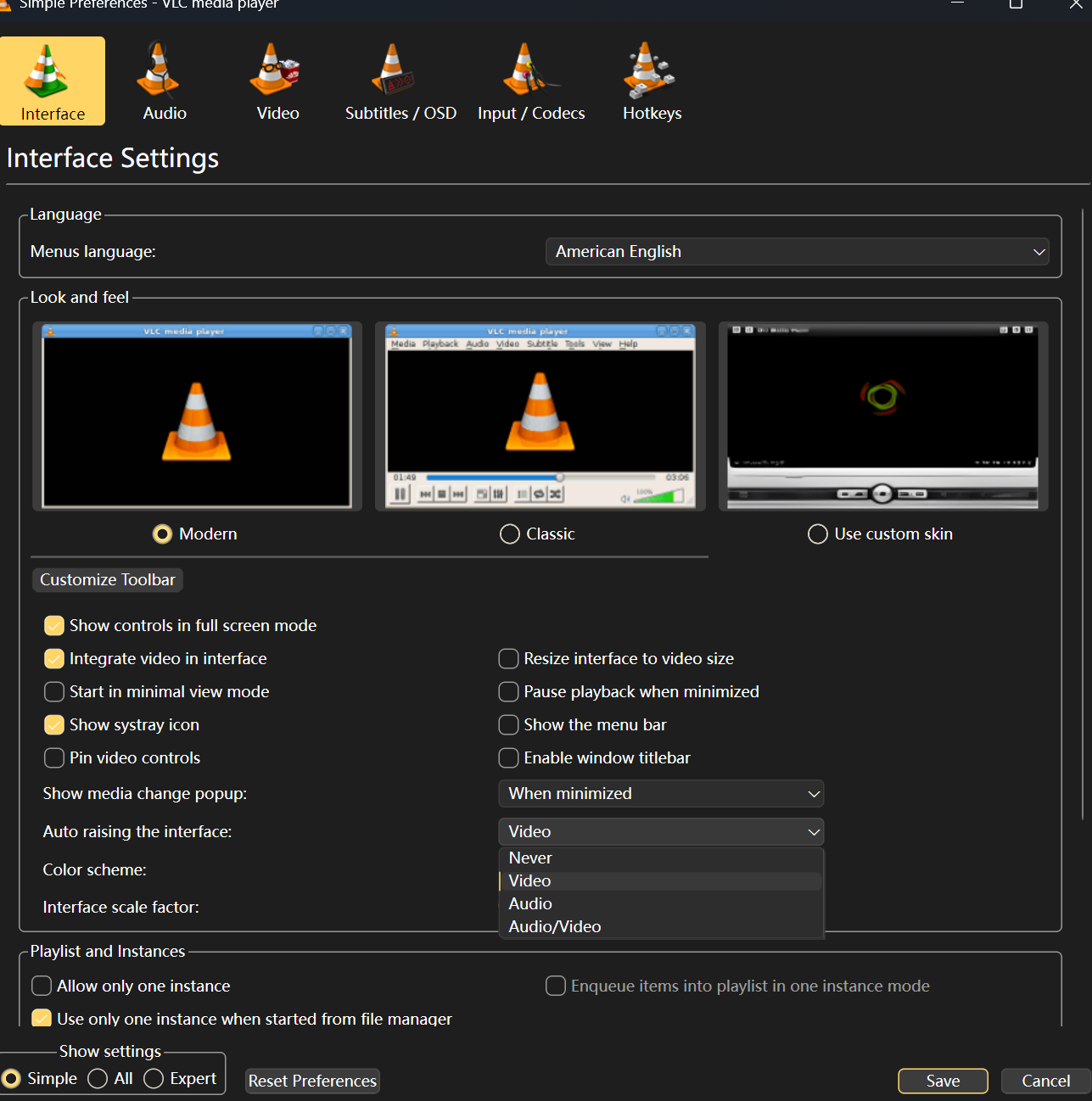
Another example is the nightly build of VLC 4.0 player, which has an interface theme identical to Scribus’s Windows 11 theme.
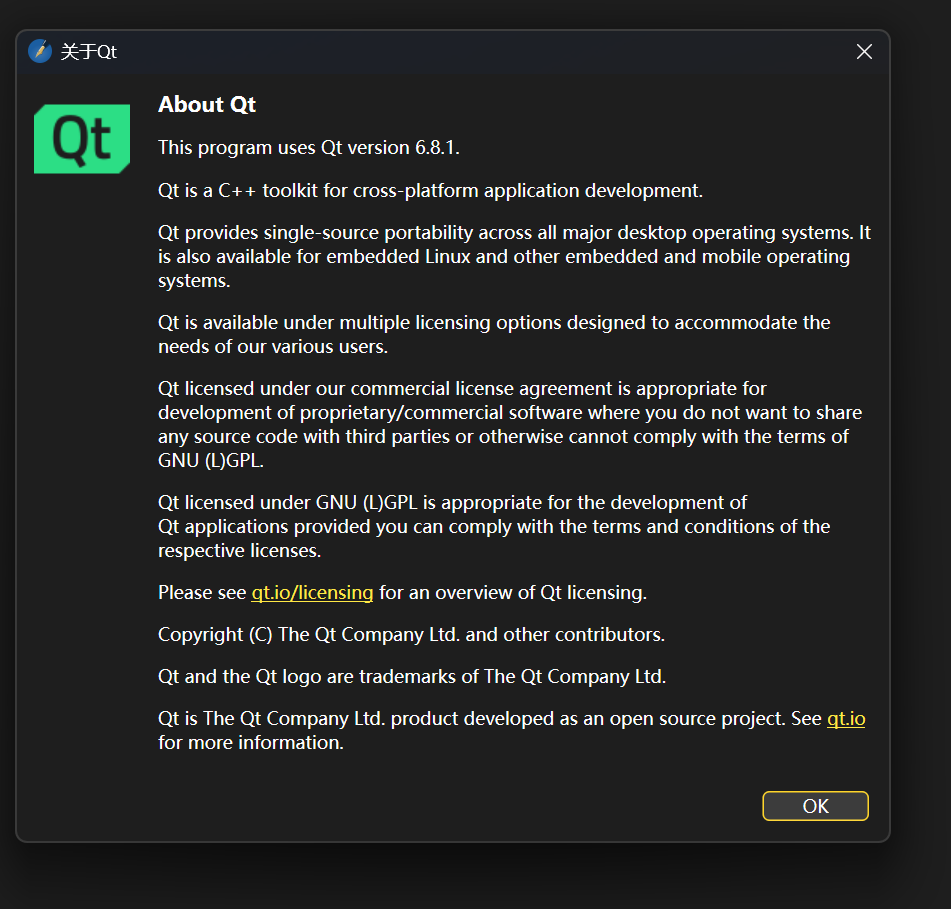
Since they both use QT (Scribus explicitly states QT6), I speculate that this theme, which looks very similar to the native Windows 11 style but slightly different, comes from the QT6 framework.
Krita also has a similar options section, but currently only has the Fusion theme available. On my old computer running Windows 10, I also had ‘Windows Vista’ and ‘Windows’ themes to choose from. However, on my new computer running Windows 11, only the Fusion theme remains. Because there are too many variables, I’m not sure if this is caused by Windows itself or if Krita updates removed those two themes.

Recently, Krita is migrating to QT6. It seems this Windows 11 style comes bundled with the Windows version of QT6, so I wonder if Krita will include it.
If I remember correctly the reason for Fusion being the only available Theme in Krita on WIndows is that the other ones became broken and unmaintained over time, so they got removed. On Linux Kirta once used to offer the themes that were installed on the System however this is of course not possible on Windows since it doesn’t really has theming in the traditional sense, so Krita is simply shipped with Fusion. I don’t know if Krita will have a Windows theme, I guess it will again come down to if it’s really a default (no extra effort to implement) and if it breaks in Krita (Krita has a few custom components that might not work with the theme).
2 Likes
Those are Qt’s application styles (QStyle). Krita whitelists allowed styles to only Fusion (available on all platforms), Breeze (for Linux distro packages, it’s not shipped with the AppImage), Macintosh (for macOS), and Haiku (for Haiku).
Windows style is still there (even on other platforms). You can use it by setting in kritarc (on Windows, the file is at %LOCALAPPDATA%\kritarc) the line widgetStyle=Windows.
Also, setting the environment variable KRITA_NO_STYLE_OVERRIDE (say, running KRITA_NO_STYLE_OVERRIDE=1 "C:\Program Files\Krita (x64)\bin\krita.com") will use the default platform style (such as Windows) and show all available styles in the Style menu.
4 Likes
It sounds relatively straightforward (though I know nothing about C++ or QT, so maybe what seems like a simple change could be very complex to implement in the source code?). I just looked it up, and styles like “Windows” and “Windows Vista” are somewhat outdated. It seems the “Windows 11” style is newly included with QT6.
The Fusion theme is very polished, but visually it feels a bit dated to me. I personally think there might be potential users who would choose other software with a more modern-looking theme because of this perceived outdatedness.
Manually modifying the config file after each installation (especially on a new machine) can be error-prone. It would be fantastic if, after testing confirms that the “Windows 11” style doesn’t conflict with Krita, it could be added to Krita’s style options – perhaps even set as the default style on Windows platforms (if everyone agrees). 
On this point, Breeze is actually on Windows too and can be included in Appimage as well; Kdenlive does this.
I have created a thread to request that it be reintegrated into Krita:
2 Likes