No, I would very much prefer to see only non-default - makes the layer list much cleaner and more readable to me. I don’t need to see “100%” or “Normal”.
Btw: we should get rid of the “100% Copy” display on filter masks as well, as those cannot be changed anyway. However, there’s a little problem with filter layers, as the default here is “Copy” but can be changed - so, not sure, what to do with these… Personally I’d like “Copy” to be treated the same as “Normal”.
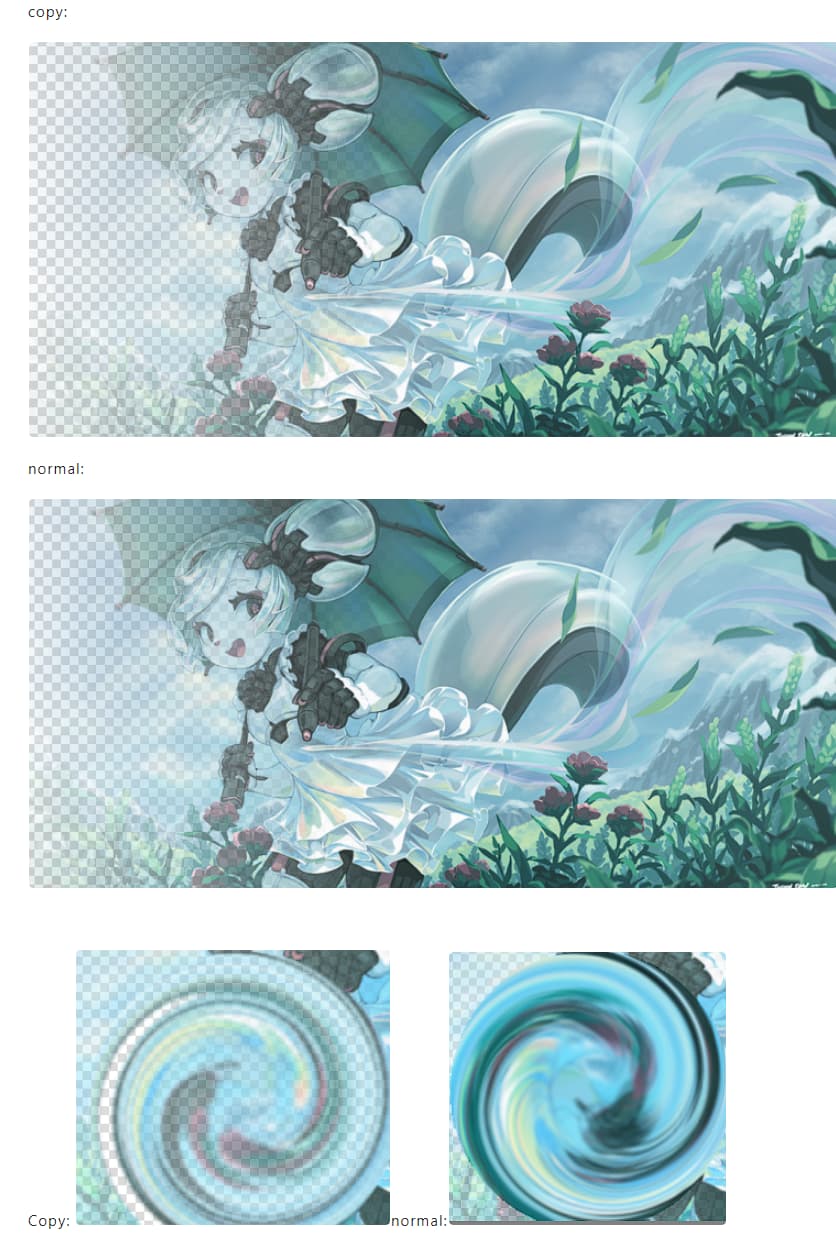
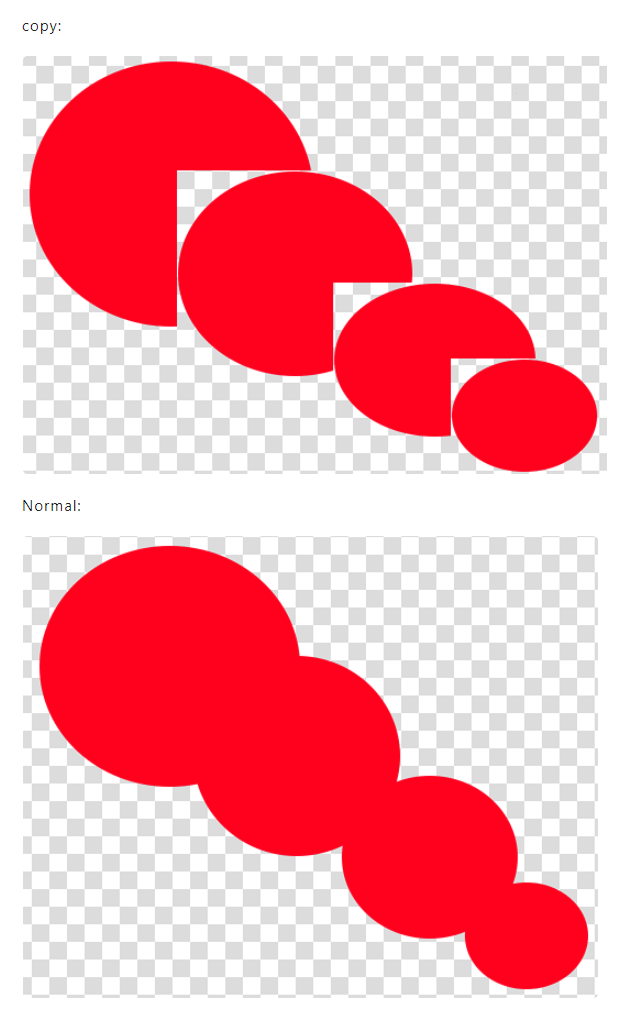
But the explanation refers to brush blending modes. With filter layers I cannot see any difference between the two modes. Maybe I’m missing something here…
EDIT: OK, there’s a difference IF a regular layer below is in “Copy” mode too. Though that seems a very rare case.
Yeah, I did. To make it clear: I’m talking about filter layers specifically - it’s obvious that there are differences with regular layers.
@raghukamath : Imho this is on topic - we’re discussing here which info should be displayed, no? But I’ll drop it now - OP should have enough info now, to make a decision.
I hadn’t realized that; other layer types are handled now.
Filter Layers: default is Copy.
Colorize Masks: default is Behind.
(Here, in “simple” mode, “Normal” displays because it is no longer the default for those layer types.)
Filter, Transparency, Transform, and Selection Masks; blending mode and opacity cannot be changed and thus aren’t shown anymore.
(“Detailed” mode: nothing is displayed.)
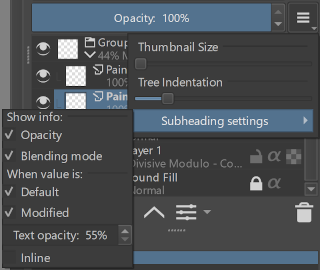
Rough example (with options for default/non-default as well):
This might be a more effective way to display and change the options without needing as much explanation. But it does take up a fair amount of space, so I put it in a submenu.
(It’s just a rough example, so wording and design are subject to improvement.)
Edit: I didn’t implement functionality for the above (submenu with checkboxes) example so I didn’t think through how it worked, and now that I am implementing it it doesn’t make as much sense. I’ll follow up on this later when I’ve thought it through some more.
Edit 2: The reason it doesn’t make sense is because the issue isn’t whether to show the blending mode or the opacity; it’s whether to show both of them if either of them are changed.
Ex. Both / Changed
“40% Normal” or “40%”
“100% Multiply” or “Multiply”
Not ex. Opacity / Blending Mode
“40%” or “Normal”
“100%” or “Multiply”
I’ve been neglecting this thread again, but I have something to report: I made a new MR here and it’s been merged to Master (5.2.x). (Once I remembered to remove “Draft:” from it.)
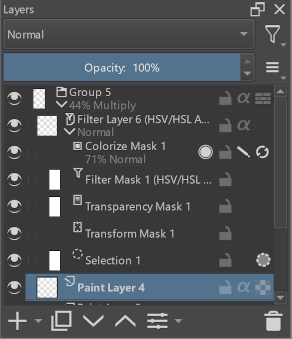
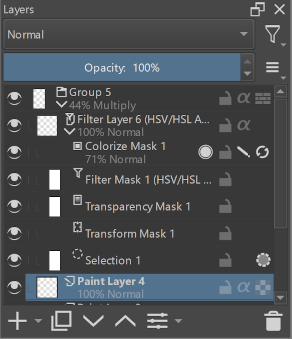
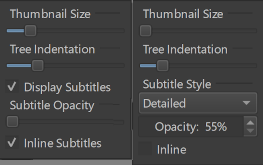
The main change is that on/off is now four styles and the handling of different layer types is fixed. Before and after:
At the moment I don’t intend to make any more changes to this feature.
However, there are still a few points to consider if consensus were to be reached:
Whether this feature should be enabled by default
(and what that default should be)
Whether there is a better name for this feature than “Subtitles”
And there’s the related topic of whether the Layers docker’s submenu should be redesigned (see the MR).
That aside, it’s in the Nightly build now, so I hope you all enjoy using this feature.
Some random name suggestions instead of subtitles:
Layer properties
Layer characteristics
Layer info
Layer state
Subtext
Minor header
Subheader
Undertext
I’m thinking of a rename to “Layer Blending Info”.
In which case the current label “Subtitle Style” would be “Blending Info Style”. (Two of the tooltips would be also be affected.)
The opacity and blending mode are both relevant to blending, and none of the other layer information is, so it wouldn’t be confused with those. It’s more specific and to the point- the point is to show blending information on layers.