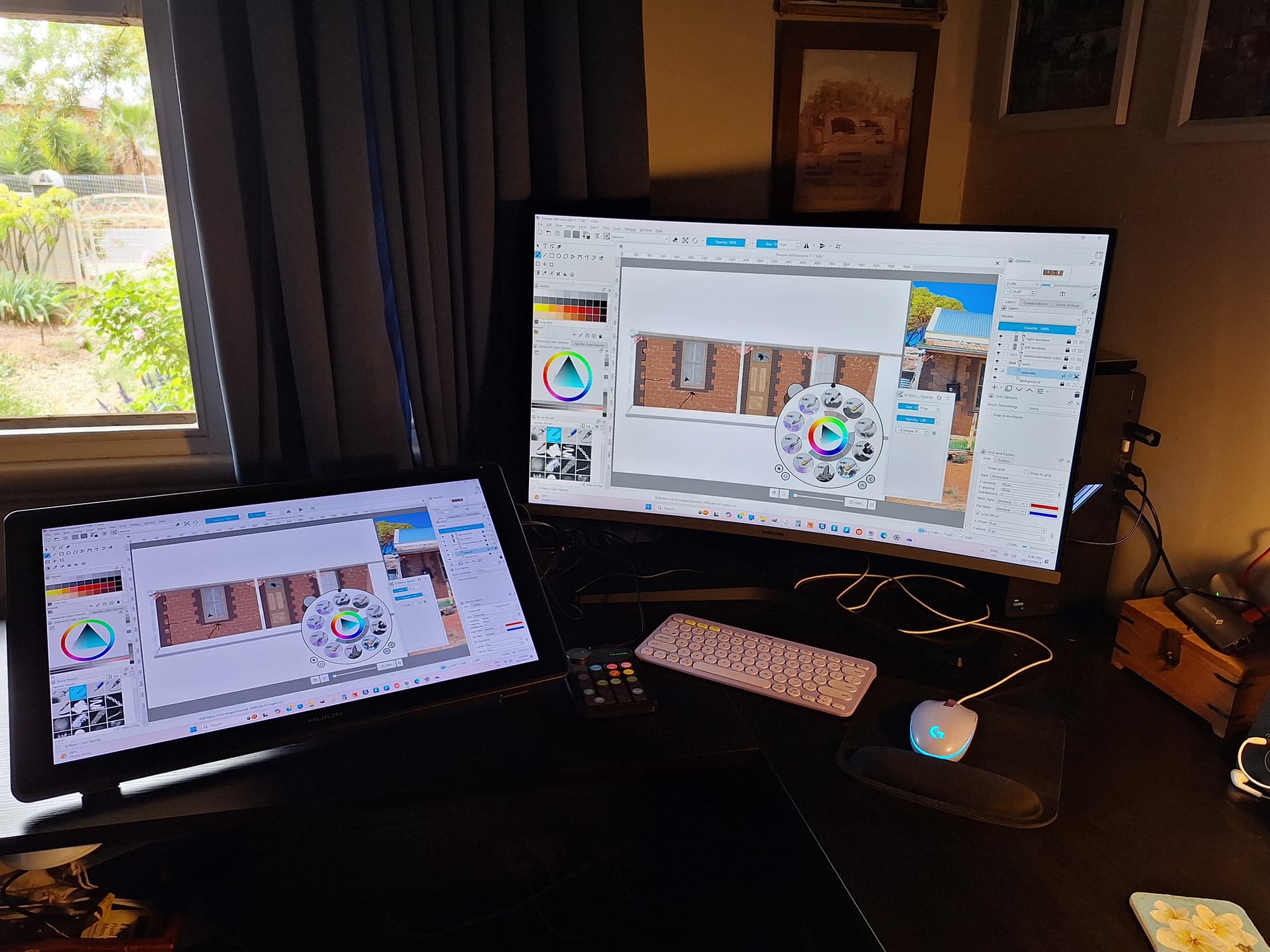
Not sure if this is the right place to put this but here goes. A question more of interest than help. I use krita on a huion kamvas 22 and am very new to digital drawing. I am left handed so rearranged my huion to the left side a few weeks ago which seems to work better but I am interested in how others have their work/hobby stations set up, especially those with loads of experience, would love to see soe photos of people’s setups. Thanks in advance
8 Likes
Some people have shown their photos of their work area arrangements.
Finding those topics is the problem. The Search facility is good but you have to give it suitable search words to have chance of success.
I’m sure people will reply with links and their own photos of their arrangements.
I’ve changed the category of your topic to General Forums: Art Discussions because it seems more appropriate.
1 Like
Thanks for that, will try a couple searches and see how I go 
.
1 Like
Oh! I like the idea, I’m going to share my setup here too.
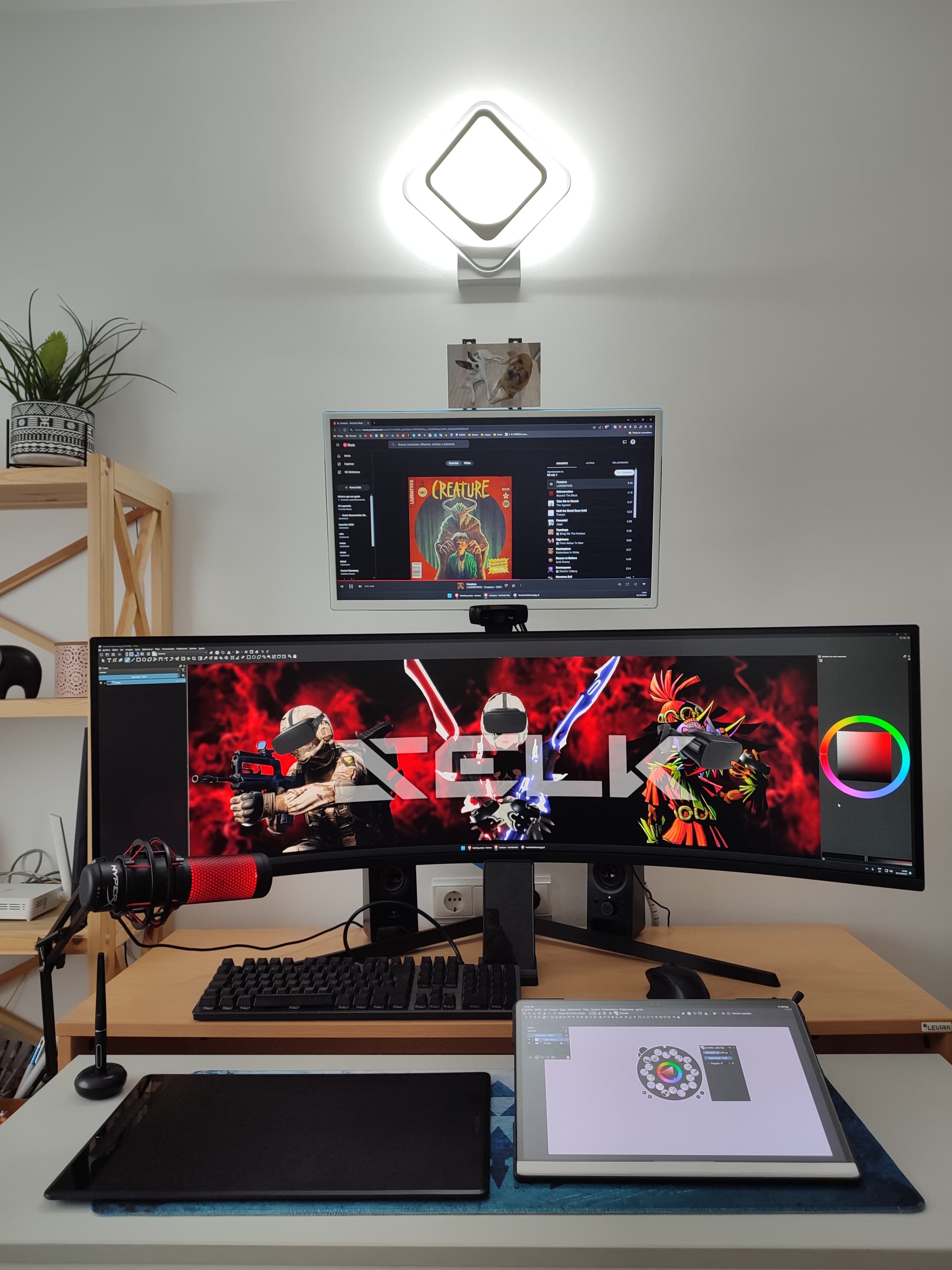
Whether on PC or tablet, I always use my desktop. Right now I’m working with tablet and PC at the same time as I’m recording a series of videos for YouTube.
9 Likes
I just have my Windows computer on my computer desk (it’s one of those 2 tier types, lower part is for the keyboard. And I place my Wacom Intros 4 tablet on my lap, but leaning up against the desk (tilted the way you would if using a pad of drawing paper). This feels the most natural to me. This set up is in the office room.
Most of the time these days, I stay in the living room and use my Samsung Galaxy S7 tablet though. I love using Krita on my Android tablet, even though I haven’t updated to the 5.2.x series (still using 5.1.5).
4 Likes
My setup is like this currently. I have this nice overhead light to draw traditionally or to read books. The monitor on the right is used mainly for work or testing on Linux.
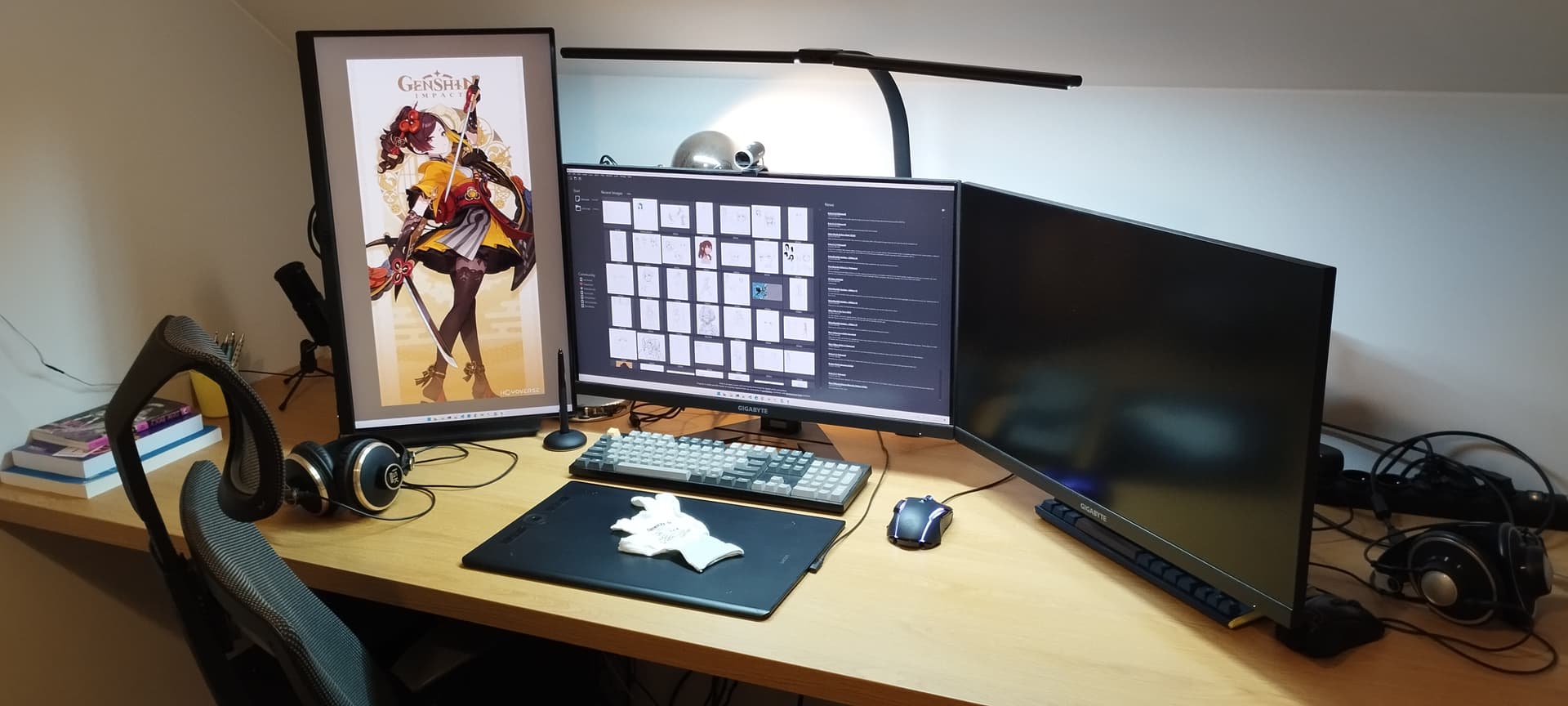
Using a pen tablet makes it much easier to configure your space ergonomically.
5 Likes
Love your setup Selk, it is amazing
2 Likes
Sounds great, CrazyCatBird. I use my huion in my office most afternoons but I have an apple ipad I use for drawing also in my lounge chair of an evening
2 Likes
Thank you YRH, love your setup too. It’s interesting to see how others utilise their space
2 Likes
Woah, all your setups are so clean…! I have such a cluttered space, mostly cause I do a lot of other hobby stuff (crotchet, bit of tinkering, tradi art… the list goes on) so my desk always looks like it went through some hard times. Wish I had one of those wide monitors that Selk has, though; I think they’re so comfortable to use while doing art.
2 Likes
Hi Wakocima, mine gets messy at times too but that’s great that you do so many other things on it as well. I love my large monitor but yes, Selk’s would be absolutely amazing
I’m used to the dust bunnies that live under my monitor and towards the back of my desk. I think they survive by eating the biscuit crumbs.
4 Likes
My setup is mainly for gaming. That’s why I bought this screen. I rarely use it for multitasking productivity. I usually have a full-screen game and on the upper monitor some video, podcast, series, music…
When using the pen tablet for drawing, although you can adjust it to the full screen size (32:9), it is better to leave Krita (or any other program) at the exact size of the tablet ratio 1:1.This way it is easier to control the strokes and I can have references on both sides of the program with PureRef.
3 Likes
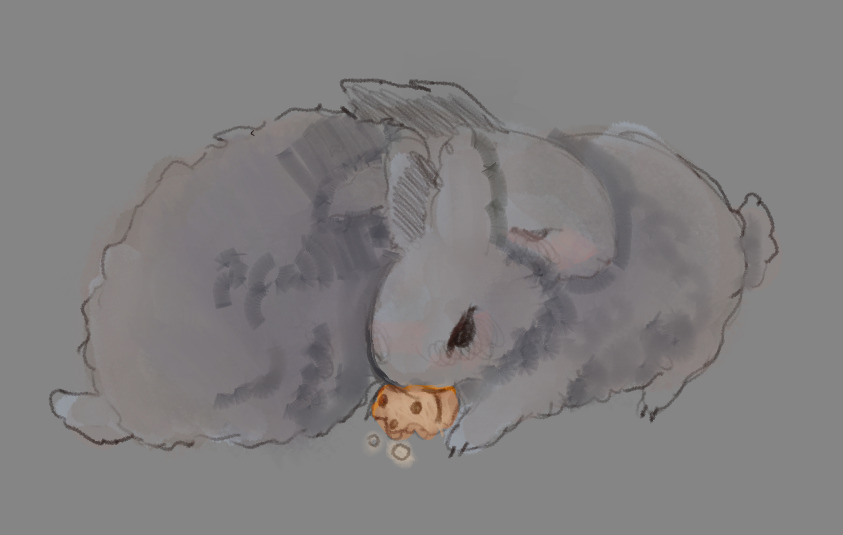
Your description was too cute not to draw it, as a proud, normal bunny owner.
@Selk that makes sense, but luckily my tablet is a display so it’s a non-issue for me. Wide screens are just comfortable for my workflow, since I often have art software, texturing / design software [ like substance or marvelous ], and then also blender. Add Picref and a single vivaldi window, and it becomes a real mess on dual, but normal monitors. I can’t get a widescreen yet, but I’ve been salivating over the idea for quite some time now and I definitely feel like I could benefit from it!
I think the only issue is that one of my monitor arms is not long enough to go above the screen, while the longer one [ connected from 2 different arms for more flexibility in bed ] I can’t detach from the display tablet, since I move around with it too much to justify putting it on my current monitor. My explanation is probably a bit messy, but tldr – have one long arm that could go above a widescreen, one short that cant go above a widescreen, and can’t detach the long one from the display tablet or I can’t draw from bed. Big whoopsie
7 Likes
I can really use my samsung as an extra monitor, with Samsung Second Screen, but I usually use the Huion for comfort, having my back straight while drawing facing forward.
3 Likes
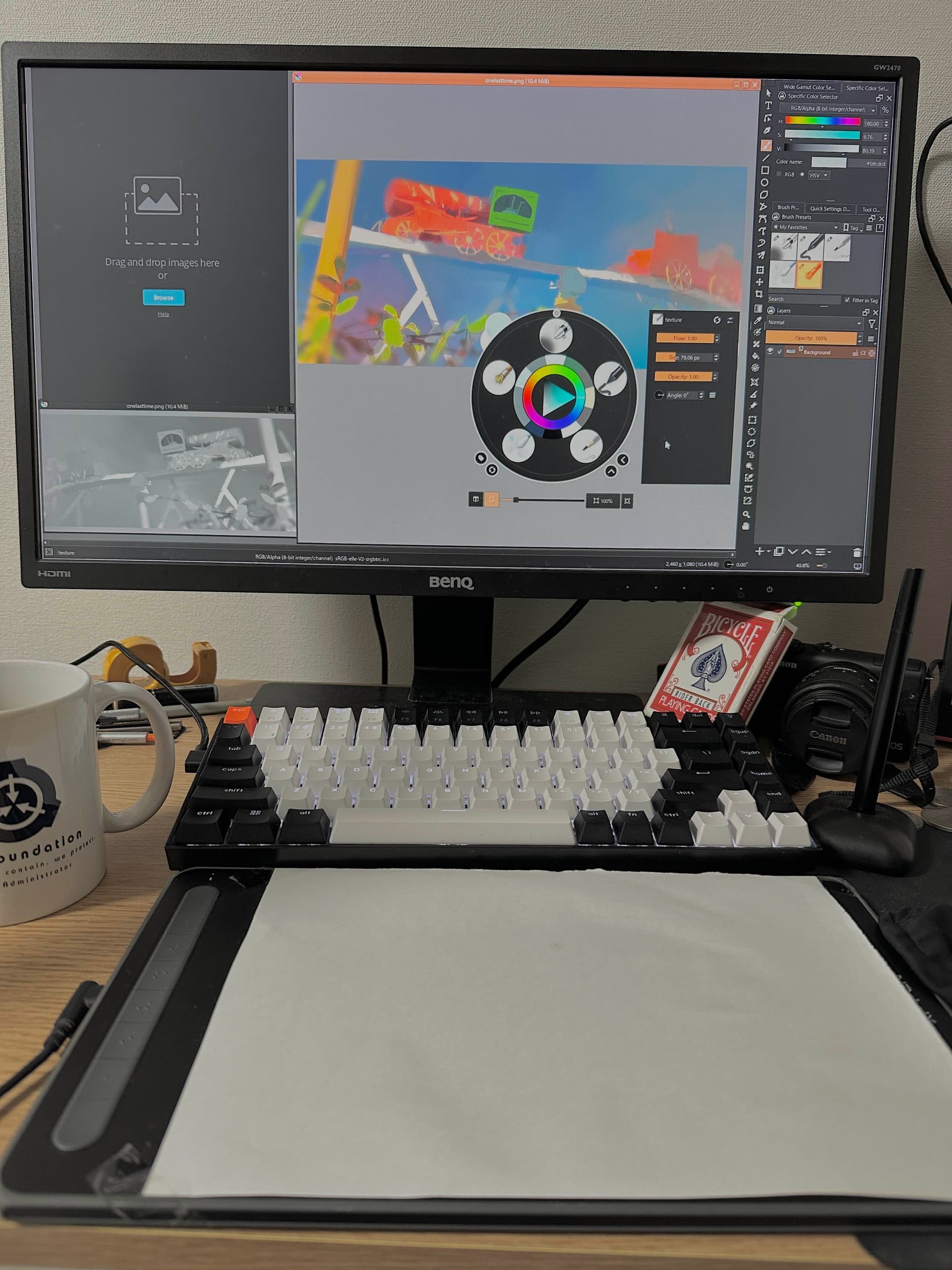
Oh! Do you use a sheet of paper on top of the tablet? To protect it or to simulate the paper effect?curious, I’ve never seen that before. Doesn’t it break when you use the pencil?
3 Likes
I started doing it to protect the surface, but I also like the feeling that friction of paper gives.
I haven’t noticed any issue(ex. lag or displacement) by doing this, but it might well be me being insensitive.
ps. It makes the tip of a stylus pen wear down super fast instead.
2 Likes
Oh!!! For stuff like this, to protect my tablets, I faithfully use the polish 3mk paper screen foils. They’re usually sold for phones and tablets, but you can buy custom ones for screens up to 30 inches, if I remember right. There’s probably some local service that does similar things, you just gotta look!
I paid about 150~ PLN for 21 inch foils x2, and I even had to sand them down a bit with very fine grain – think nail file blocks. I had one block laying around and sanded the surface a bit, and it’s absolutely perfect. So far, no scratches, no pen issues, the tip still lasts forever, gives a nice slight scratch! It hasn’t been peeling off at all, either.
For fellow polish people, here’s their custom size store page:
5 Likes
Yeees I should stop being lazy and buy a proper paper-like protection film already!
Additionally, I have to change the paper occasionally because of sweat and humidity (here in Japan, humidity can be brutal for papers). It’s annoying.
Also there’s a thing called felt stylus tip. Idea is kind of opposit and looks super interesting.
3 Likes