@RamonM Hi Ramon. Since you’re an expert on Krita brushes, I’d like to ask two questions to you. Is there a brush with one side soft and the other side is hard (for edge painting purposes) and that can be rotated as needed (and can it be produced)? And is there a texture brush to paint skin pores with random sized skin pores/texture (and can it be produced?)
Thanks.
For skin brushes, see if @tachiko’s post will help:
2 Likes
So, do I need to use these patterns in a brush? And the download link seems to be dead for this one “https://www.deviantart.com/sed-rah-stock/art/Skin-Pattern-1-0-180351697” as far as I see.
That link still works, you just have to sign up and log in to download. You might need to use a different browser.
Did you get the bundle and try it? I think those image links are for additional textures if desired.
No, I did come across to no bundle actually. Was it in the link? Logged in, tried another browser, still " *for full view click “download” but no download when clicked. And the down arrow below, when clicked, it says “failed, no file.”
That link just goes to a texture image for use in brushes.
Try Opera browser. Or try the download on your mobile device then send the file over to your computer.
The bundle is at the top of @tachiko’s post, is a Dropbox link.
I tried Opera too. Some downloads work. But that for skin texture doesn’t? And where’s tachiko’s dropbox link? It gets more confusing by the minute  Could you give the direct Dropbox link here?
Go to this page:
And the bundle is right there at the top, it’s a Dropbox link. Just click on it (follow any instructions) and it should let you download.
For the texture link from dA, you should sign in to be able to download it. It worked when I checked it using Opera on my Android phone.
Do you have any content blockers (ad blockers) running maybe? Something like that could block the download.
1 Like
It somehow worked this time. A pat file was downloaded. And for the others, they are jpg files (pictures to download essentially) but not readily made pat files, are they?
Those are for adding to brushes to make textures in your artwork.
Maybe this video might help explain:
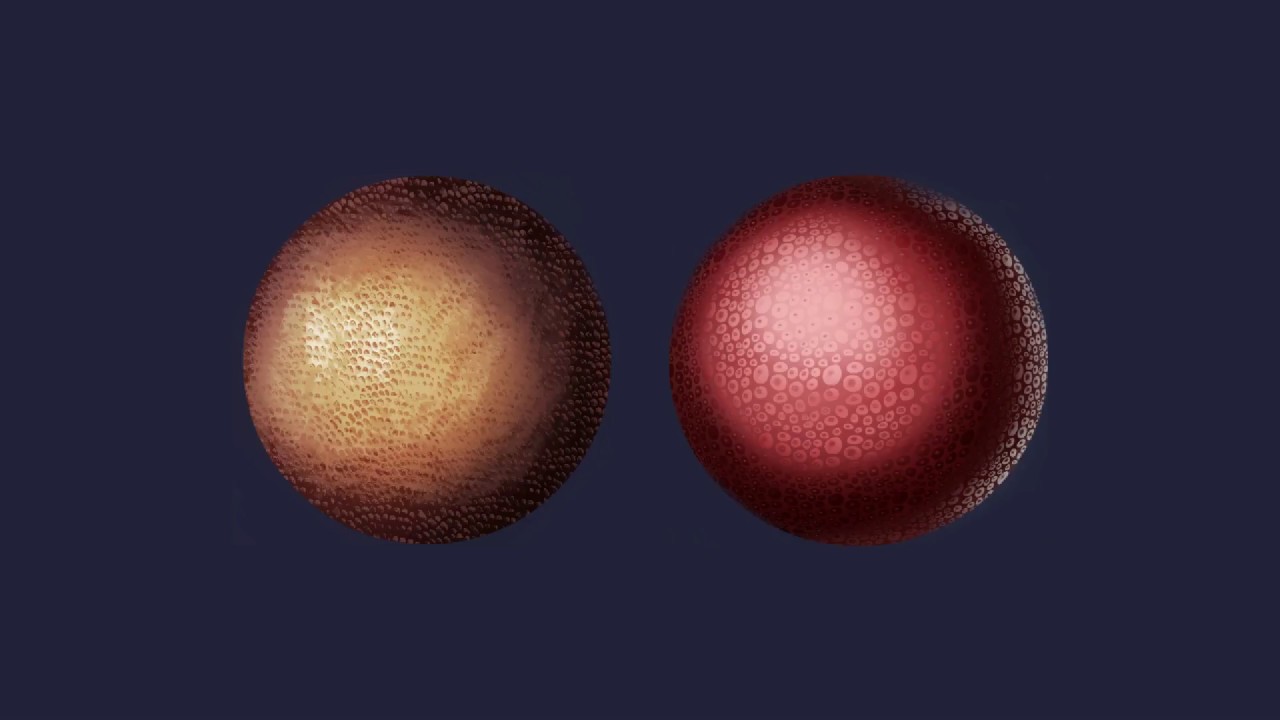
You can do a Google search using these words: How do I make a textured brush in Krita
1 Like
Thank you so much @CrazyCatBird. You were so kind to spare your time.
2 Likes
In case you want to download something different from DA, or even test this texture, the download link is the downward pointing arrow that is on a horizontal line, just below the image, to the left of the three dots, not the underlined word download in the description text.
This question on DA, e.g., where is the download link, is asked a hundred times a day I guess.
Michelist
1 Like
Yeah, I’ve already found it out. But thanks anyway.
1 Like
@CrazyCatBird Hi. I tried to open the skin pattern (pat file, sed rah stock) in the resources but "I got the message “The following files couldn’t be added as resources”. What do you think the problem could be?
This is because it is a Photoshop-Pattern File, you can get the converted file from the following link, in GIMP-Pattern Format which Krita can read:
You can find this out with a text editor, notepad, for example. A Photoshop-Pattern File begins with these letters “8BPT”, a GIMP-Pattern File has these letters “GPAT” in the first line of text, but not as the first letters, then often follows a small description or the name of the pattern file.
Michelist
3 Likes
Thank you so much. Is there a converter program for such files?
Not directly, I will write a small tutorial, you need GIMP and two plugins for GIMP, at least I recommend the combination of these two plugins, I think I will post it later today.
Because I just checked if these plugins are still accessible on the net, I already had problems getting them two years ago, now they are nowhere to be found. They are still listed on Google and Co in the search results, but the old GIMP forums either do not have the plugins anymore, or the links are defunct, or the forums have closed down completely, are no longer available, and so there were mainly empty and error pages to discover during the research.
Well, then I will put the converter in the cloud, after all, these plugins were offered on GIMP - Registry and https://www.gimpscripts.net as public domain, open source and freeware.
Michelist
Edit/Add: One could think the GIMP-Community is going under, or even dying out. Scary!
3 Likes
Thanks. Looking forward to it. I have GIMP. But I never actually used it since the program is really hard to use. This will also make gimp useful.
1 Like
Hi @Michelist . I tried to open the file " Skin Pattern 1.0 by Sed-rah-Stock on DeviantArt " on GIMP. However, Gimp gives a “Fatal parse error in pattern file: Unknown pattern format version 65536.” error code? So, isn’t Gimp supposed to be able to open PS patterns? I also downloaded the pattern converter plug-in and pasted it inside the plug-ins folder. However, as I said, Gimp can’t open the file, so, I can’t carry on the next step. (Gimp version: 2.10.34).
You’ll probably make something differently than I do, but what?
Was your GIMP running while you placed the file “ps-pat-load.exe” in its plugin folder? Then GIMP has to be restarted, before it can work.
Sounds stupid, but I’m asking because I don’t know how confident you handle PC’s, did you unzip the file from its archive, and does it have a size of 173799 Bytes (~169.73 KB)? The size is shown correctly when you open the preferences of a file, so you have to right-click a file and choose preferences. Because I just redownloaded the plugin and replaced it, and it works as before for me.
This is, how my plugin-folder looks with these two plugins:
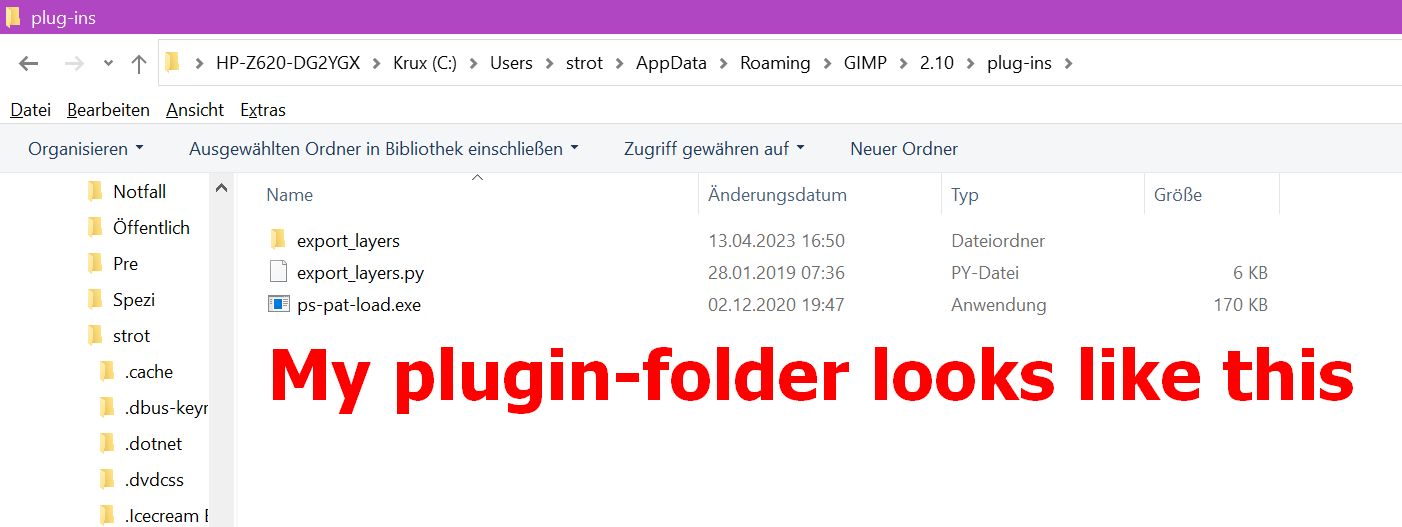
Michelist
1 Like