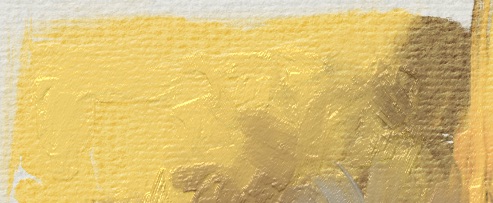
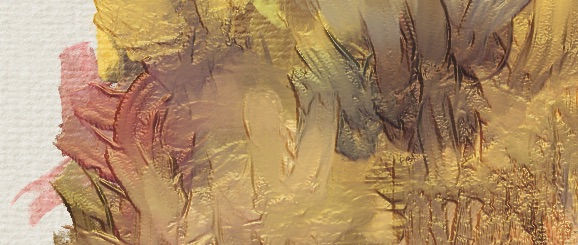
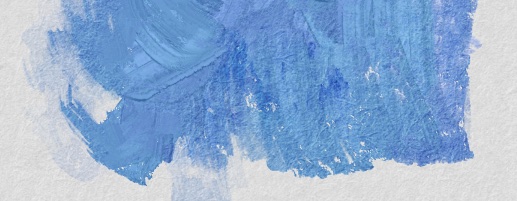
Similar to what @Mythmaker shared here: Realtime impasto effects using layers! 🖌
Uses the alpha of the paint layers to drive a Phong Bumpmap filter and bring up the alpha with clone layers underneath. That way you can paint with varied thickness. Paint with low color rate/opacity/flow to not get an instant buildup.
Also make sure Smear alpha is checked for smudge engine brushes. (Smudge Length → Smear alpha: ✓ in the Brush Editor.)
The bump effect in this setup doesn’t rely on the color/lightness information but it’s still nice to have a little bit of that. I did use two RGBA brushes in the example:
RGBA-wet 04 with lowered contrast and spacing, a brush based on one of the Impression bundle brushes and I might have given it a slight poke with rbl) Rough from Rakurri’s brush bundle.
This is very nice indeed. Just had a quick test and many brushes work superbly. Lowering or raising opacity works as controlling load and simply switching the brush to erase works just like a knife with no load. Very impressed with this.
Further experiments. 4 additional bump layer group variations. One that mixes in some canvas texture. (The canvas one as well as the group named ‘Bump4 Performance’ not using ‘Height to Normal Map’ filter to make it a bit faster.)
Also made a version of the template with only the canvas texture setup, for use with RGBA brushes. (‘Alpha Darken’ as brush blending mode can be useful for some brushes to get a slower buildup.)
thank you I really liked it because I like to make anime style bgs and this template helped me to emulate a bit of wet paper mainly with my custom brushes, of course making some adjustments

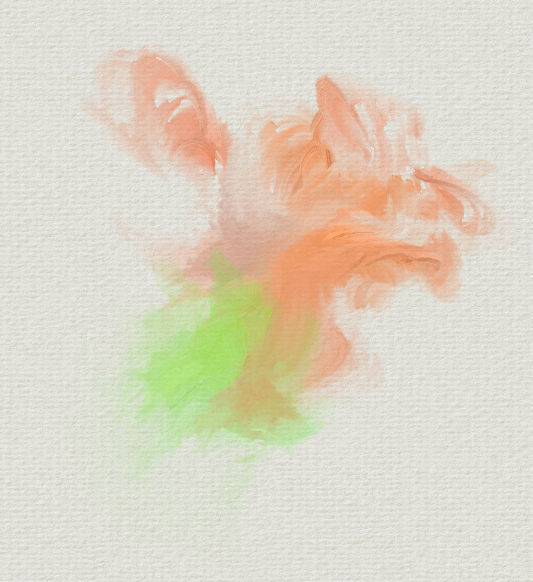
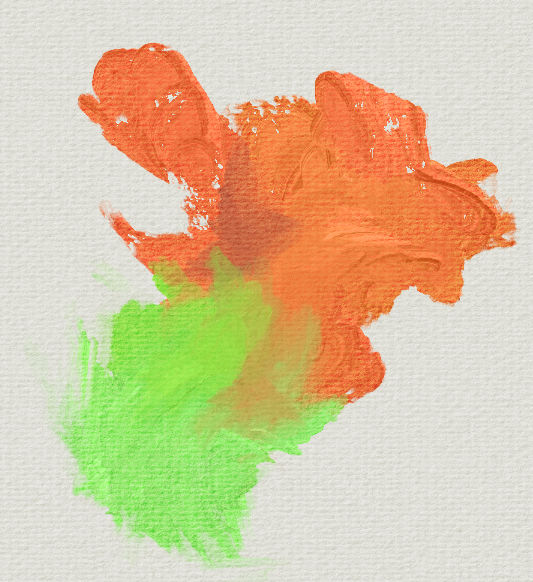
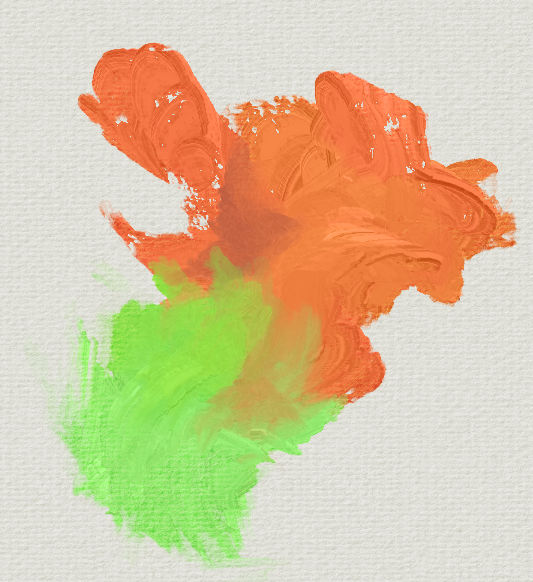
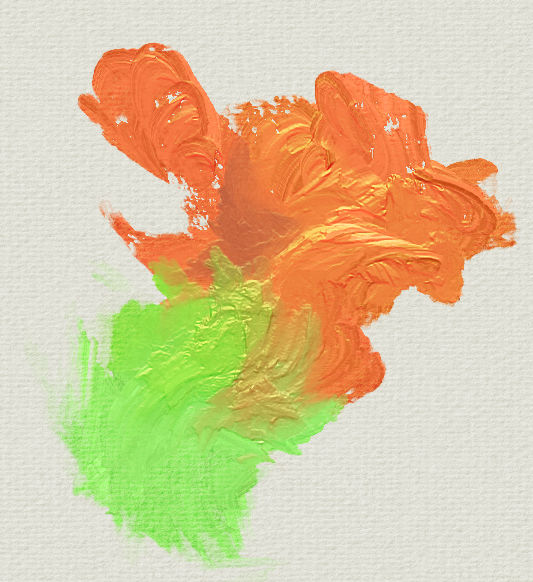

 4 additional bump layer group variations. One that mixes in some canvas texture. (The canvas one as well as the group named ‘Bump4 Performance’ not using ‘Height to Normal Map’ filter to make it a bit faster.)