OK, so I was playing a bit with it today, and I kind of implemented the dumbest version of this feature  This is simply using the existing selection algorithms to grow and shrink the fill and get rid of the gaps this way.
I believe this is the same (or very similar?) approach that @dk8 took in his script.
Here’s a quick test:
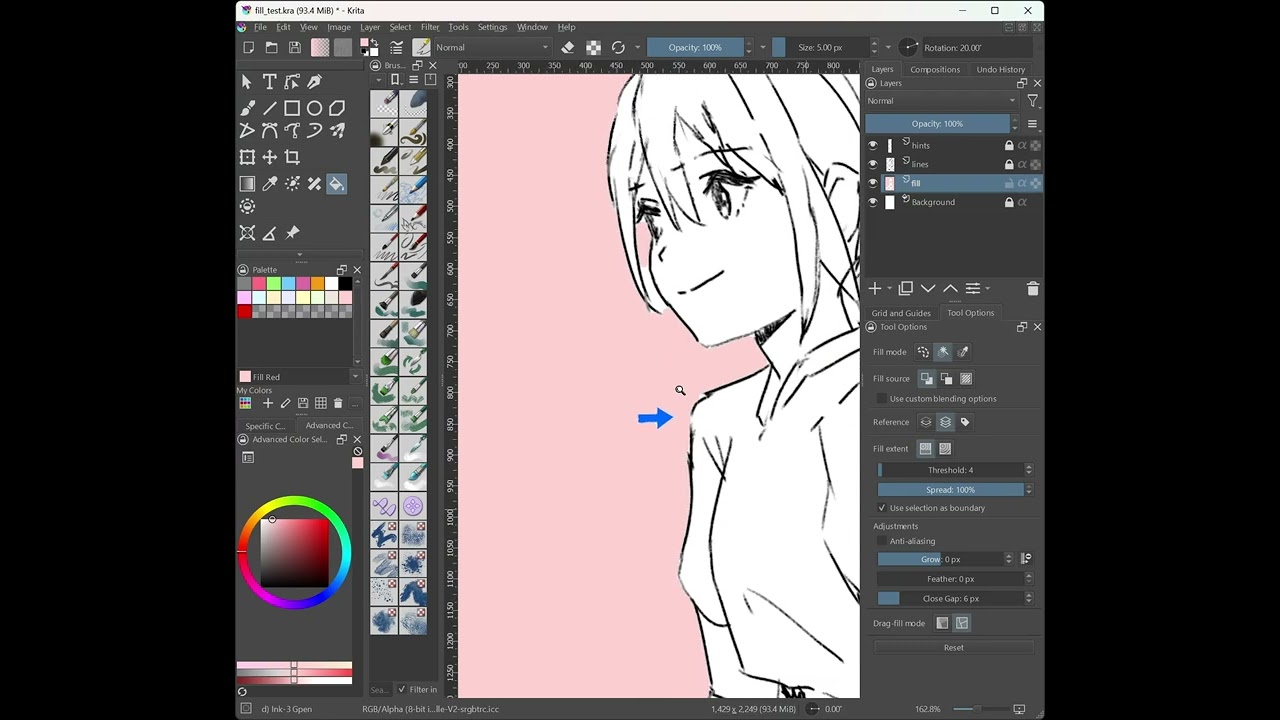
(drawing reference: hidechannel2  )
)
This simplistic approach comes with all the expected shortcomings, notably the rounded edges issue. Also it will fail to fill completely, if the click is too close to the edge (this happens with bigger gap sizes).
I pushed the code here, in case anyone wants to take a look: branch