I tested the clip studio paint’s close gap feature. They have a setting where you can specify the amount of gap by pixel. So 50 100 px value covers most of the gaps. It fills the whole area but sometimes it doesn’t go to all the corner so there is some amount of work not much but it is there and it is expected.
A test with your image provided in source
As you can see the gap width determines the extent of fill. Setting the gap width high it neglects the hair outline and fills even the face. But here too at some point you need to click multiple times like the ponytail is not filled at once.
The flood fill option in your test app gave me instant complete fill although it left edges of white border.
And lastly I tested mypaint with same image.
I think mypaint beats all the software I tested, although it has slight lag it fills very well as expected even the ponytail and you can control how much aggressive it should fill. I believe we should take a look at mypaints gap filling code which can be found here - mypaint/lib/fill at master · mypaint/mypaint · GitHub
@Hologram
Most of the information about gap filling I could find was about increasing and shrinking the line art thickness until gaps vanish automatically. But I don’t think this is a good approach.
@TheTwo@raghukamath
Yes, the gap filling in mypaint is fantastic. Unfortunately there’s not a single function like fill(image,startPoint) etc. in mypaint’s source code but instead various layers of functions in Python and C++ that all require lots of arguments and possibly multiple threads. If someone could port this to Krita that still would be really awesome.
In the meantime I started to work on a python plugin that calls my own implementation of the gap filling algorithm. But this time, it’s inside Krita.
A plugin is welcome, but wouldn’t it be better to have a native krita tool instead of a plugin that people will need to install. Moreover currently android doesn’t support plugins. And this request is for a native implementation.
Also I think you misunderstood my question, I meant will you be implementing this as a native tool in krita.
I’m sorry but my own gap fill solution is not longer under development. Instead, I took a look at the mypaint code and it’s already written in plain C++ with some glue code and interfaces in python. The mypaint gap fill works very well, it’s just a lot of work to get it into Krita. I hope you will find somebody to do that.
You might want to rethink the way you express yourself. My feeling is that no one here has the right to formulate demands in this way, it is unfair to the development team and rude as well.
It may repel uninvolved readers, you don’t have to behave like that after all, I believe you can formulate your wishes and expectations differently, this forum should be at least an acceptable place for everyone.
Here people of all ages and sociocultural backgrounds read along, and to formulate such a way is not welcome in many parts of this readership, because it is too aggressive and almost ultimate demanding. I don’t know if you would talk like this to your parents, grandparents, children or possible superiors or customers, but dealing with these people is usually a good benchmark to adjust your own tone.
Even if you seem to need this urgently, this function may be very important for you, your wishes are neither above nor below those of other users. Krita is free, you can use it, but nobody forces you to do so. So, why so demanding?
It sounds like you expect to have a tool made to your specifications free of charge and as soon as possible. Whether this is your wish, I can not say, but that’s exactly what it sounds like.
Michelist
Edit/Addition:
I just saw, due to a like, that the post I am referring to here has been deleted. This means that this post does not refer to @cedarfeather!
Anyone who checks the consecutive post numbering can easily recognize this. If you click on the date of the respective post (LMB), you can see the post number in the link that appears after the slash for the topic numbering, @cedarfeather’s post is 113, post 114 has been removed, and this post is number 115.
Presumably it was one of the insufferable posts by the topic creator, who kindly left us of his own free will.
@Deif_Lou The original poster was being rude and completely entitled idiot, when mods pointed out their behaviour they deleted their account and also the thread, as usual, I resurrected it since it had many votes and also useful information.
I find myself heavily in need of this feature, for comic screentones usage.
Colorize mask requires multiple steps such as defining all that is transparent plus trial and error before achieving an acceptable result, which overall ends up taking longer than manually closing gaps, so filler tool being able to close those gaps would shave off several minutes of work and increase efficiency a lot.
The use case for an “ignore gap” feature for the fill tool would be line art (comics/cartoons) like what I tend to do. Currently, I have to go and touch up every connection that’s not perfect after inking the art. I tend to use the delay and smoothing features of the brush (which work GREAT, btw) but these also tend to leave more, small gaps in the art since the brush start is delayed. Visually it looks great, but then you have to go around and make sure all lines are fully connected for the sake of the fill tool. I imagine this is not a trivial feature to implement but some of the fundamental capabilities are already there, such as the ability to detect an area of color. The ability to ignore gaps in lines would be a great time-saver for me. I’m using Krita for animation and am finding its drawing capabilities far superior to other programs which focus mostly on animation (such as OpenToonz or Synfig).
Yes, it’s an essential feature for comics/manga/cartoons. I feel like painters won’t really feel the pain of hunting for pixel-wide gaps given the nature of their work.
The only alternative for now is the colorize mask but it’s so slow to setup and each time you try to make a small change you have to update the whole image. I found that it generally takes less time to manually hunt for the gaps, but it’s a tedious process nonetheless.
There was some development in this area, but it unfortunately came to a sudden stop. I hope someone picks up the work again in the near future.
I agree with all points. It’s very specific - for comics coloring - but it’s crucial in this kind of work as it takes a lot of time to “close the gaps” (I do it drawing with the color so I don’t lose the effect of an unclosed line). And Colorize mask is heavy to use - I prefer to close manually the gaps, it takes less time.
My biggest issue with the colorize mask is its inaccuracies; there are cases in which it might slightly speed me up, but I can spend so much time fixing its mistakes, the difference can be marginal. Additionally, we have to wait a very long time for it to complete, so iteratively changing the guide colors isn’t really a viable solution.
I come to revive this a little, it would be good to try to implement this even in a basic way, I was playing Drawpile with some friends and it turns out that it has the option to close gap.
Hi. I was researching this topic on a few occasions actually. I’m willing to volunteer development time to implement this.
However, I think I’d need some guidance (maybe from @Deif_Lou ?) regarding how to go about this. Are there any already identified problems to solve, or redesigns needed to be put it in place before tackling gap closing? If I can avoid painstakingly figuring out everything myself, it would be a big help.
I’m thinking about Krita side of things, for example, which files to use as a reference, what data structures to look at, and if we already handle a similarly complex cases, such as deciding whether to select or not based on a larger region of the image (it has to be larger than a single pixel, right, to discover a line or a gap).
As for the gap closing algorithm, I’m guessing we would be porting MyPaint implementation.
Mypaint was the best in my testing. you can see the videos I posted some comments above. But i looked at the drawpile commit and the author had some comments about mypaint code being tangled in python and c mixture. May be we can ask them about it too. The drawpile author is in Krita IRC as “askmeaboutloom”
OK, so I was playing a bit with it today, and I kind of implemented the dumbest version of this feature This is simply using the existing selection algorithms to grow and shrink the fill and get rid of the gaps this way.
I believe this is the same (or very similar?) approach that @dk8 took in his script.
Here’s a quick test:
(drawing reference: hidechannel2 )
This simplistic approach comes with all the expected shortcomings, notably the rounded edges issue. Also it will fail to fill completely, if the click is too close to the edge (this happens with bigger gap sizes).
I pushed the code here, in case anyone wants to take a look: branch
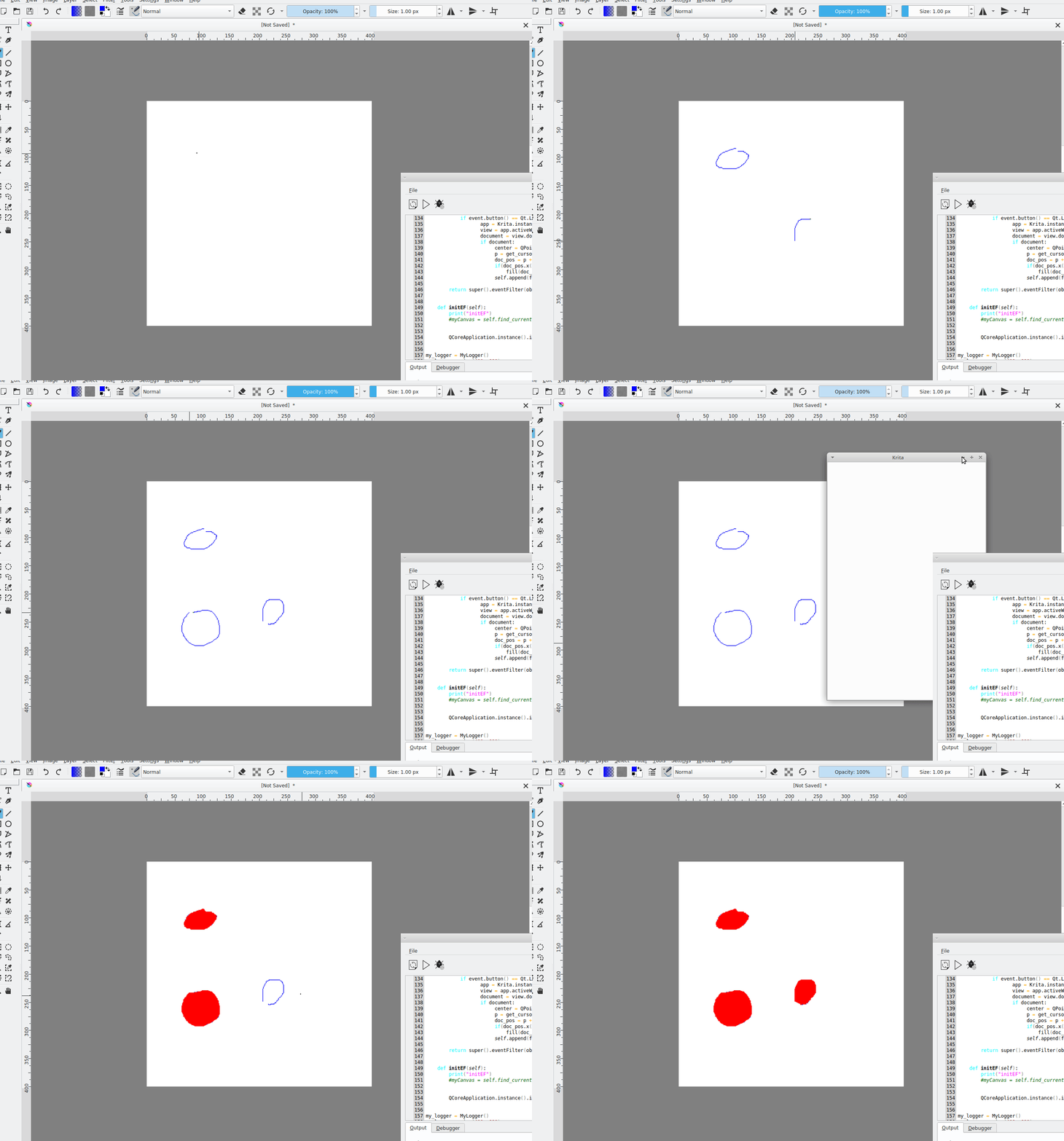

 This is simply using the existing selection algorithms to grow and shrink the fill and get rid of the gaps this way.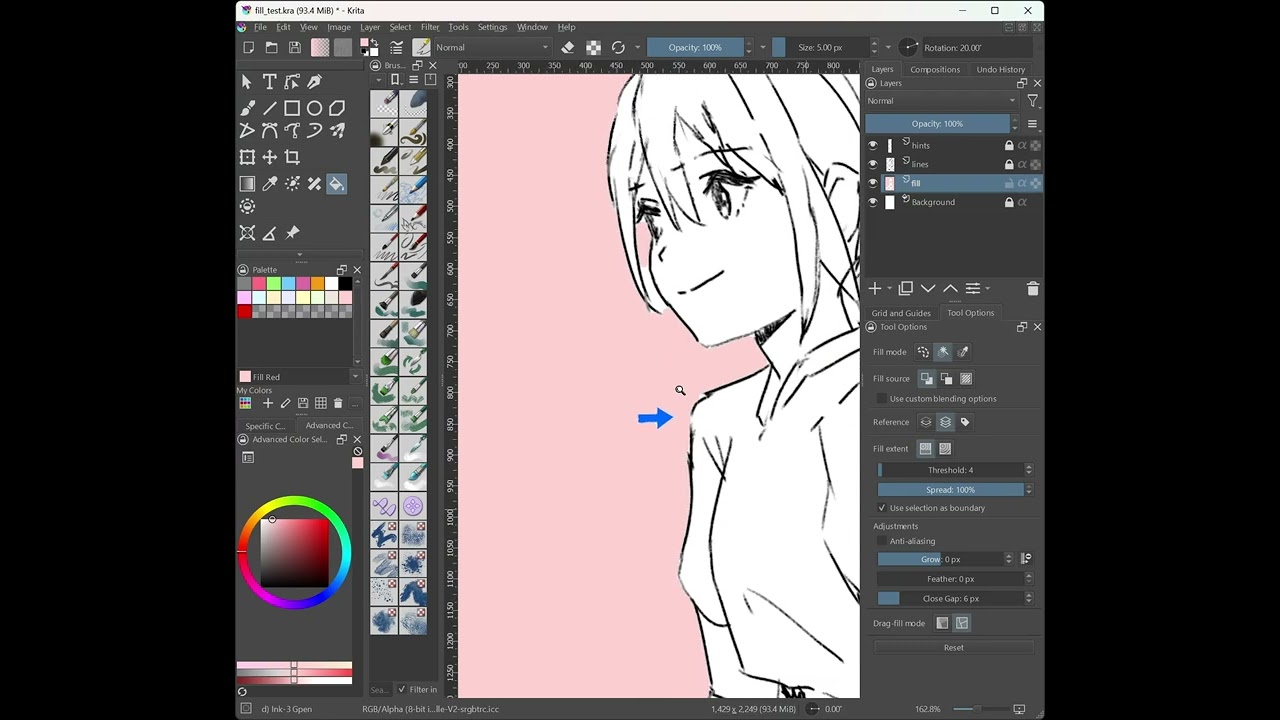
 )
)