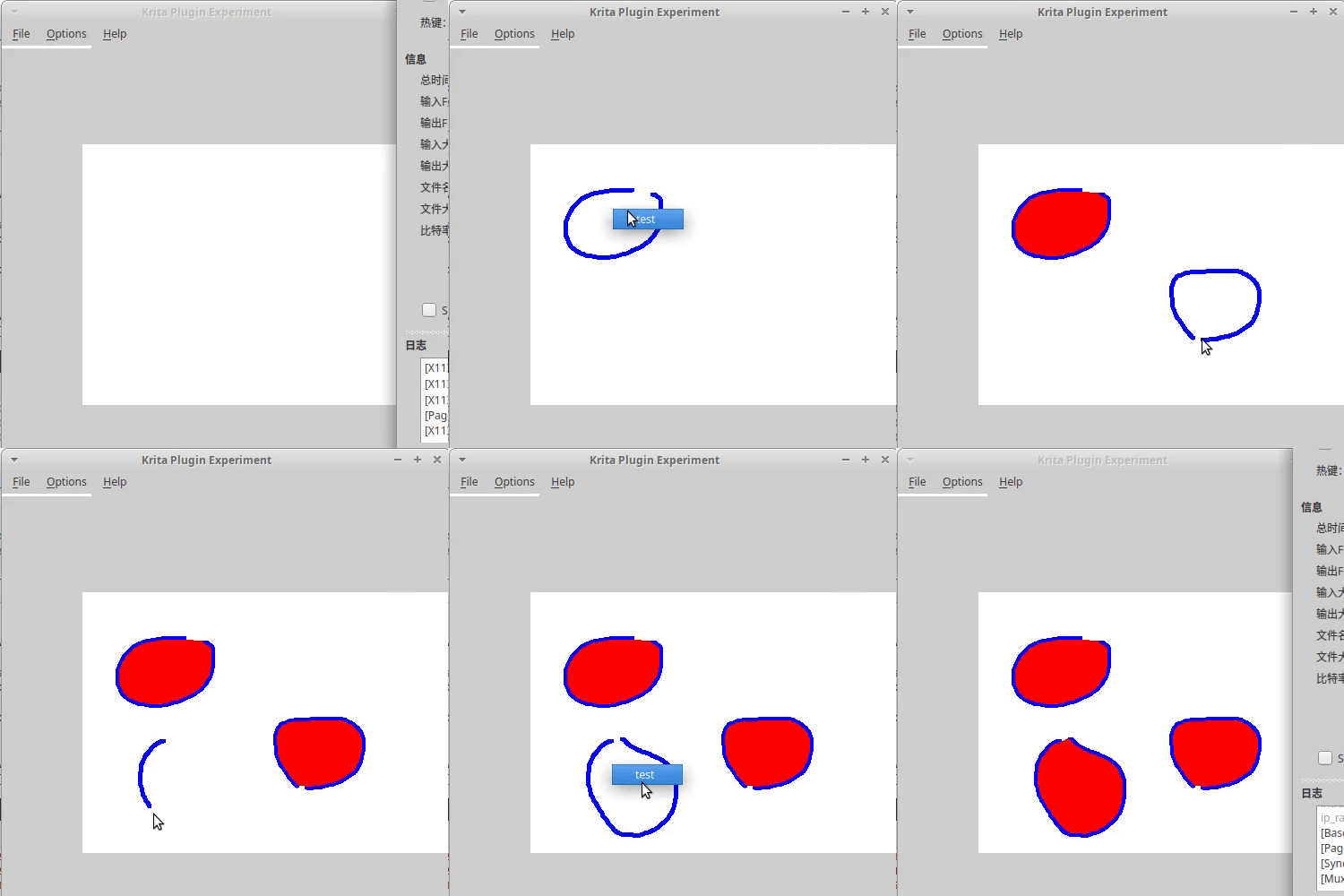
If you have interest on solving this, I encourage you to make a small app to test your ideas without having to deal with krita code. You then can try to make it work with krita’s floodfill, unless you can also implement a faster one.
I think I’m going to be doing just that, as learning the structure of Krita—while something I should definitely get around to eventually—is kind of a new task in itself.
I don’t know what you mean with “unnecesary erosion”.
By “unnecessary erosion”, I meant the concern about removing minor textures in the image by using a topological close. “Eroding” away the “texture”, basically.
I did have a thought a moment ago. One of the primary things I’ve learned about sketching is that the first task is usually to break down an image into what I would call “primitives”, and many others might call basic shapes—circles, squares, spheres, cubes, and so forth, which make up the general flow of the image. I’m currently reading up on the SIFT (Scale Invariant Feature Transform) algorithm for image recognition, and it occurs to me that we could do the same thing in reverse…
Just take the final sketch, regardless of how it was implemented, and SIFT-match it against a selection of basic primitives, coloring in each one, until the region enclosed is manifested by the filled basic shapes.
We then wouldn’t have to worry about closing the sketch to fill it, as we would be filling rough components (our basic shapes) that fit the SIFT keypoint profile. If a head looks roughly like an ellipse, drop the ellipse in and fill it; then worry about every other match for so many iterations.
I have no idea how well it would work and am still implementing my own SIFT (or QSIFT) algorithm, but I think I may be onto something, as a machine-driven art style is kind of what we’re talking about here, and basic shapes are generally also closed shapes. Additionally, the patent ran out in March of 2020, so anyone can use it now.
I am perfectly aware of how nuts this sounds, using modern image-recognition algorithms to fill in a stroke; but hey, doesn’t everything at some point? I think it’s more fitting a a brush configuration option, in the end. There might be a few ways to solve this.