Compact Brush Toggler

I think this is an old version.
I dont have line 612 anymore now and my line 261 is not loadstate;

can you try download and install it via this link
v1.4 2024 update

Make sure to remove the old version first before reinstalling .

its in pykrita folder via → resource manager.

1 Like

Hi! The tool is not working for me, everything except rotation is blocked on every brush I’ve tried. Is this a known bug? I’ve tried to look but haven’t found anything on it. I’m on Windows 11 running Krita 5.2.2, downloaded from the link you sent in your previous comment.

It should not be doing that. I’ll check on my laptop what’s going on in your version.

It’s the same thing that happens to me, I already gave up, I don’t know if it’s something of my configuration but I never found the cause.

1 Like

In my laptop fresh installed Krita [as it has no krita] and just downloaded the zip on the link .
It’s not doing that .

what I pay to trigger this bug on my end.
Do you have any other plugin/ extension active?

Can you list all of them?

Since this appear in an OS other than KDE fedora, that kinda makes me think its something conflicting with it rather than os specific.

Fedora been very fickle with me. I tried setting it up several times but i was just not managing to make it work properly.

on the bad news. I can’t still manage to trigger it. which makes it hard to know exactly whats going on.

I have Win11 and Krita 5.2.2 and had to manually install for it to work, but this was before @kaichi1342 last update. Maybe try removing the old, extracting the files from the zip and adding the new manually. If you are not sure how, @Michelist gave instructions post 109/129

I’ve deleted all my other plugins and installed it manually and it still does the same thing sadly :confused:
I don’t think it matters now but for good measure, the other plugins I had installed were: Imagine Board, Palette Generator and Shortcut Composer. I also had Pie Menu but updating to 5.2.2. has made it also not work.

1 Like

Thank you.
Please reinstall all of them. Because of this information I have finally manage to know whats going on and trigger it myself. It eliminated plugin conflict and pointed me to the direction i need to look at.
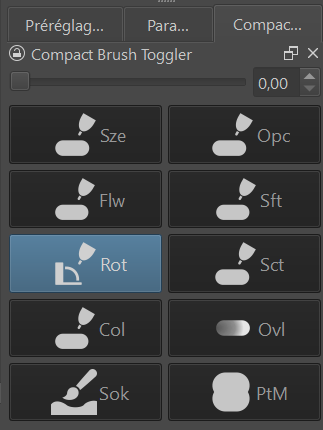
and its something so simple… Language .

2 Likes

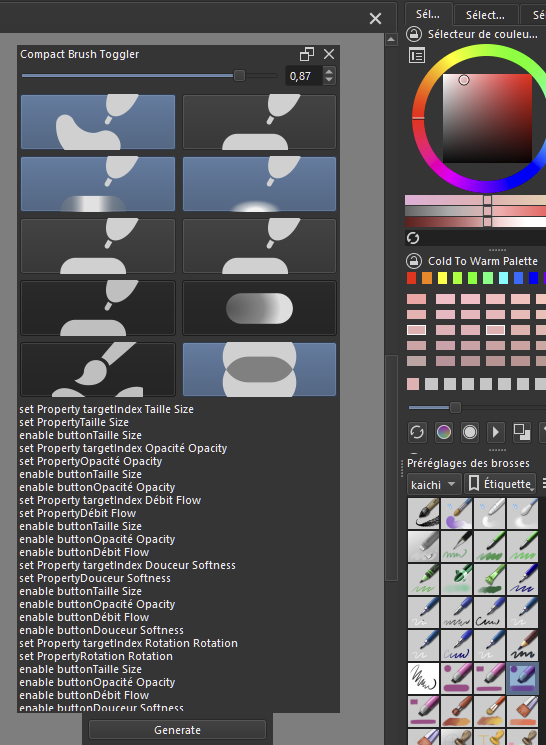
Ooooh yeah I switched the language to English and it works… Is there a way to make the plugin work in French?

1 Like

I’ll do a quick update to allow anyone to set up the equivalent translation while I investigate how to get the translations.

I already designed it on paper.

1 Like

I dont understand french much. So far i have the button enabled but its still producing error upon clicking. still need some work.

For bug-testing purposes, may I inquire what language your Krita is in?

While testing this, I noticed some warnings (Could not parse stylesheet of object QPushButton(0x6000003187e0)) stemming from a typo:
In theme_color,

"background-color : #383838 : color : #D2D2D2;",
"background-color : #1a1a1a : color : #373737;",

should be

"background-color : #383838; color : #D2D2D2;",
"background-color : #1a1a1a; color : #373737;",
2 Likes

Thank you. I didn’t see that. Took me abit to notice even in your post.

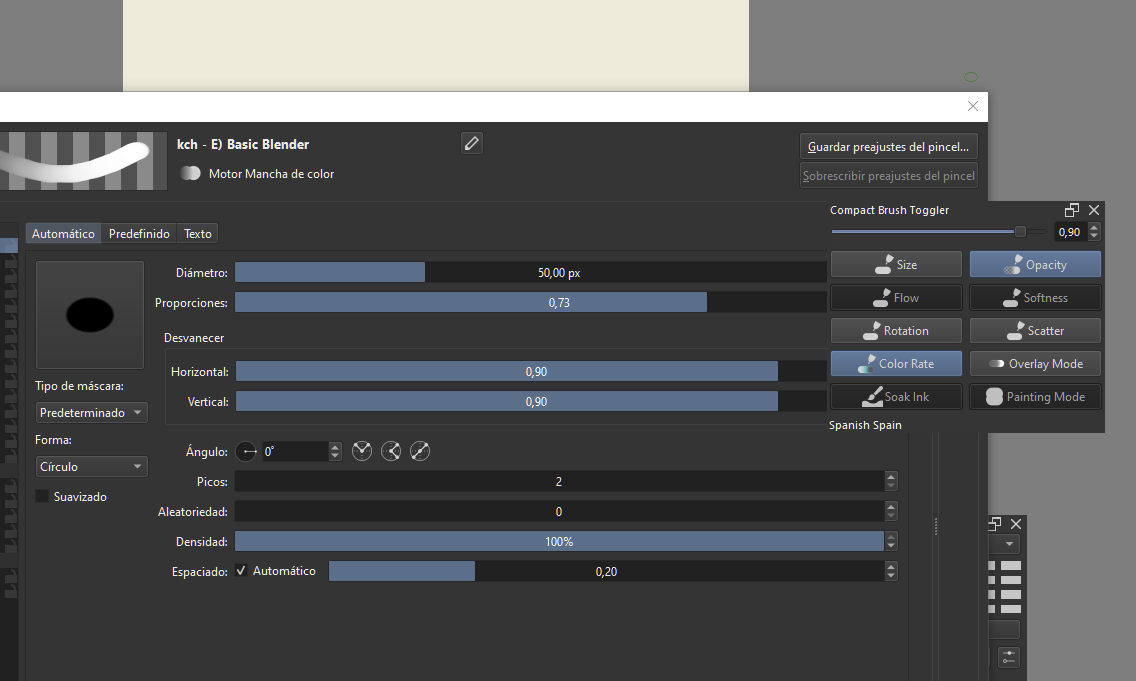
Hello, My Krita is in Spanish

1 Like

Good news!

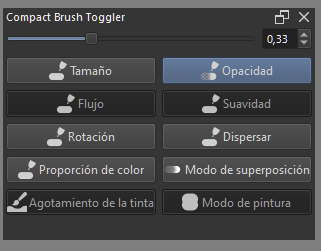
its working in Spanish now.

A bit easier to know what is what, since my native language have some Spanish words still in there.

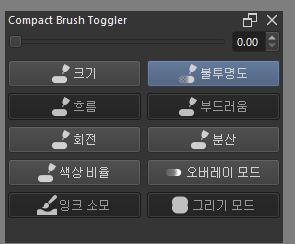
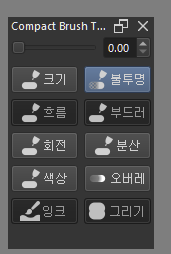
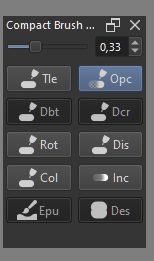
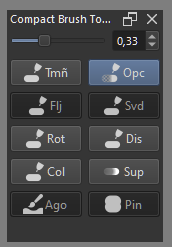
I think I’ll try translate the button face, and try to make 3 letter abbrev while at it. ^-^.

So far I have [En, Sp, Fr, Kr]

Korean/ Hangul
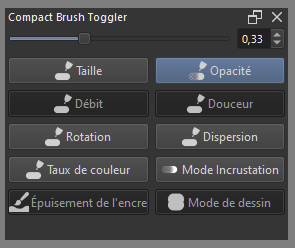
imageimage

French
image image

Spanish
image image

Open to add other language in the future;
I just need to know the translation that are in the Brush Editor, and also your preferred shortened version.

I’ll clean this up and update later today

2 Likes

published ^-^

Git:

Downloads:
Git Zipfile
Gdrive

1 Like

Thank you for the quick fix!