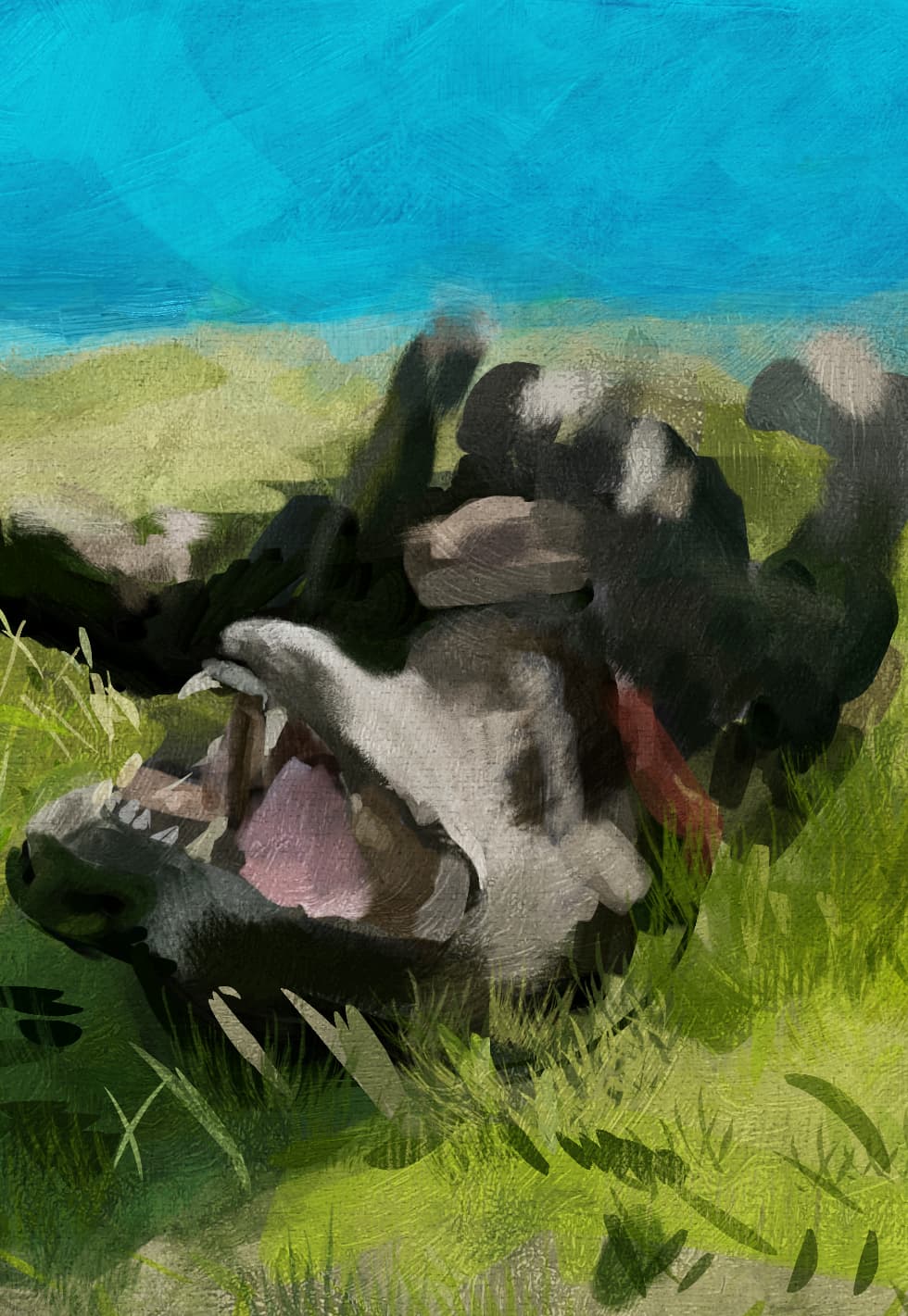
i’m using this picture to repaint her except i don’t want to put much effort into the background so i’m experimenting with effects.
original:

result:

i’ll make a video but here’s a general rundown:
using a nice brushstroke patttern from the Odzuki pack and fill a layer with it. i then tone down the bright parts a little. I also add to it a halftone filter with another canvas-like pattern that has high contrast and fairly big pattern.
then i make a new layer.
sometimes in order to use color to alpha i have to flatten a layer with the filter (phongmap) or create new from visible (while hiding layers i dont want).
for more texture i’ll paint random strokes all over the canvas then use
i like using this Odzuki pack tip with the impressionism wet blend brush
 and wetsmear everything but i dont blur it too much.
i also did a bit of color to alpha on this while the phongmap filter was on and it gave me varying bumpyness
this layer i set to bumpmap
the pattern layer i make as bumpmap blend mode duplicate one as gamma light 50% (i might have used the color selector to remove parts too with desired fuzziness on one.
above these i duplicate the original and set to
super light
another to linear light with height to map
auto contrast and desaturate at some point
another original duplicate as overlay 20% and another as normal 20%
this is another effect that I experimented. let me know if you like: