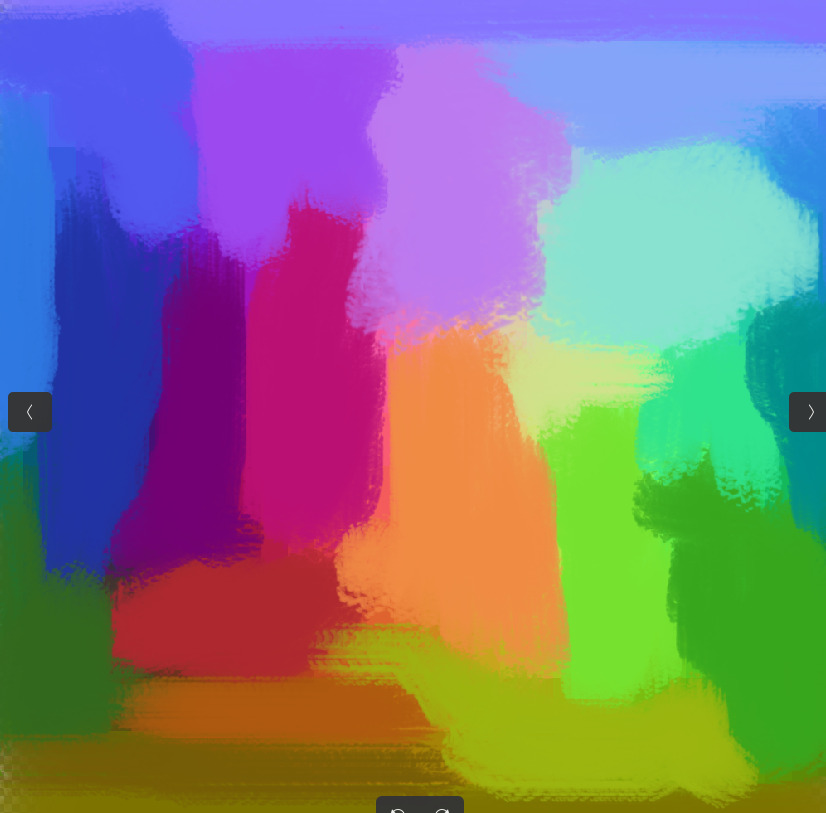
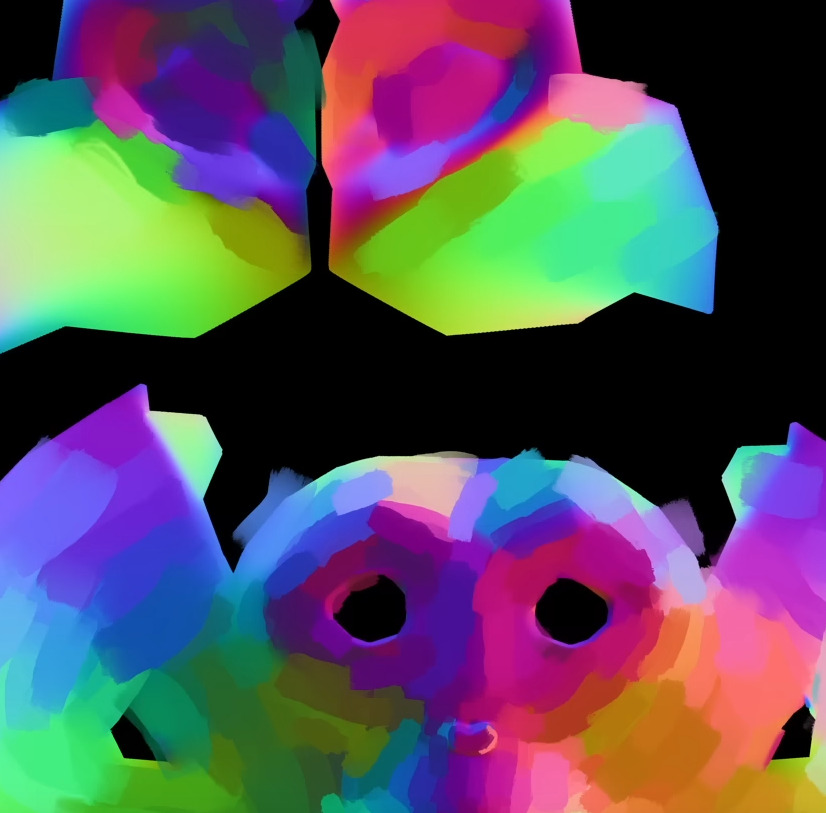
I’m not sure if you want to create such brushes or are in search for them. If you search for such brushes then the currently best you can get are those from @emilm, you can find them here:
Also, this set mimics depth, but it is experimental and meant as a base for your own creations out of them. But most work quite good, unfortunately you have to register on Deviant Art if you want to download them, if you don’t want to do that but test them anyway drop me a PM:
Then there’s this technique for simulating impasto that’s a bit more involved and experimental but lets you adjust the appearance, depending how much experimentation you want to do: Realtime impasto effects using layers! 🖌
Hi, thanks for the help. I downloaded the DeviantArt pack as well as the one by RamonM. Both work fine using the mouse. I tried the tablet and only the RGBA wet 04 Flat Dirty Tilt was giving a strong impression. Perhaps I need to practice more to understand them better.
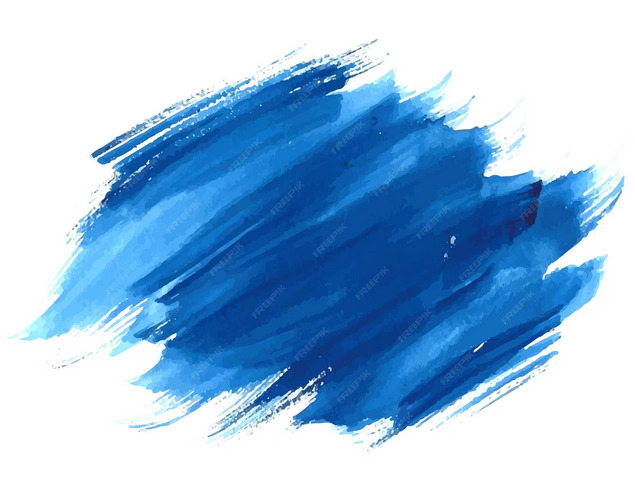
The example doesn’t look like impasto to me. It might have variable values across the brushtip, but it’s more like a water media such as gouache.
You can still use a lightness tip like you would for an impasto style brush; I’d say a textured tip like a watercolour dab, with some banding across it.
It looks tapered, so you’d need a size setting such as size>pressure if you’re using a tablet.
It also has paper texture around the edges, so you’d need to apply a pattern setting to express that with low pressure.
That’s where I’d probably start as a base, then experiment with additional settings such as scatter, and masked brush to add complexity.
One thing that would be difficult to emulate is the bristle/wash look - it implies fluid dynamics which we don’t have in Krita. There may be some way to mimic that but I can’t think off the top of my head.
I don’t know if that’s of any use to you, but I’ve written it now so I may as well post it!