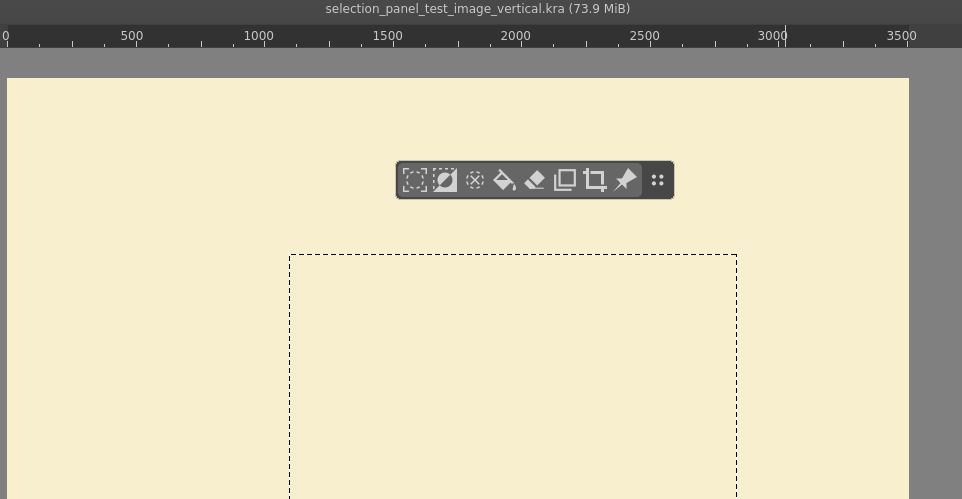
While the tool options should not be the only place the setting is exposed at, my experience is that duplicating settings in multiple places is a good idea because it increases the chance users will find it. It always feels a bit weird because of the software developer intuition of “don’t repeat yourself” kicking in, but UI isn’t code.
It’s true that the setting doesn’t directly pertain to the selection tools, but chances are very high that I will be using one of those tools when the desire overcomes me that I want to change how selections behave and the tool settings will probably be one of the first places I’m going to look at.
Krita already does this with the color picker preview, the setting exists both in the preferences and in the color picker settings.
(This is just about the concept of duplicating settings in general, whether any of these particular settings should be duplicated or exist at all is down to how you want to design it.)
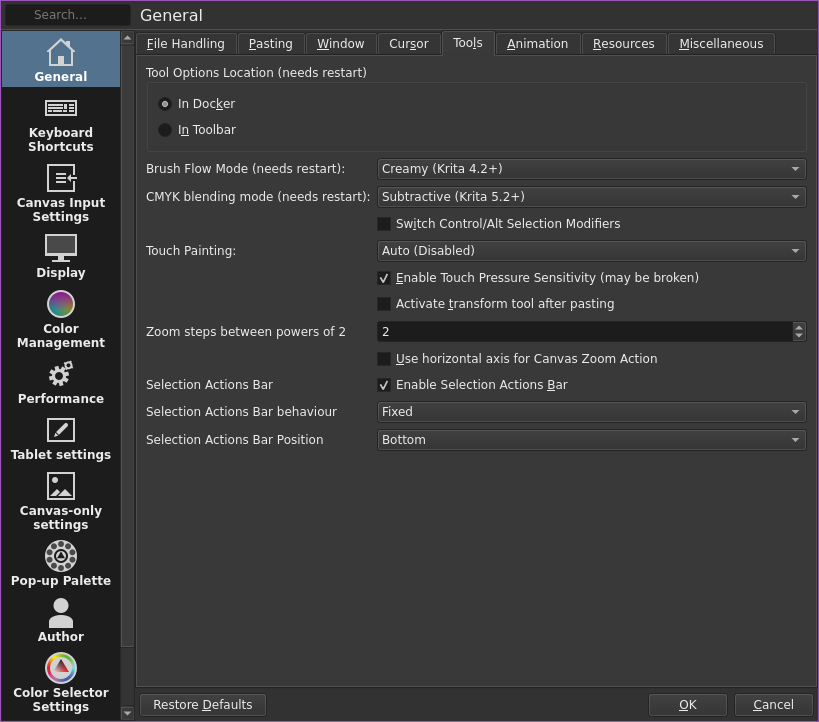
So its possible to added as a checkbox as the image that you present? I mean with seeing by what Carsen says its something that is present in the Color picker too.
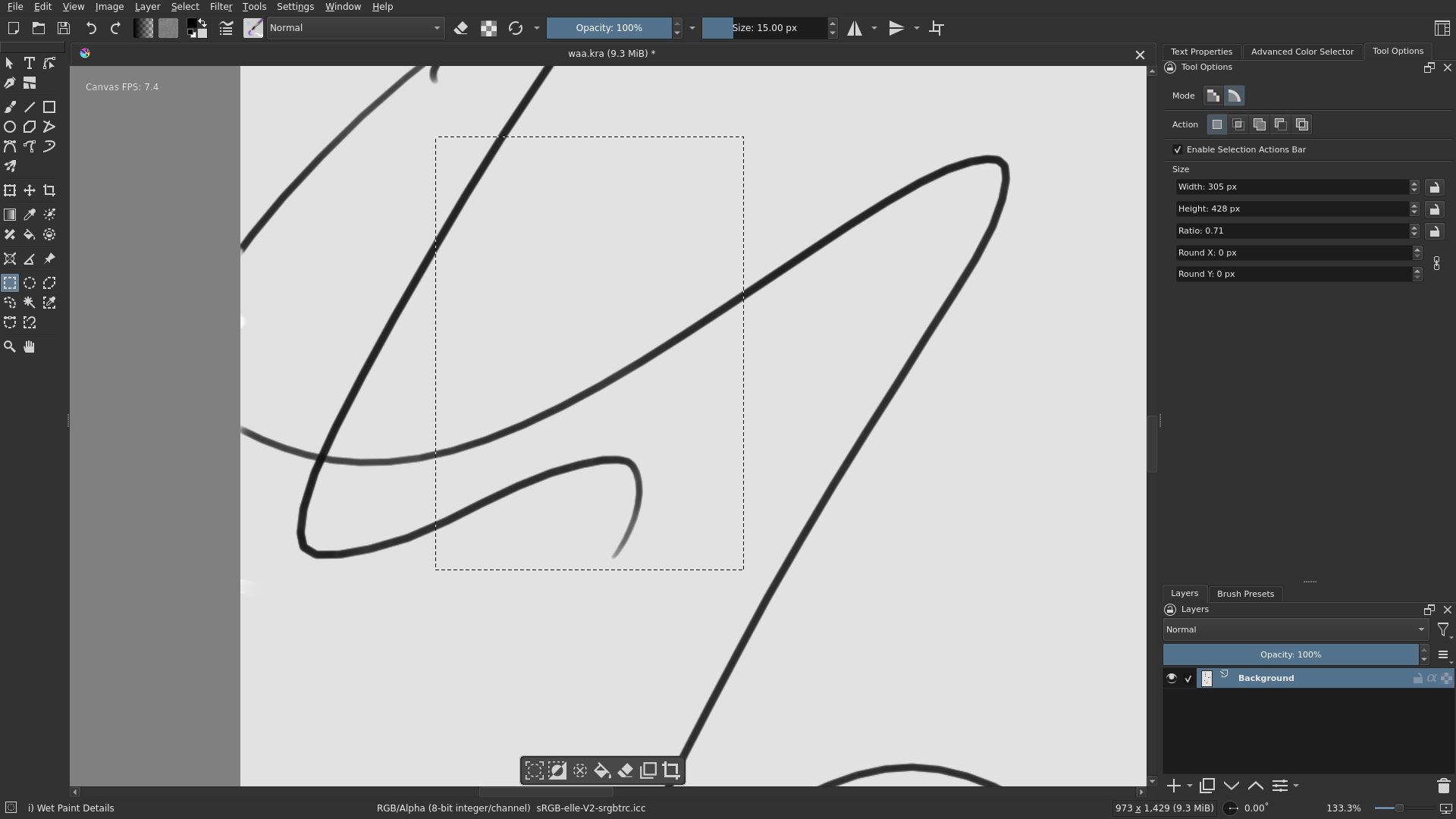
I’ve been thinking about adding a toggle to fix the selection actions bar in place, similar to drawpile’s behavior
I made a rough prototype of how it would look:
Settings will have 2 more options, behavior which determines if the bar is free floating (how it currently works) or if it’s fixed.
If it is fixed the position option becomes active and allows you to select where the bar will be fixed, it has options to on any corner/side of the canvas.
Some of the wording in the settings may be a bit off, and i would like to use a direction widget to pick the position instead of a dropdown, but largely it works. Unless i missed some big bugs
It maybe be the CSP nostalgia talking louder, wishing it would “follow” the selection, but that looks awesome! Specially with it being actually in the middle (on the borders) of the canvas? Perfect! ✧o✧
Thank you very much for your work with it Ciubix
Can you please explain very clearly how exactly does it follow the selection? Maybe you could record a short video about it? Creating a selection, adding or removing parts of it, rotating and moving the canvas around. I did some things but would love a reference video of the ideal situation.
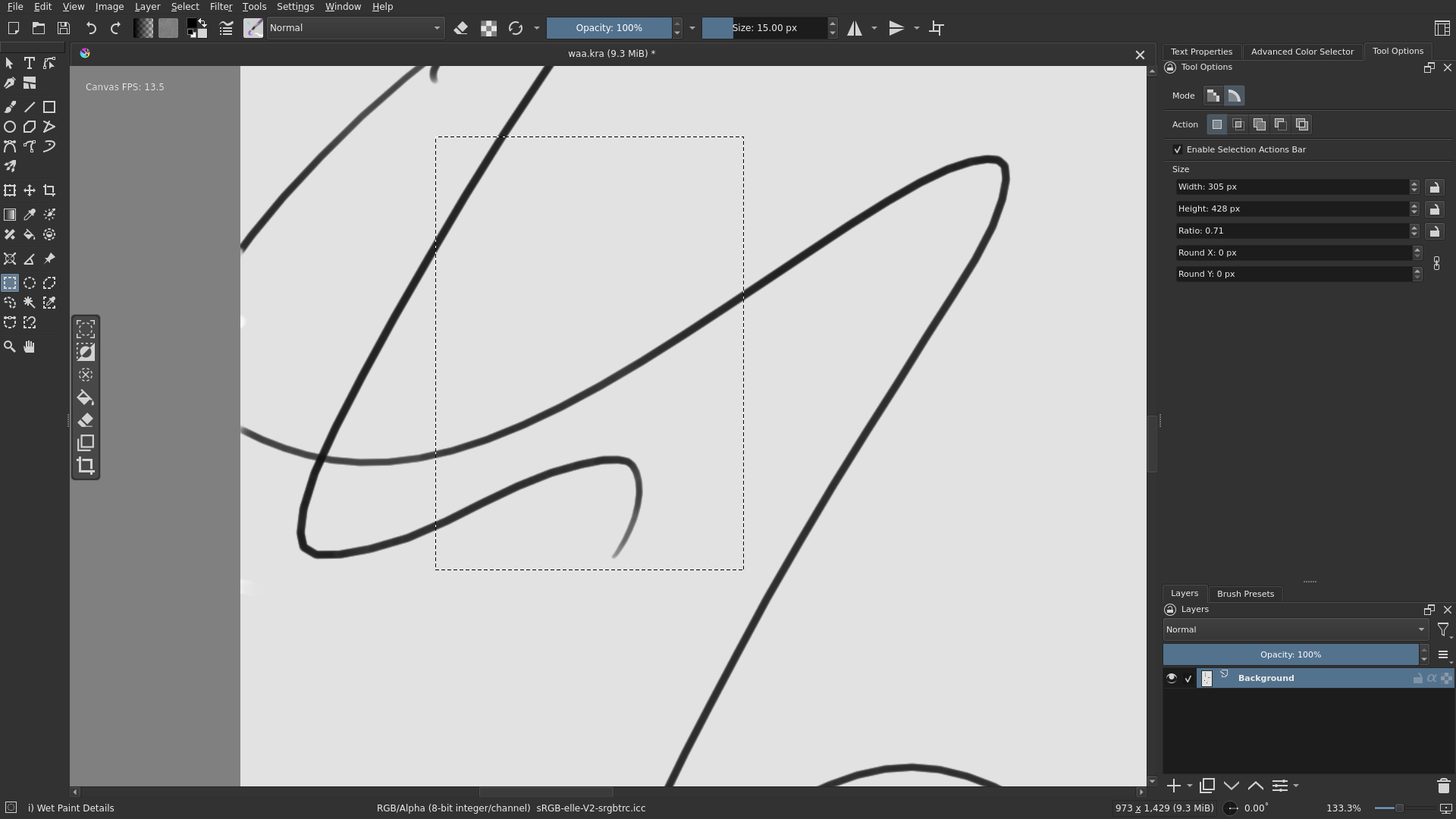
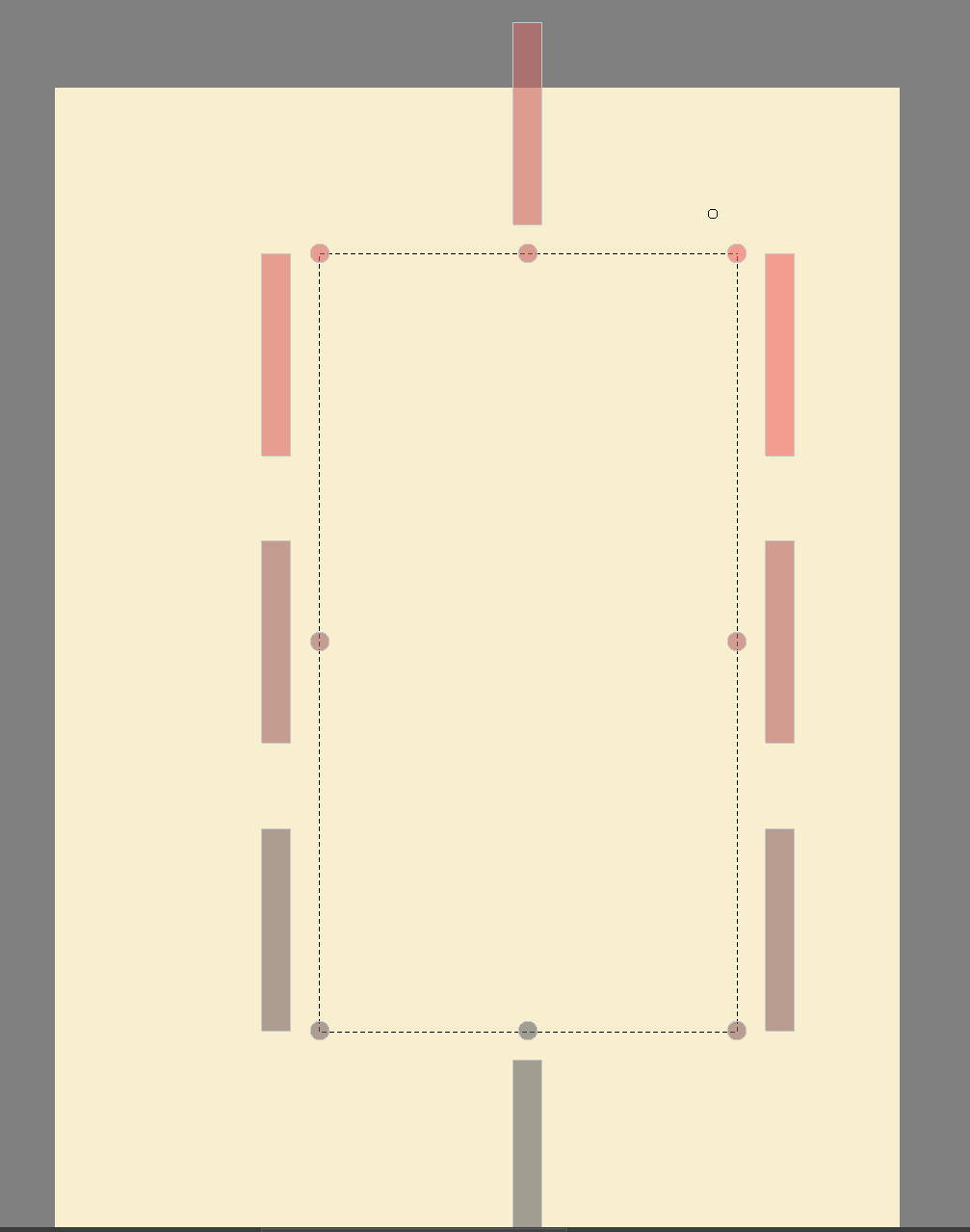
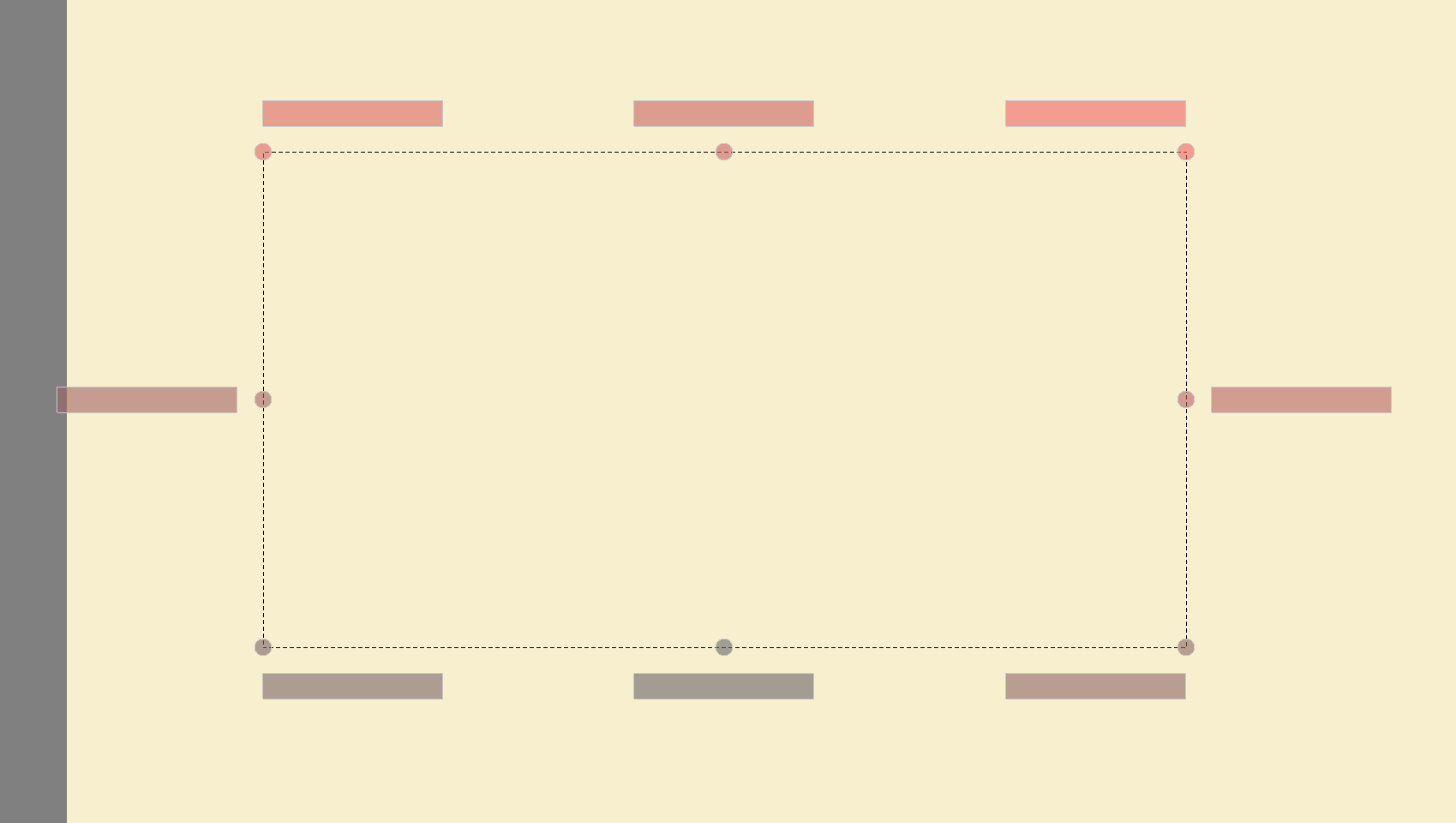
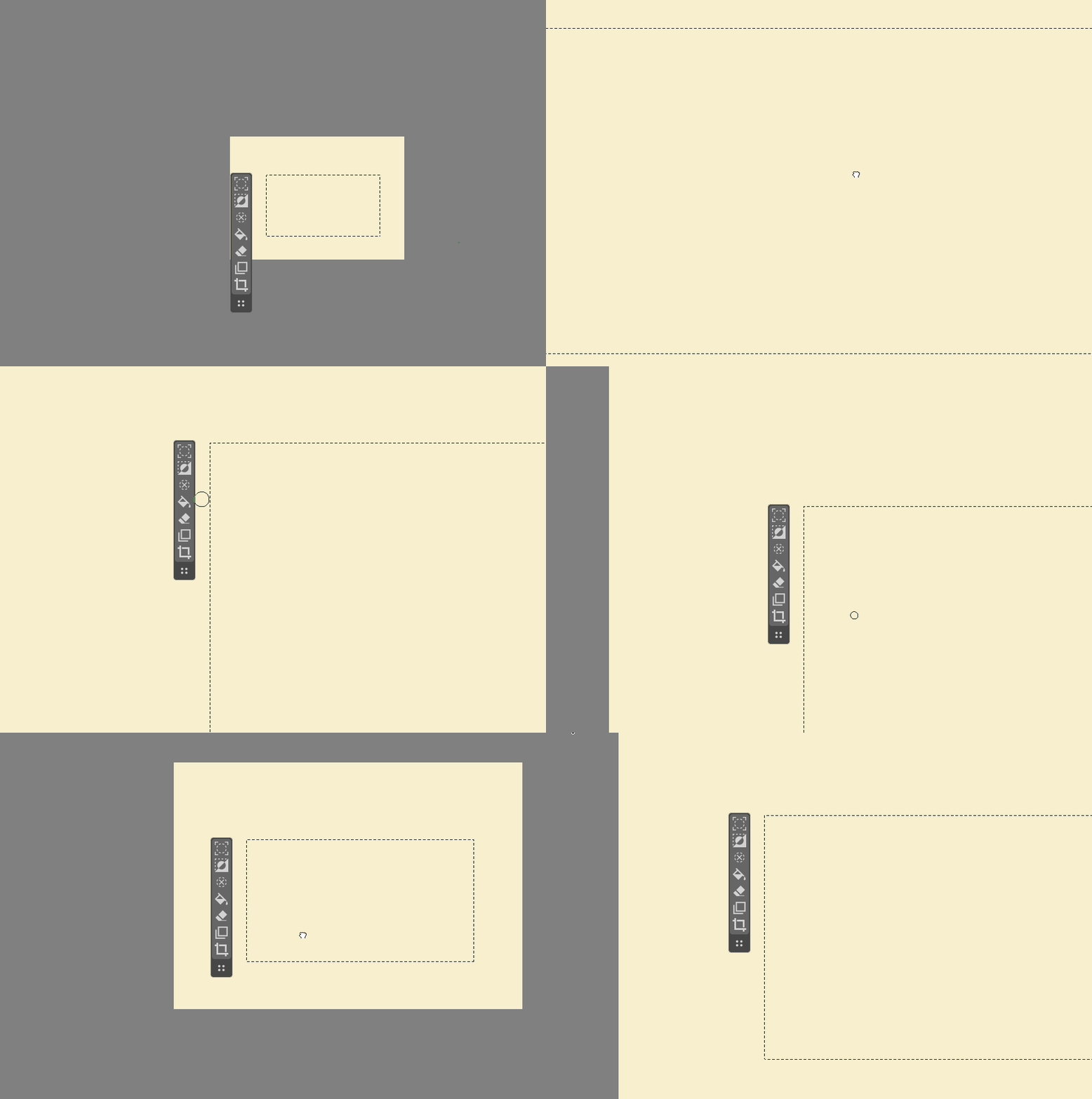
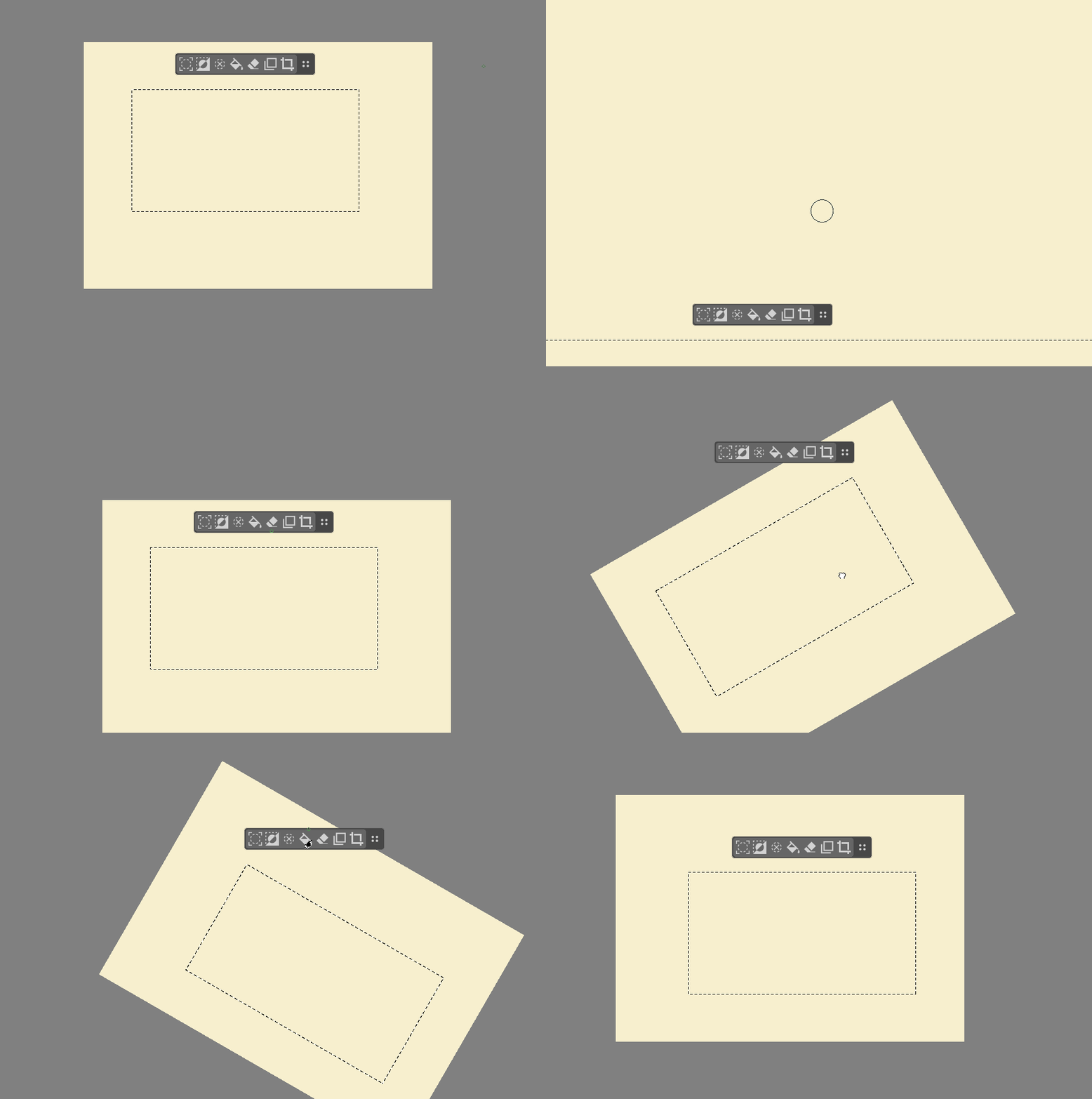
now the panel in free-floating mode can be anchored to any corner or side you wish!
it works with vertical and horizontal
switches between vertical and horizontal automatically in the settings in certain situations (so people won’t accidentally end up with vertical bottom panel, for example)
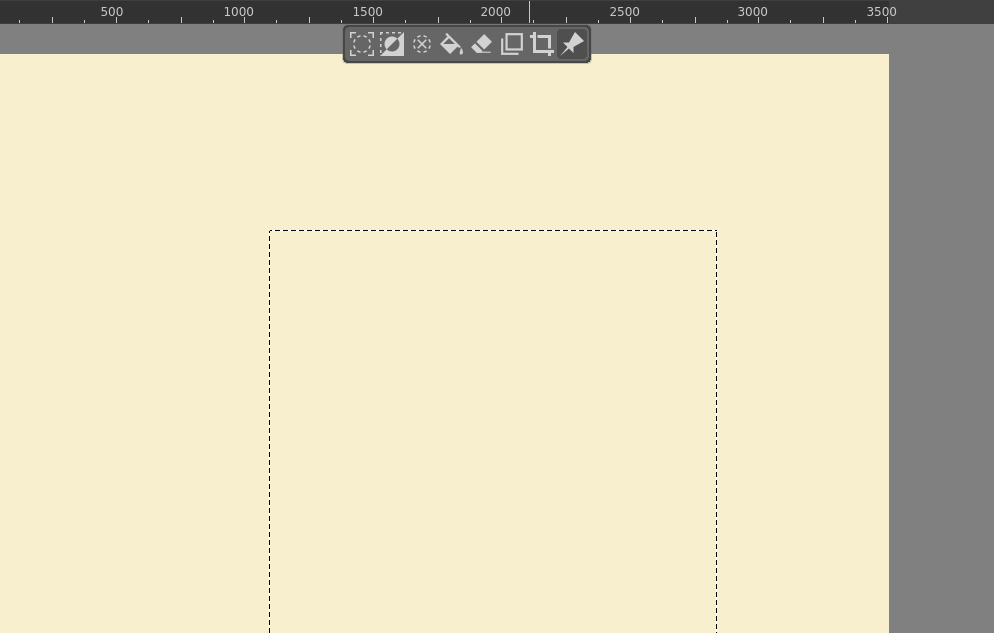
it has a pin to switch between fixed and horizontal, thanks to @ciubix
but I added the darker background when it’s pinned
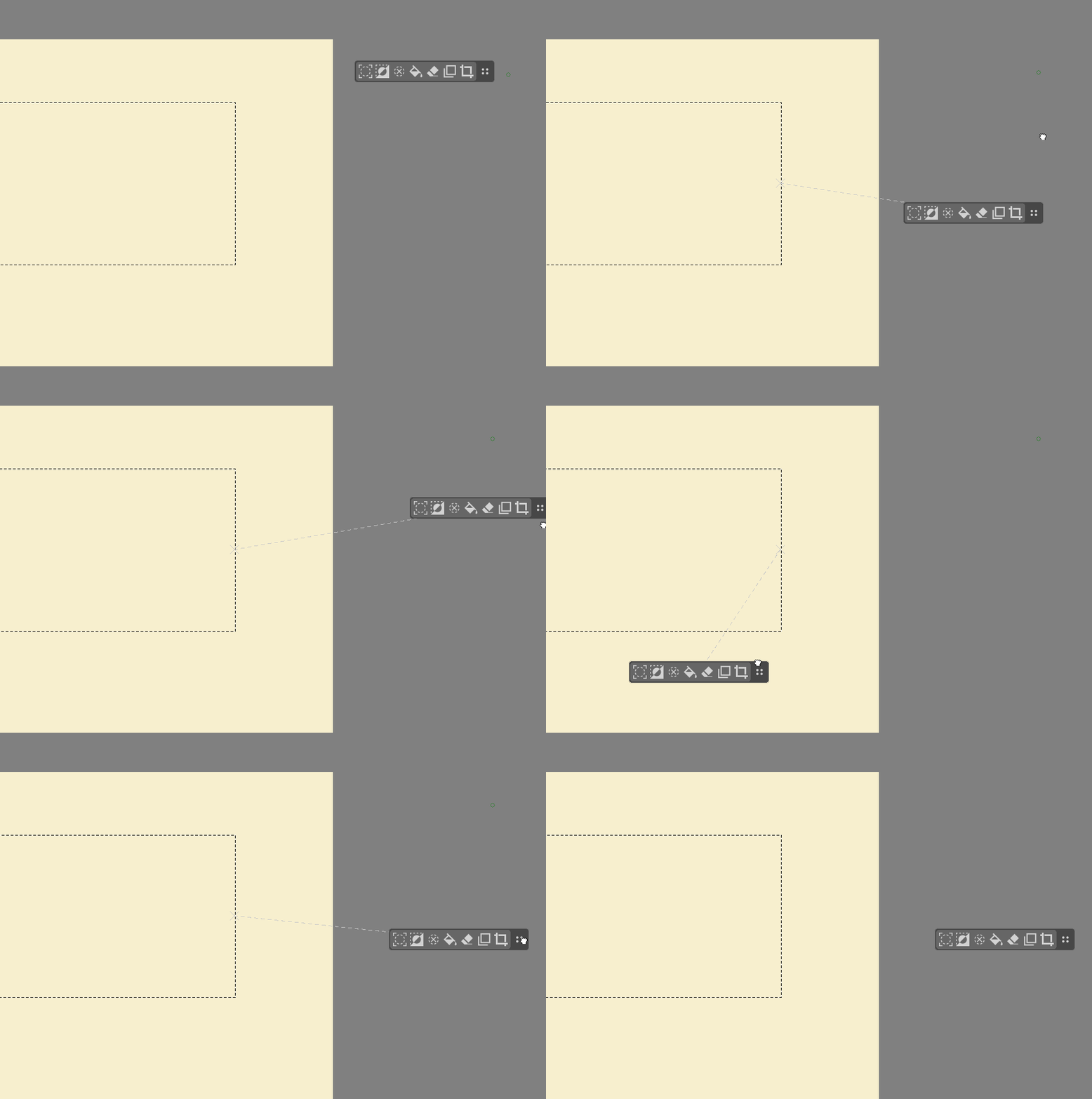
it remembers the offset/position between different selections and even after you close Krita, too
you can reset the offset if you change the Position or Orientation in the settings
in free-floating mode, it draws a line to the anchor it uses, so you won’t end up putting the panel somewhere far away from it and then being confused why it moves so chaotically - if you want to put it on the left, switch the anchor to the left side to see the expected behaviour
Imho it works pretty nicely now.
Some pictures and gifs (sorry if they’re a bit rough, I had zoom to the center instead of the cursor…)