In the manual Filter Masks — Krita Manual 5.0.0 documentation there is a sentence that states: “You can edit the settings for a filter mask at any time by double clicking on it in the Layers docker.” For some reason I am not seeing the options pop-up, instead, either nothing happens or I am prompted to rename the filter mask using Krita 5.0 Beta 2, any hints on where I should click or why the options won’t appear?
I use right-click and select properties.
Double-click doesn’t seem to work for me either in beta 1.
Or you can click to select and then press F3, which might be quicker.
Double clicking on a layer always opens up the layer renaming facility.
It seems that the statement in the manual is an error.
You can raise a formal bug report with Component = Documentation at:
Log in to KDE Bugtracking System
I added the bugreport to an existing report here: 369097 – Double click on layers outside of layer's name should open up properties of layers
The discussion on the KDE Bugtracking system states that a discussion is required to implement double click to go to layer properties, which is what I request as well. I propose to add a second hitbox to open the properties window, preferably from the layer icon (which may then need to be enlarged in width ever so slightly).
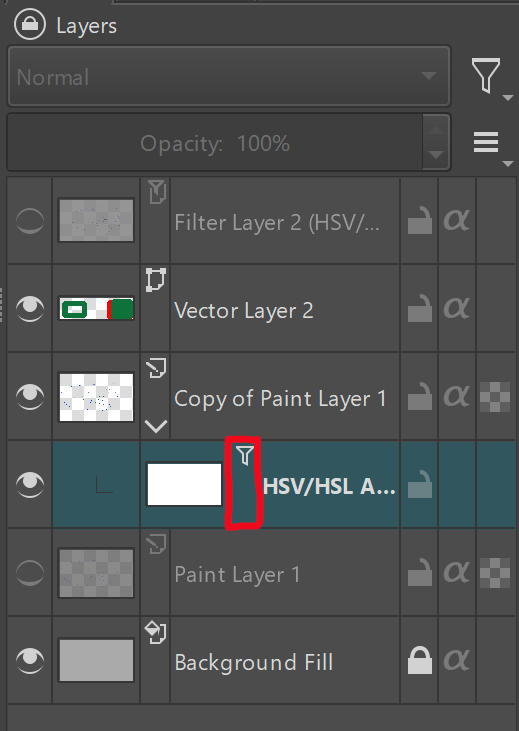
E: Perhaps this post could now be moved to the feature request section?