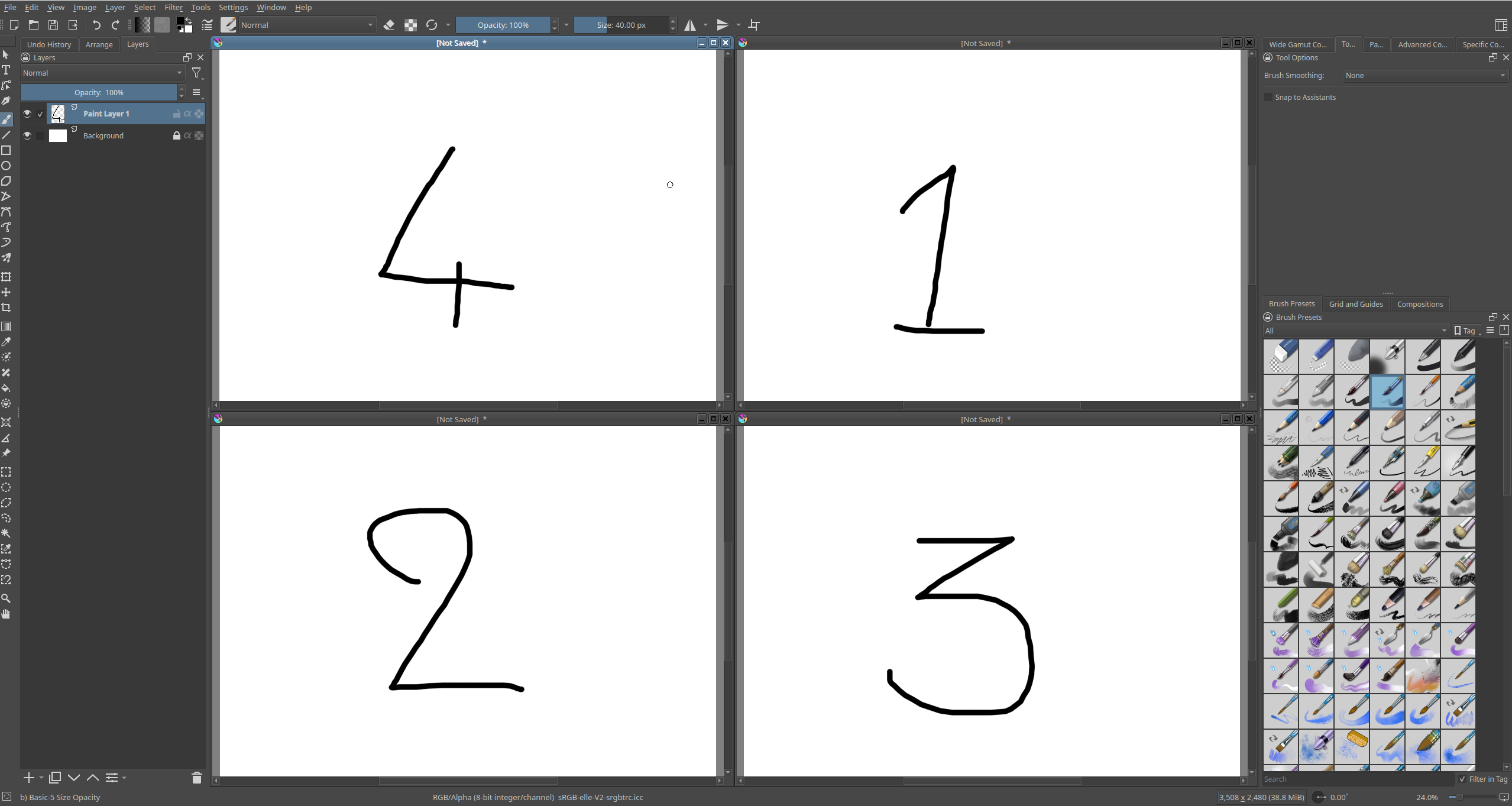
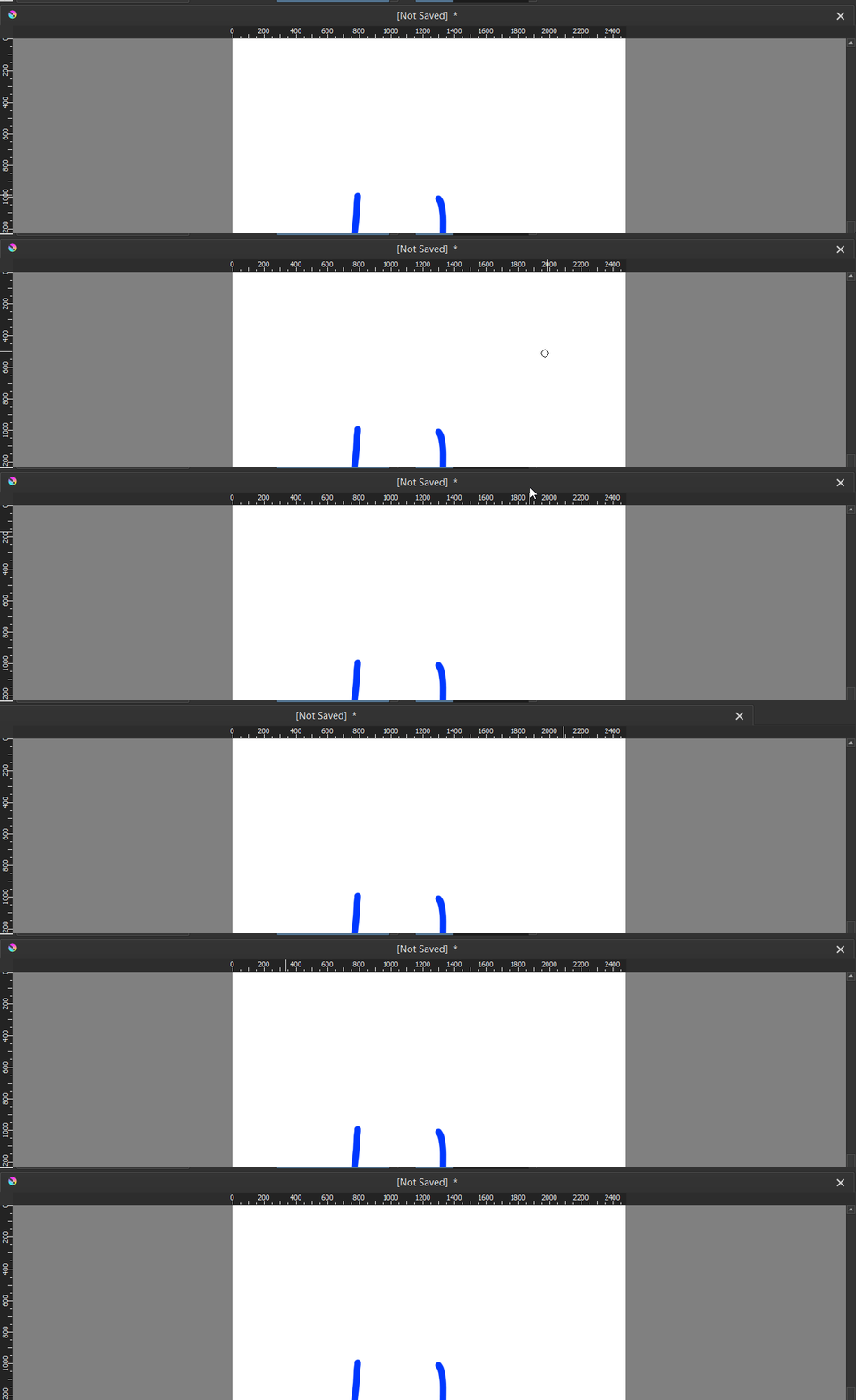
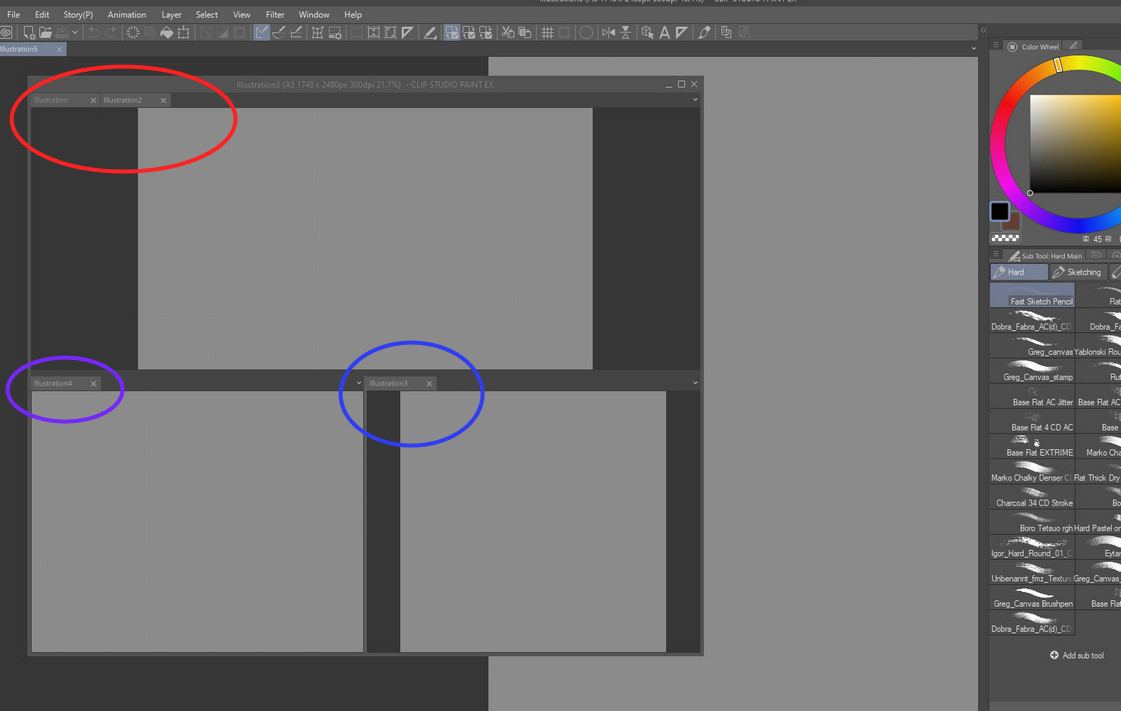
It’s basically a way for user to interact with the window project in flexible manner. They can choose to stack, resize, detach based on their preference.
Benefit:
Viewing multiple document at once.
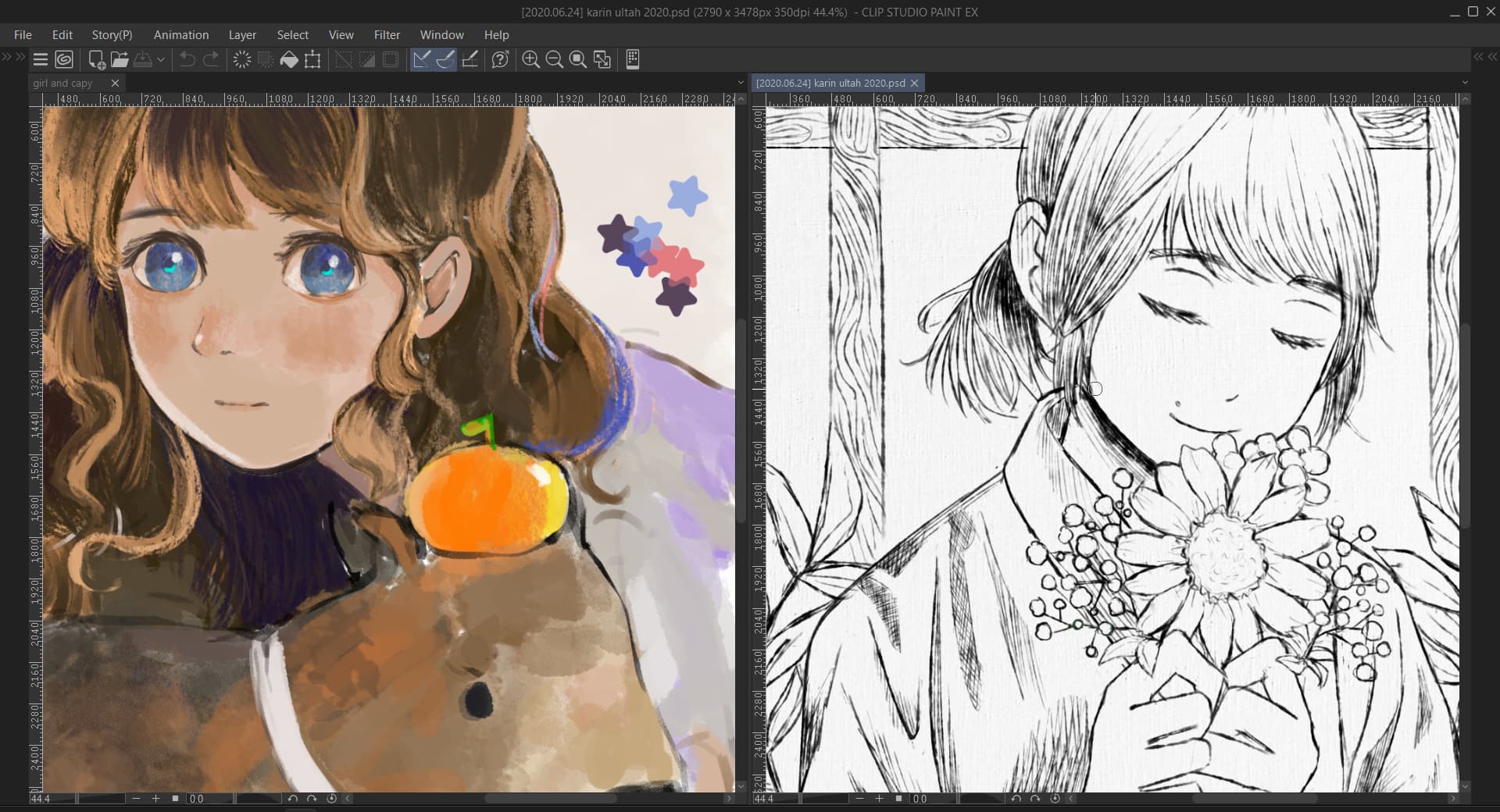
Different people have different workflow. Some people separate their reference from the main project document. By allowing user to view as many document as they want, they can set the best workflow to suit their needs.
Here’s the looks on CSP.
This could be an accessbility feature.
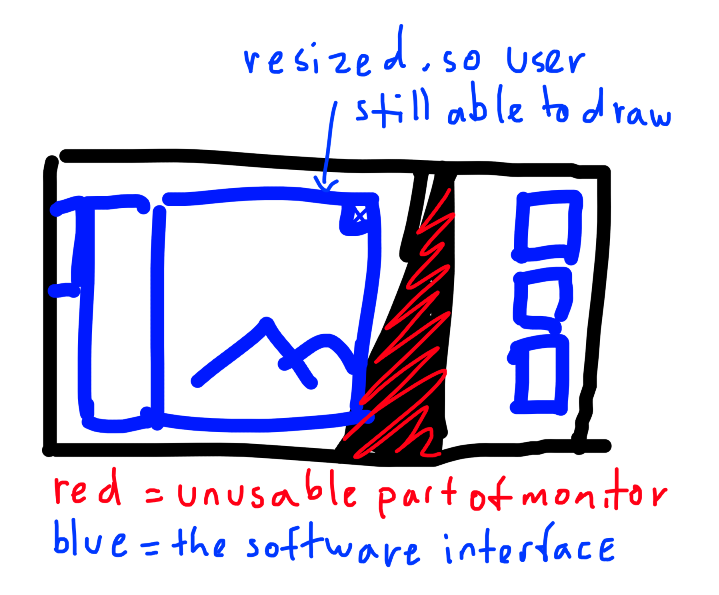
I know someone that basically drawing on half-broken monitor. By making the project window resizeable, user can determine which area they want to use while avoiding broken monitor. This requires detachable project window.
Also check the Plugin: Subwindow organizer. It helps a lot while working with subwindows.
I just didn’t test with Krita 5, but it should be working alright.
Actually “Subwindow organizer” is only a little part of convenience comparing to that CSP provides to user. The main function of the plugin is to stop main drawing window overflow others windows.
In CSP you can make multiple sticks and subdivisions inside of floating windows and tabbed as well. Stacked windows can be easily dragged and resized as single window.
Yeah. I don’t believe Qt 5 has the capability to something like this, even with Qt 6 I wouldn’t know as I don’t use that many apps based upon it. In this case subwindows with individual tabs.