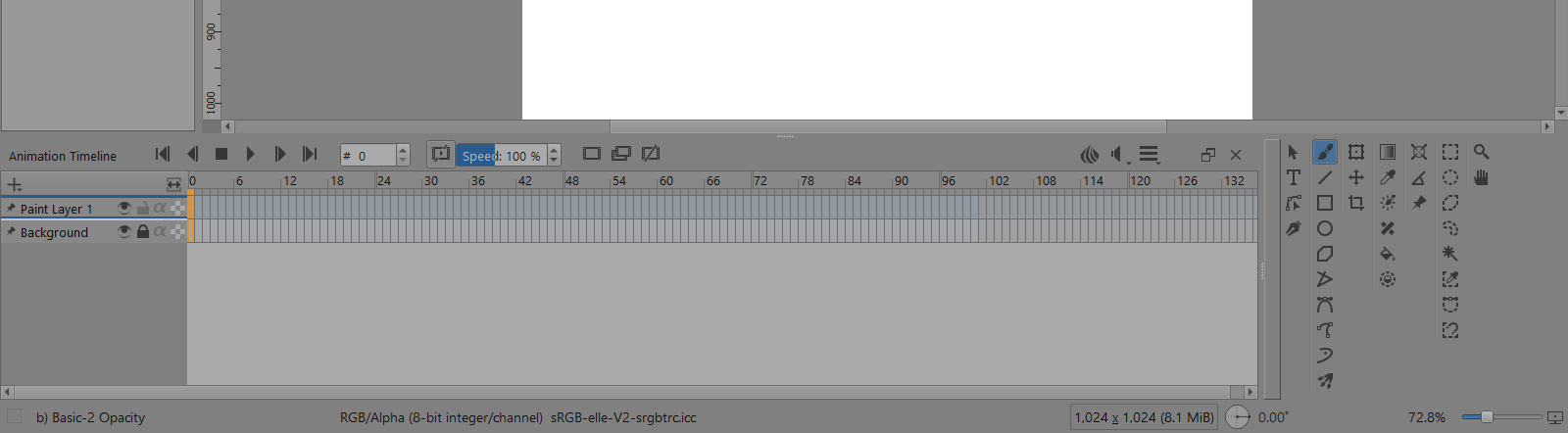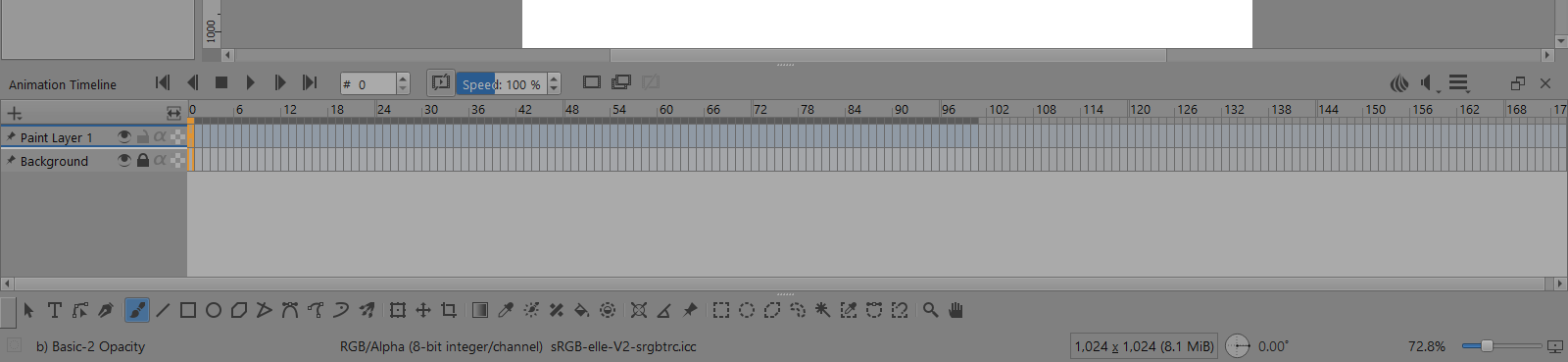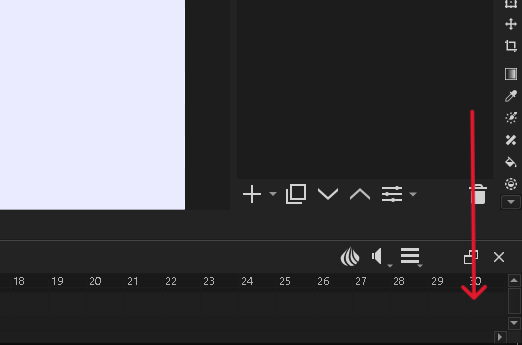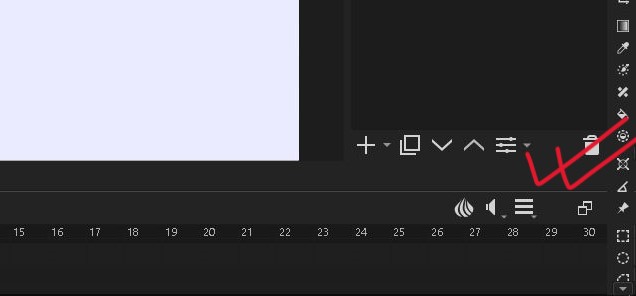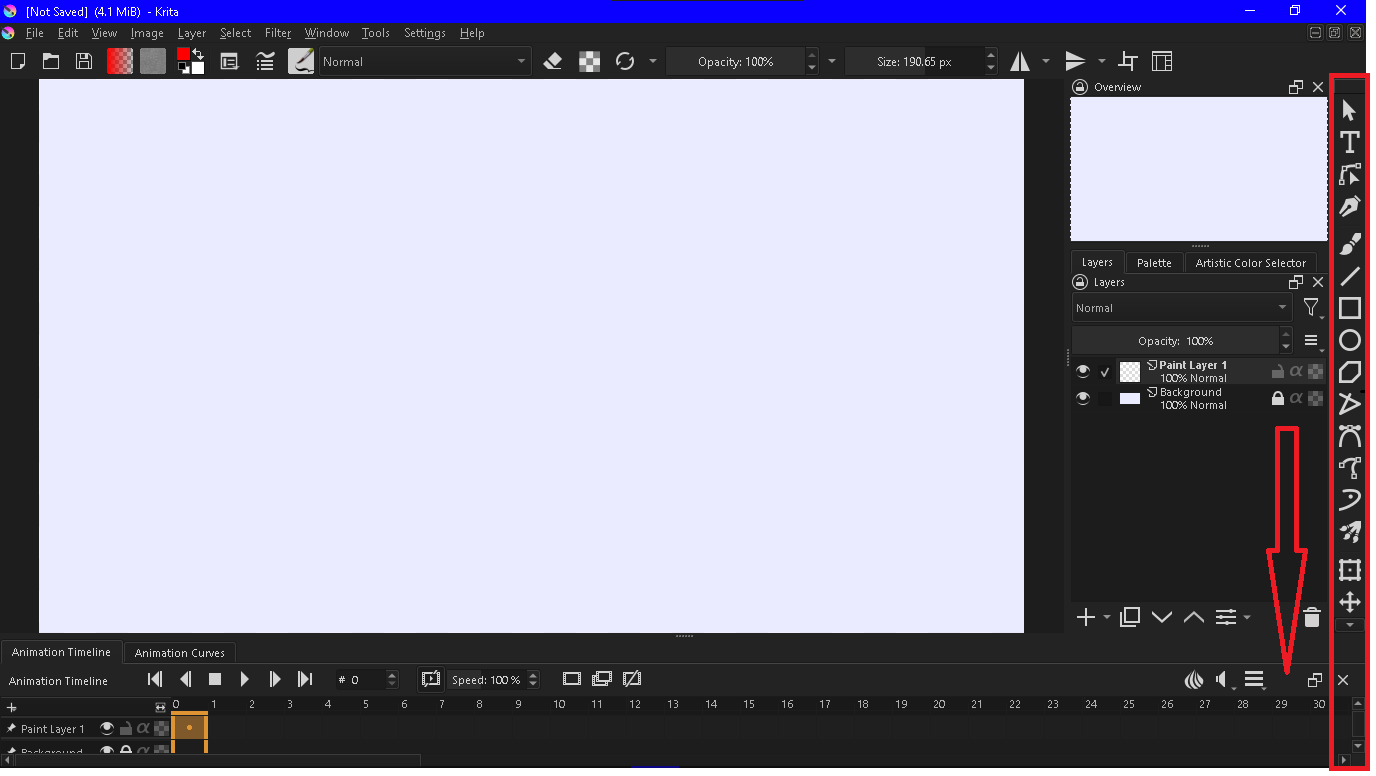
In this image you can see the tools docker is over the animation timeline docker. I want to get it down to the bottom. How to do this?
{Note: I increased the tools docker size only for attraction}
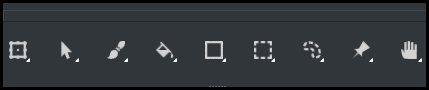
These arrangements are possible:
You grab the Toolbox by its top or left side handle bar and then drag it to where you want it to be. A blue rectangular area will be highlighted and that is where it will go if you release the grab action.
Try that. Drag it around to see where you can make it go to.
You can do that with all the dockers.
Then you can save the arrangement as a named custom workspace.
Sorry, but I’m not telling this.
I don’t want to bring the whole tool docker but only the tools that are not showing for the timeline.
You can not split the Toolbox into parts. So why don’t you make the icons smaller? That way, all would fit together into this bar. Just right-click on the Toolbox and chose a smaller icon-size, because those you use are huge for my taste.
Michelist
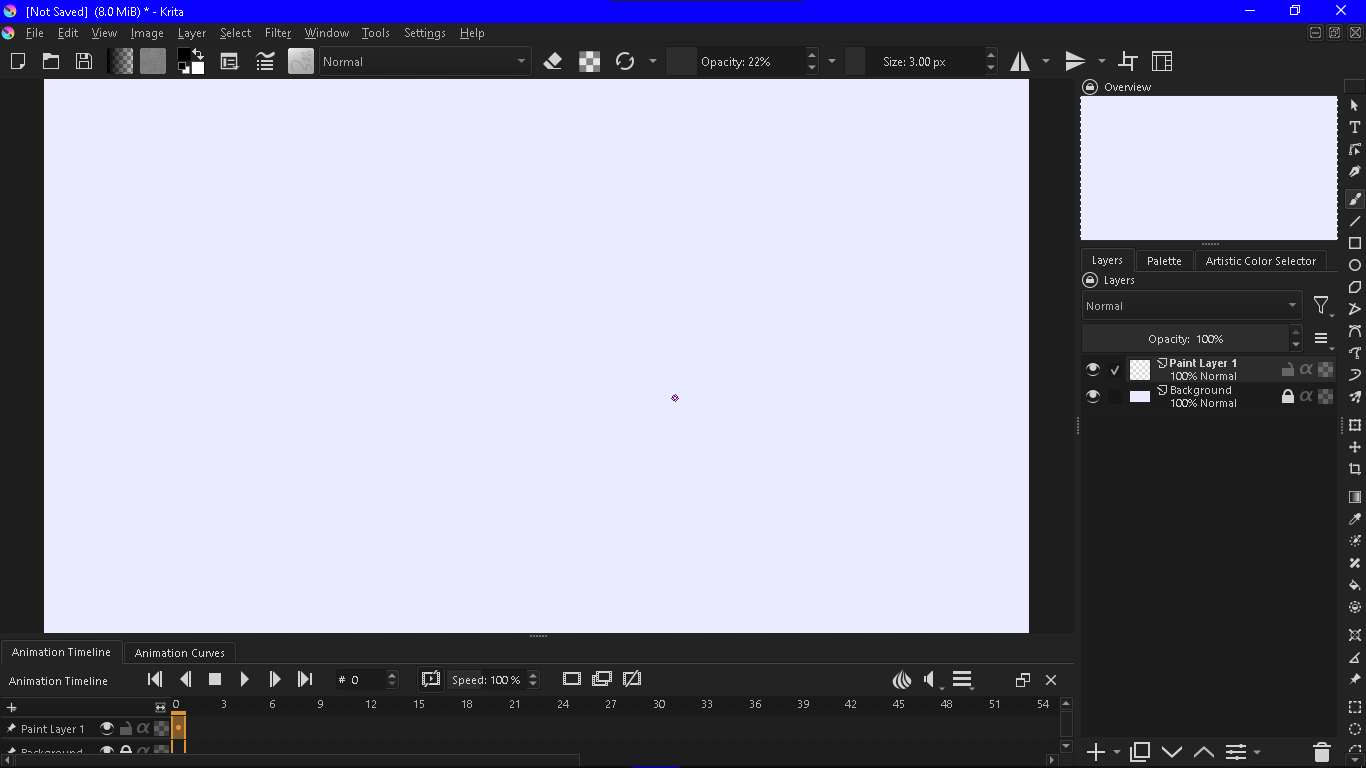
You can make (drag) the Toolbox wider so it shows two (or more) columns of tools so they fit into the available vertical space.
See my first screenshot, it has seven columns of tools.
i think you didn’t see this
Can you draw a sketch of the end result that you want to have?
Or edit an existing Toolbox screenshot to simulate the appearance of what you’re trying to get?
I know.
But it not looks better to me 


i can’t do this today
but will try to do tomorrow
good but it is too large
You can’t do that because lower/upper docker sidebars have priority over the left/right side bars.
All you can do is increase the width of the Toolbox to give two columns of icons.
Using Krita Scripter you can run following script, that changes corner rules.
(change applied only to active window and is forgotten when Krita exits)
from PyQt5.QtCore import Qt
Application.activeWindow().qwindow().setCorner(Qt.BottomRightCorner, Qt.RightDockWidgetArea)
/AkiR
but how to do this? 
it will be very helpful to me if you send a screen recording 
From Krita’s Menu Bar
Tools ->
    Scripts ->
        Scripter
Copy & paste script to Scripter
from PyQt5.QtCore import Qt
Application.activeWindow().qwindow().setCorner(Qt.BottomRightCorner, Qt.RightDockWidgetArea)
press Play in Scripter
/AkiR
In case anyone is interested, there is a plugin that groups tools into dropdown icons. It saves space and can be customized.
Thaks, but I already tried it.
Welcome to the community, @E_Core. And thank you for sharing that plugin.