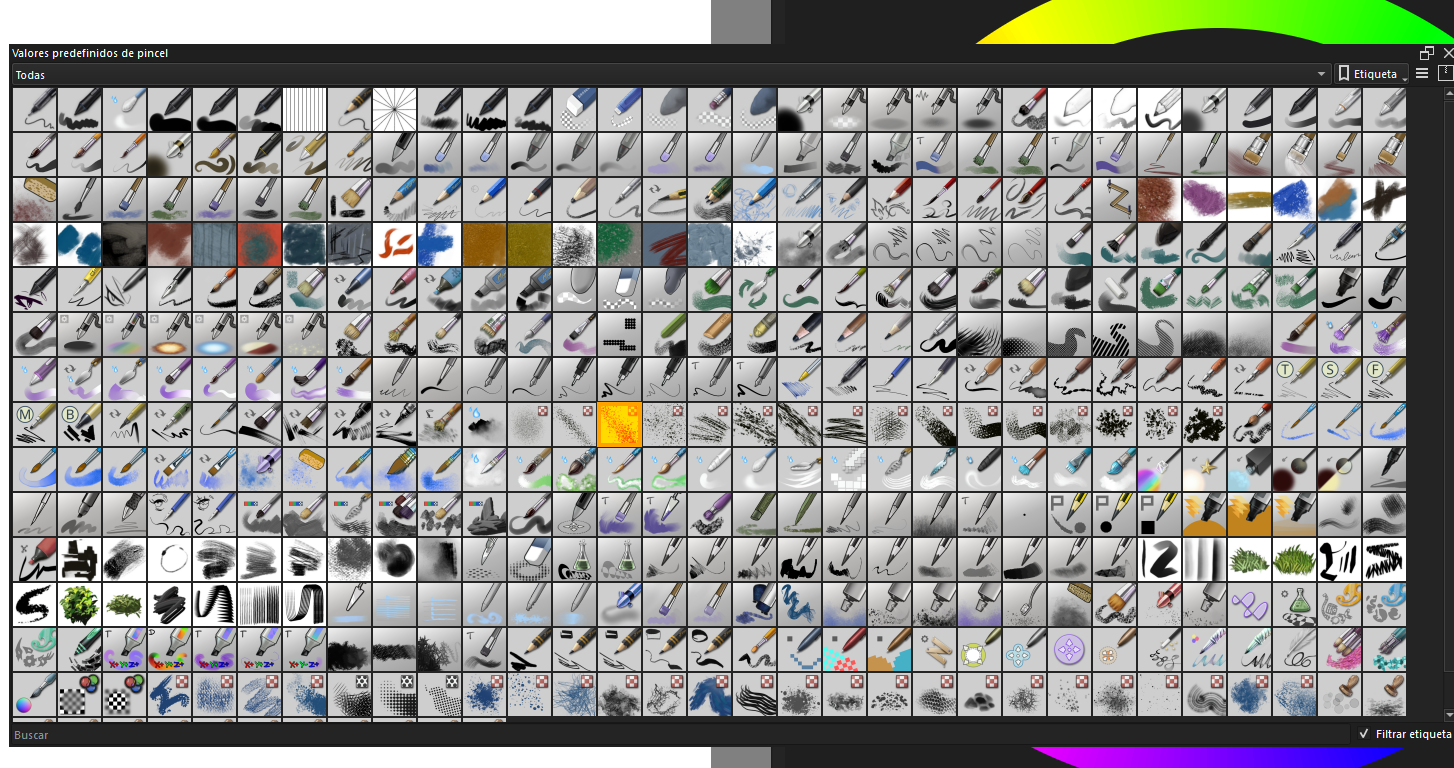
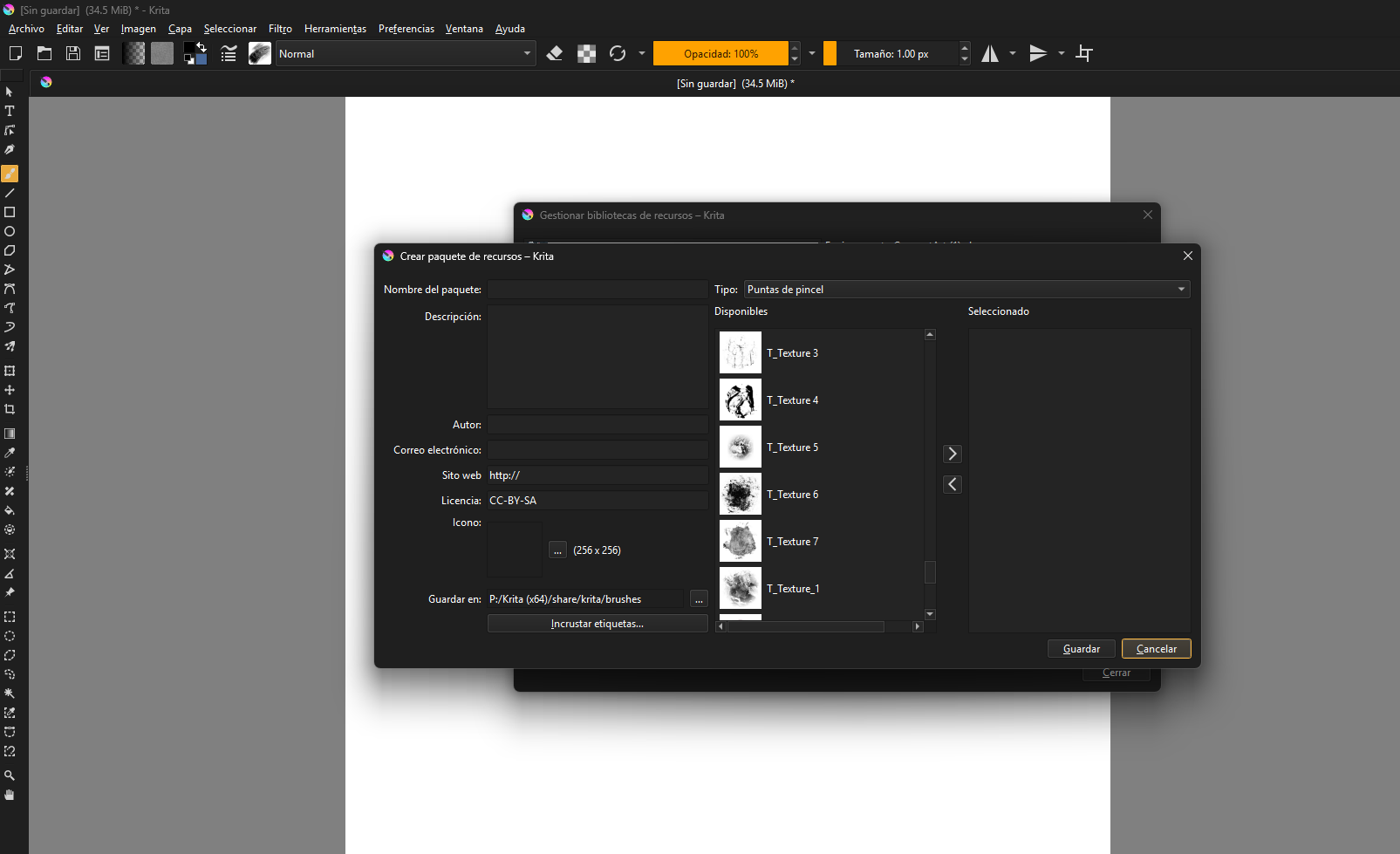
Vengo a cambiarme da krita ya que quiero probarla vengo de Photoshop, tengo alguna duda acerca de los pinceles los cuales utilizo normalmente a Photoshop, me percato que a moverlos a krita no me aparecen en el recuadro para usar pero si en la gestión de recursos, intente crear un nuevo paquete con estos pero simplemente no se encuentran reflejados alguien sane el motivo de esto.?
@Diego_Reynaldo_Queza wrote, according to DeepL.com:
I’m switching to Krita because I want to try it out. I’m coming from Photoshop, and I have some questions about the brushes I normally use in Photoshop. I’ve noticed that when I move them to Krita, they don’t appear in the box for use, but they do appear in the resource management. I tried to create a new package with them, but they simply aren’t reflected. Can anyone explain why this is happening?
A continuación se encuentra una traducción al español, realizada con DeepL.com:
 Hello @Diego_Reynaldo_Queza, and welcome to the forum!
That is, because Krita can only use the brush tips contained in ABRs (= Adobe Brush Resource (archive)). There were made attempts to port ABRs into Krita’s format, but because of the differences of the underlying brush engines these are only approximations. By the way, if you use our search, you will find tons of requests like yours.
But since there are over 10k brush presets available for Krita, you will find most of the things you want in the bundles that are available for Krita, for instance, in our resource category.
By the way, the language spoken here is English, and all users are required to add an English translation to their texts in their native language. This is to prevent the creation of small language clubs and excluding parts of the community.
Thank you!
Michelist
############
############
Hola, @Diego_Reynaldo_Queza, ¡y bienvenido al foro!
Esto se debe a que Krita solo puede utilizar las puntas de pincel contenidas en ABR (= Adobe Brush Resource (archivo)). Se han realizado intentos de adaptar los ABR al formato de Krita, pero debido a las diferencias entre los motores de pinceles subyacentes, solo se trata de aproximaciones. Por cierto, si utilizas nuestro buscador, encontrarás montones de solicitudes como la tuya.
Pero como hay más de 10 000 pinceles predefinidos disponibles para Krita, encontrarás la mayoría de las cosas que buscas en los paquetes disponibles para Krita, por ejemplo, en nuestra categoría de recursos.
Por cierto, el idioma que se habla aquí es el inglés, y todos los usuarios deben añadir una traducción al inglés a sus textos en su idioma nativo. Esto es para evitar la creación de pequeños clubes de idiomas y la exclusión de partes de la comunidad.
¡Gracias!
Michelist
By the way, here are two sets where their creators invented a lot of work to transform Photoshop brush presets into Krita brush presets:
Photoshop common brush transfer, with original brush, here the download link is in the second posting.
And the following presented bundle can be downloaded via this Link:
Michelist