I’m trying to create an image with brush strokes similar to the ones used here:
Is Krita able to create a stroke where there are different colors throughout the brush tip which are carried through the stroke? (I’m honestly not sure how to even ask this correctly.)
For example, take a look at the top center brush stroke of the flower in the image linked above. It looks like it was made where the artist’s brush picked up white, blue, and brown all at once from the pallet and then applied it to the cavnas in one motion. As the paint runs out on the tip of the brush, the colors change to the next layer of paint left on the brush.
If Krita can do this, I’d love to learn how. Any advice on search terms or links to tutorials that show how? Or is this just not possible (yet)?
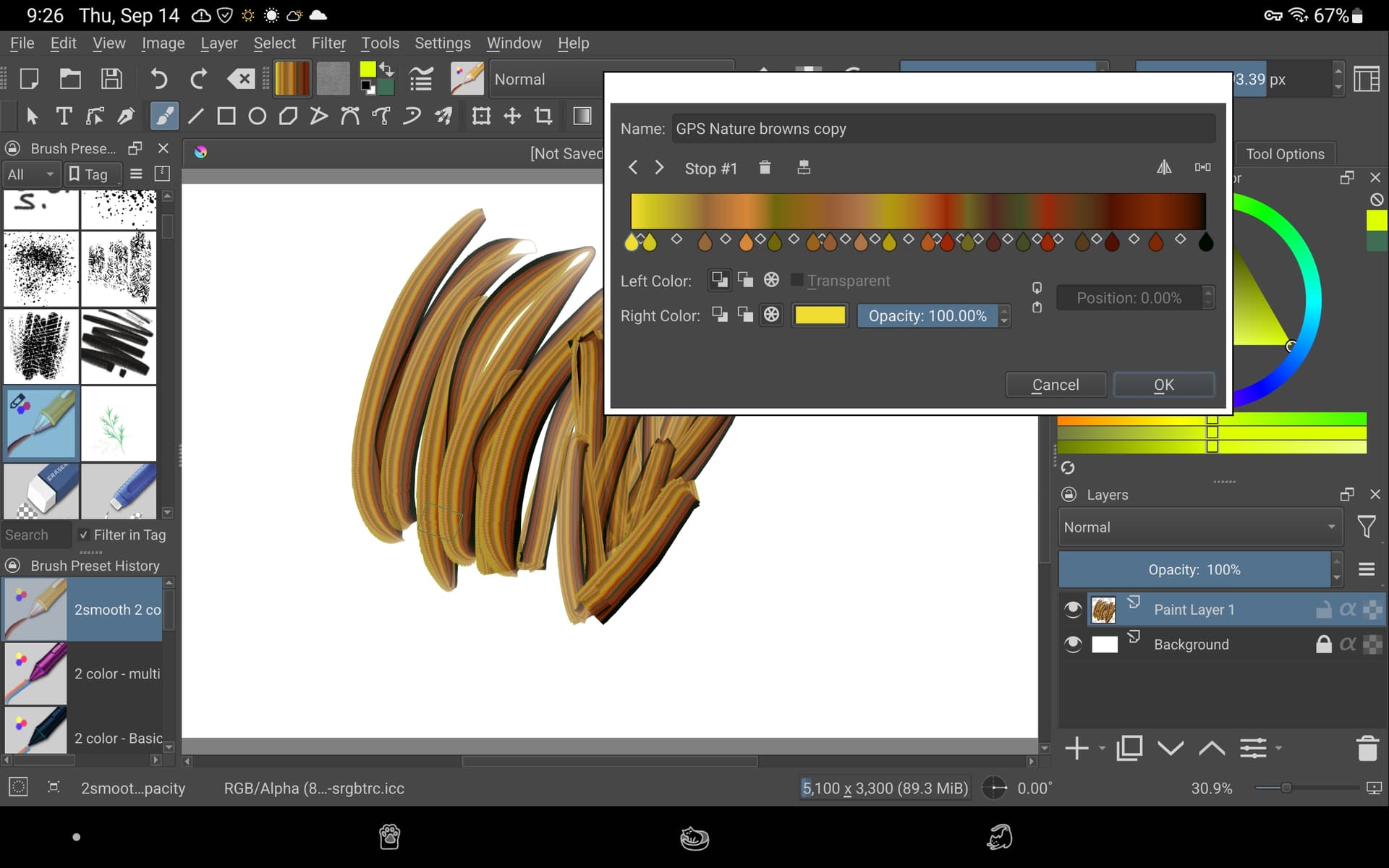
Here’s another thought… You could use a gradient brush… Info on how to do this is found here in this thread:
Krita does have some nice default gradients that can give you painterly effects but you’d have to either edit them yourself or import more that others have offered for download.
Welcome to the forum, @steve.improvthis. That’s a great project to take on. And it’s a great way to learn about the power of brush editing in Krita. Enjoy the journey!
Ramon Miranda’s Digital Atelier are good for impasto like brushes in Krita: Introducing Digital Atelier: a painterly brush preset pack by Ramon Miranda with tutorial videos! | Krita
The wet impasto set is good as well; https://www.youtube.com/watch?v=cGaVQaFI64k
I don’t think you can pick up more than one colour on the brush in Krita though (like a mixer brush in Photoshop or the Thick Paint in Corel Painter, or Rebelle 5’s multi colour picker ability) but you can vary the colours with the random hue settings and the brushes I’ve referred you to do create nice impasto like brush marks.
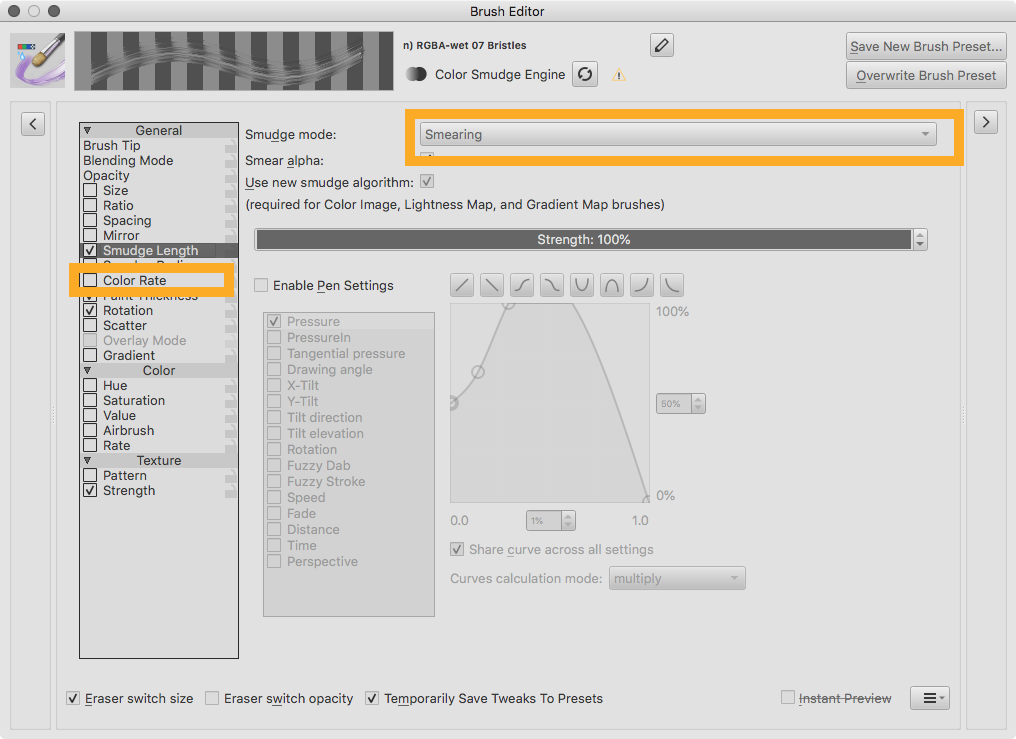
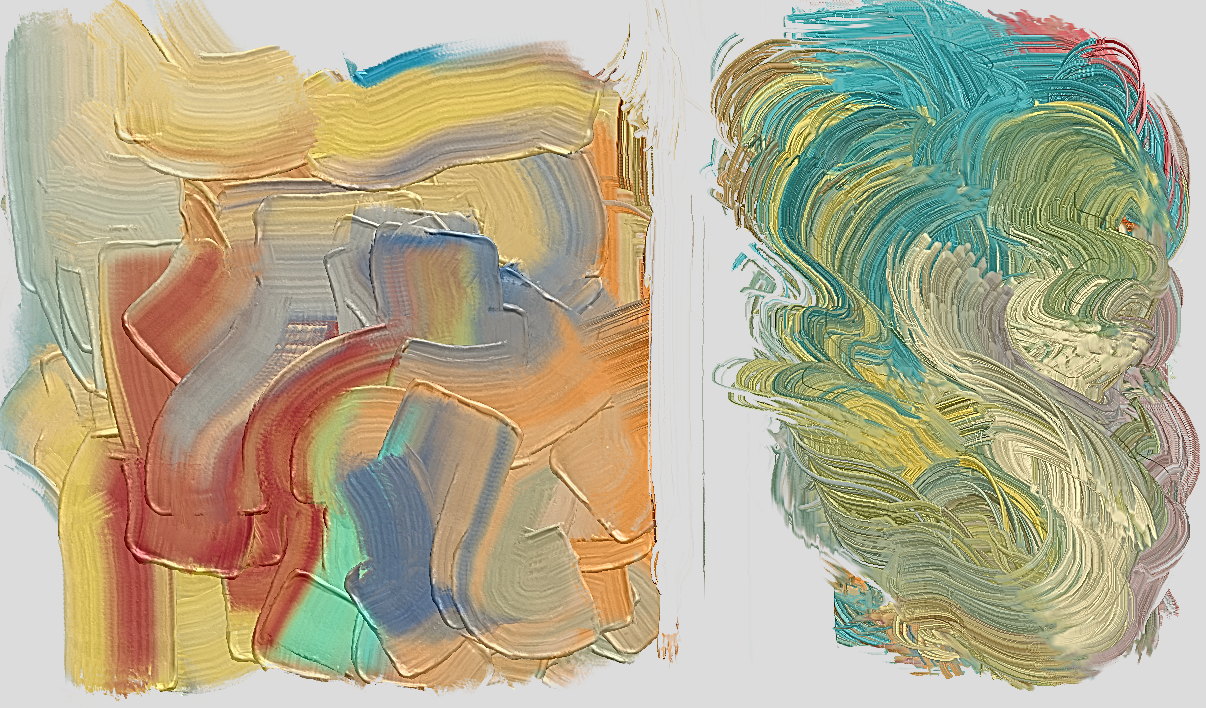
You can place little dots of color on the canvas and then smear it with a smudge engine RGBA-brush, in smearing mode, and color rate set to 0 or unchecked (or with curve controlled by pressure if you wish to blend into a single color).
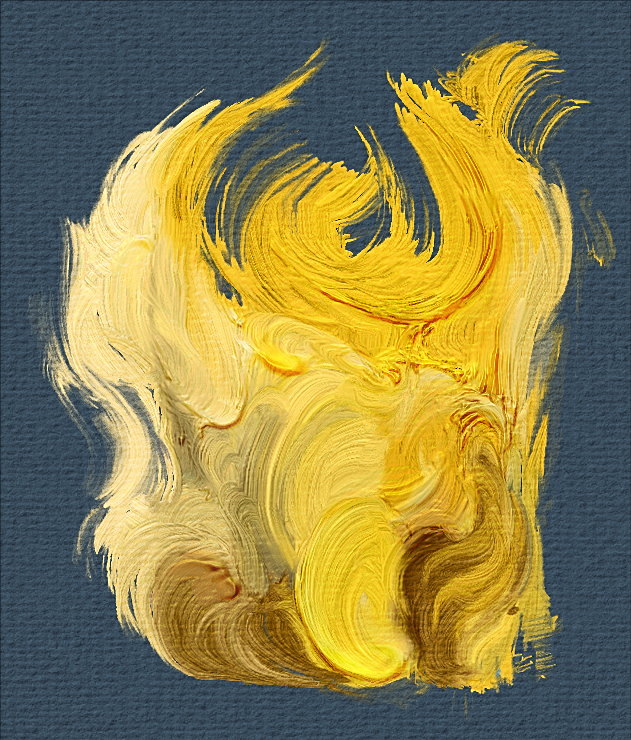
It’s tricky to get such intricate impasto effects (as shown in the image you linked) only using rgba brushtips. But you can try this template that uses the paint transparency as a height map: Alpha Bumpmap Impasto Template
Colors don’t blend as good however, and it runs quite a bit slower. And it’s only bump and no cast shadows but you could export the height map and render in a 3D software like Blender.
Thanks all. I’ve downloaded the brushes you mentioned and I’m playing with them. Emilm… interesting and sounds like a ton of work for each stroke. I’ll play with than and see what happens. Thanks!