Quick question: Does having higher res image slow down the Grid view mode (3x2) even with caching activated? I got a folder with only 182 images from unsplash, and they’re mostly around 1-2K or more in resolution. Average file size is around 3MB, with a few in the 17MB range. I haven’t been able to use the plugin due to the lag so I was wondering if these high res and file size can impact the performance in anyway. Dragging the slider can be laggy here on macOS. Even in Preview mode.
the bigger the file is the longer the computer takes to read the files it is that simple. Everything is done the moment you turn the page.
Preview since it is just one image it does no need for anything but for the Grid it has extra hurdles so there is some extra options for it in the settings that you can calibrate for your own system and needs. I would say that 182 images is really easy to precache whole if you want. but it comes with the trade off of giving ram for performance and I can only calibrate for my computer not for others so I just exposed the controllers it has.
so play with Load, Clean for browsing behaviour and Thread for how many images you request when pressing pre cache. Remember clean will always clean even after you pre cache them so mind the default value of zero. All of this is explainned in the manual but I do need to make like a video tutorial to show it with animation.
if you want to try some starting values just to see try Load=3, Clean=1000 and Thread=500.
Load acts like loading files that are nearby upon pagination
Clean acts cleanning files that are too far away upon pagination
Thread acts loading files in a big chunk upon request
I set it all to zero because people were complaining it was asking too much of their systems so it is better to activate for permit it use more power.
1 Like
It’s a lot faster now for the Grid mode, but I have to turn off “Smoothing scale” (which I don’t mind) along with these settings above. Looks like I didn’t have the proper setting previously. I watched your video and read the manual and was kind of confused, or maybe I didn’t pay close attention. It’s much quicker now in the Grid mode.
1 Like
Ah excellent!, works very well.
By the way, I remember that before you could save the references in the file that was being used, so that gave you the possibility of having several reference boards. Does this function no longer exist?
I guess that is broken too then. I will see into it.
P.S.
@SchrodingerCat
I was checking and it passes all my tests. the functions are valid and are being triggered. Give it another to see if it works.
However I know the implementation is not perfect since it is a toggle for auto saves for KRA files. So please do tell me:
1- Tell me what your doing for it to not load.
2- Tell me what would you expect in terms of behavior
I should add that since it is inside a KRA file there are some caviats on the process
Save:
1- Auto Save needs to be on
2- Edits document upon a trigger event. Events that save( mouse hover in and out, transformations to the board)
3- Information is saved when edited document is saved. This can save to the document itself or a file with the same name as the document.
Load:
1- Hit on the button to load from the source ( KRA files need to have Imagine board data, or file)
2- Path to image file needs to be valid
obviously the file I create alongside the document is saved much faster and more often since it does not need the KRA save operation to happen but it is not as practical.
Since the KRA file is failing you can go check on the document :
Image > Properties > Annotation > dropbox=Imagine Board
And then you can see if there is imagine board data written on it
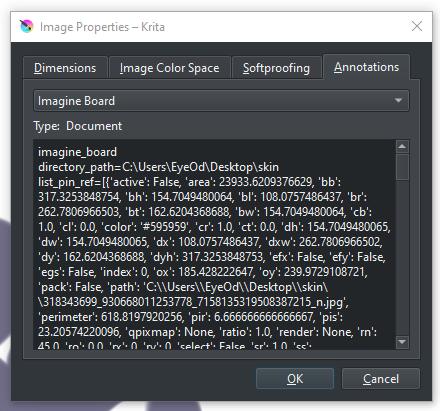
1 Like
Update:
- New color picker display
Now it can show the current color and previous color compared to the grey neutral. Also it has no restriction to the docker area for display.
9 Likes
Hey @EyeOdin First of all, thanks for the plugin. But i did a goof and ran into problems.
Few days ago i tried to drag-and-drop a image from my browser into Imagine Board (similar to PureRef; i did this because couldn’t remember if this was a function), and Krita ends up crashing.
Boot Krita again and crashed again. The program starts, gets a error from scripts and soon afterwards, crash.
I had to delete Im.B from the scripts files (pykrita), so the software could run normally again.
I tried reinstalling the script, both through the web and local file, neither worked. Same thing: Error message and soon, crash. Reinstalling Krita also didn’t work.
Ideas?
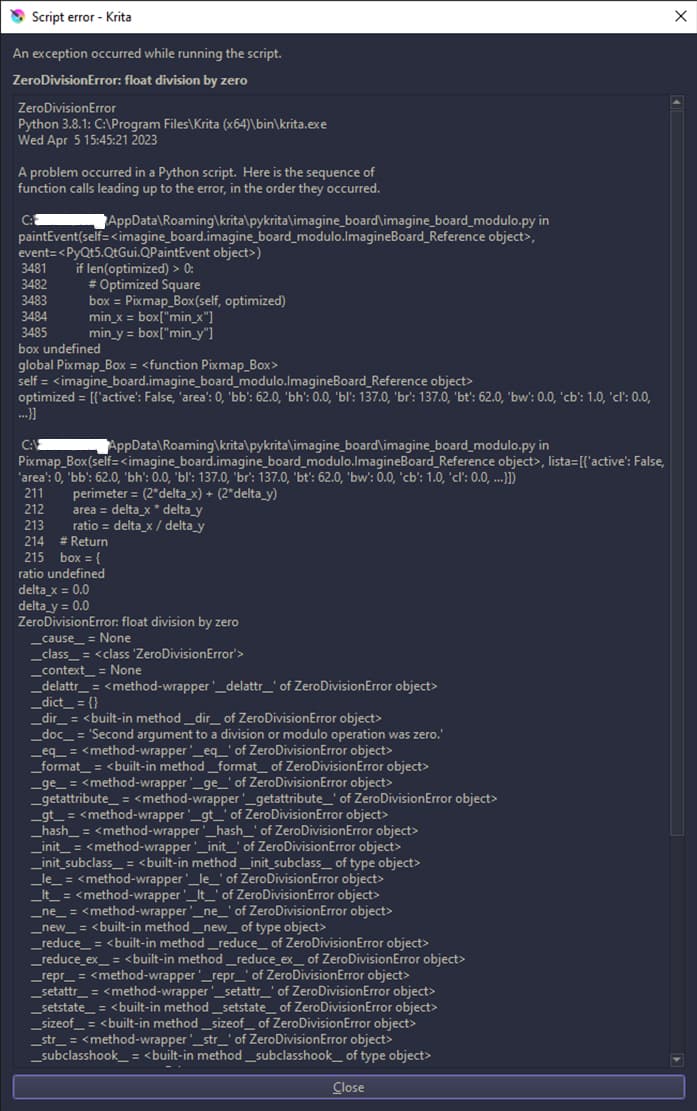
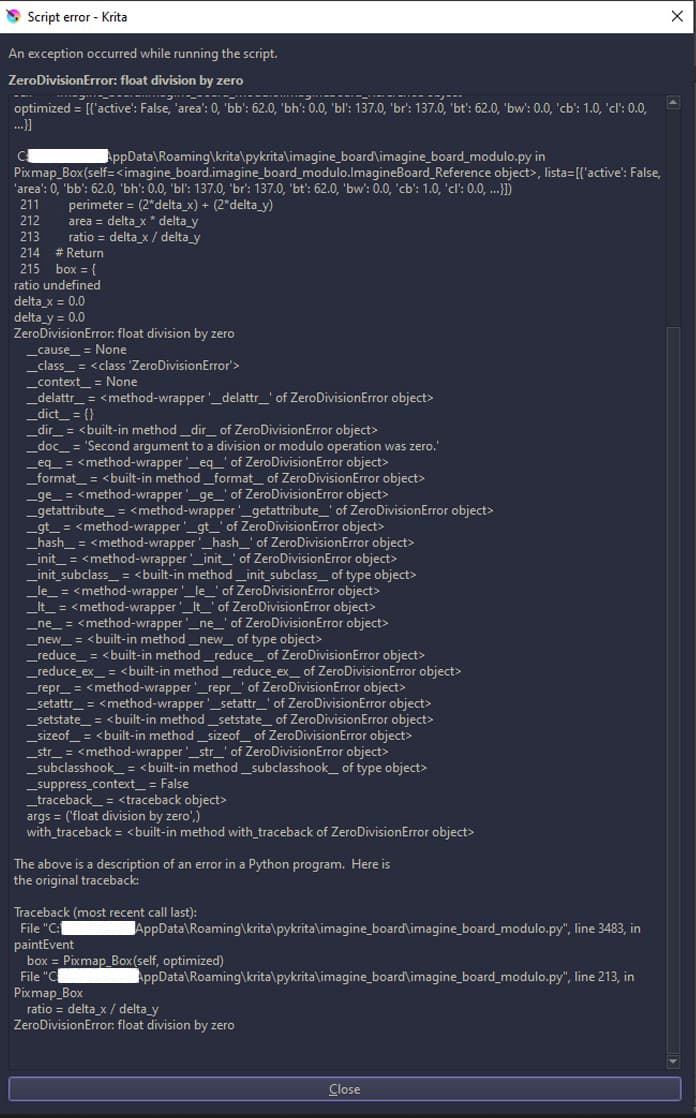
Have you cleaned the kritarc? In kritarc are entries for IB, you have to clean them, delete everything in the [Imagine Board]-Section after the equality signs, or delete the whole section beginning with [Imagine Board], it will be recreated the next time you install IB.
Michelist
1 Like
Felt silly for not checking that haha. Thanks a lot @Michelist
Works perfectly. Cheers!
1 Like
yeah the kritarc cleaning will fix it.
Imagine Board likes a drop from the local drive and dropping from the web browser will link to a file that will disappear after a bit. It has options for you to save images quickly with function but just dropping it directly I donno if I will ever support that because it will have requirements. Because I know as soon as make it happen people will place a ton of images into it and then the images will be building up space on system protected folders which I don’t want to do.
My recommendation is to make a reference folder.
what I had thought was project pages have internal reference folder for the project that would probably work better as it is on the drive correctly already but compressing big folders would make saving why slow.
I’m sorry, I hadn’t noticed that the option to save and load the references were in the plugin options, I remembered that they were in the contextual menu.
Even so, even if I check the option to autosave every time I open a new document, that option is unchecked.
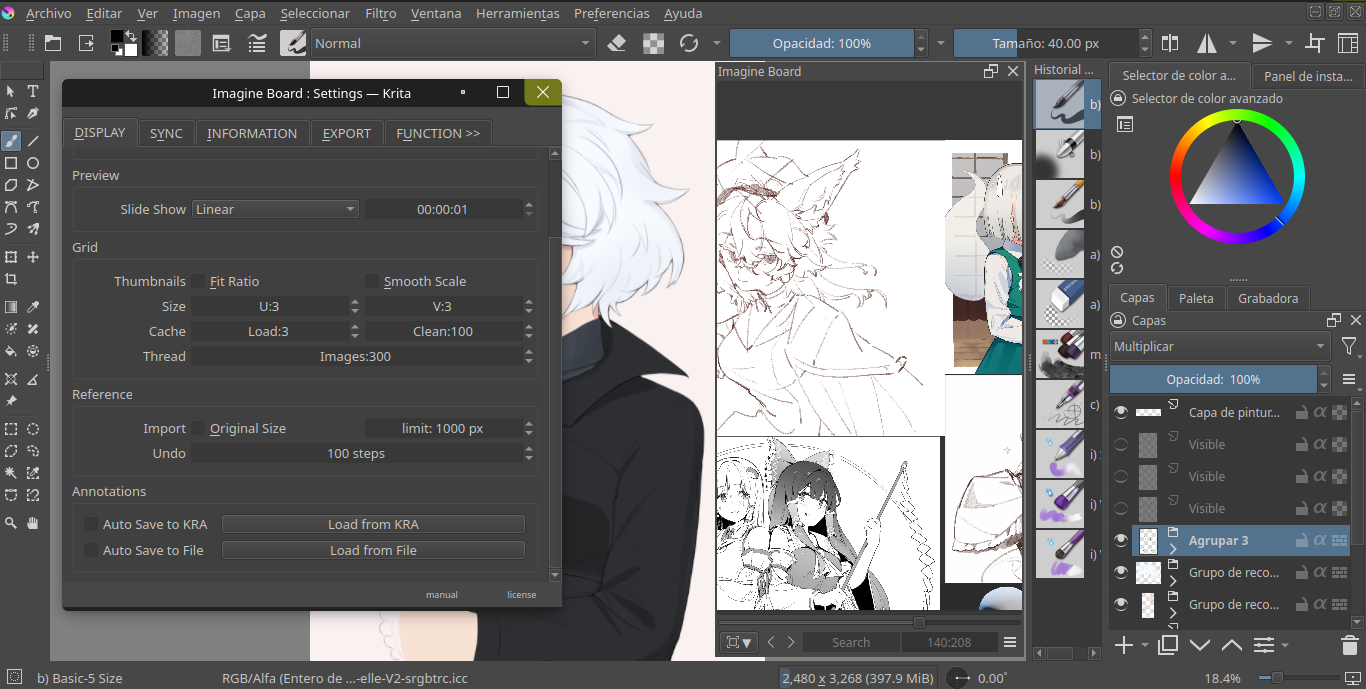
P.S I’m using Krita’s appimage.
1 Like
that is so you dont save a Board from another file into another document. so each time you open a save the toggle disables itself or else you will be saving the wrong board to multiple files as you just open the file. But I see it is not clear and rather confusing. I will rethink the way to handle annotations then.
3 Likes
It seems that the new version does not work well on linux or possibly because my computer is not very powerful.
1 Like
experiment turning off the advanced color selector for a bit and use it.
Sorry for the late reply, I tried but no, it’s still the same, I think this function doesn’t work well on Linux, for now I’ll have to use the previous version.
1 Like
I will make a less fancy version of it and fix the performance.
3 Likes
Thank you so much! 
Update:
- Quality of life
- Color picker
@SchrodingerCat
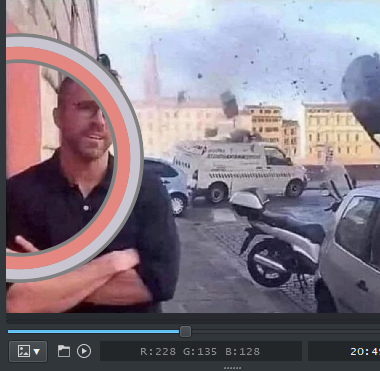
should perform better over all, in a nutshell I dropped the fancy stuff. But because of this I had to change design of the picker so it works in any direction and so I made it like this. The inner circle is the active color and the outer color is the previous color. So this should work if it clips in any direction and also if your left and right handed too, but the readability is debatable, tell me your thoughts.
- Dropping images
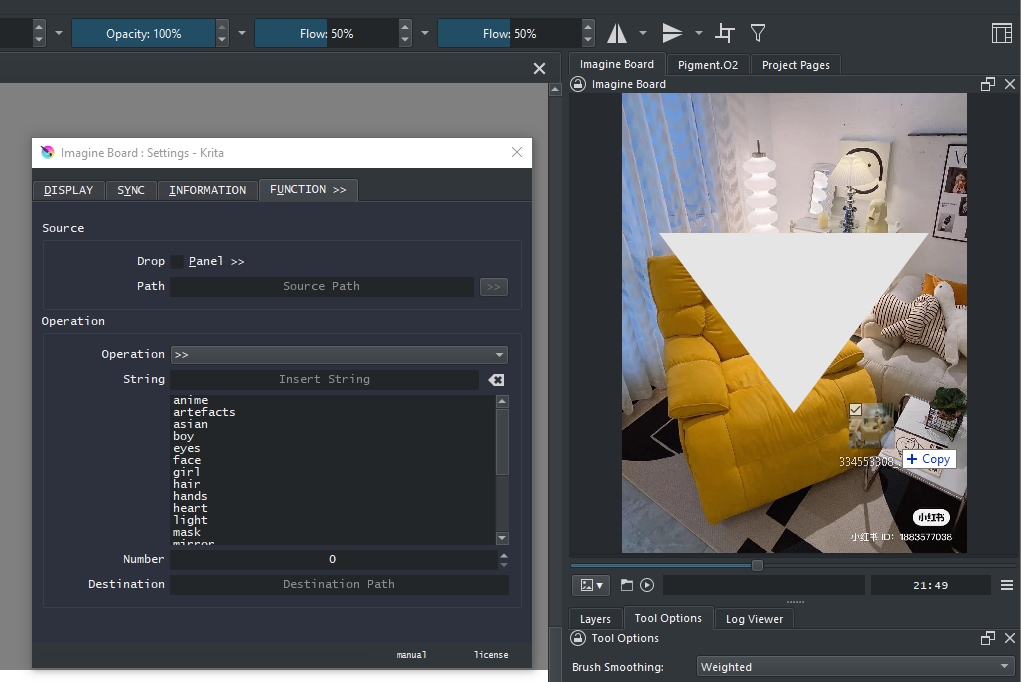
Now you have 2 behaviours to choose from. this brings uniformity to all modes. By default “Drop: Panel>>” will be unchecked. Having it unchecked will mean it will open the image your droping into imagine board considering the mode. Having it checked means imagine board will run the function over the dropped selection. I did this because it is not every time that you need to be batch renaming files so it made sense to allow more standard behavior from it.
- Running Functions
As a reflection of improving dropping images in running function now is a bit more plastic as now does not restrict just the max of 1 folder and now can react to folders and files seperate or at the same time. You can drop a selection of files and folders in one go and it should like rename every files and every file inside each folder ( however does not check for folders inside folders ).
Notes:
Since I wanted to release a version that did not break itself I kinda rushed so you might find new stuff that does nothing still, tell me if I forgot something. One of the things I tried this time was to use a different type of widget for a special case of a thing I do with my plugins, if someone sees invisible arrows floating around tell me. Also I want to do more bigger changes but I think this should be enough for ease of use on Linux side.
3 Likes
The plugin works better without glitches, but it’s still a bit slow xc
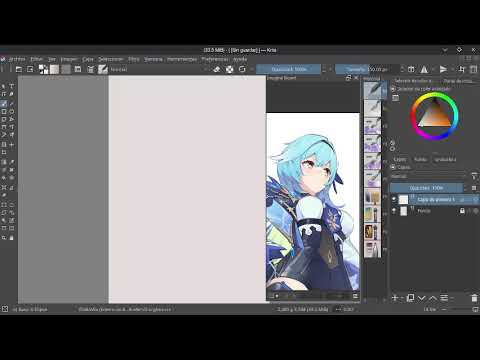
That is not the colour picker… You can’t even click and make a selection there.
Do you have a broken image on the reference panel?
What is displacing the widget out of the docker?
Did the installation went well?