Nope, It happens with any image.
I don’t know if I understood the question correctly but I was using the mouse.
Yes, there were no problems, I could try to install it manually just in case.
Nope, It happens with any image.
I don’t know if I understood the question correctly but I was using the mouse.
Yes, there were no problems, I could try to install it manually just in case.
Ok so this is what I am planning. Honestly I have no idea what is causing issues on Linux, the only thing I am thinking it might be causing is a signal flood. if it is not I am left clueless. so to help that I made this behavior on a WIP so it seems to be working. Note that Krita is the one below but pigmento will be receiving it directly, my idea here is that it is the API clogging so I might get it by with pigmento updating in real time still.
P.S. - I think I found the reason. It was another thing that was bloating the process. It was a fail safe cycle that is disregard able hopefully. I will have a new version soon. It passed my Linux testings already.
Excellent, thank so much for the update 
I updated just now you can see. it should be faster now.
Update with Changes: Quality of life
Thank you very much!, the reference mode now works perfectly, it even feels faster, now I can rotate the images without fear of the imagine board freezing.
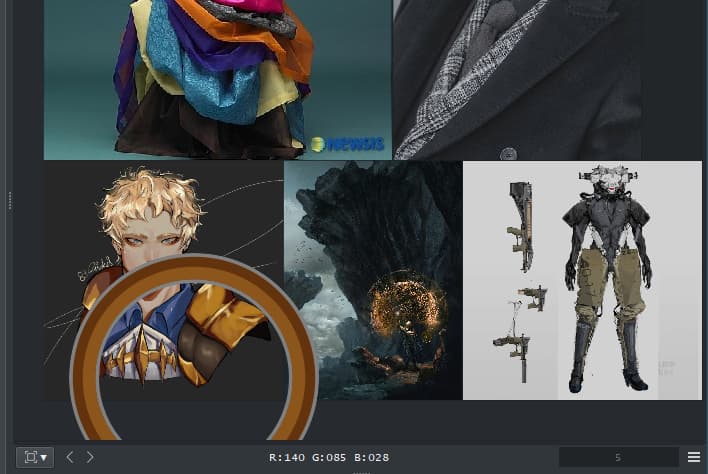
By the way I noticed this behavior in grid mode, when I select an image:
nice catch. was some leftover of the new stuff. fixed
Warning
Please uninstall imagine board before updating to krita 5.2.
the new python version will break the plugin.
A bug fix version needs to be created due to the WIP state it is currently in.
All reports of it will be ignored.
Hey @EyeOdin
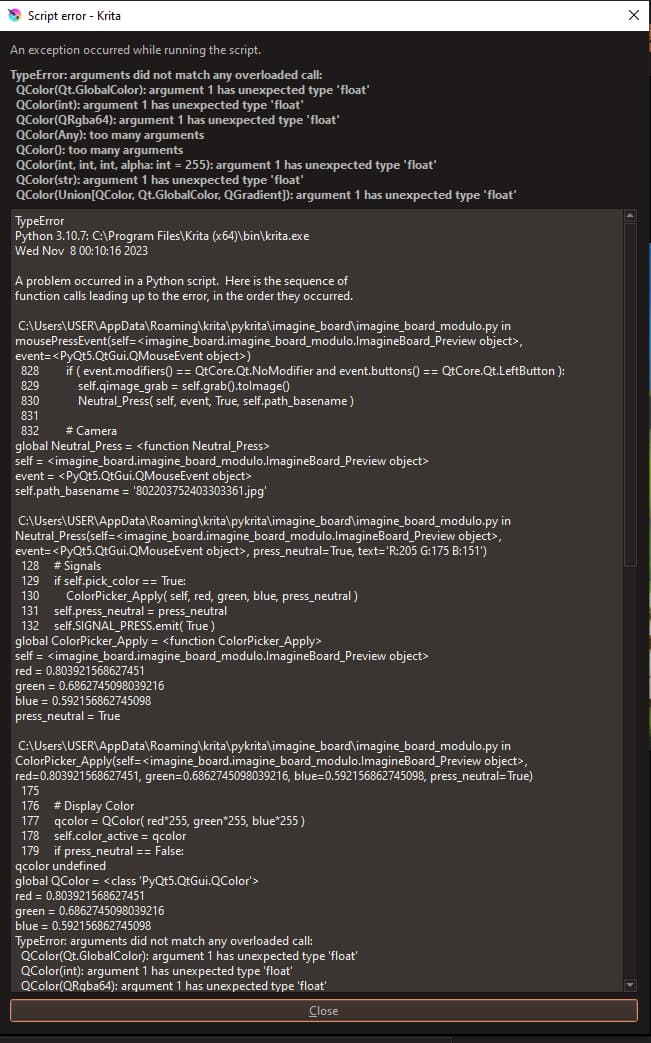
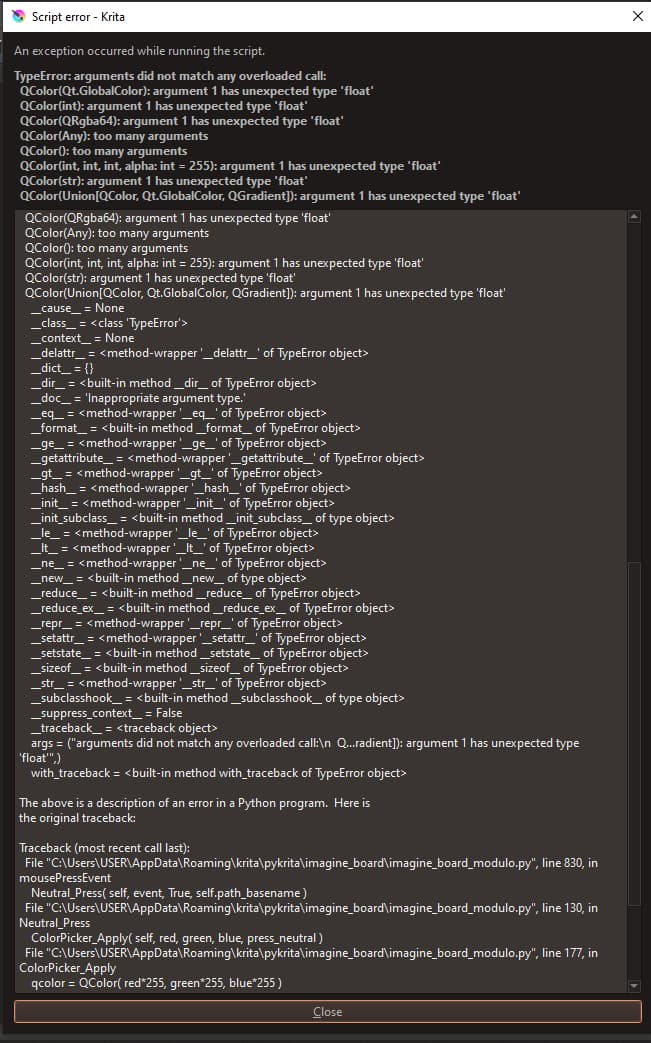
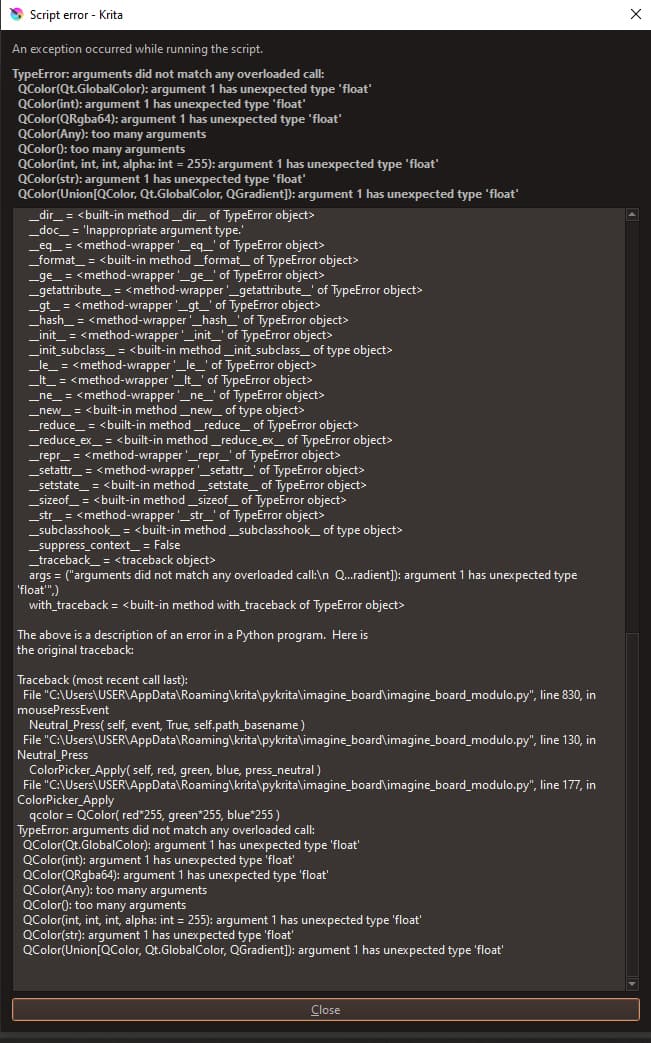
Getting a small bug:
It’s not fatal, the plugin and Krita still run just fine - in fact, if i don’t close the window, the function works perfectly. But, in case i close the window, everytime i click to eyedrop the reference, the error window pops up.
I reinstalled the plugin (cleaned the kritarc), and no luck.
Any ideas?
I think the plugin is not fully compatible with Krita 5.2x yet, please wait for @EyeOdin to release an update.
Welp time to downgrade to Krita 5.1x!
Lol nvm. I’m sticking with Krita 2.x because of a new plugin lol
Okay so I have been working on this since 5.2 release and I think I got a version that should be good enough to share now.
However I think I need someone to help me beta test it especially before I start writting the wiki and claiming it does this and that.
I would give preference to someone with Linux installed since I am on windows. And willing to test the obscure features.
If someone is willing I will PM you with a plan I will be writting today. I will include sketches too. I will give some dummy files also to test drive it with.
What I will be searching is if features work and if the feature set feels complete, organized and performance.
Update:
So this one was a big change like I did for Pigmento. Completely re-written from scratch as to get rid of everything that was not working. I was fighting changing method but I ended up doubling down on my initial stance so in spirit not much has changed but things might still feel slightly different.
Preview
Changes here where mostly code to be cleaner.
Grid
Here the overall behavior was the main focus of change. This might be some sort of contention as people did not like to use the more elaborate controllers so I simplified them to a fixed count that might be calibrated in the future but I kept a really low number so it does not explode on the RAM.
Reference
This one was the biggest one changed and the reason why I rewrote I have been consistently unsatisfied with the results of my previous attempts and I think I am closer to something much more pleasing. I also decided to make something new here as it seemed to make sense, Files and Links but will cause confusion. File is like the table and the Link is the plate you put over the table, and inside the link is the board. If you swap File everything changes but you can swap the link and hold the same file, but remember you will always be saving the same board whatever you use so it will seem weird but it all depends on how you wish to use it at any given time.
Misc
Hope everyone has fun with it
There’s a bug that happens only in reference board mode, it’s the only bug although I don’t know what it could be.

I was testing and was not able to see that happen. I will keep an open eye for it.
as an alternative you can use Preview and Grid to display the images inside Reference by changing the list in display.
@EyeOdin Please help me with my imagine board.
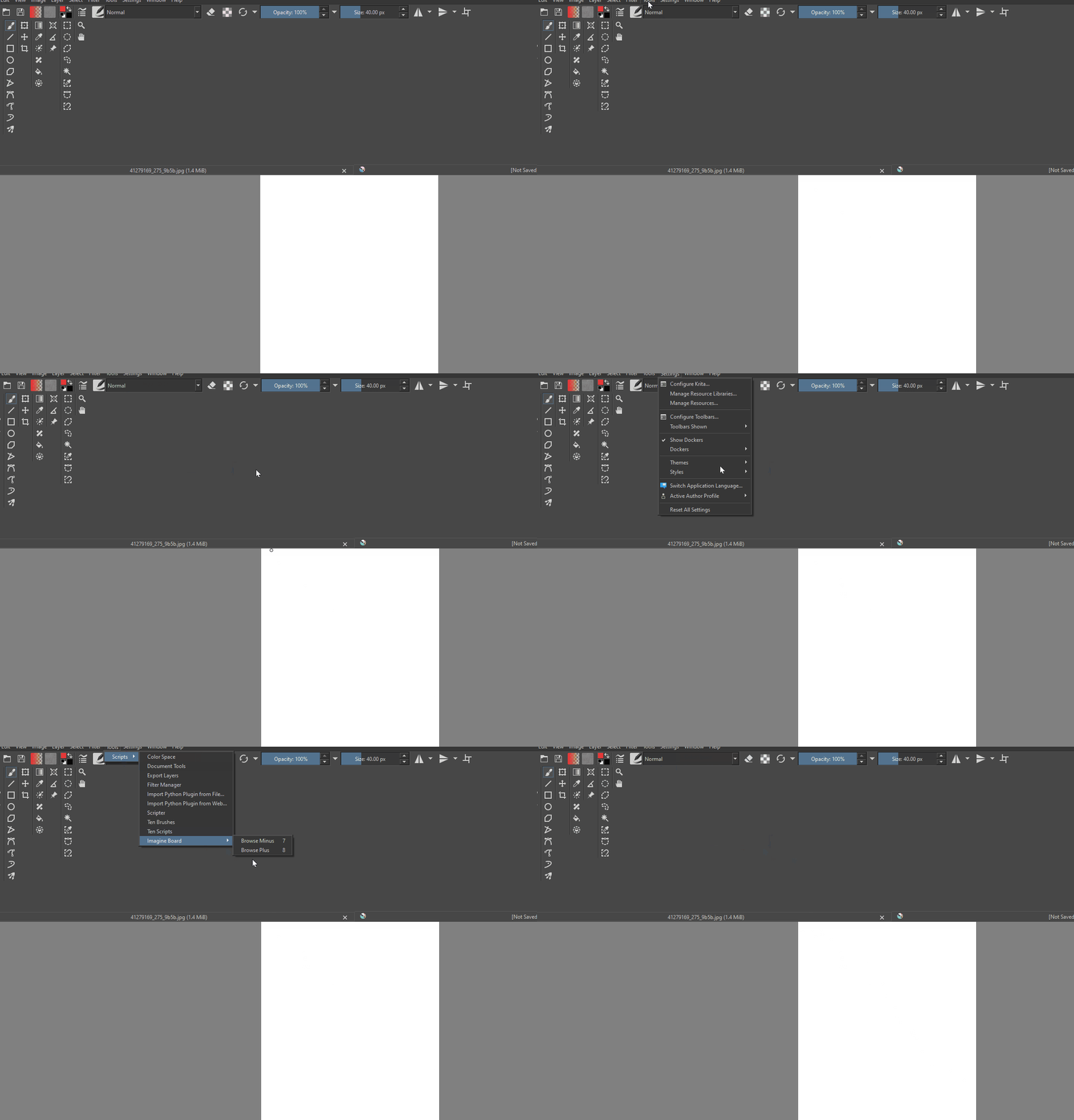
 Hello @FLAYMEYAWN and welcome to the forum!
You should describe your issue with a few words, what does not work the way you expect it to work? Or do you search the user-interface of Imagine Board? If so, in Krita do ‘‘Settings’’ >> ‘‘Dockers’’ and set the checkmark in front of ‘‘Imagine Board’’ to open its docker in one of Krita’s ‘‘Sidebars/Docker-Areas’’.
If that does not help, then please name the version of Krita you use and from where you got it, also name your operating system.
By the way, the way you have split up/set up your user interface seems very interesting respective quite unusual to me. If you want to have the normal appearance of Krita back, then click on ‘‘Window’’ >> ‘‘Workspace’’ in Krita and select ‘‘Default’’ there.
Michelist
@AhabGreybeard, @raghukamath, @sooz, in my eyes, it would be better to merge this topic with the topic of Imagine Board, how do you think about it?
Michelist
I was actually aware of this situation as they were talking to me while I was streaming. for what I understood it was a problem installing plugins and that is why I suggested posting the problem here in the forum so I could see the problem better. The video is inconclusive still to what the problem is so I was waiting for a new video to show the issue better.
Was about to make a general help post for this, but found out my problem was related to this plugin.
I’m on Arch Linux using i3wm. When using this docker, and entering Canvas-Only Mode, all of my dockers stay on the screen even if I go to Settings > Show Dockers and uncheck the box. I even double-checked to see if I have Dockers hidden in the Canvas-Only Mode settings, and I do.
Not sure if anyone else has this issue, just wanted to make sure I posted it.