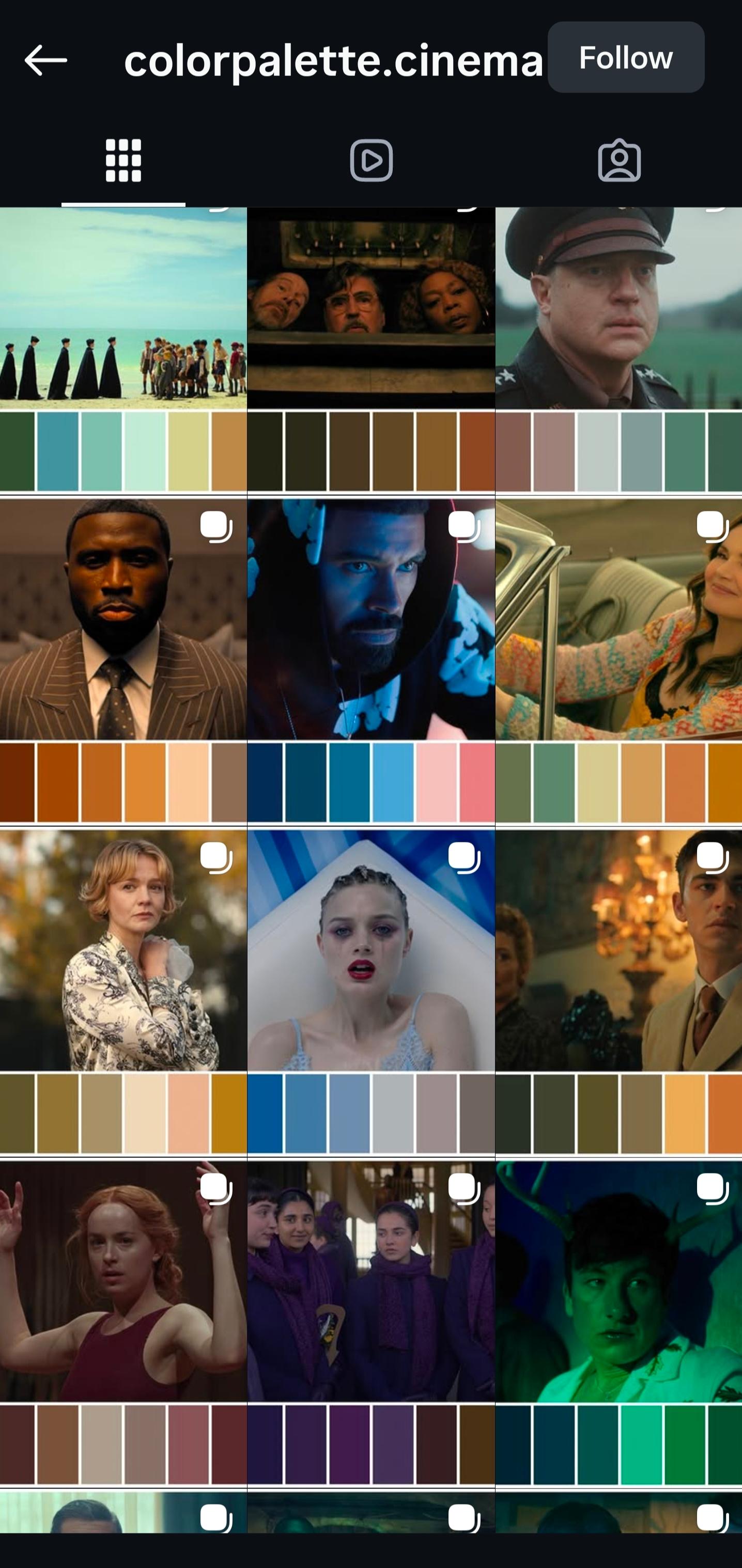
Saw this on tiktok. It said, an intermediate palette on csp. Its really neat. This can be very helpful to make a mood art. Play with different colors and helpful for beginners to experience with colors. What do you guys think?
Saw this on tiktok. It said, an intermediate palette on csp. Its really neat. This can be very helpful to make a mood art. Play with different colors and helpful for beginners to experience with colors. What do you guys think?
Looks cool 
Have you tried Gamut Masks? Looks to me like a feature with a similar purpose.
I’ve actually been just using the default color mixer under the advanced color selector for this purpose. The artist color mixer also has most of the functionality, but to be honest, I was thinking of writing a plugin like this for a little while now.
Still, to be useful for me, this would need to have custom color blend algorithms, because I use the above color mixer plugin specifically for the different algos. Being stuck with basic srgb mixing has never been fun on CSP, and it would be even more limiting in Krita — if I can make a canvas that is just a palette, with better color blends, it would make this addition obsolete right off the bat.
I also using advanced color selector, which is great. Then when i saw that on tiktok, it reminds me of these.
I think the intermediate palette can help play with these kind of mood. Using these color palettes. Or even use color harmonies.
For gamut mask, i havent really try. Ill take a look for it next time.
I have made a couple color tools https://artbuddy.urlich.ch/ (and others), my artist color mixer is also there. By now it seems every other design tool has some sort of pigment mixing, oklab gradients… except Krita. But I’m confident it will come. 
Also check out a friends generative color tools https://elastiq.ch/
I know it’s not what you’re asking for, but the closest thing I can think of that already exists is this palette generator plugin. I find it quite useful when applying gradient maps for mood. It generates a 24-color palette using a single starting point (usually whatever color you already have selected or something random) and you can chose a specific harmony and play with other more technical settings.
I thought pigment.o had this solved for years now. I guess i have to simplify it more.
Okay I refactored the “panel dot” to be more simple and now it is named “panel plane” it should be easier to deal with and do what was asked here.