Krita SK Setups V1.50 - [2025-07-23]
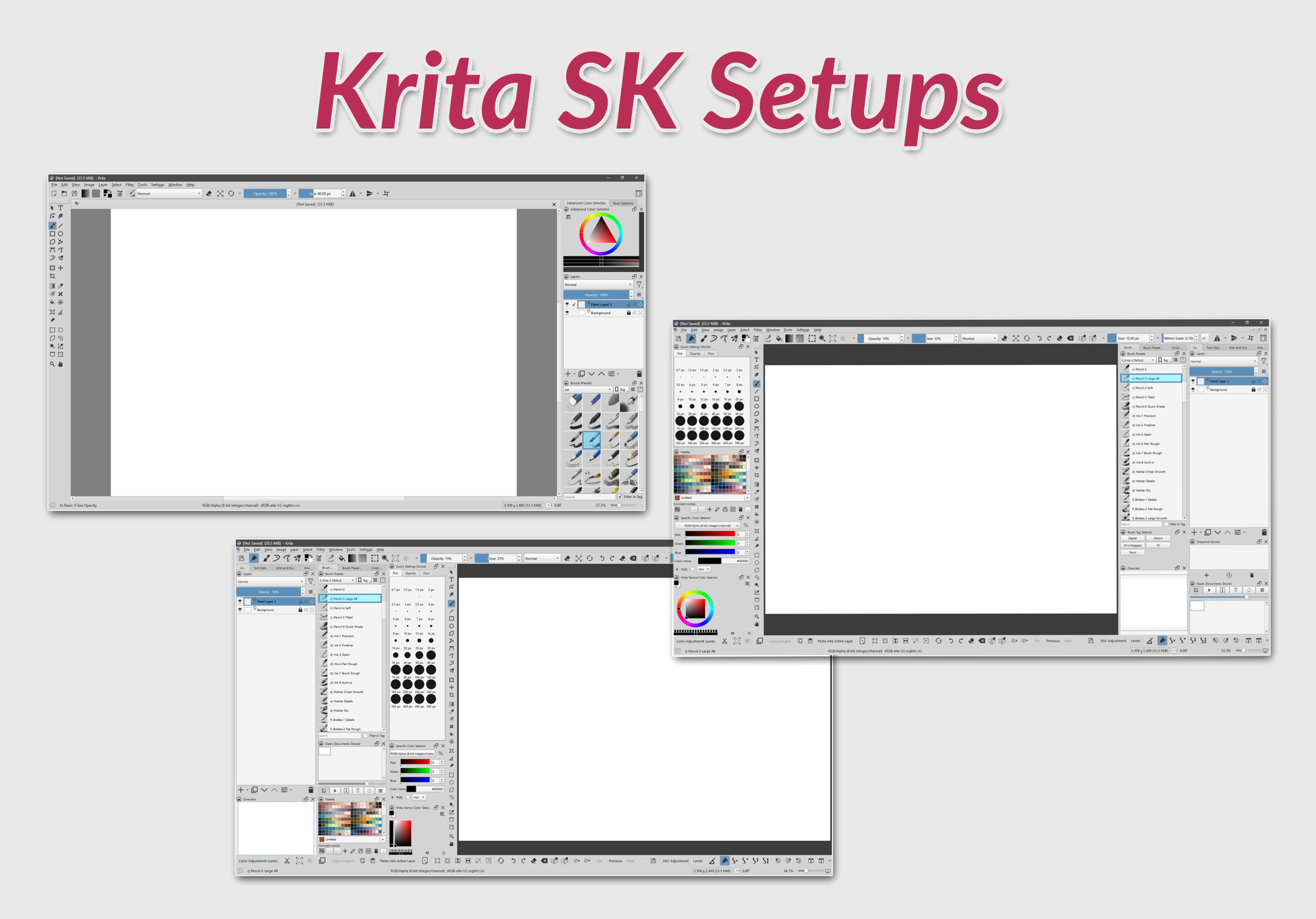
Here are 2 of my Krita Workspaces and 2 Toolbars setup. Hope you like them 
The first workspace with toolbars_v1 was shown in screenshots of my first and second theme packs, my third theme pack always shows the first workspace but with toolbars_v2 (links at the end of this post).
I use them with:
- Windows 11
- Krita 5.2.9 - 5.2.10 and now 5.2.11
- 1920x1080 display resolution
I do not recommend using these toolbar customization files with previous Krita versions - because the files contain also menus and I don’t know in which versions they were changed, moreover, I don’t know if there are other differences that could cause problems.
IMPORTANT PRELIMINARY STEPS
- In Krita, save your current Workspace if you use a customized one and you haven’t already done this (go to: Krita menu Window > Workspace > New Workspace… → type a new name)
- Windows OS - enable the view of “File name extensions” > https://www.howtogeek.com/205086/beginner-how-to-make-windows-show-file-extensions/
- If you have “krita5.xmlgui” in “Krita Resource Folder” (to check go to: Krita menu Settings > Manage Resources > Open Resource Folder), make a backup copy of this file and store it in a safe place. It’s your current menu/toolbars configuration, but you have this file only if you modified your toolbars.
WORKSPACES and TOOLBARS preview:
-
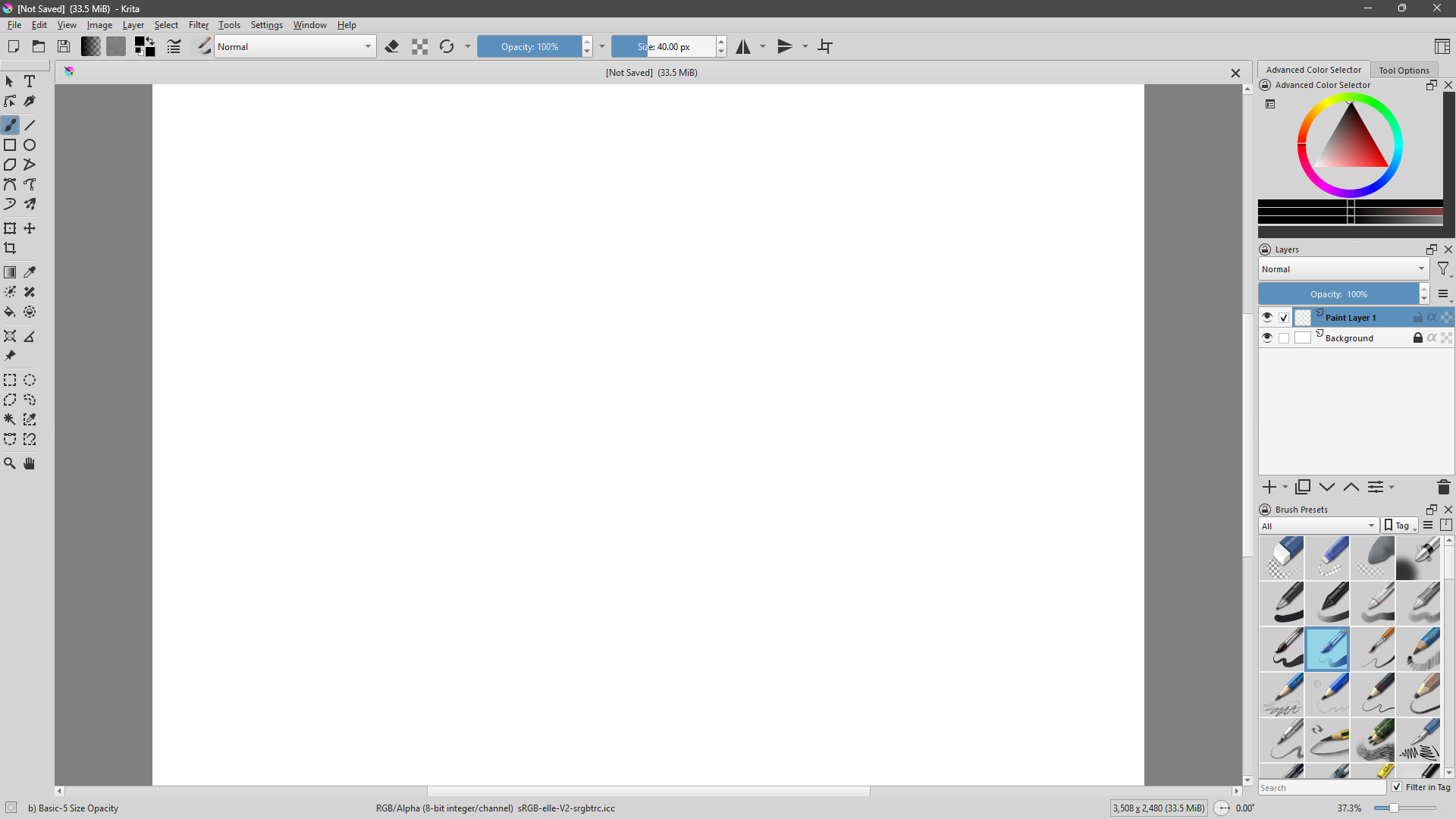
Krita Default workspace (color theme: “Krita bright”)
-
SK Workspace 01 + Toolbars V1
-
SK Workspace 01 + Toolbars V2
-
SK Workspace 02 + Toolbars V1
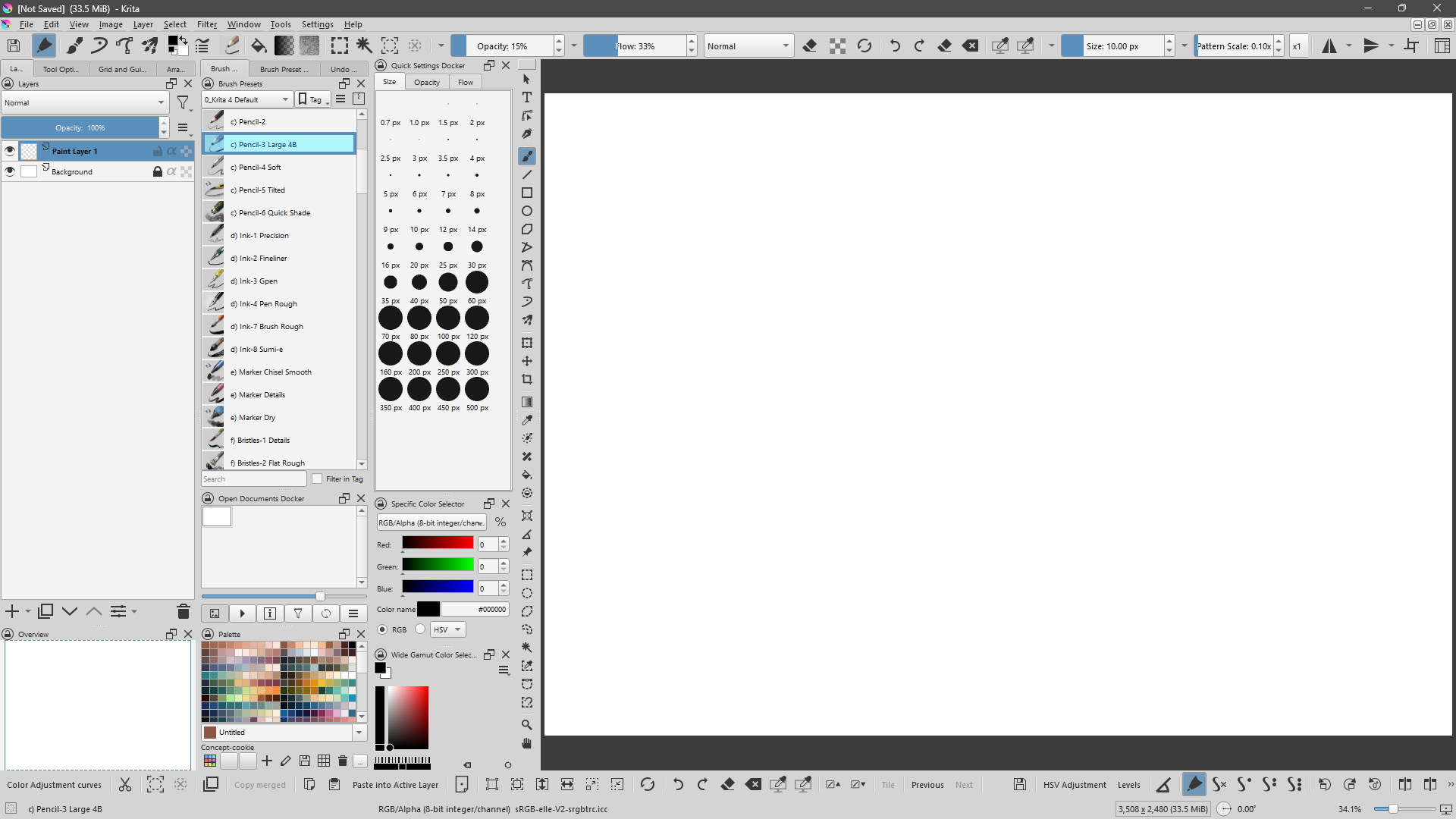
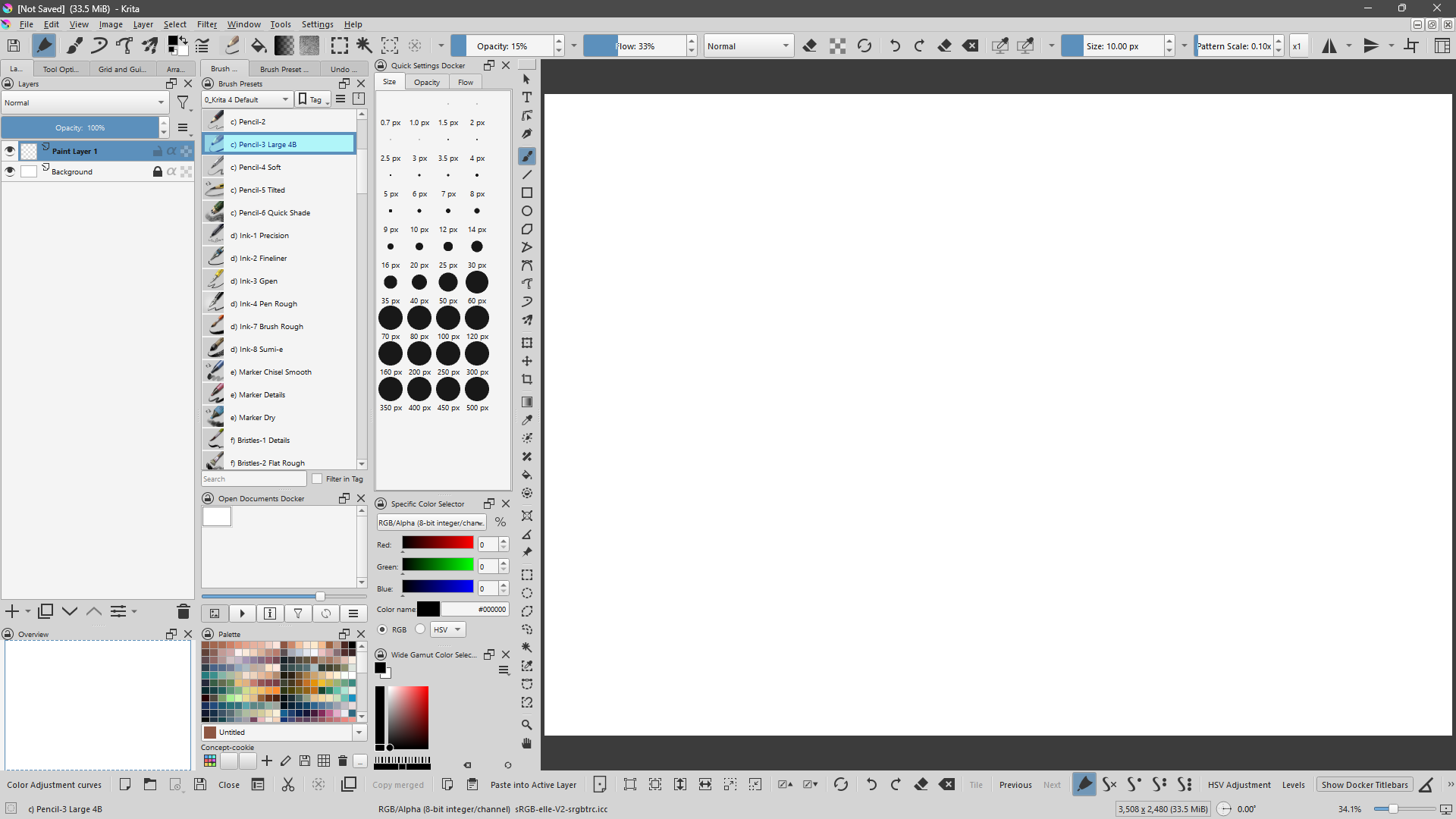
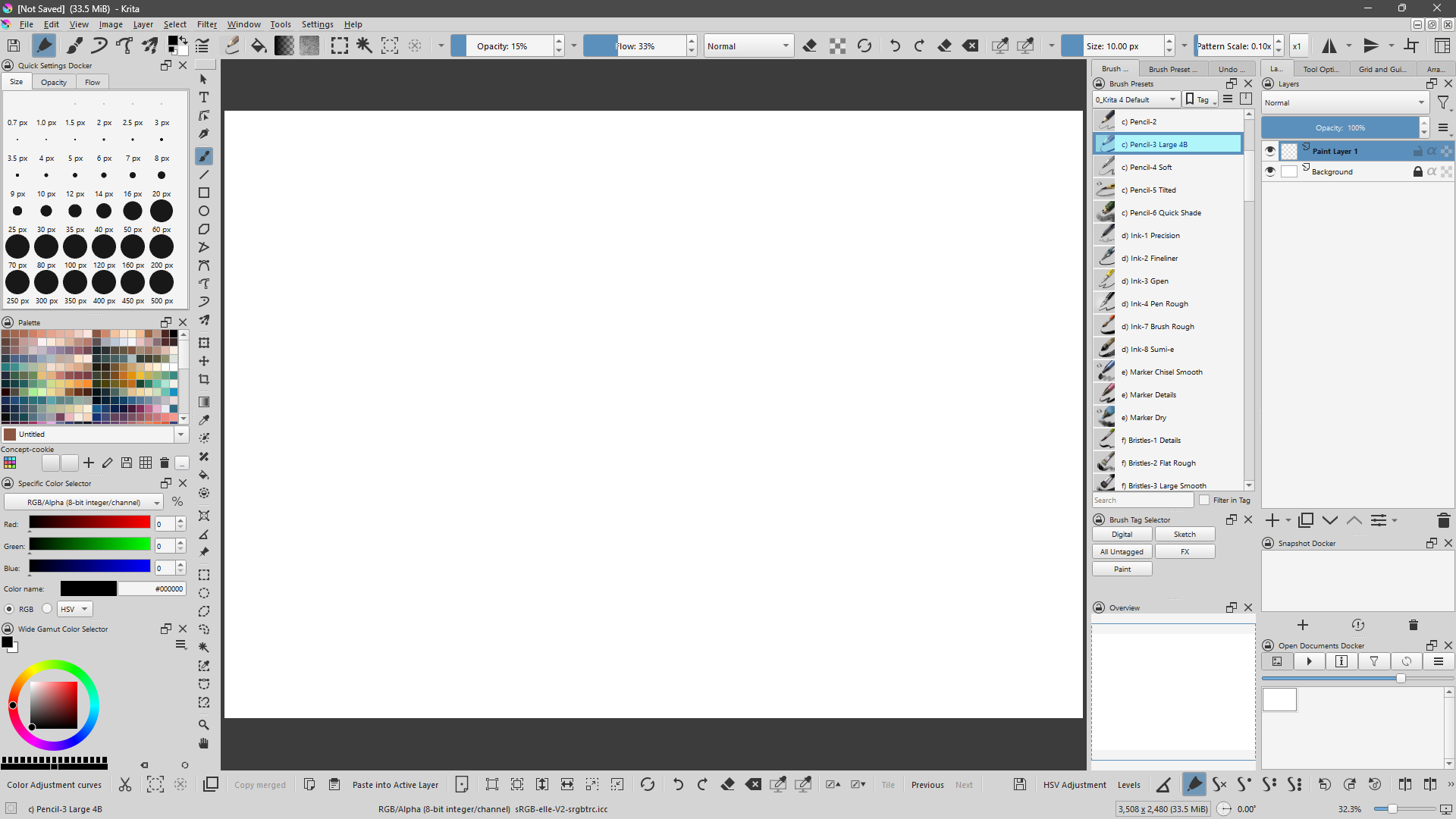
Warning → in this Workspace there is the “Snapshot Docker”, I don’t know if it’s only a problem of mine, but seems that it crashes Krita easily. I use it only for clear the “Undo History” (cause it clears the history when switches to a snapshot), but I have to be careful to make only few changes to the kra file, otherwise Krita crashes when I try to switch to a snapshot.
DOWNLOAD and INSTALLATION
-
DOWNLOAD the zip file in a good place for you and extract the content.
Here the file: Proton Drive -
WORKSPACES
To install the workspaces you can import them in Krita:
Go to: menu Window > Workspace > Import Workspace… → find the extracted content and select the desired workspace.
Then you can choose the workspace via the menu Window > Workspace - (or via the icon to the right of the top toolbar) -
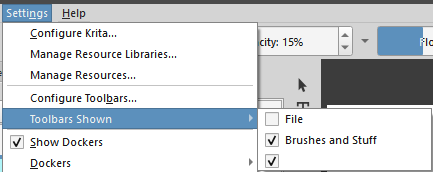
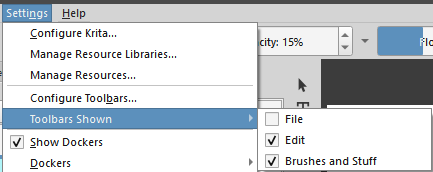
TOOLBARS
To install the toolbars you have to copy the version you desire of “krita5.xmlgui” file (present in the extracted content in 2 different folders: “toolbars_v1” and “toolbars_v2”) in “Krita Resource Folder”
So: menu Settings > Manage Resources > Open Resource Folder → will open the folder in your system, copy here your selected “krita5.xmlgui”
Then restart Krita
To UNINSTALL these toolbars, you can delete “krita5.xmlgui” (if you want to return to the default toolbars) or copy your desired backup version of “krita5.xmlgui” overwriting the existing one, then restart Krita.
OTHER CONFIGURATIONS:
Brush Presets - icon size
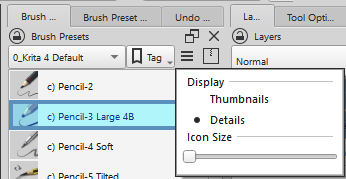
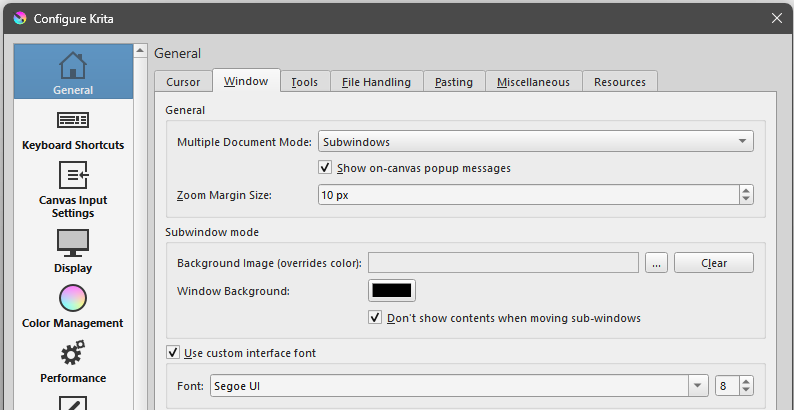
Interface font size (8)
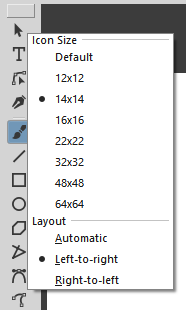
Toolbox - icon size (right click to select)
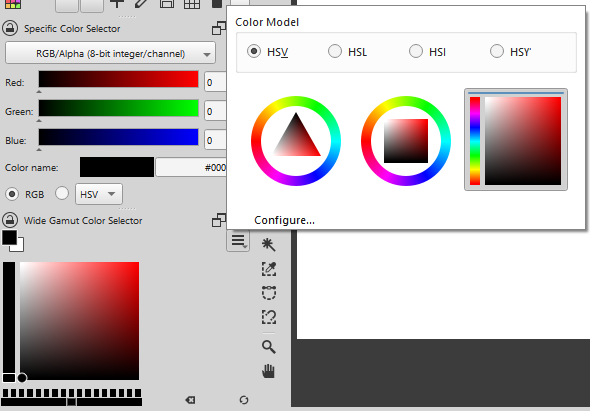
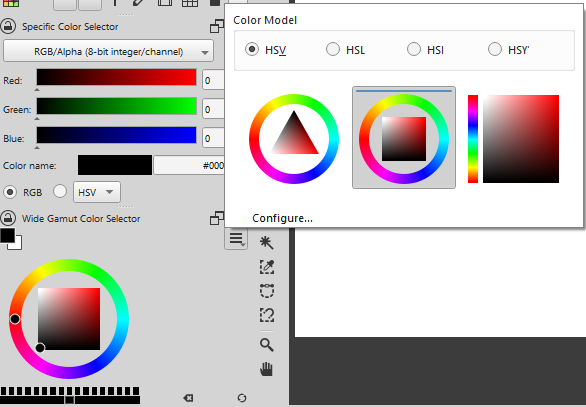
Wide Gamut Color Selector (choose the type you prefer)
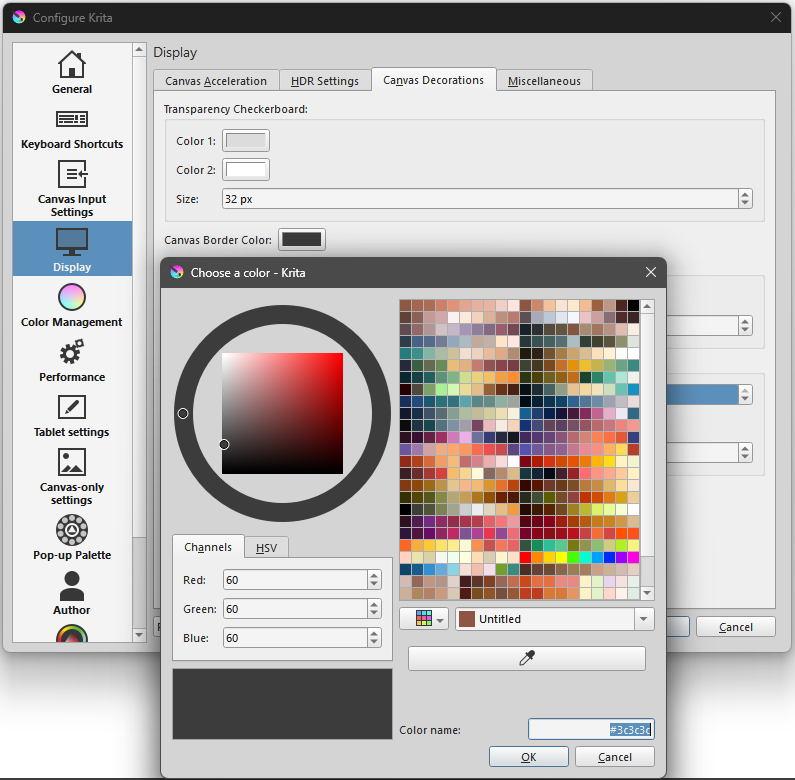
Canvas Border Color:
- Color name: #3c3c3c (light color themes)
- Color name: #111111 (dark color themes)
EXTRA DOCKERS
In these workspaces I use some “extra” dockers, I’ve noticed that if they are not installed seems that there aren’t problems for Krita, but if you want all the setup:
EXTRA DOCKERS USED IN “SK Workspace 01” AND “SK Workspace 02”:
-
Open Documents Docker > Open Documents Docker (ODD)
-
Arrange 2 > Arrange 2: Universal alignment tools for all types of layers - This docker doesn’t change workspaces appearance, cause it uses the standard “Arrange” docker space, but it’s so useful… I wanted to mention it
EXTRA DOCKERS USED ONLY IN "SK Workspace 02:
- Brush Tag Selector > How you handle all the brushes? - #6 by Skess01
FINAL CONSIDERATIONS
There are other settings in the dockers to replicate these workspaces, it would be long to mention them all, ask if you couldn’t find it on your own and are important for you
Here there are my Krita Theme packs - their screenshots are made with SK Workspace 01 and Toolbars V1 of this setup:
- Krita SK Tennis Theme Pack - [28 color themes] - FREE
- Krita SK Pale Theme Pack - [7 color themes] - FREE
Here there is my Krita third Theme pack - its screenshots are made with SK Workspace 01 and Toolbars V2 of this setup:
Happy Krita customization!