Dear Draneria, wonderful bundle! Tho I won`t like seeing Solas as an example in your pdf also sold me on this 
1 Like
haha xD I wont lie Dragon Age has a special place in my heart, I think their Tarot UI in Inquisition is just… chefs kiss
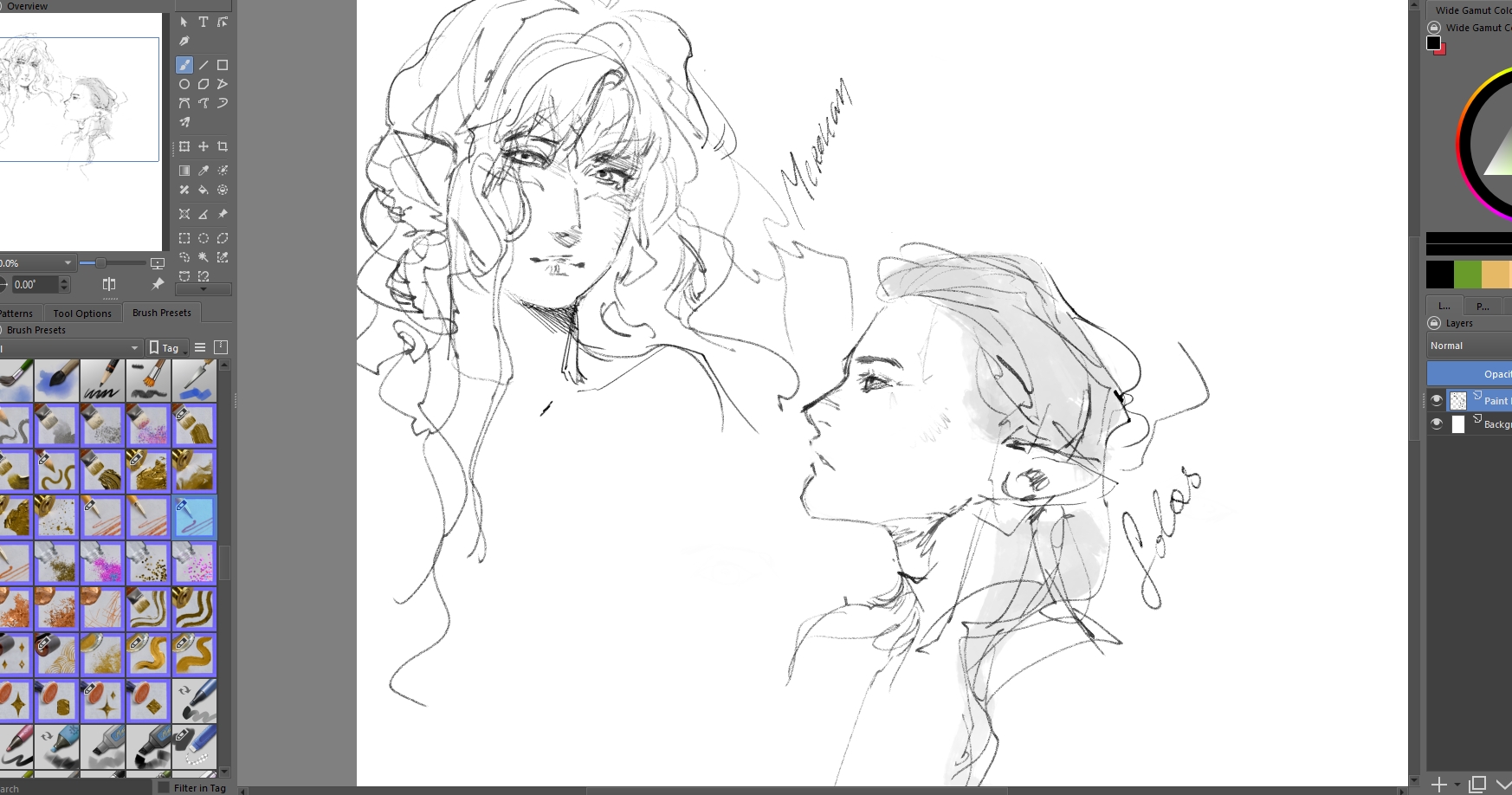
Mmm, really like “lineart brushes”, slightly changed them bc I use very light pressure x)
Feel really nice chef`s kiss
3 Likes
It simply wasn’t visible like the other brushes i got. it was rather bizarre. like i hadnt imported them in krita at all.
1 Like
Thank you for explaining! Truthfully I have no idea where to start on fixing that, but I’ll keep it in mind as a known bug. I’m super glad it is working for you now xD
1 Like
It seems to be the same issue the Memileo Brush Bundle has (huge brush tips), and since you are using some of @emilm’s brush tips in your bundle, this is an issue that could/has to be expected. Also, two of your presets are quite big, which could be another reason.
Michelist
That makes sense, I think it’s a cost I’ll have to accept however. Especially since it hasn’t impeded most people from using the brushes.
But! if it does cause problems for more people, I’ll create a “metallics lite” version for everyone who’s computers can’t handle the wonders of Emilm’s 360* rotating brushtips ( ✧≖‿ゝ≖)
Usually this is an issue of low-spec devices, currently I can’t remember a single user with a recent PC and over 12GB RAM complaining. In a few years probably everyone should be able to use such bundles, because hardware gets better and better, and it will get hard to find PCs below 12/16 GB of RAM.
Michelist
1 Like
I am so in LOVE with what you’ve made. The forums don’t let us cuss but I would if I could cause they are that good. They’re wonderful and I can’t wait to see what else you’re gonna cook up. You deserve a big tip ( at least when my payout comes home…  ) for all this hard work!!!
1 Like
I have lots in store (ノ◕ヮ◕)ノ*:・゚ I just need to keep working hard to make sure I can fund production xD I hope you have lots of fun with them and thank you 
3 Likes
Absolutely amazing work!! Can’t wait to work with these brushes 
1 Like
Thank you very much Draneria, great work!!!
1 Like
If you ever feel like you need additional help, you can just make a to-do on github and I’d love to contribute to your packs. I’ve literal terabytes of diy/scanned textures, brushtips, and the like; it’s hard to put them all online since they’re not very well sorted lol, but I have a small CC0 folder of them.
2 Likes
That is incredibly kind!! I am not 100% sure since I wasn’t expecting anyone to offer help xD On the other hand, I wouldn’t say no to putting on my pirate hat and getting the treasure chest ( ✧≖‿ゝ≖) I’ll PM ya so the replies don’t get bloated!
1 Like
These brushes are breathtaking!! So unique and exciting to use. AMAZING!!! Thank you for sharing these along with directions, guides, and wonderful brush icons (not sure if that’s the right term). I am so incredibly thankful. You are such a talent.
1 Like
Thank you Vanilla  I hope you have lots of fun with them (ノ◕ヮ◕)ノ*:・゚
1 Like
sorry, maybe I am stupid, but I cant find a .bundle file in there, only the whole folder is name like that but inside are these folders, it cannot be imported in Krita like this, what am I missing?
1 Like
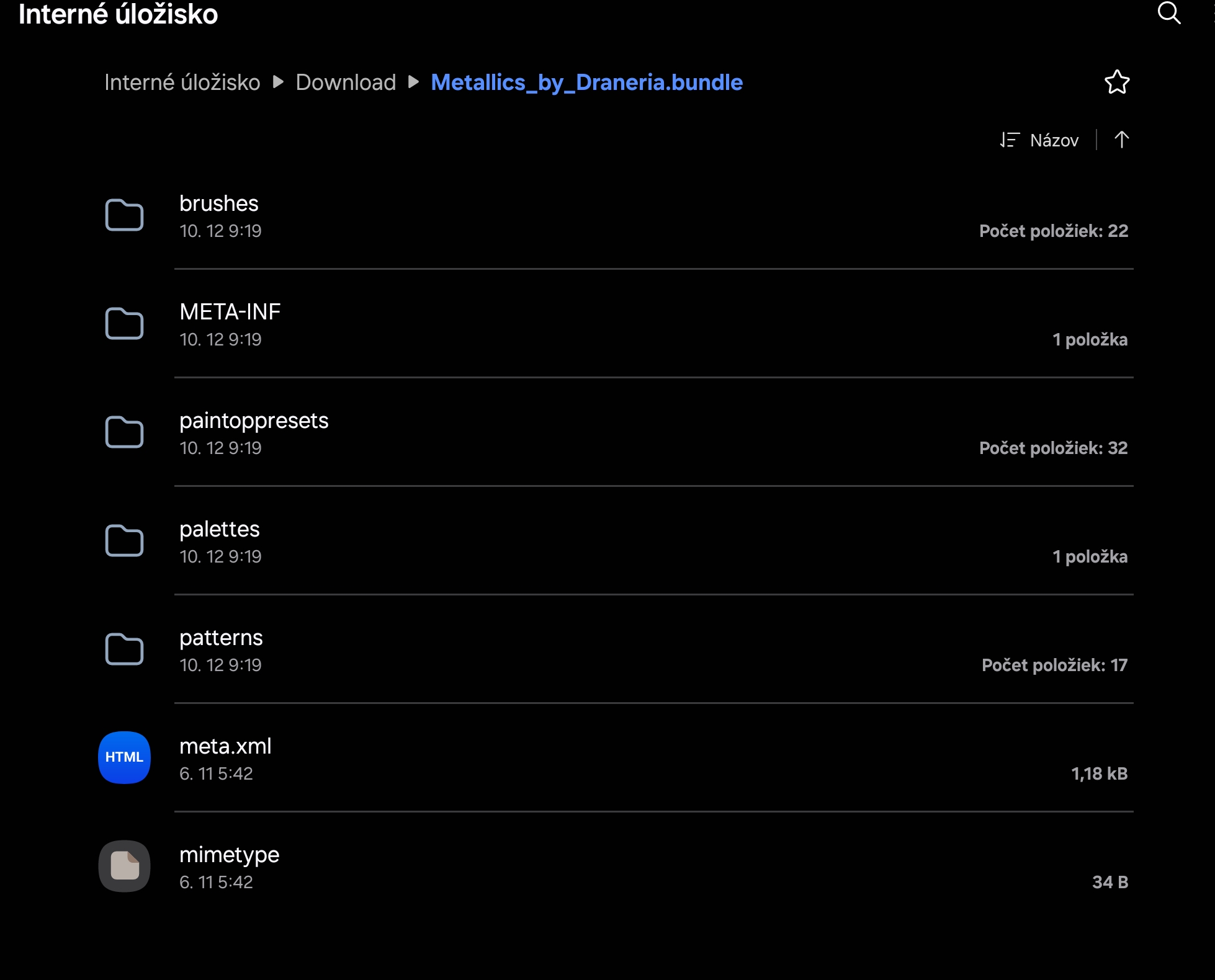
You need to download the file! Bundles ARE bunches of folders [it’s basically a zip]. You need to download the “folder” which is named “[…].bundle”, because that is precisely THE bundle. It’s just that gdrive reads & opens them since they’re just archives.
1 Like
thanks, but when I click import in Resources in Krita, it is opening the subfolders, not importing bundle. I just cant click on .bundle file. I hveimportedbundles before, I dont know why I cant now
1 Like