In Krita do open the menu ‘‘Settings’’ → ‘‘Manage Resources…’’ where you have to click Open Resource Folder, this will open Krita’s resource folder, now simply drop your file Metallics_by_Draneria.bundle at the very end of that folder between the other bundles you can see there, then restart Krita. Now Krita will load it while it is restarting. That’s it.
Another possibility would be to create a folder named bundles in your resource folder, and drop your bundle there. Then again restart Krita and you can use it.
By the way, a bundle is installed in Krita via the menu ‘‘Settings’’ → ‘‘Manage Resource Libraries…’’ and in the opening dialog you have to click the button + Import in the next dialog browse to the downloaded bundle, select it and confirm the selection (in your case probably better do not double-click it, just simply select it and hit the OK-Button of that dialog). Now Krita imports that bundle, and you can use its content, so the brushes in case of this bundle.
In case this BUNDLE comes in an archive-file, like ZIP or RAR for instance, then you have to unpack the archive to get the BUNDLE-File it contains, then you can proceed as described above.
Michelist
 but it worked and it change the folder into a file, I have them now, thanks for help anyway


 \(´。• ᵕ •。`)/ Thank you!
 Bug Solutions



 March Update
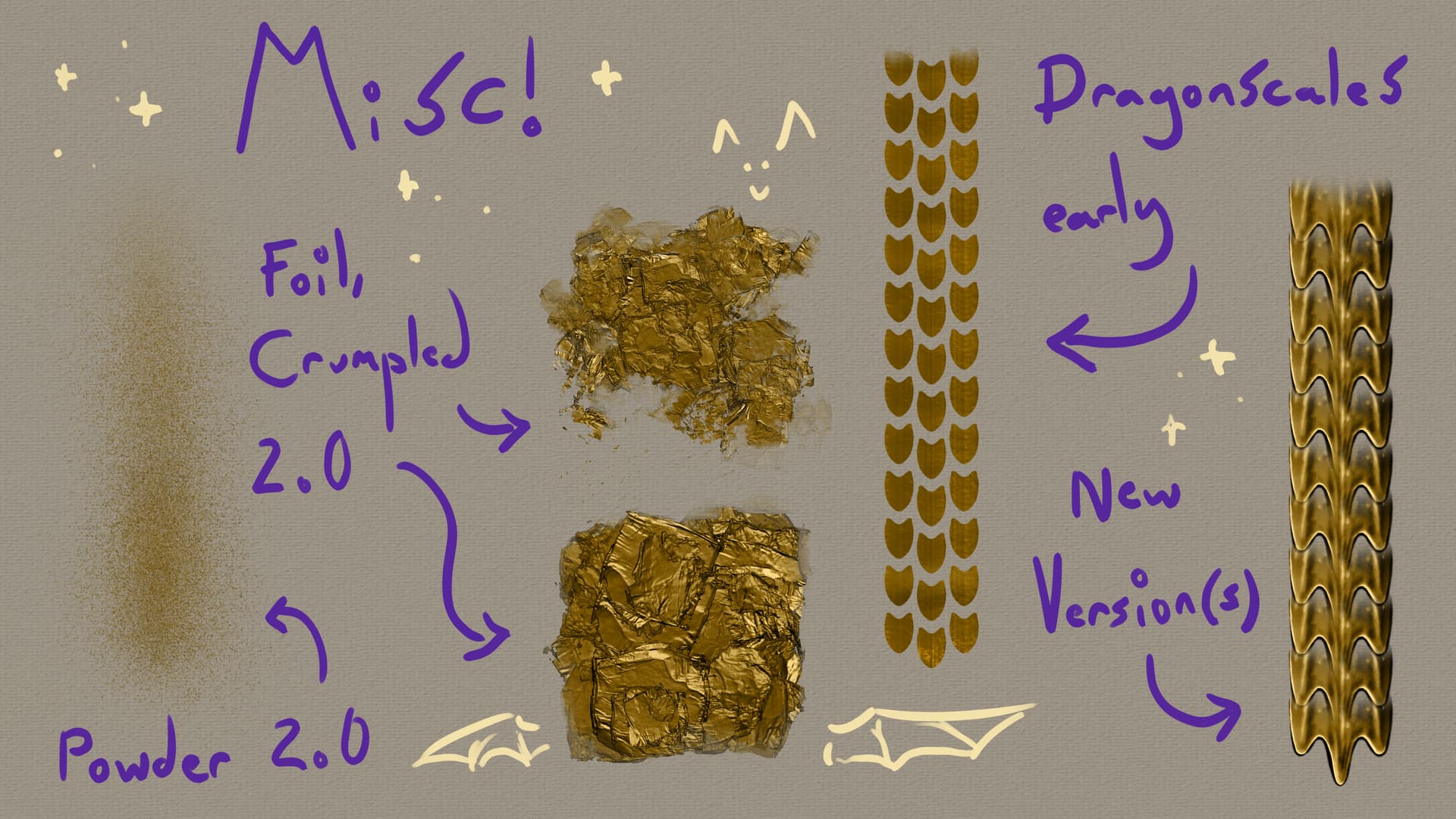
 Dragonscale Brush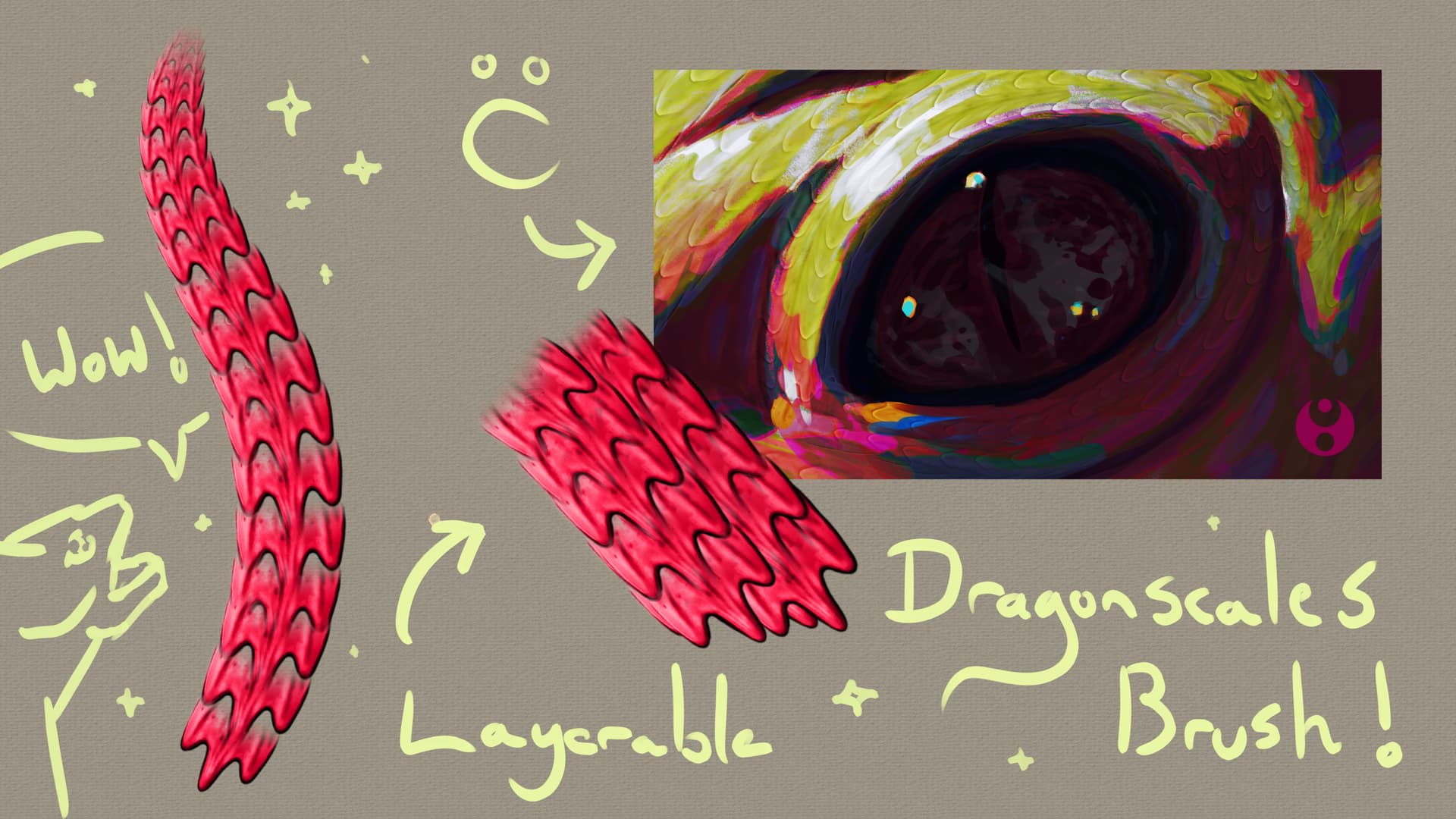
 ) explained how to make 360* light brushes, and now everyone can have a go! (Link: