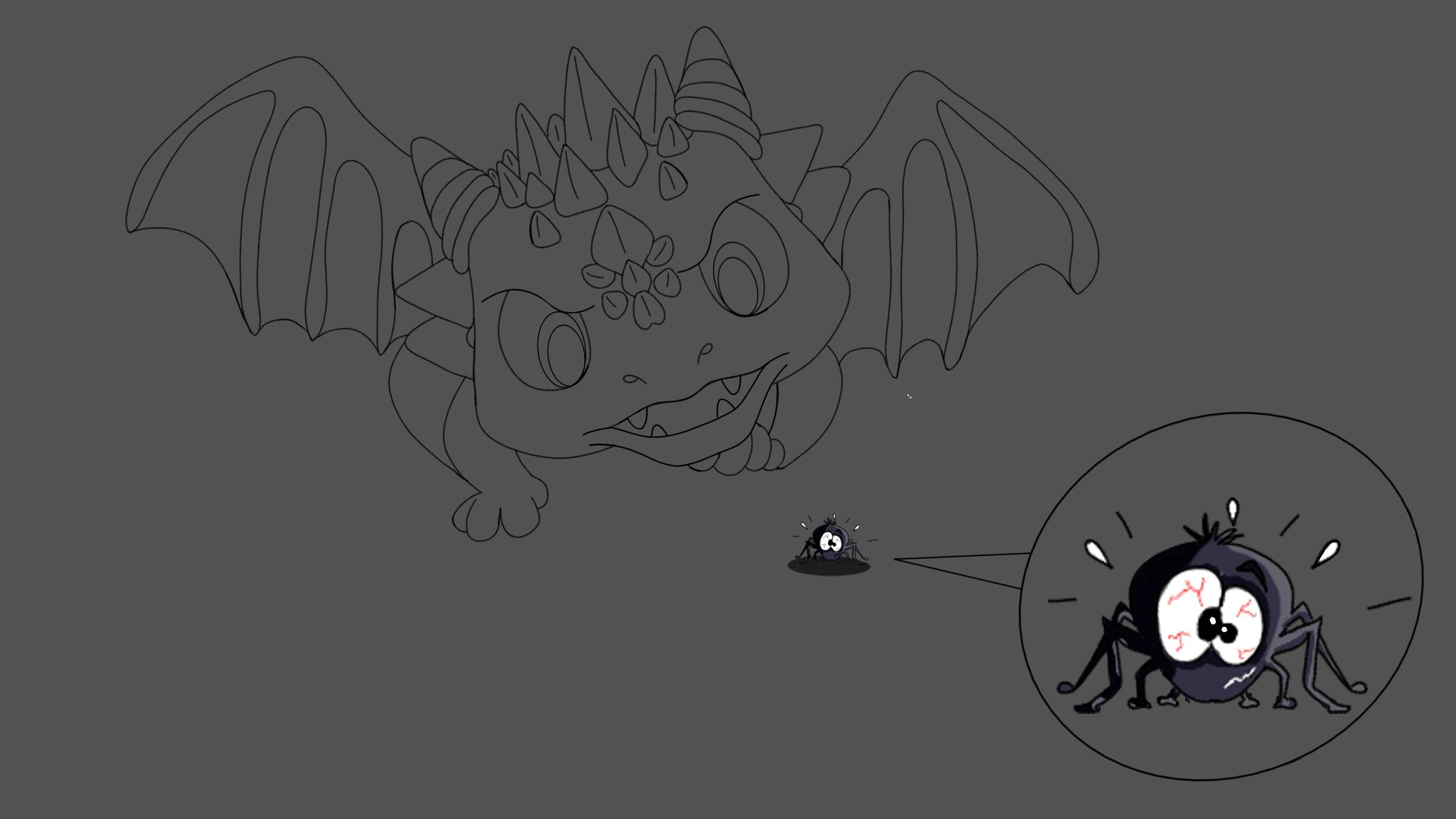
This is what I have so far, I am attempting to decipher on how I want to design scales for it and once I am finished with the dragon I will then work on the easier part of its background. I sure hope this will fit the narrative of the challenge.
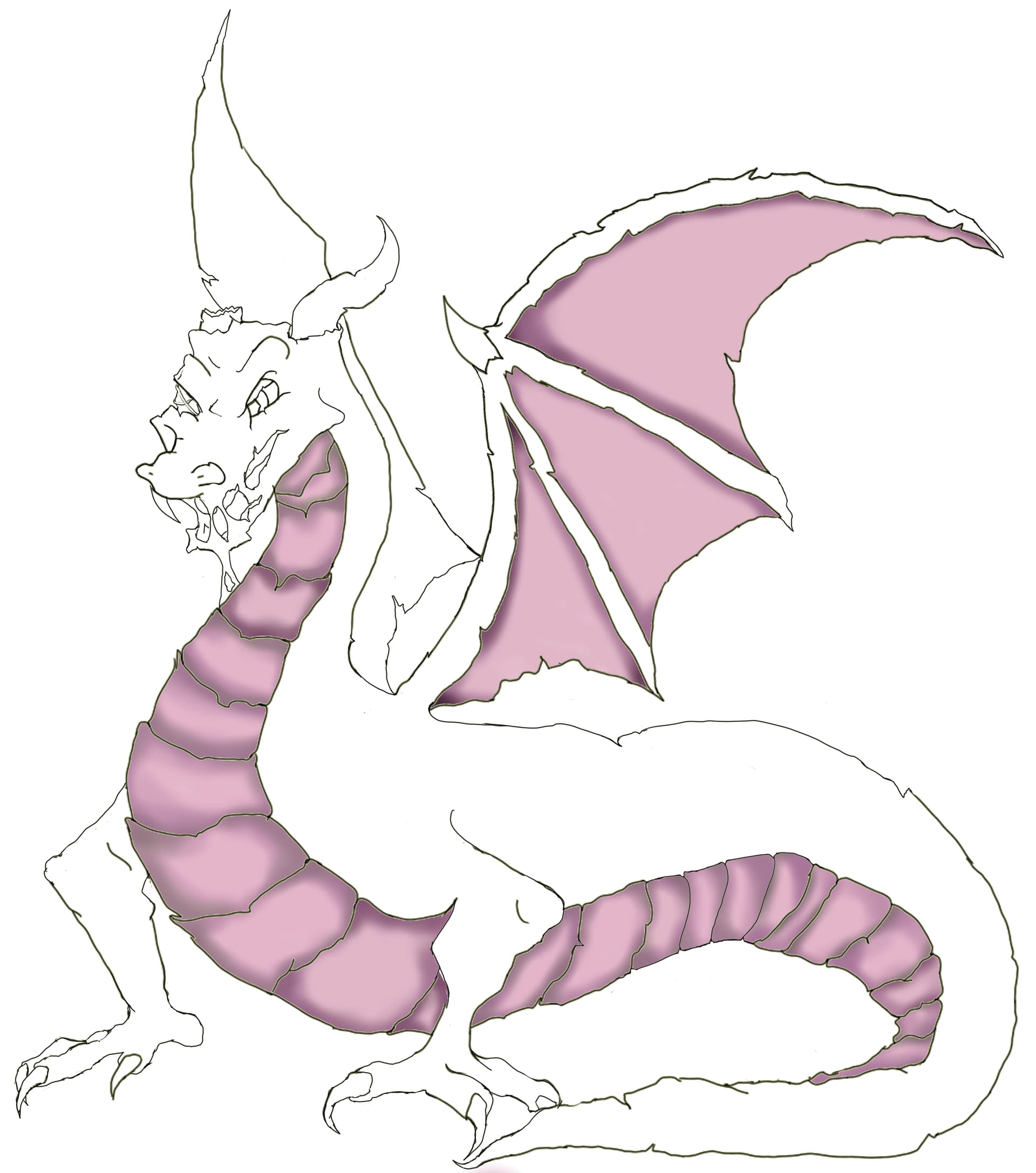
12 Likes
I see a lot of artists working this way. In most instances though I would recommend establishing your environment first.
Your figure exists within the environment, so the values and colours will be dependent on direct lightsources and reflected light.
It doesn’t need to be fully rendered, but establishing the basic values and colours present will help you judge the correct light, shadow and hues for your figure.
9 Likes
Most of the time I work this way cause my thought processes for some reason like being masochistic. I am sure it’ll turn out cause I’m always critiquing everything as I am doing it.
4 Likes
Aren’t we all like this? 
4 Likes
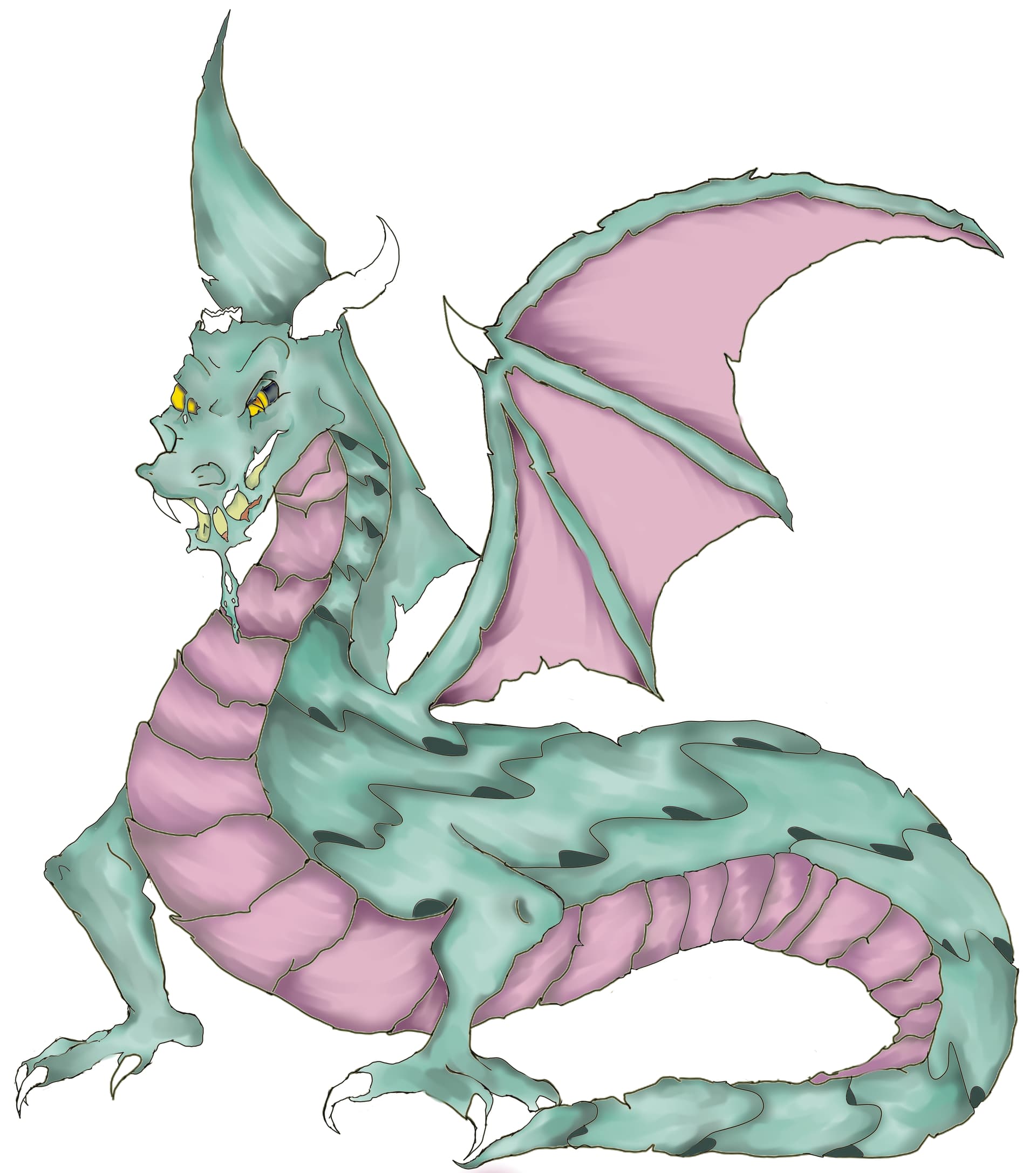
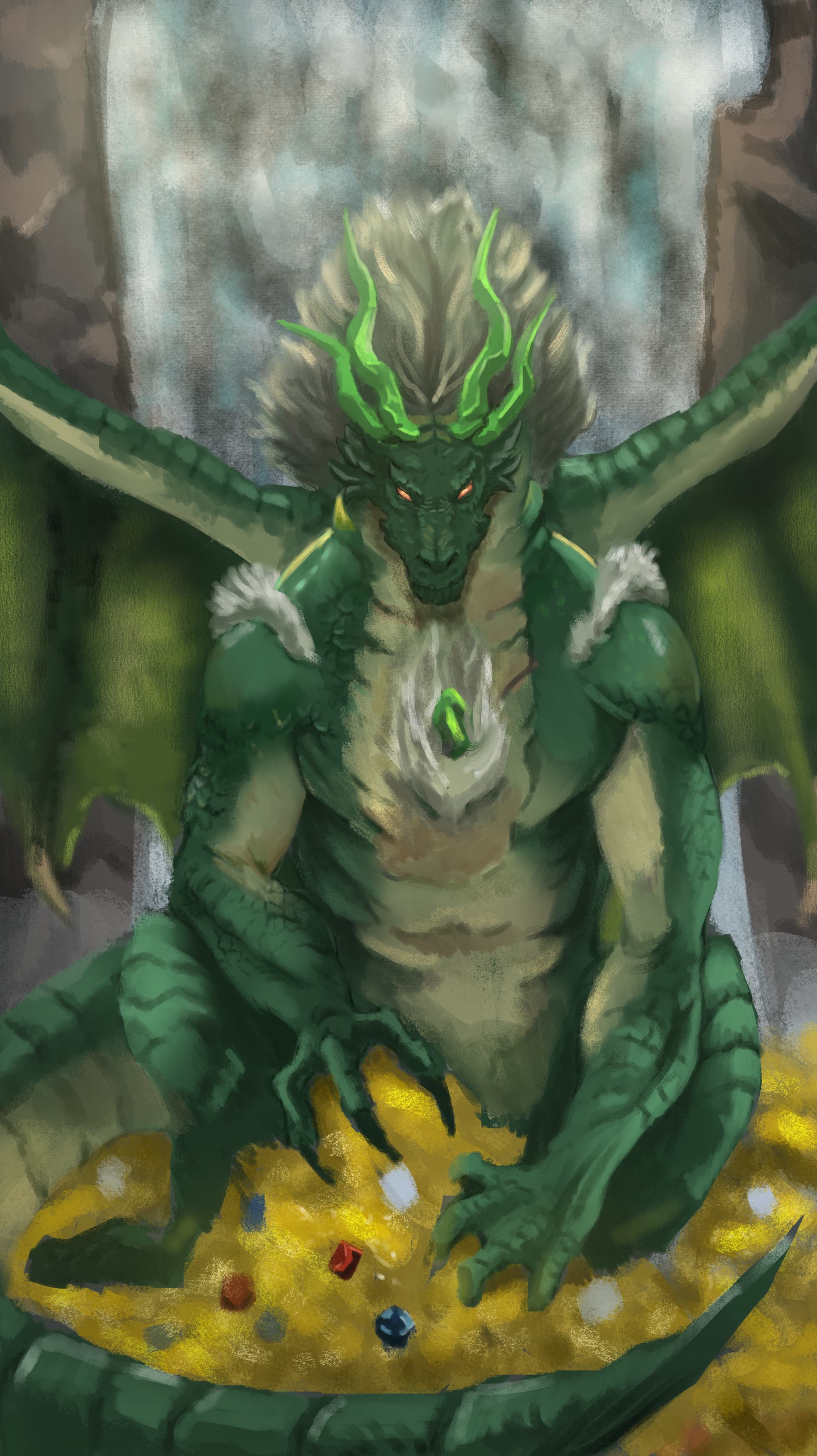
I want to thank @Elixiah for this challenge, am happy for this work which gave me new perspective of how far I have developed with krita. Thank you @krita and the team for this wonderful software
17 Likes
Love the unique viewpoint!
2 Likes

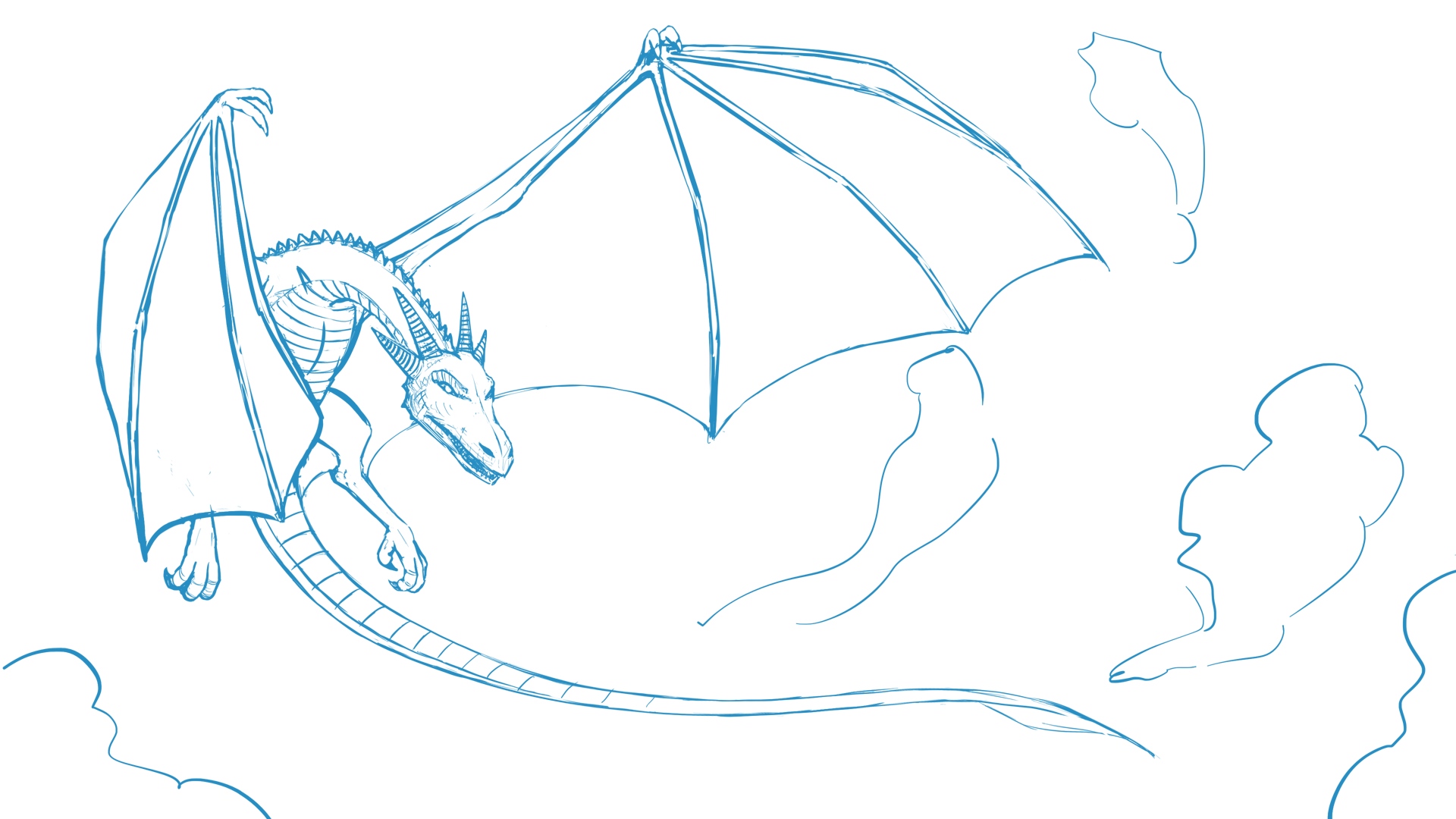
As my English teacher always said: “Let’s start with the beginning!” 
Good start! 
Michelist
1 Like
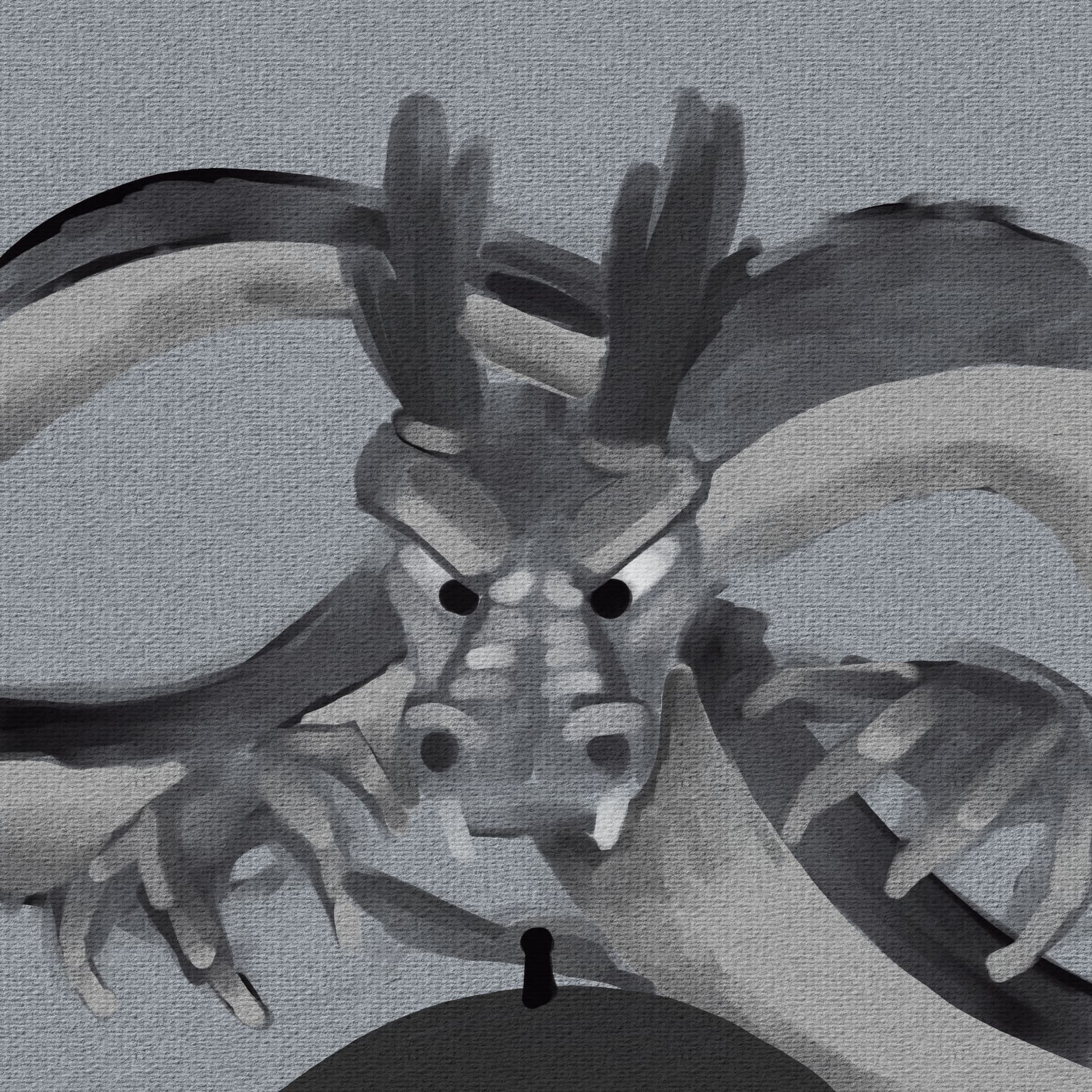
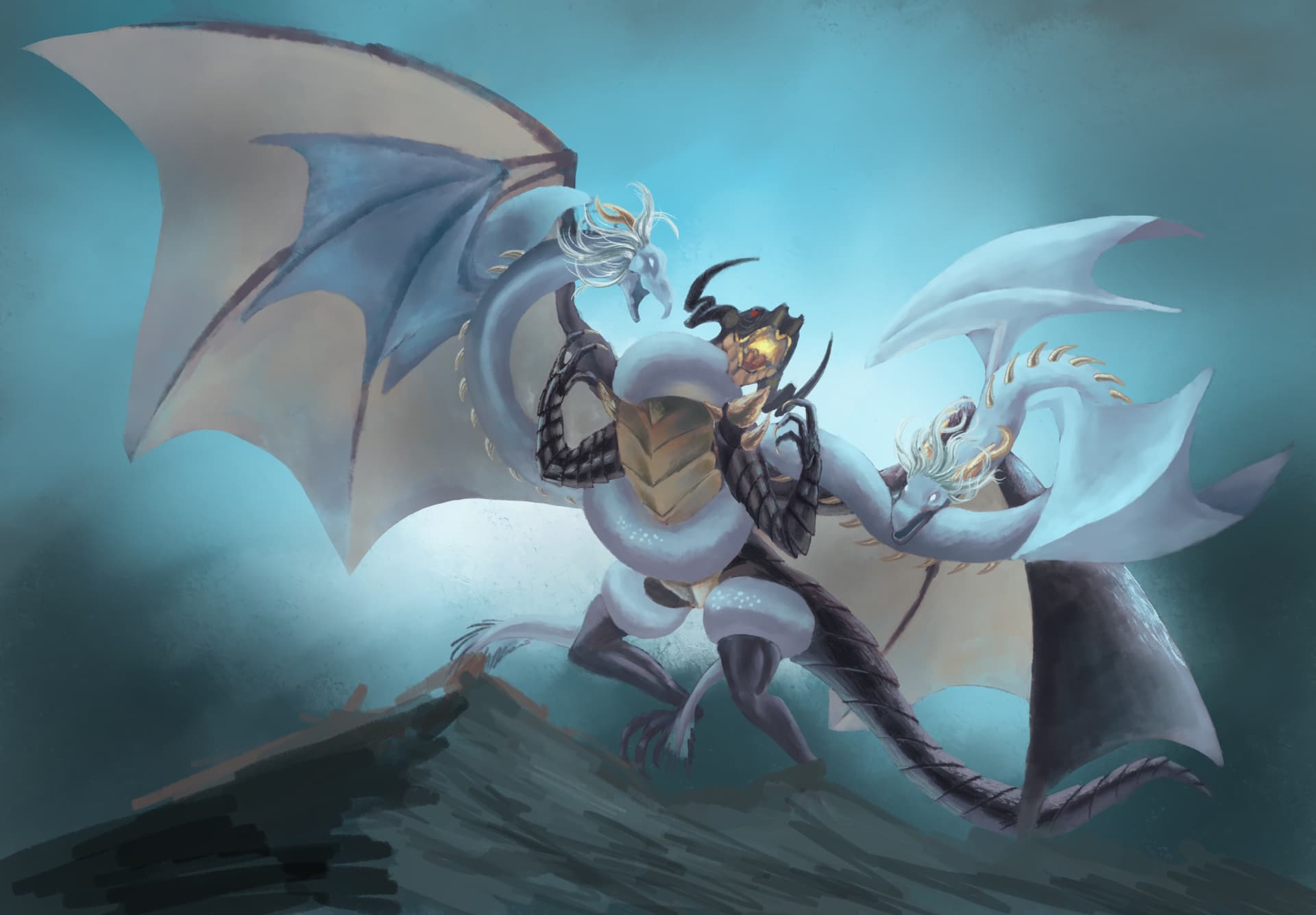
Love all the Magnificent Dragons so far and can’t wait to see what the rest of the month brings! I’m sure this month will bring amazing projects from this forum’s heavy hitters!
If you, like me until today, are using the free version of Krita, maybe head over to Steam and pick up the paid version. It’s on sale for a bit at 50% OFF. For the price of a fancy coffee (~5 bucks) you can be a virtual owner of this fine program! 
I just got my copy and and I’m happy to support Krita development. And if you’re in a different place financially than me, consider waiting until after the sale or buying direct to pass even more on to the devs.
3 Likes
Yup love seeing all the dragons. Looking forward to a high participation, seems like everyone really like this dragon topic. 
I am a little busy this month, still trying to squeeze some time for this challenge. I was hoping to experiment more with the layer blending modes when using one brush.
4 Likes
What a great idea! I’m trying to do my dragon using only a basic size/opacity brush. I might try your suggestion.
2 Likes
I totally am excited to see your dragon @sooz
2 Likes
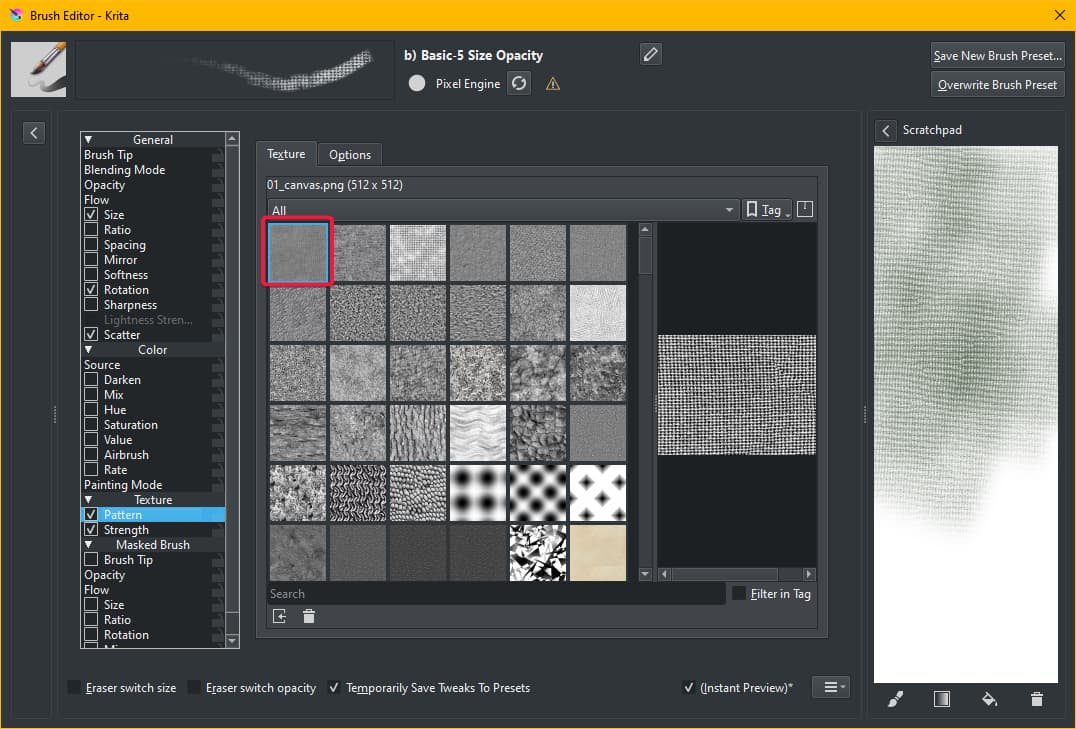
I’m working on a komodo dragon using just one brush: b) Basic-5 Size Opacity. I’m allowing myself to use it in erase mode, add patterns, and just about anything that’s inside the brush editor. It was frustrating at first but now I’m getting into it.
Right now I have the brush tip changed to a square and I’ve added a pattern. This is helping me smooth out some of the abrupt colour changes.
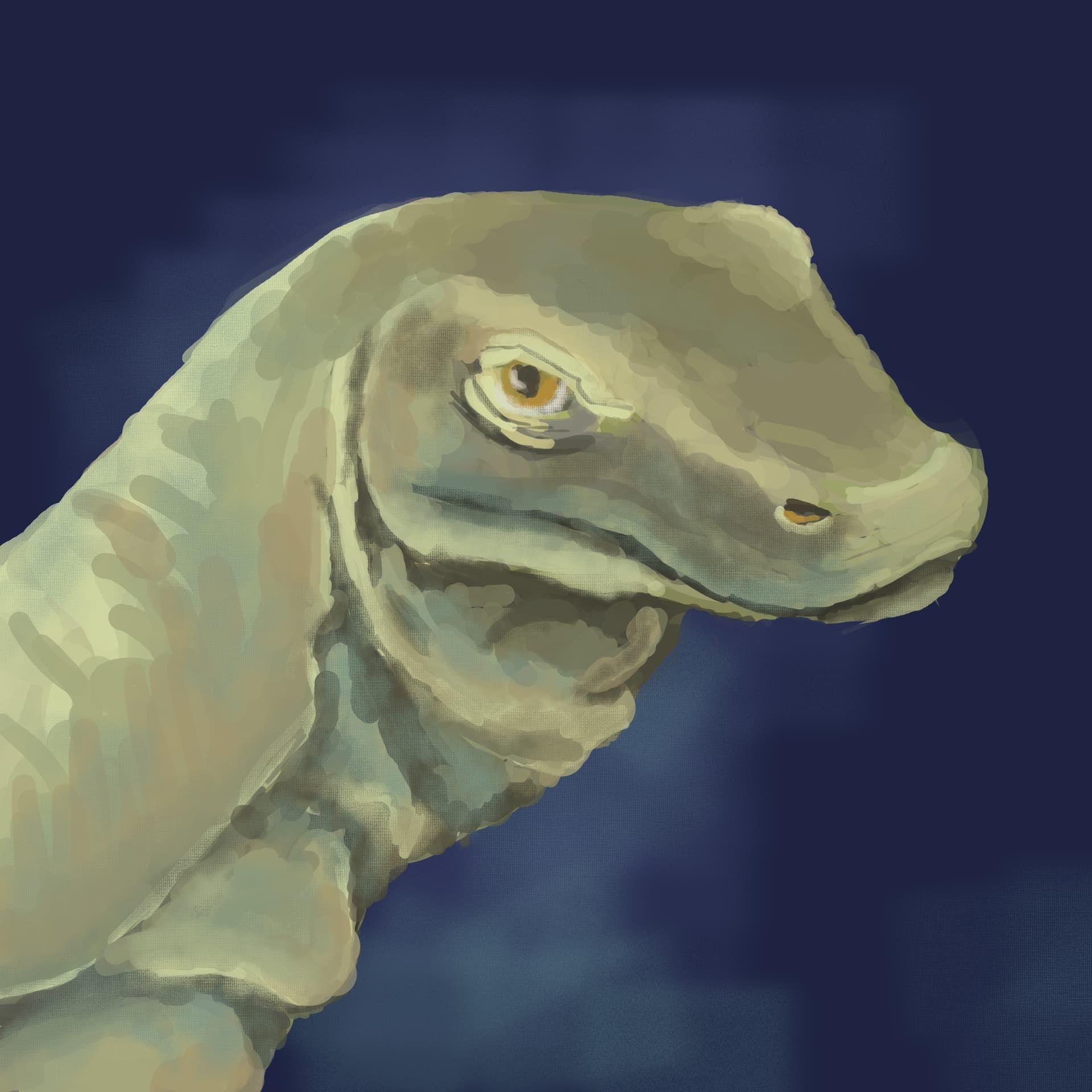
This is still a WIP. Anything you would change or add or take away?
13 Likes
@sooz Yes! There are so many variations to try on the brush editor!
2 Likes
I’ve been in Italy and Greece for the past two weeks and I’m just now returning to the States. After a few days of recuperation I’ll get to work on my dragon entry. 
3 Likes
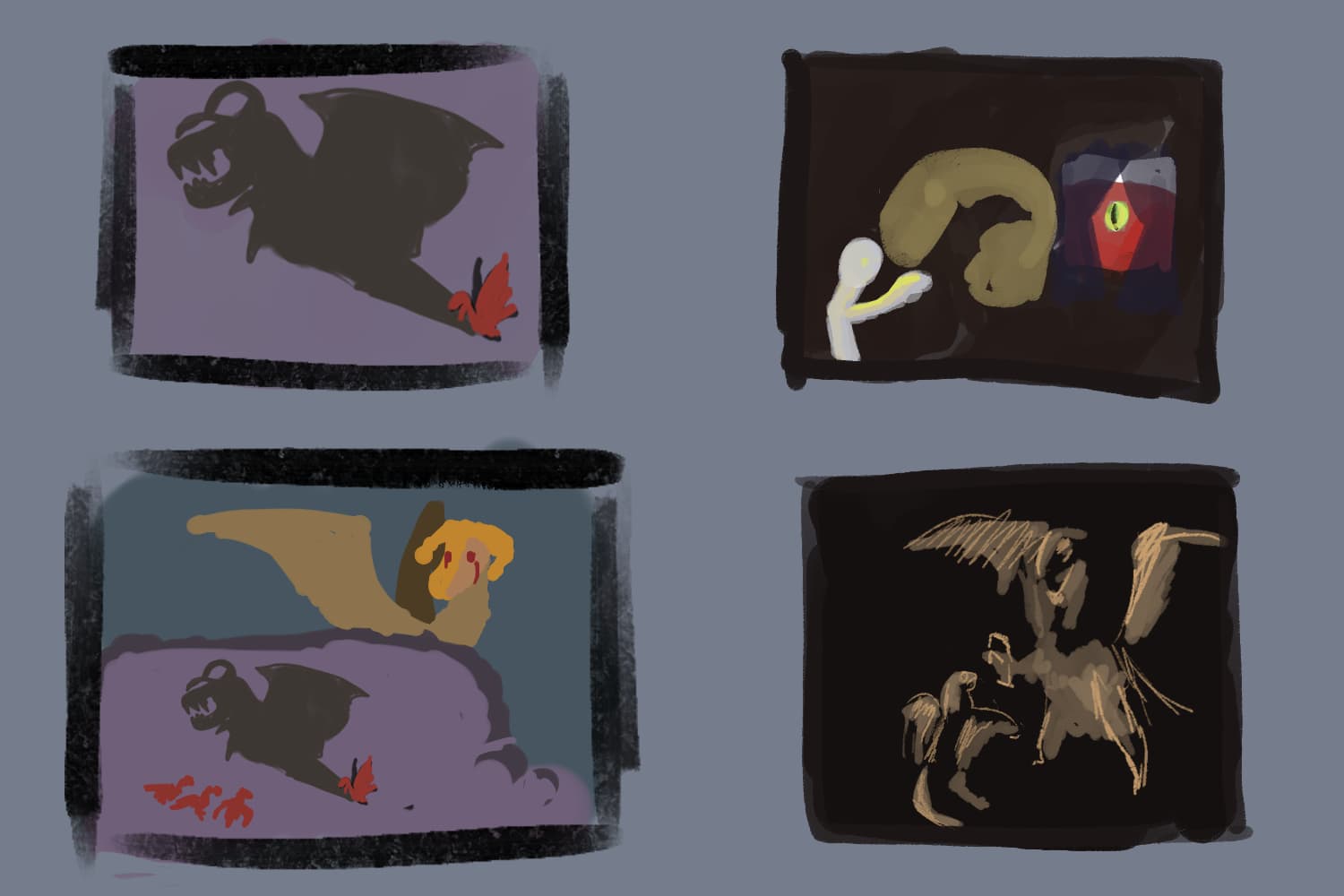
Just started ideating for this, and suddenly had 4 concepts in the brain that were begging to be put into thumbnails. Never heard of Chiaroscuro before but all I could think was playing with shadows in some way.
9 Likes