What I want:
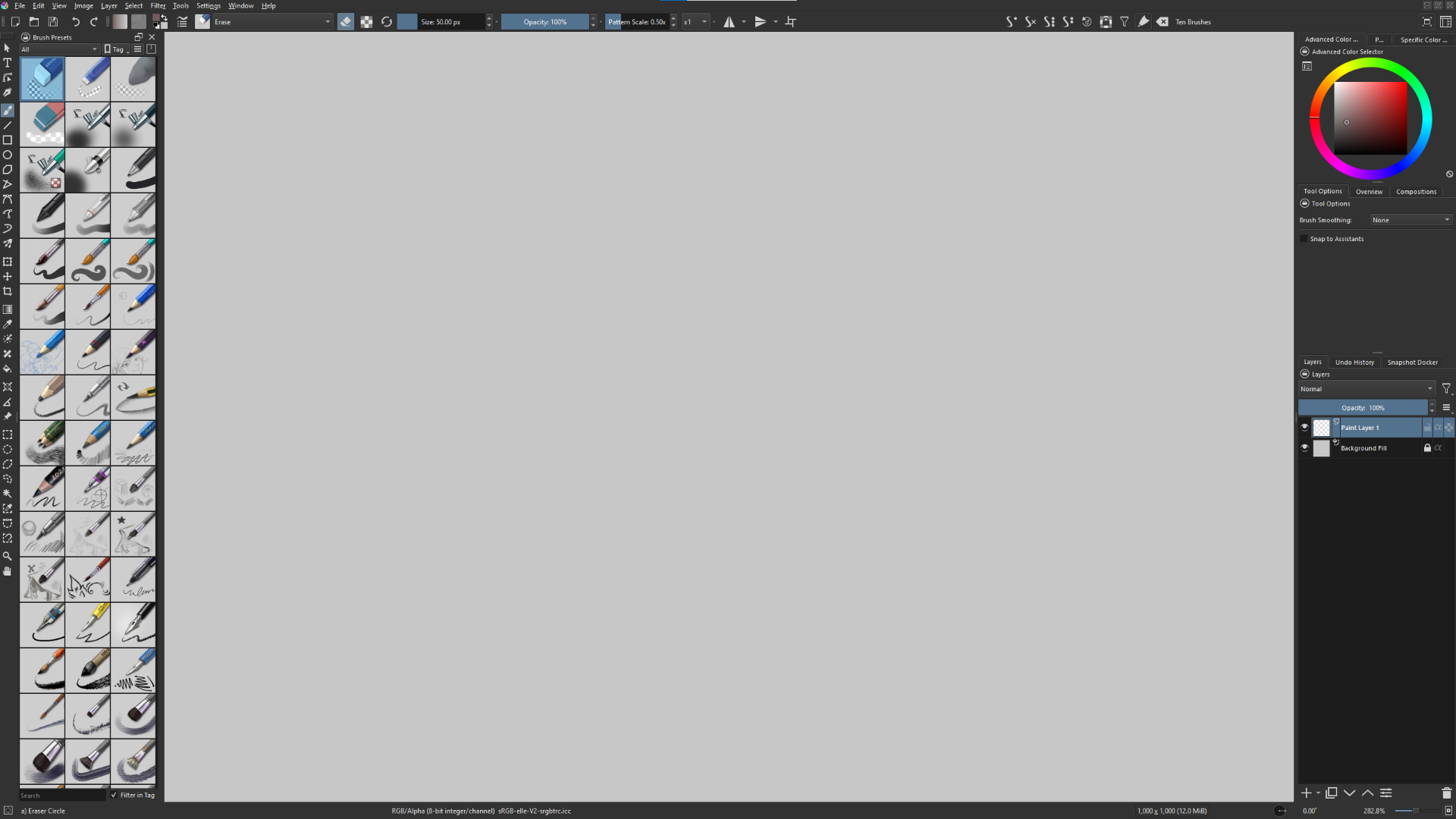
I want to have multiple brush preset windows so that I can have my favorite brushes displayed at all times in a shorter list, and still be able to quickly scroll trough the rest of the brushes.
I also want to be able to have brushes sorted so that they fit the projects I am working on.
For instance if I am doing something chalky, I would want a section for my ‘Favorites’, ‘All’ and ‘My favorite chalk brushes’. I feel this would be an improvement to my workflow as I do not need to waste much time navigating up and down the ever growing brush list to search for the brushes I want.
How I want to use it:
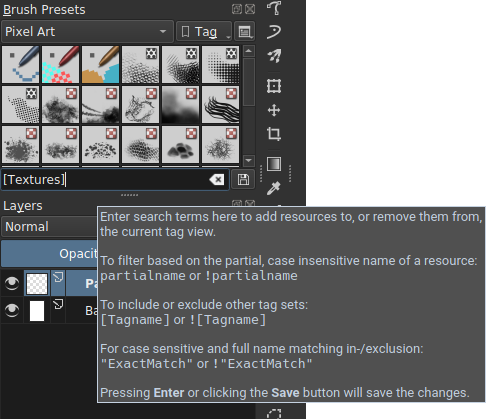
I want to be able to go to the Docker tab and bring in new windows of “Brush Presets” or do it from the existing docker window. As many as I want ideally. Then I would sort them in tags to have the brushes I care most about to be easier to access.
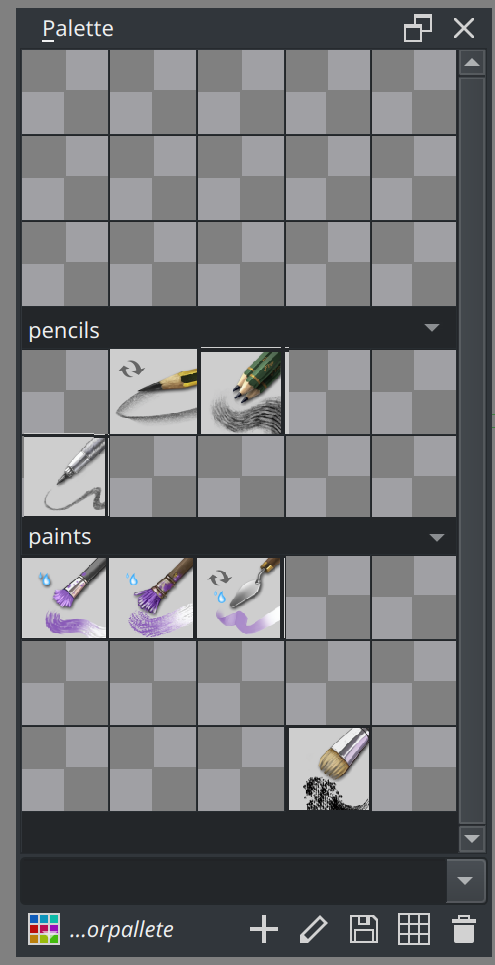
If the Brush Preset docker had something similar to the Palette docker, but collapsible/expandable that could be nice.
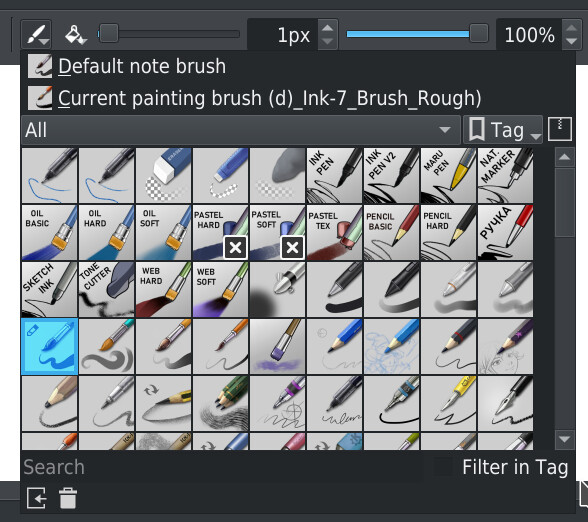
Are you suggesting something similar to this?
I really like folder systems - Though, having folders in Krita invokes some questions: Would the folders be separate from tags? What would happen to the current sorting? Would the tags turn into folders? Would there be wasted space? Would there be duplicate brushes, for instance my favorite blending brush inside a favorite folder and a blending folder? Would there be two systems doing kinda the same thing?And so on.
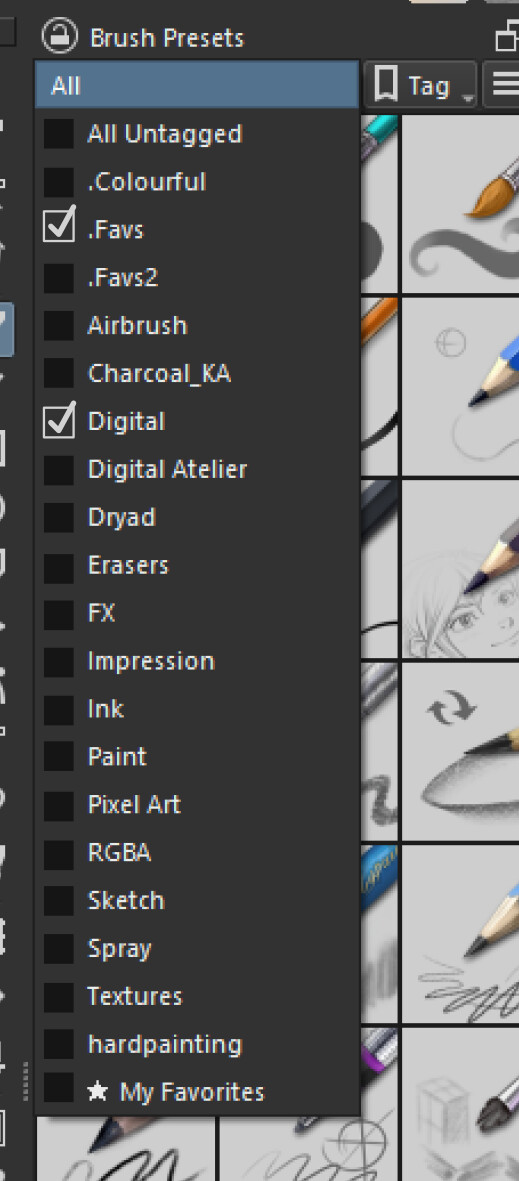
I think the simplest solution to a better brush management in the Brush Preset docker would be to be able to enable more tags at once. For instance like this mockup:
Maybe a left click on a tag enables only that tag (current behaviour), and a Shift + Click adds a new one in addition to the one(s) selected, kind of like selecting multiple layers.
I really like Krita’s tag system, as a brush can belong in multiple tags. But I think a system similar to the mockup could be the best of both worlds.
I think this system might feel more clear, and feel similar to folders without adding hassle or having to redesign the UI much. This combined with having multiple Brush Preset dockers like in the feature request, I think, would be the cleanest way to add better brush management for most users.
I personally think having multiple Brush Preset Windows would be better. Though I would love to hear other peoples opinion on the multiple docker concept. I imagine that, even with brush folders, that people still would have to scroll up and down the list. At least that is my memory from using Photoshop that had brushes sorted in a folder system.
I wouldn’t have a problem with displaying by folder and by tag in different dockers. They’re just different ways of organising/classifying things.
The idea of displaying multiple tags is a good one and could be in addition to displaying by folder.
However, for folders, how would you deal with presets in bundles where you have no control over their folder organisation?
Maybe have the bundle name treated as a folder?
I like the idea of a “brush organizer” docker that has similar functionality to the palette docker. Brush presents can be saved to the docker by drag and drop or clicking on a empty tile. And can be grouped into folders and have the brush tiles move