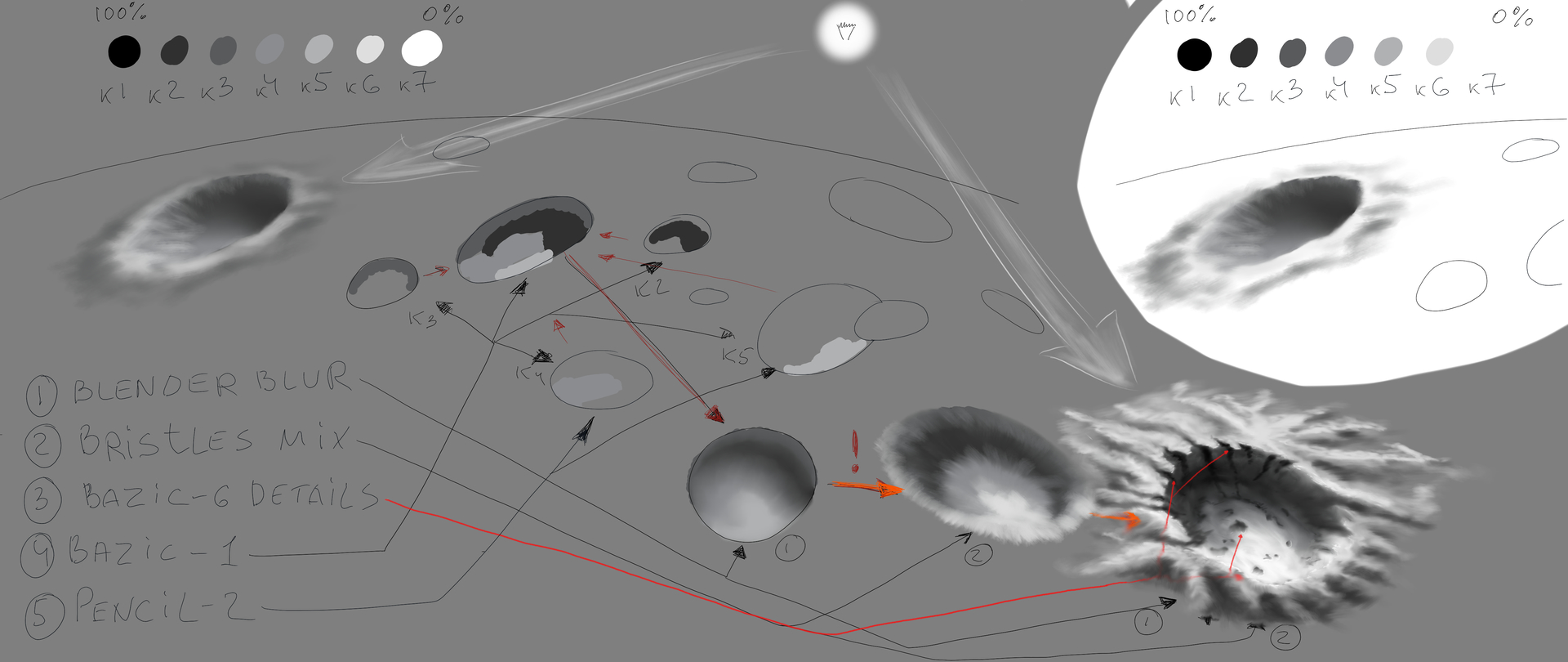
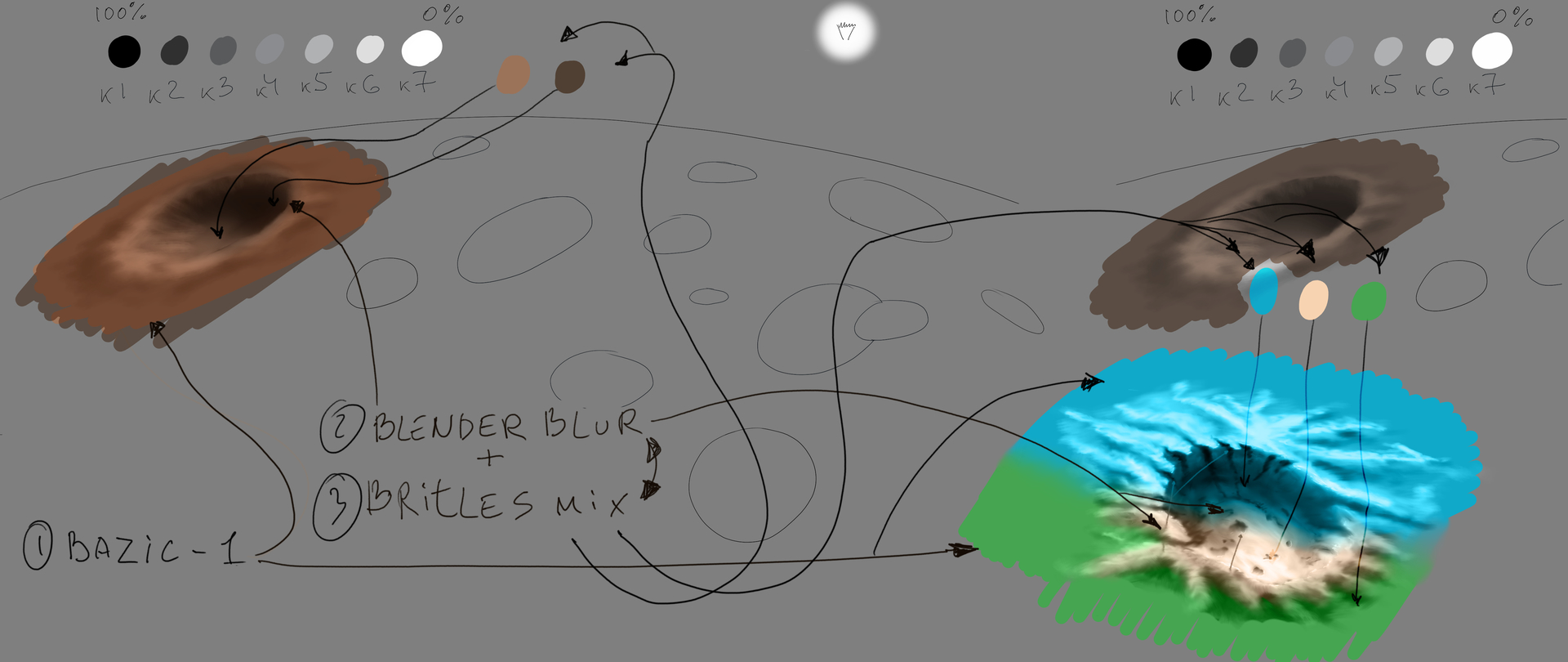
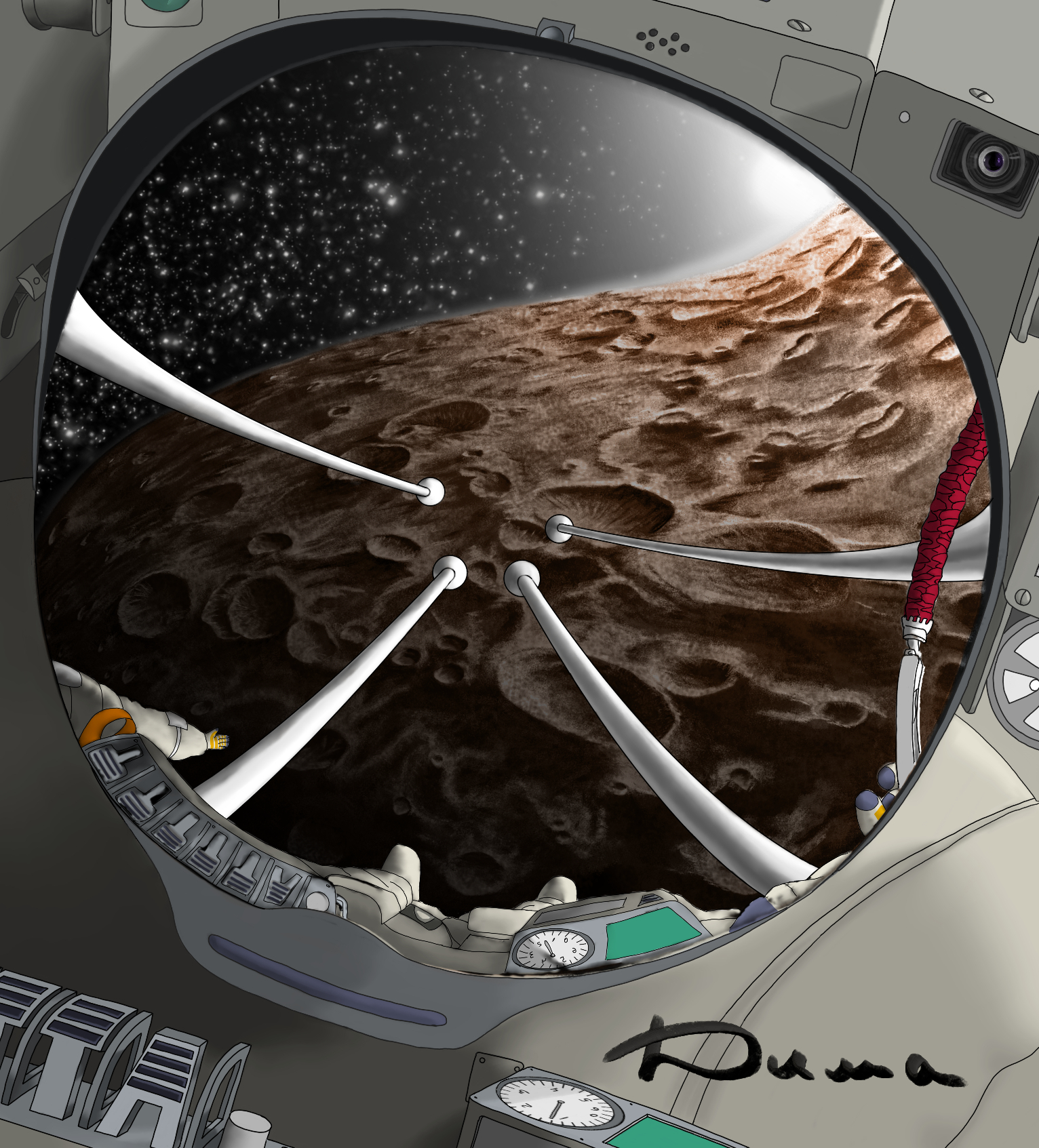
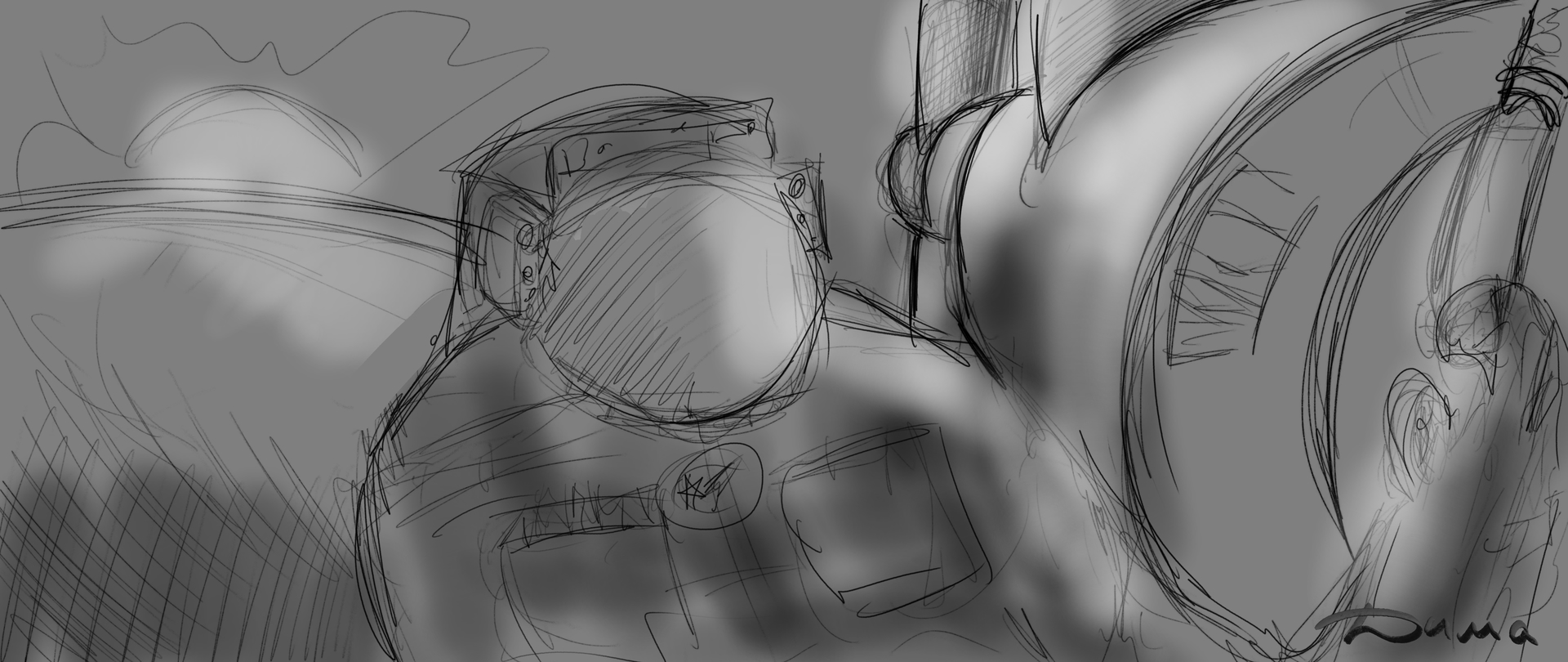
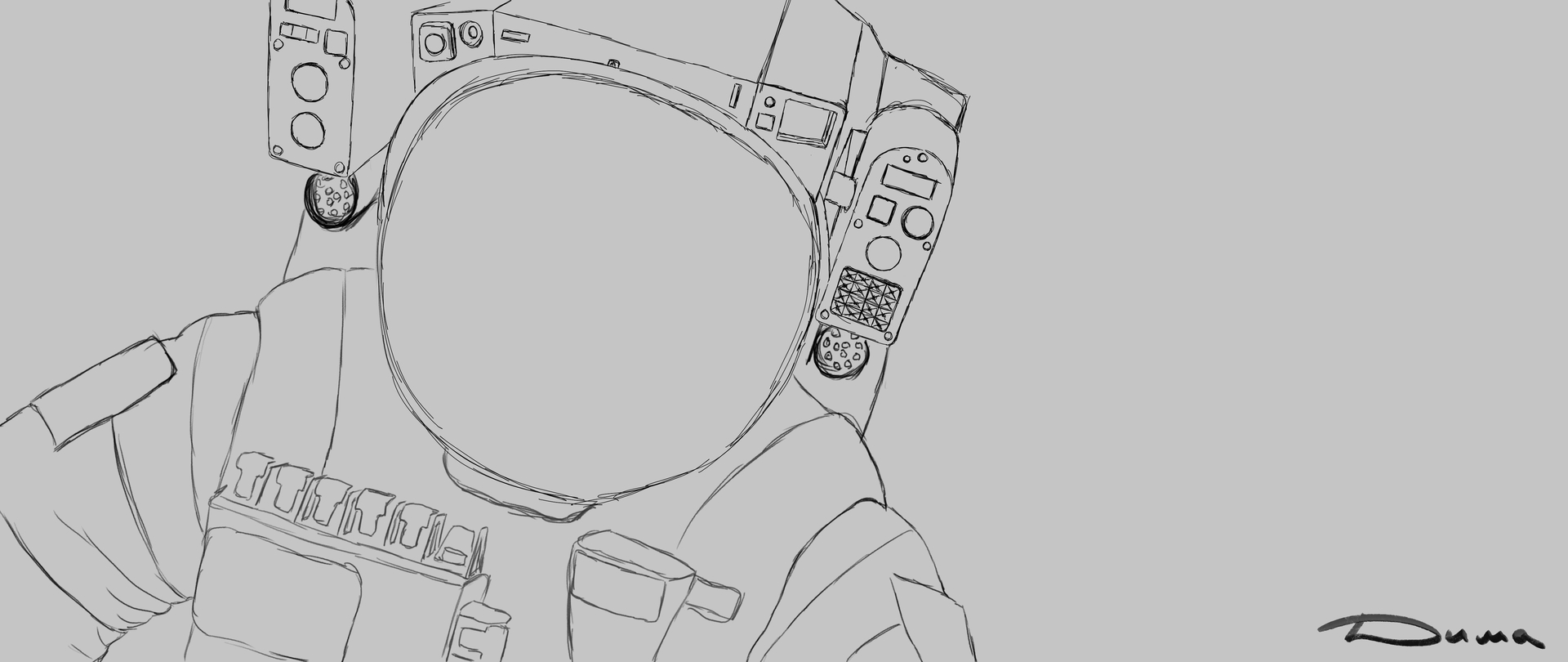
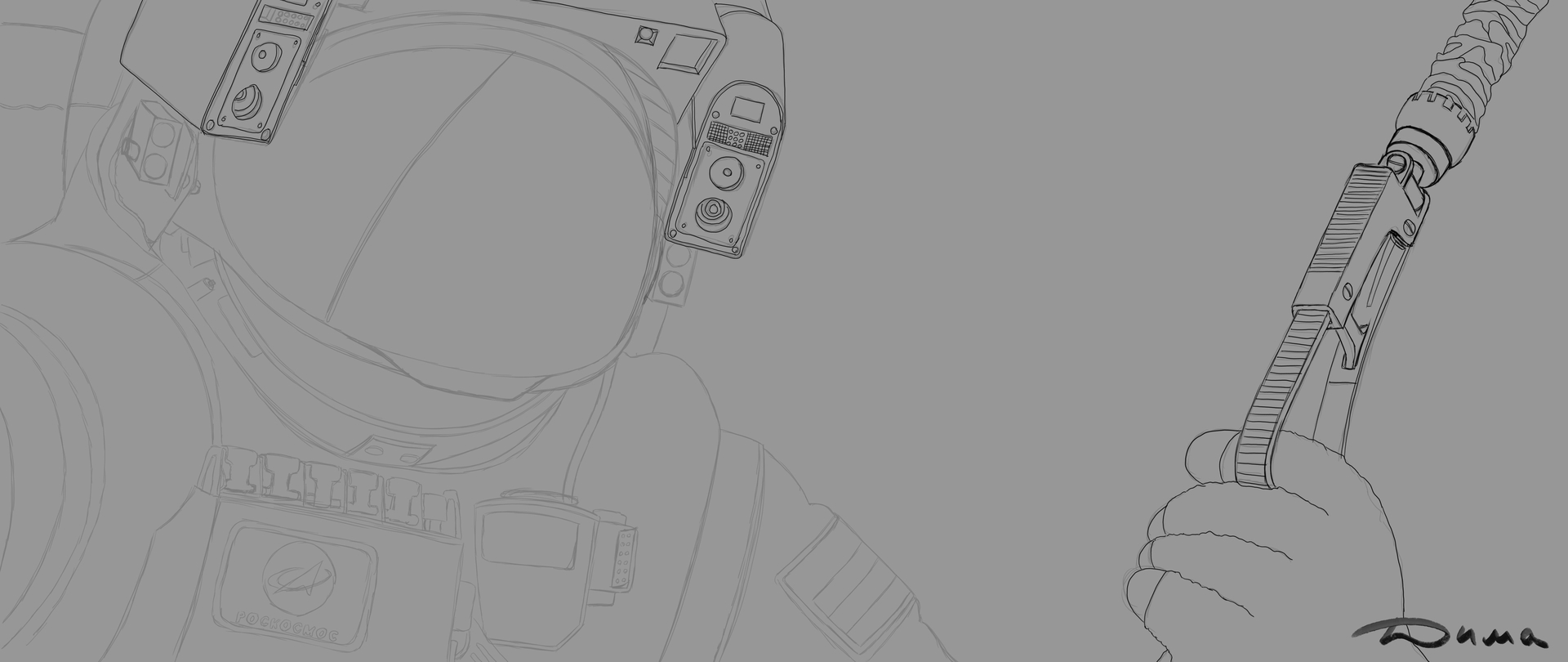
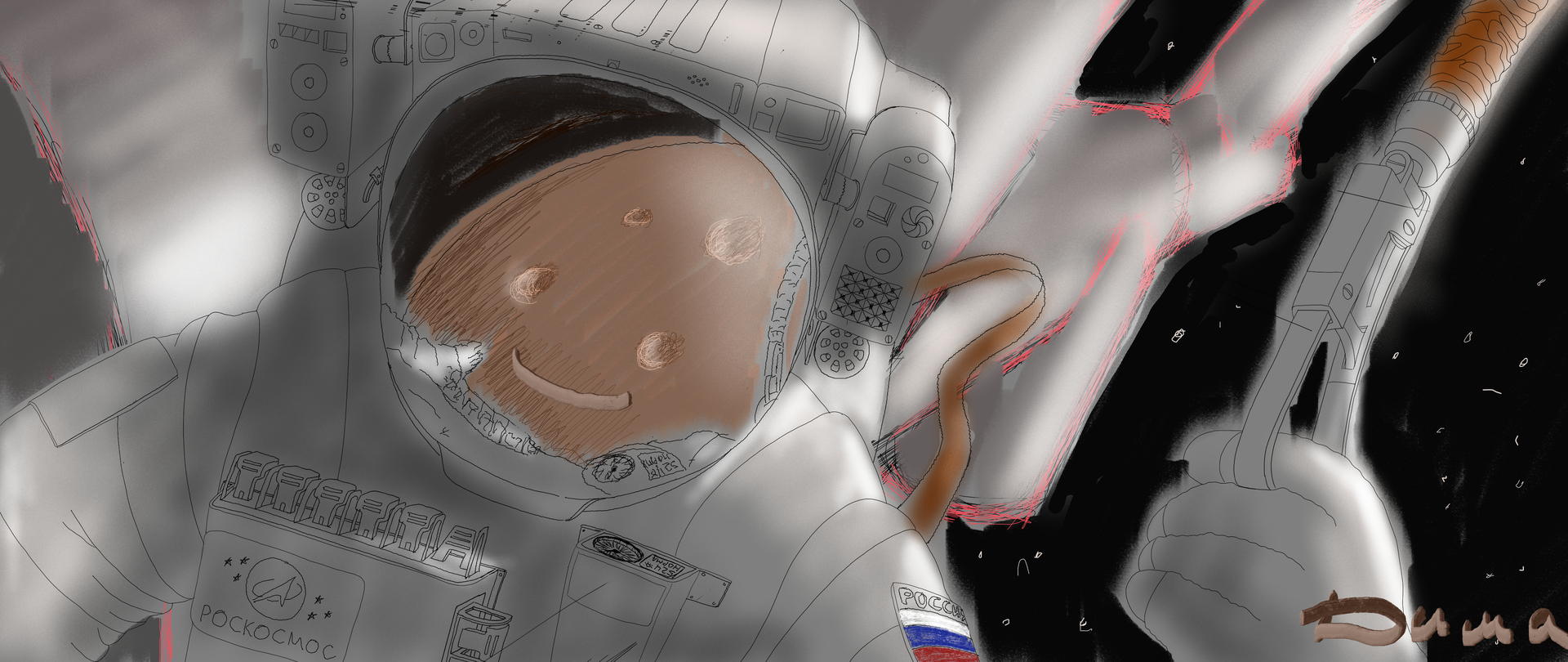
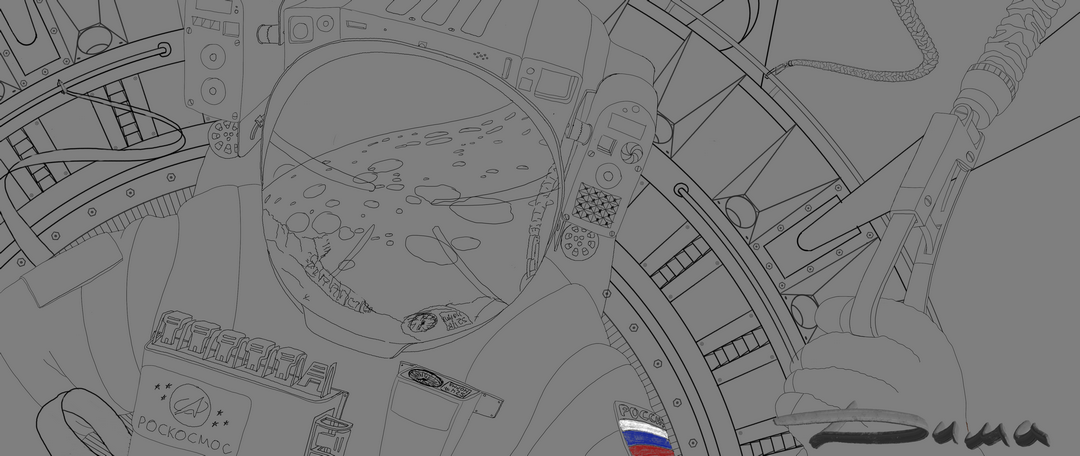
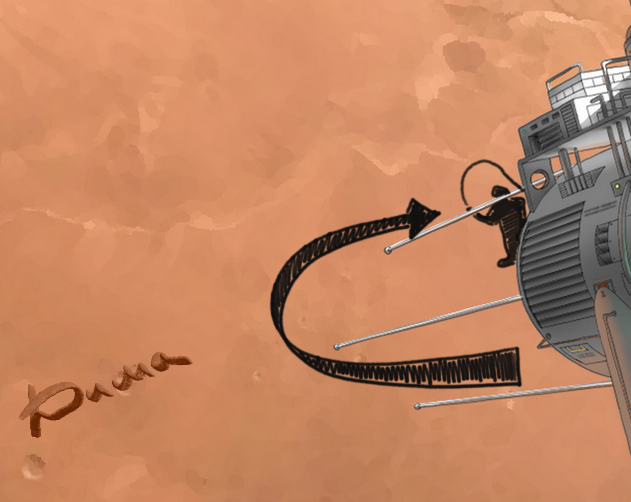
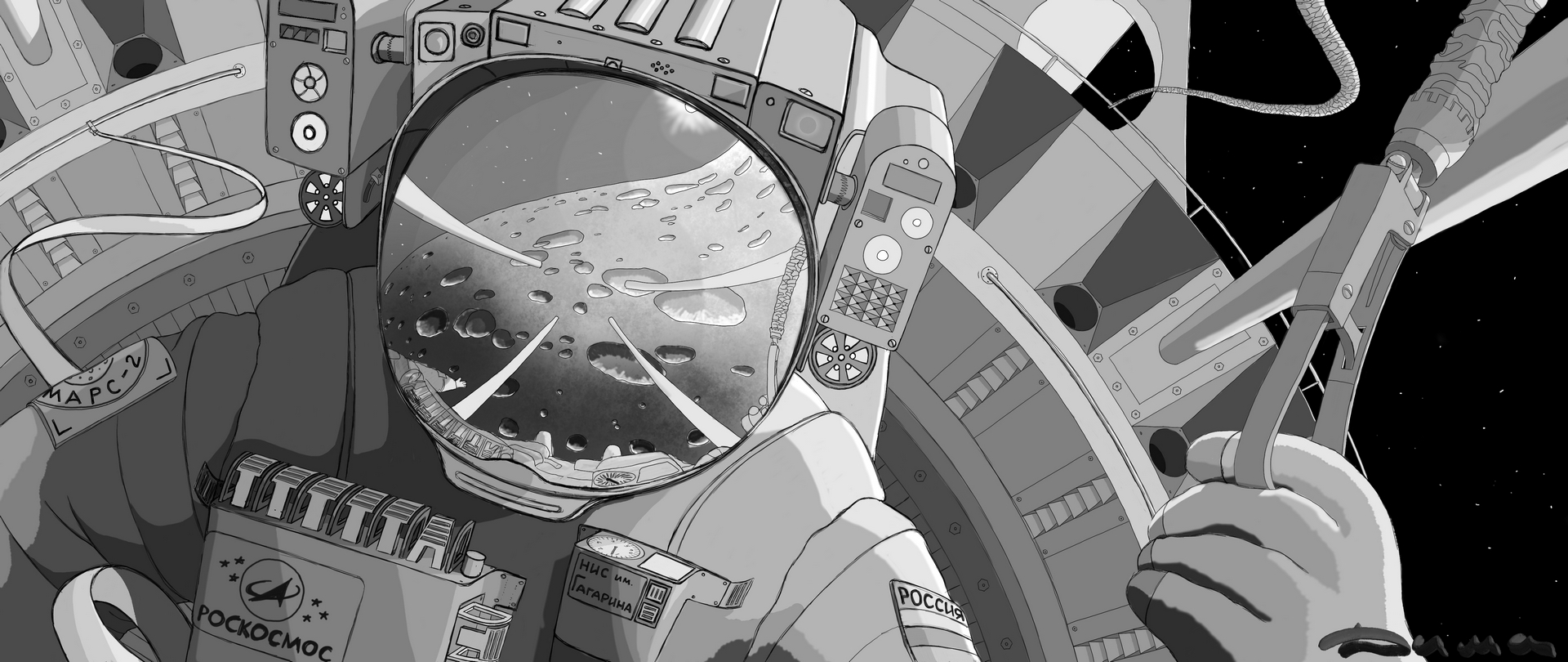
Draw the outline of the sphere of the future visor. For example, I had a reflection of the planet planned. Since the visor is convex (almost a sphere), therefore, I intentionally distort the outer contour of the planet, and also draw out the craters. At the edges, parallel to the contour, it is stronger, closer to the viewer, on the contrary, I take the edges away a little. I have a teapot in my kitchen, it’s perfectly round on legs and polished stainless steel, I think you also have polished utensils with which you can conduct research on various distortions in reflections. So, in practice, the result is actually a little different, not so spectacular. The task of any artist is to deceive the brain, to show him a plane with tricky combinations of shades in the right place, and he himself will complete the volume in this plane. Remember, WE SEE WITH OUR BRAIN, our eyes are just sensors that transmit information to it. You and I have not been there in the orbit of Mars and have not seen this reflection in the visor. Therefore, it is extremely difficult for our brain to understand whether we are lying to it or not. One thing he knows for sure from everyday life is that any reflection on a mirror surface is reflected in the opposite direction, and if this surface is not smooth, then the reflection will be skewed. Therefore, I tried to distort the reflection in the visor in different ways, but this option seemed to me more interesting and my brain personally believed that this reflection was voluminous. Get to the point. There are at least three ways to draw it. The first is to use a freehand selection and, having selected a space inside the visor, create a gradient fill on a separate layer. It is better to select the multiplication property for this layer right away. Then we create another layer, the usual one, and draw, for example, craters (I told you how to draw them before). Then we create a new multiplication layer on top, select the entire contour of the visor and do the gradient fill again. Next, we make a glow in the corner, in my case from the Sun. Basically, that’s it, then there’s the detail, and the stars. The second method is Figure 6. I drew a sketch, select the manual selection tool and outline the inside of the board with rivets. I create a layer and fill in the gray 60% on it. Now I select the reflection of this board in the visor, create a new one and fill in 60% gray. I repeat these steps inside the canopy, where there will be space, and on a separate screen, I paint this space 90% gray. We have three layers, turn on the protection of transparent pixels on them. Now you have a clear border control. We select the first layer (where we have a board with rivets). We select an Airbrush and make it a giant radius, and using a 30% gray pipette, we make a smear, as if the edge of this radius touches the upper right corner of this riveted board. Agree, it turned out to be more controlled than the gradient. We also repeat with the reflection of this board on the second layer. Now we have a third layer, this is the inner space of the visor, space. We reduce the diameter of the airbrush by half and make it glow gray by 10%. as if smearing the edge. Everything is ready, we detail it by drawing, for example, a letter on the first layer, the normal direction, and on the second by turning it away from ourselves. A few stars and the drawing is ready. The third method in Figure 7, I did everything inside the selected area, adding only new layers for each new shade of gray in the multiplication mode. I know that there is more than one way, perhaps faster or easier or more controlled. Share it if you don’t mind. Yes, I would be very pleased if you would post your results of sketches based on my examples here.
For clarity, I have cut this fragment from my drawing. I want to justify myself, there are a lot of mistakes here, the drawing is still in progress, and it’s not a fact that this is the final version.
Для наглядности я вырезал этот фрагмент из моего рисунка. хочу оправдаться, здесь видно множество ляпов, рисунок ещё в процессе, и не факт что это окончательный вариант.
Рисуем контур сферы будущего козырька. У меня например, было задумано отражение планеты. Так как козырёк выпуклый (почти сфера) поэтому я намеренно искажаю внешний контур планеты, также вытягиваю кратеры. По краям параллельно контуру сильней, ближе к зрителю наоборот, края немного отвожу. У меня на кухне есть чайник для заварки, он идеально круглый на ножках и полированный из нержавейки, думаю у вас тоже есть полированная утварь с которой можно проводить исследования различных искажений в отражениях. Т Так вот, на практике результат по факту немного другой, не столь эффектный. Задача любого художника обмануть мозг, показать ему плоскость с хитрыми комбинациями оттенков в нужном месте, а уж он сам достроит в этой плоскости объем. Запомните, МЫ ВИДИМ МОЗГОМ, глаза это лишь сенсоры которые передают ему информацию. Мы с вами небыли там на орбите Марса и не видели этого отражения в козырьке. Поэтому нашему мозгу крайне сложно понять, врём мы ему или нет. Одно он знает точно из повседневной жизни, любое отражение на зеркальной поверхности отражается в обратном направлении и если эта поверхность не ровная то и отражение будет перекошено. Поэтому я пробовал отражение в козырьке перекосить по разному но этот вариант мне показался более интересным и лично мой мозг поверил в то что это отражение и оно объемно. Ближе к делу. Нарисовать можно как минимум тремя способами. Первый это используем выделение от руки и выделив внутри козырька место под космос, создаём на отдельном слое градиентную заливку. Лучше сразу этому слою выбрать свойство умножение. Потом создаём ещё один слой обычный и рисуем например кратеры (как их изобразить я до этого рассказывал). Потом поверх создаём новый слой умножение, выделяем уже весь контур козырька и делаем опять градиентную заливку. Далее в уголочке делаем засвет, в моём случае от Солнца. В принципе всё, дальше уже детализация, и звёзды. Способ второй это рисунок 6. Нарисовал набросок, выбираю инструмент ручное выделение и обрисовываю внутреннею часть доски с клёпками. Создаю слой и закрашиваю на нём выделенное серым 60%. Теперь выделяю отражение этой доски в козырьке, создаю новый и закрашиваю серым 60%. Повторяю эти шаги внутри козырька где будет космос и на отдельном солее закрашиваю это пространство серый 90% . У нас получилось три слоя, включите на них защиту прозрачных пикселей. Теперь у вас есть чёткий контроль границ. Выбираем первый слой (где у нас доска с клёпками). Выбираем Аэрограф и делаем ему гигантский радиус и выбрав пипеткой серый 30% делаем мазок, как бы краешком этого радиуса задеваем верхний правый угол этой проклёпанной доски доски. Согласитесь это получилось более контролируемо чем градиентом. Повторяем тоже и с отражением этой доски на втором слое. Теперь у нас третий слой, это внутреннее пространство козырька, космос. Уменьшаем на половину диаметр аэрографа и делаем на нём засвет серый 10%., как бы мазнув краешком. Всё готово, детализируем рисуя например букву на первом слое, нормальное направление, а на втором перевернув её от себя. Немного звёзд и рисунок готов. Третий способ на 7 рисунке, я всё сделал в внутри выделенной области, добавляя для каждого нового оттенка серого лишь новые слои в режиме умножение . Я знаю что есть ещё и не один способ, возможно более быстрый или лёгкий или более контролируемый. Поделитесь если не жалко. Да, мне будет очень приятно если вы выложите здесь свои результаты набросков по моим примерам.

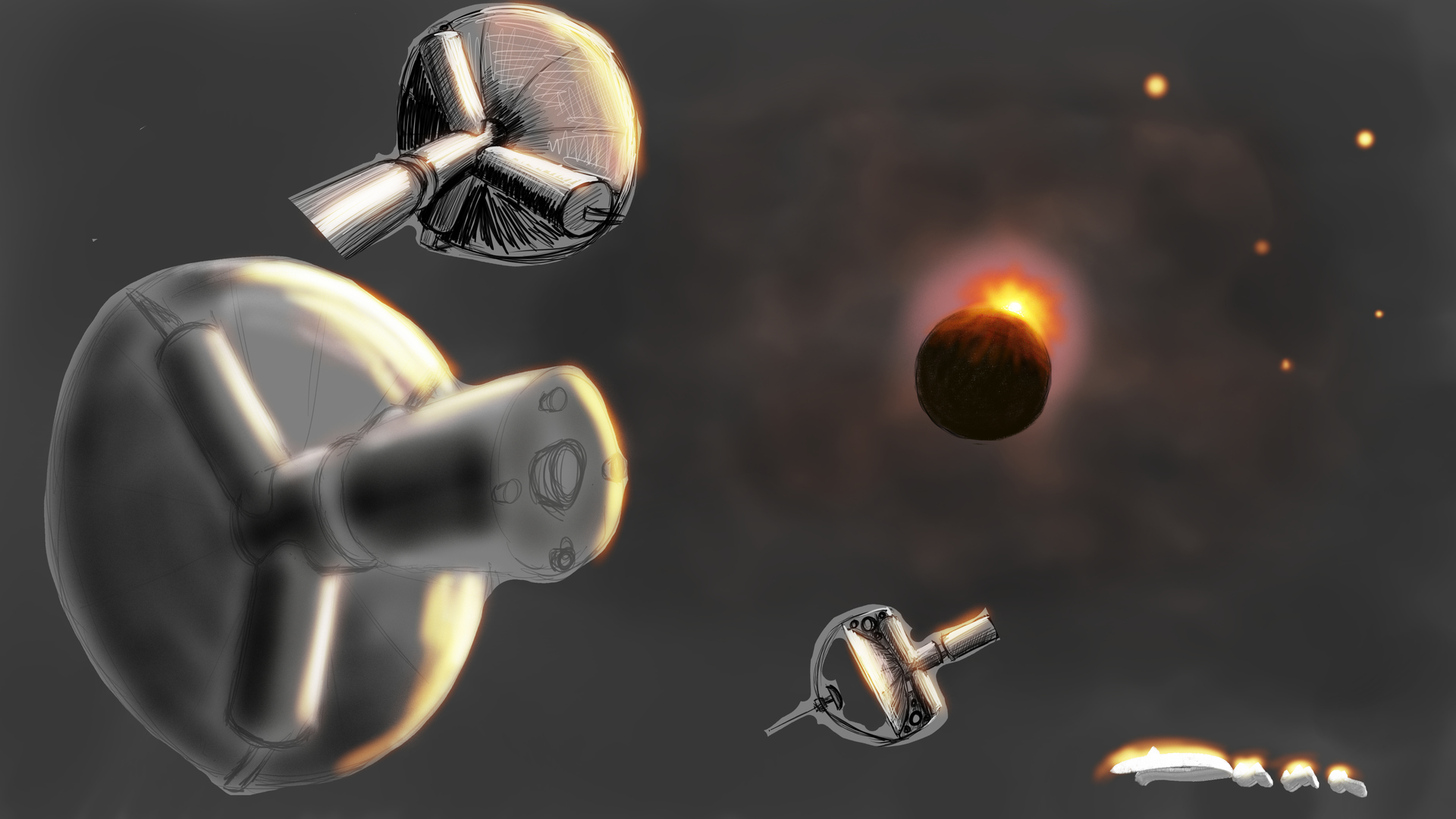


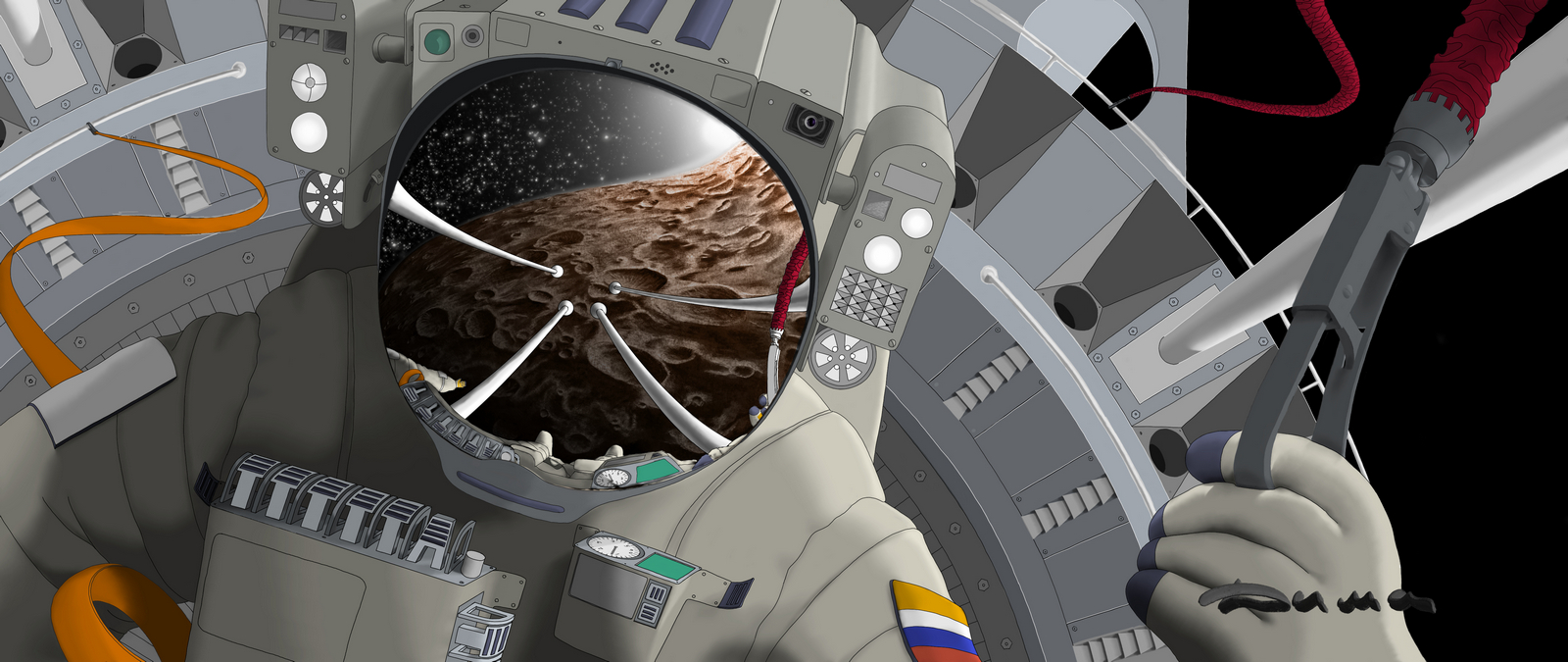
 are you interested in how I transferred the reflection to the Visor? (The visor is the name of the reflective glass on the spacesuit, which protects the astronaut’s eyes and skin from harmful solar radiation. To enhance the protective properties, the visor is often covered with a thin layer of gold.) I will try to prepare for the answer as soon as possible and I will definitely share my method.