Type of device* : Android tablet
Brand and version of the device: Samsung S7 Android 5.1.3version
System** : Android version 12
Other than basic brush 1 no other brushes or even eraser works .I’ve tried installing and reinstalling multiple times but the issue persists.Please hellp
Does krita work before but not working now, or is this the first time you try krita on Tab S7?
Did you use the spen?
Will it draw something when you enable touch painting and draw with finger? (Setting > Configure Krita > General > Tools > Enable touch painting)
Can you make a full screenshot with krita’s status bar and layer docker and upload here?
PS:
For android, clear the app data in android setting should reset krita, unless you think it is not install correctly.
Hello drawing with fingers is working with enable touch painting.
Hmm…then I would guess at least there is no setting error in the drawing document and tools…
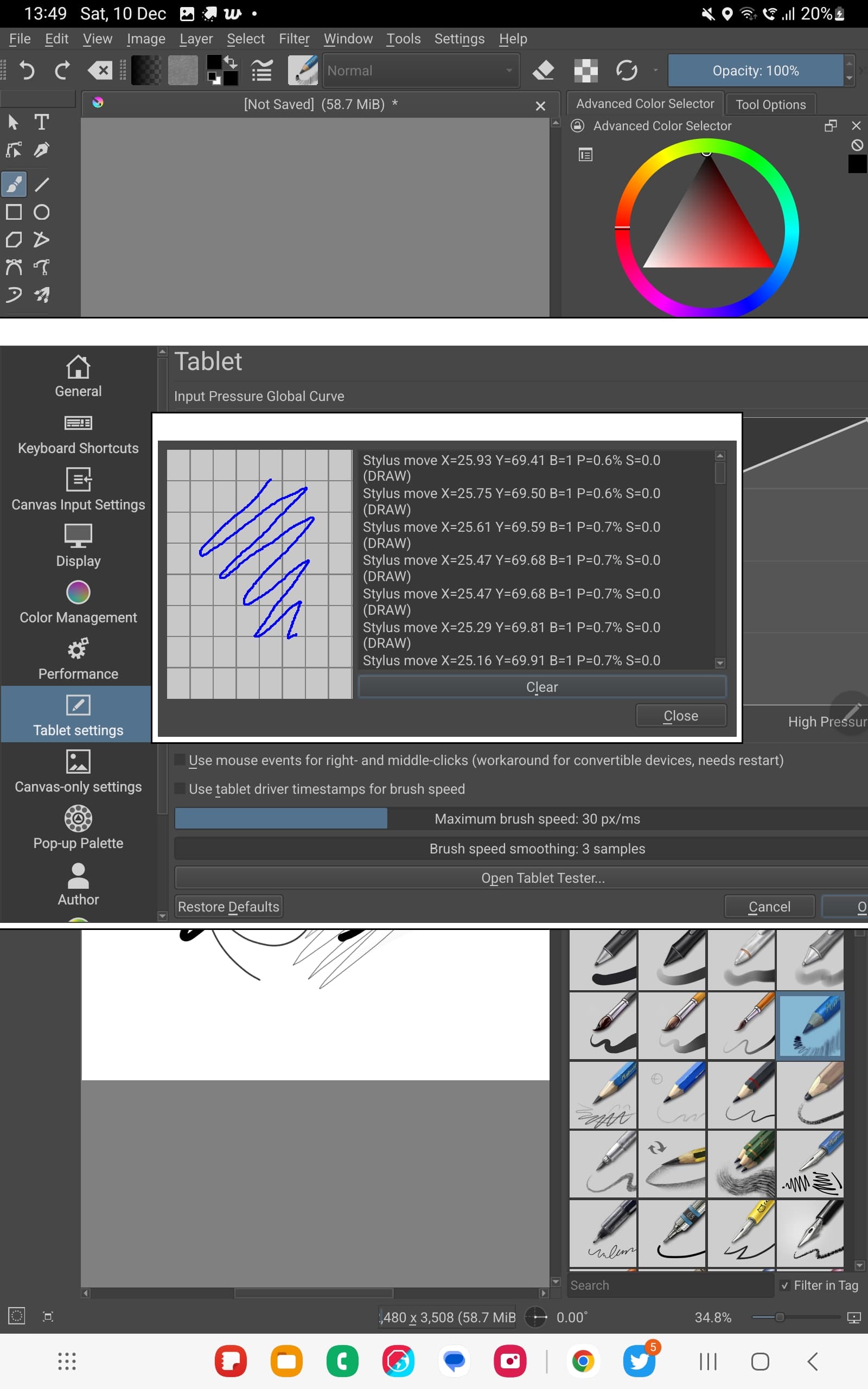
If go Setting > Configure Krita > Tablet settings > Open Tablet Tester and draw in the test area with Spen, what does it says?
Does the P=XX% (pressure) always stays at around ~0.7% even you press harder? (scroll down the scroll bar to see them)
I test my S7 and it easily jump right to 1x%~2x%.
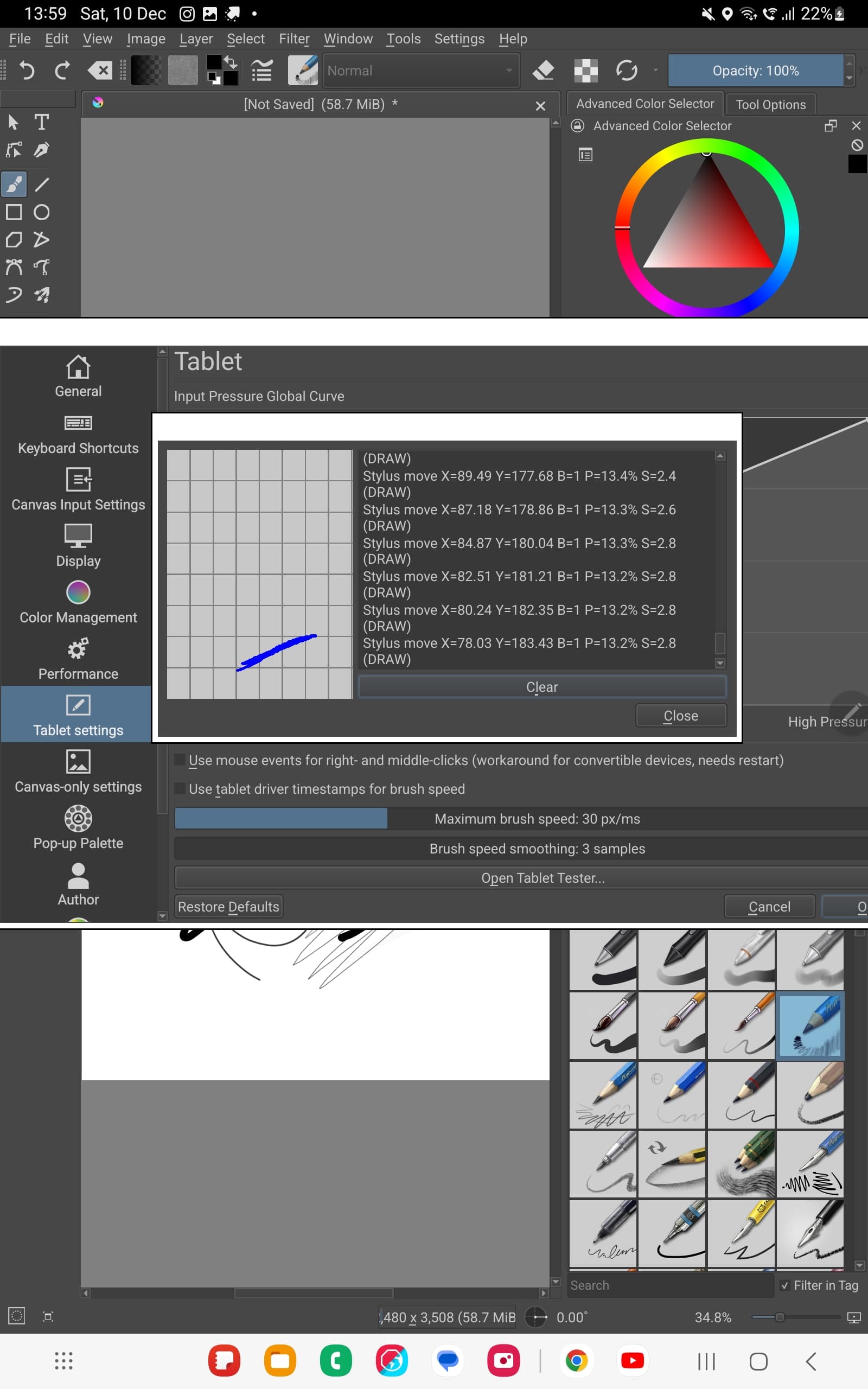
If i press hard it shows like this.
I also found a similar post about the same issue,but its solution was about installing drivers and its on drawing tablet.
Only one brush working
I’m not sure either the pen press with light pressure (when lifting the pen) or hardware problem… 
Could you try other software need pressure like Clip Studio Paint to see if it work, if it is preinstalled on the tablet?
This is a little different since the pressure is shown as 0.0%
If you press hard on the stylus, the pressure should go up to 100%.
Using the Basic-5 Size brush preset in your current situation, you’ll probably see a small variation in size from almost zero to 13% of the set brush size if you press hard.
Is that the case?
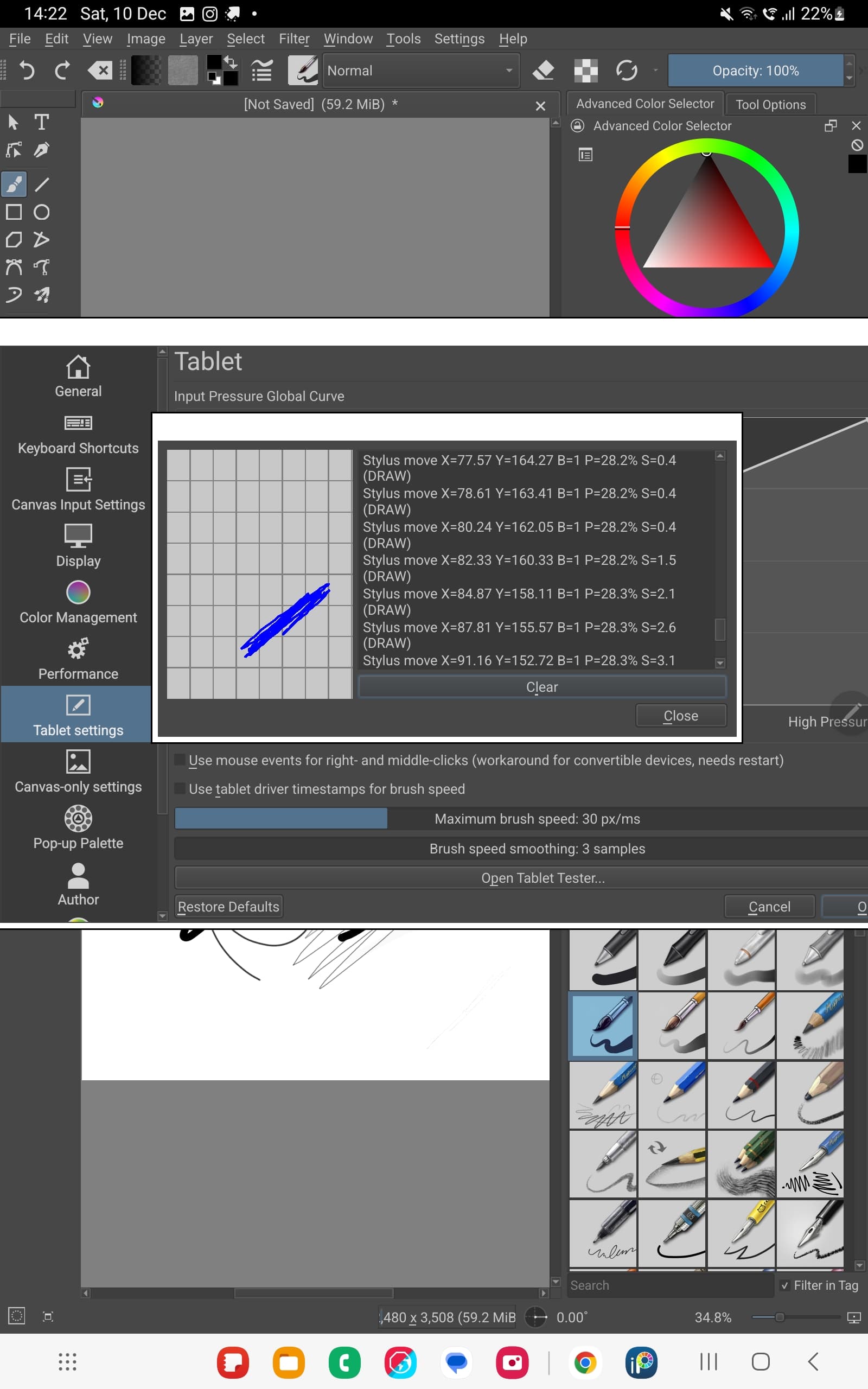
The maximum was 28 on tablet tester.On the canvas barely any
thing shows up
I tried on Ibis paint and all thr brushes are working
It means the hardware should work properly…strange…
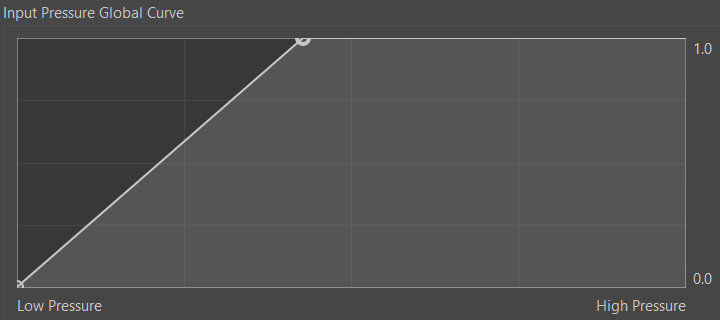
Can the burshes work if you set the pressure curve somewhat like this?
Some does,some doesn’t.And some only when I press hard
I think I need to call @sh-zam for help…
If you can get 28% pressure signal by pressing hard, then if you set the size of the Basic-5 Size brush preset to 100px, it should be possible to paint with a size from close to zero up to 28px stroke width on the canvas.
(That is before trying the suggestion by @Lesqwe56 for modification of the Input Pressure Global Curve.)
Can you try that with the Basic-5 Size brush preset?
Sorry i didn’t follow that.what am i supposed to do?
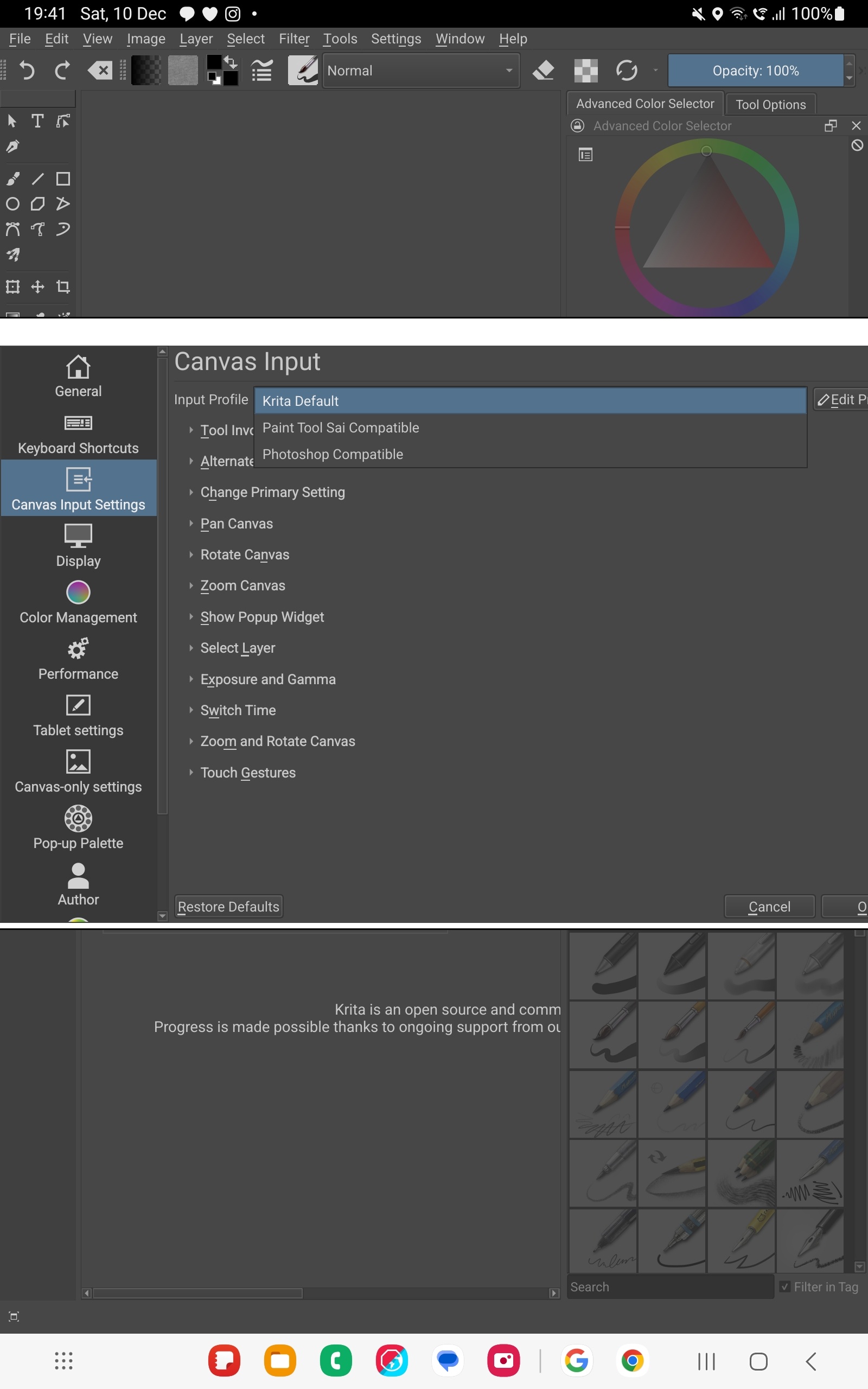
I also noticed that there is no Tablet pro option for Canvas Input profile.Is that a problem?
I put the input pressure global curve to maximum and its working now.
There’s a brush preset called ‘Basic-5 Size’. You can find it by typing ‘Basic-5’ into the search box at the bottom of the Brush Presets docker.
However, you don’t have the Size slider on the Toolbar at the top and you don’t have a keyboard to use the keyboard shortcuts to change its size.
So, using the Basic-5 Size brush preset, with its size set to 100px (however that could be done), I thought it would be a good idea to see if the resulting stroke width did vary from zero to 28 px. If so, that would have established that the problem was purely with the pen pressure signal.
I think you need to wait for someone who knows how to use Android to help you to deal with this problem.
What do you mean by ‘maximum’?
If you’ve adjusted the pressure curve as suggested by @Lesqwe56, that would only be a crude workaround to compensate for a faulty pen signal.
Also, unless you try the Basic-5 Size to check that smooth and contollable size variation with pressure is possible, you don’t actually have pressure controlled brushes.
Yes even though the brushes are working now it have the same result as in no light to dark with pen pressure
Please post a screenshot of the pressure curve that you now have.
The Canvas Input Profile does not affect the pressure response, unless the Android version has something I’m not aware of.
Have you made any changes to the Canvas Input Settings?