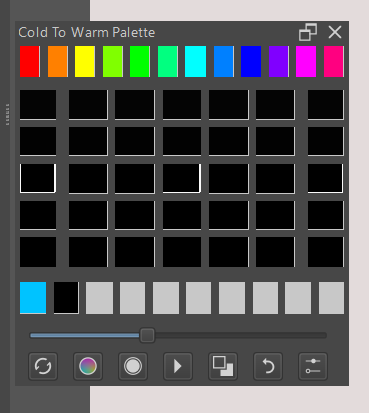
Hi
Thanks for the plugin. I might be slightly confused? Is this supposed to create randomize color palettes? Because I set a color then press generate, well it generates nice colors but it has nothing to do with what I pick originally. Would it be possible?
Also I have a feature request. Would it be possible to set the number of boxes? I would love to be able to increase or decrease the number of boxes in the grid per generation.
If you pic a scheme it should it pick within that theme.
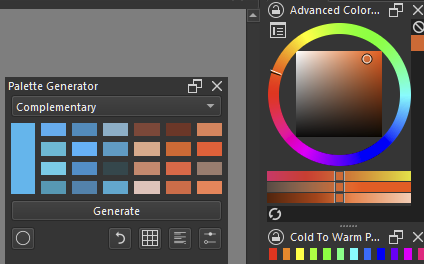
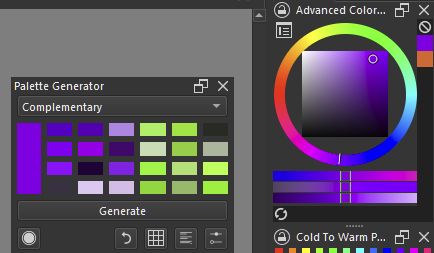
Complementary Should give you random complementary color, or complementaray color based on your foreground.
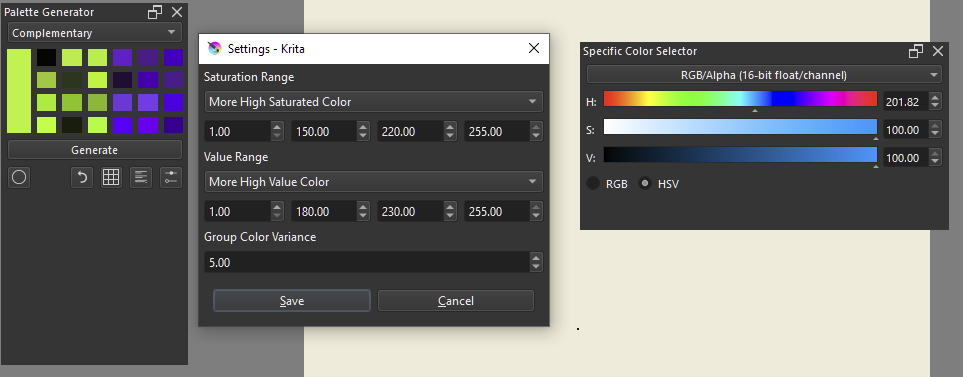
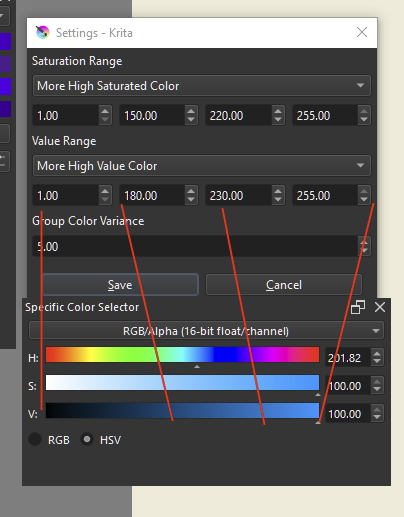
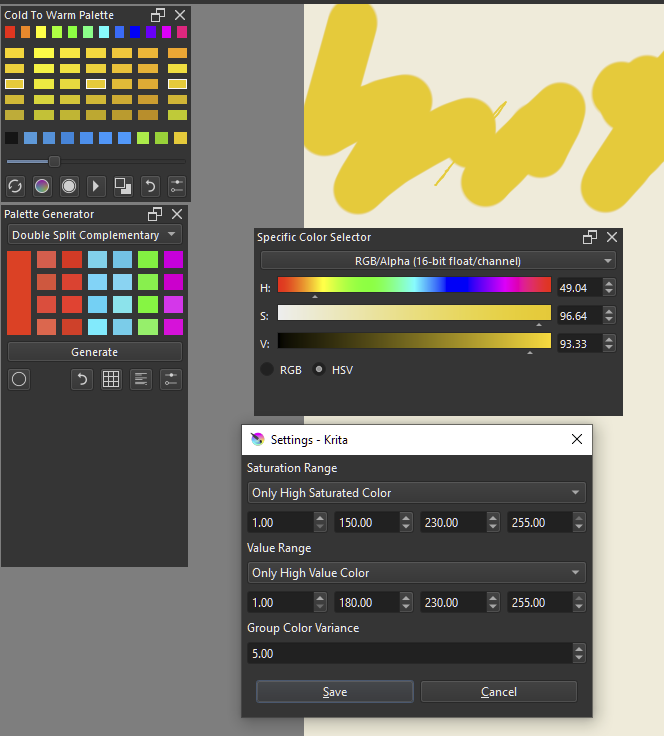
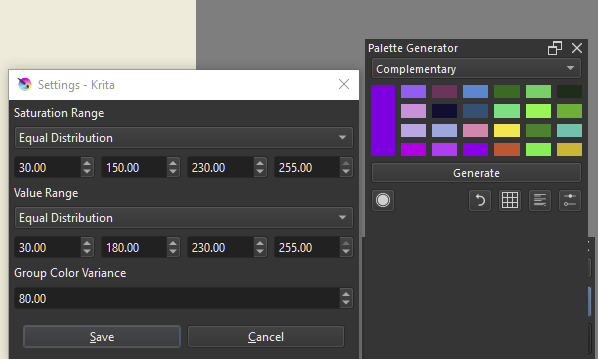
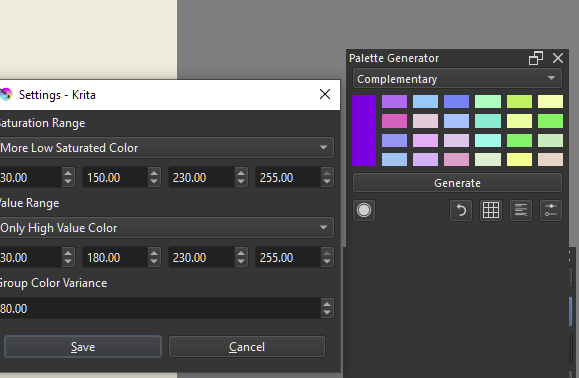
This can look random however if you have group variance in your setting. Because group variance internally shifts the color it picked to within that variance range resulting to a more varied color. make it high enough and color becomes more random.
At first, I was a little confused what you wanted to know, but I think I got it now. You are searching the folder where you can find your new created
palette.
So, in the hope I understood your request correctly:
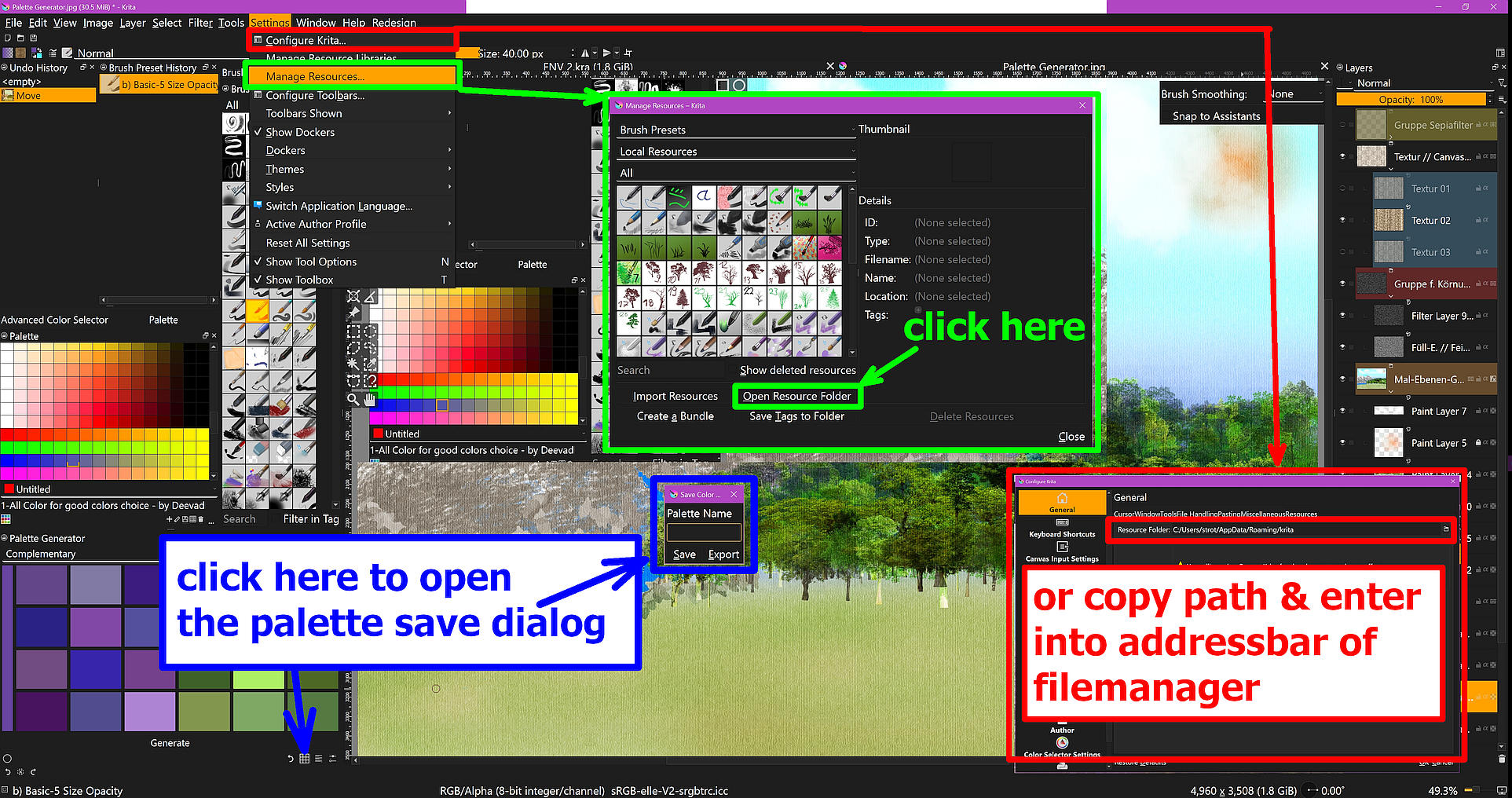
Not seldom you’ll find more than one way to achieve your goal in Krita, here it is the same. Please open the menu “Settings” and there click on the third entry “Manage Resources”, this opens a dialog where you have to click on “Open Resource Folder”, this will open Kritas resource folder in your file manager there you have to enter the sub folder “palettes” where you will find your previously saved palette as well as Krita’s own palettes. This is the way I show in green in the screenshot.
Another way would be the red one. There you go via “Settings” and the first entry "Configure Krita… ", this opens the main configuration dialog of Krita, where you select “General” on the left and select the last tab “Resources” in the general settings, in this dialog you will only find the path to your resource folder, if you copy this path into the address bar of your file manager and confirm, then the file manager switches to the resource folder of Krita, where you open the subfolder “palettes”, in which you will find your self-created palettes and the default palettes of Krita.
The blue way shows what you already know, the way to save your newly made palettes, and where I was wondering in the beginning why you shouldn’t find it, so I added that too.
I have just tried this out and it is really fun. I needed to practice using a limited palette and I think this will be a great help. Thank you so much!
Thank you so much for this plugins, it is really convenient!! Before I used Adobe Color Wheel but it was quite lengthy to copy and paste all the colors to build a palette manually. So thanks a lot ! This will be very useful for me!
How can I generate not a random color but a color picked by me? If it’s by pressing the circle below, it remains empty when I press on it?
Hum, any ideas?
This is a brilliant little addition to Krita! Thanks a lot for making it!
If there was one thing I would appreciate is for the selected color from the generator to be highlighted, probably by a small outline like in the Palette docker.

 Hello
Hello