Thanks for working on this. This is something that Adobe wish it had for itself. Very cool to have it in Krita.
Thanks to these kinds of awesome plugins, an artist may only need Blender and Krita as their core tools.
1 Like
I’ve barely started using this plugin and i already LOVE it!
Although there’s one problem.
I currently have the latest version of both Krita (5.2.0) and Blender (3.6.4) and yet no matter what i do, i can’t seem to be able to use the transparent background feature, as the tickbox stays grayed out.
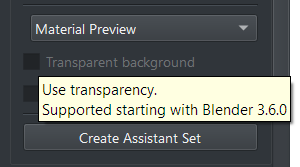
How do i fix this?
Not sure if this was reported or not yet but. I was activating the plugin and during the showEvent of the plugin I got this render error message. I am on krita 5.2.1 currently.
TypeError
Python 3.10.7: C:\Program Files\Krita (x64)\bin\krita.exe
Fri Nov  3 16:34:22 2023

A problem occurred in a Python script.  Here is the sequence of
function calls leading up to the error, in the order they occurred.

 C:\Users\EyeOd\AppData\Roaming\krita\pykrita\blender_layer\navigateWidget.py in paintEvent(self=<blender_layer.navigateWidget.NavigateWidget object>, e=<PyQt5.QtGui.QPaintEvent object>)
  203         font = painter.font()
  204         #font.setFamily('Times')
  205         font.setPointSize(8.5)
  206         font.setBold(True)
  207         painter.setFont(font)
font = <PyQt5.QtGui.QFont object>
font.setPointSize = <built-in method setPointSize of QFont object>
TypeError: setPointSize(self, int): argument 1 has unexpected type 'float'
    __cause__ = None
    __class__ = <class 'TypeError'>
    __context__ = None
    __delattr__ = <method-wrapper '__delattr__' of TypeError object>
    __dict__ = {}
    __dir__ = <built-in method __dir__ of TypeError object>
    __doc__ = 'Inappropriate argument type.'
    __eq__ = <method-wrapper '__eq__' of TypeError object>
    __format__ = <built-in method __format__ of TypeError object>
    __ge__ = <method-wrapper '__ge__' of TypeError object>
    __getattribute__ = <method-wrapper '__getattribute__' of TypeError object>
    __gt__ = <method-wrapper '__gt__' of TypeError object>
    __hash__ = <method-wrapper '__hash__' of TypeError object>
    __init__ = <method-wrapper '__init__' of TypeError object>
    __init_subclass__ = <built-in method __init_subclass__ of type object>
    __le__ = <method-wrapper '__le__' of TypeError object>
    __lt__ = <method-wrapper '__lt__' of TypeError object>
    __ne__ = <method-wrapper '__ne__' of TypeError object>
    __new__ = <built-in method __new__ of type object>
    __reduce__ = <built-in method __reduce__ of TypeError object>
    __reduce_ex__ = <built-in method __reduce_ex__ of TypeError object>
    __repr__ = <method-wrapper '__repr__' of TypeError object>
    __setattr__ = <method-wrapper '__setattr__' of TypeError object>
    __setstate__ = <built-in method __setstate__ of TypeError object>
    __sizeof__ = <built-in method __sizeof__ of TypeError object>
    __str__ = <method-wrapper '__str__' of TypeError object>
    __subclasshook__ = <built-in method __subclasshook__ of type object>
    __suppress_context__ = False
    __traceback__ = <traceback object>
    args = ("setPointSize(self, int): argument 1 has unexpected type 'float'",)
    with_traceback = <built-in method with_traceback of TypeError object>

The above is a description of an error in a Python program.  Here is
the original traceback:

Traceback (most recent call last):
  File "C:\Users\EyeOd\AppData\Roaming\krita\pykrita\blender_layer\navigateWidget.py", line 205, in paintEvent
    font.setPointSize(8.5)
TypeError: setPointSize(self, int): argument 1 has unexpected type 'float'
1 Like
Sorry for the late reply, the latest version of krita and Blender work fine for me. If you have multiple versions of Blender installed make sure BlenderLayer is actually using the newest one. Otherwise check the console in Blender for errors. (Window->Toggle System Console on Windows). Are you starting Blender from the Krita docker or have installed the Blender add-on manually?
I think that should have been fixed long ago. You might need to reinstall the plugin~
3 Likes
This is such a savage plugin! amazing for my paint over work flow!
Hi ! Is it broken in Blender 4 ?
Seems to work fine for me, are you experiencing any issues with the latest version of Blender?
It’s ok now, I had an issu adding “bodychan” thx !
Verry amazing plugins  .
.
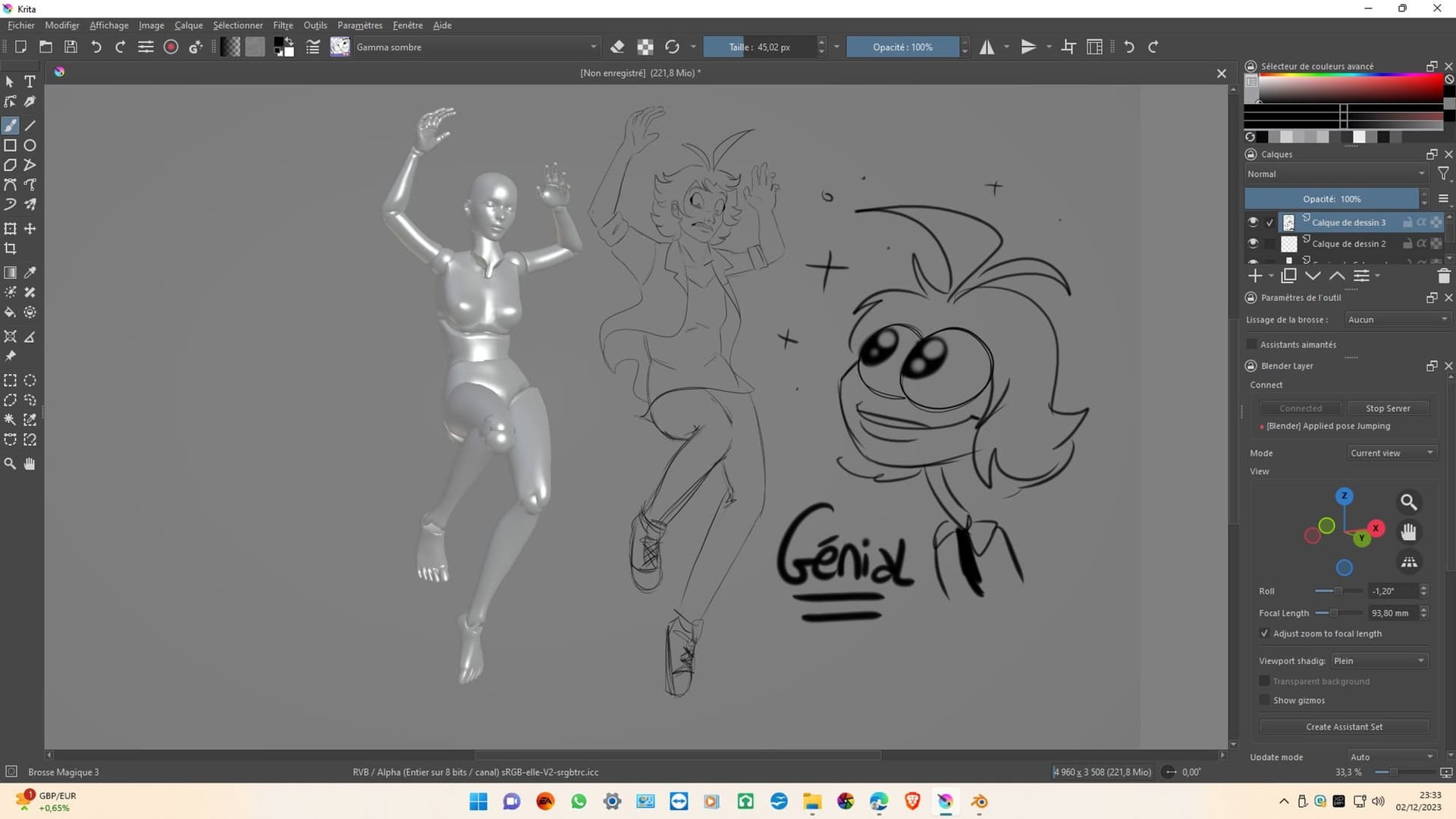
Hi guys, can you recommend where I could get rigged models for posing characters in Blender? Ideally something already stylized for anime. Hand rigs would be great too. I’m fine with paid content too, if it’s tested and known to be good. Thanks!
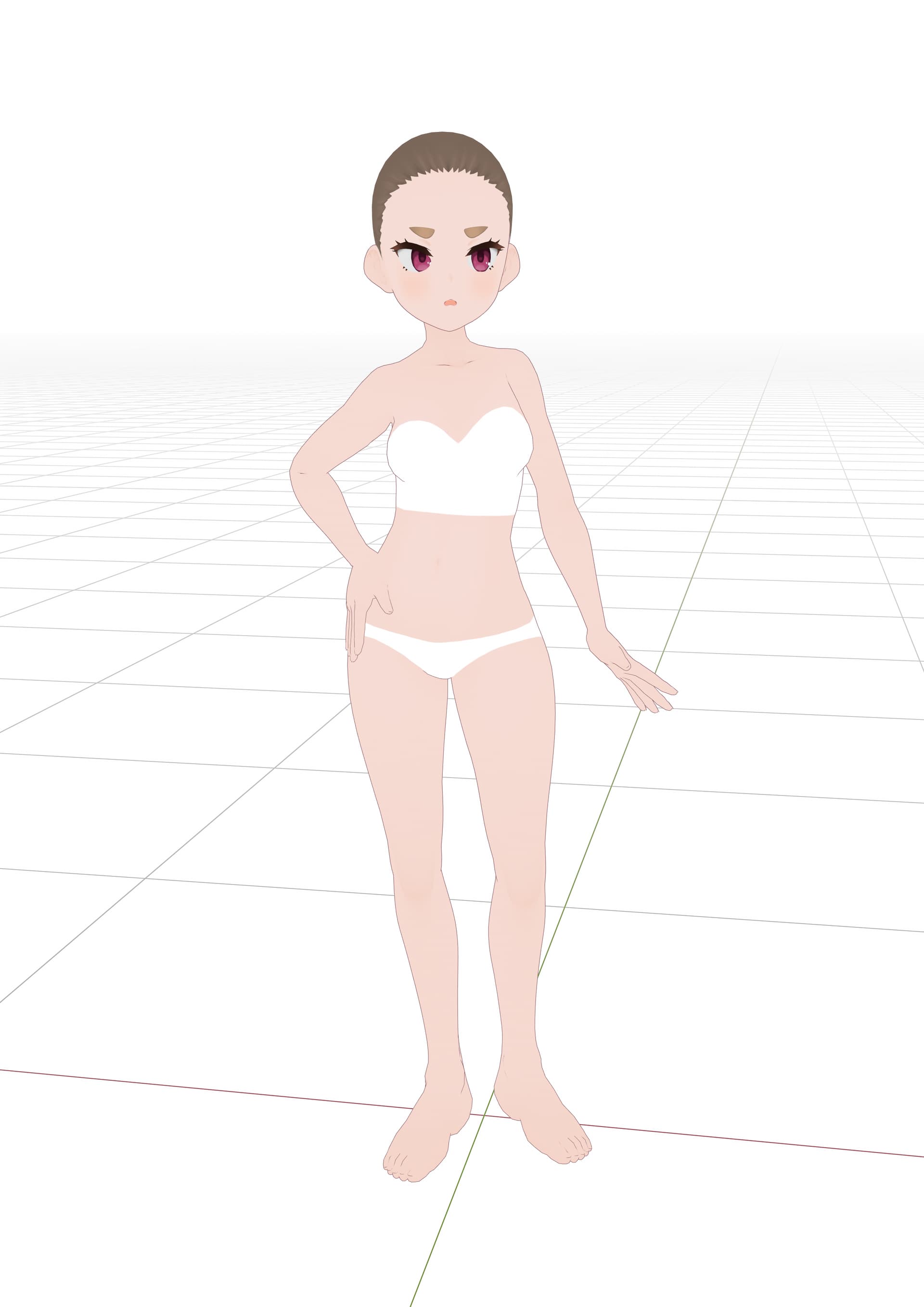
You can use VRoid Studio, customize the proportions of the base model and then import it into Blender. The default rig isn’t that great, but using a few more Blender Add-ons you can then convert it to something a bit more user-friendly with proper IK and gizmo handles.


6 Likes
Thank you, I’ll give it a go!
Looks like a bit more ambitious task as I have zero experience with rigging, but I always wanted to learn that just in case. I used DesignDoll a bit, but I wished I had something like that in Blender where I can customize things a bit if needed.
EDIT: Haha  for a sec I though, “wow, man, that third shader is looking great!” and then I realized it’s a paint-over
  Is it yours? Cool!
If you use the add-on I linked you don’t actually have to do any manual rigging (Only carefully follow the instructions on github  ). Just make sure to also install Rigify and the base VRM Add-On first. I mean, the raw rig you get out of VRoid also totally works, it’s just more annoying to get a somewhat natural pose without IK.
That third image is just me realizing I hadn’t yet drawn anything today…
Thanks, hmm, I think it worked! I’ll need to play with it a bit more to ensure I didn’t mess up. But everything is explained very clearly.
I mean I haven’t even used Blender’s posing interface yet, so I need to get familiar with how to use an existing rig 
You can also find rigged people here 
7 Likes
Thanks for sharing!
For now, VRoid does it for me, it’s a great application with ideal models and enough customization options. I just modified the texture to display the wireframe and it’s about perfect for what I need 
Thanks for this great tool! How do I change the version of Blender it opens? right now it’ll only open an older version I have installed.
There is a button at the bottom of the docker that will open the settings. You can change the path to the blender executable (blender.exe on windows) at the top. (If you leave it empty it will automatically look for Blender either on your path or the default windows installation location)
1 Like
I’ve made good progress on my dummy, there are still a few odd things with the rig, but overall it’s not too bad for my purposes.

4 Likes

Hi
I’ve been having this problem for a few weeks, which appear suddenly in the middle of work, that Blender would disconnect right after connecting. I’ve tried changing ports, different version of Blender, connecting manually, but they don’t work. Last time it happened, I updated the plugin, which worked normally for about a month - this time it didn’t work.
Does anyone also have this problem or knows how I can get it working again?