
1 Like
As @freyalupen and I already mentioned above, the rotation feature currently needs a pre ALPHA version of Krita, and I gave you a link where you can obtain these versions:
This screenshot stems from today’s nightly and shows that you can rotate pictures with that docker. As you can see, using a Krita 5.3.0 version and a recent version of that plugin, you’ll have the widget:
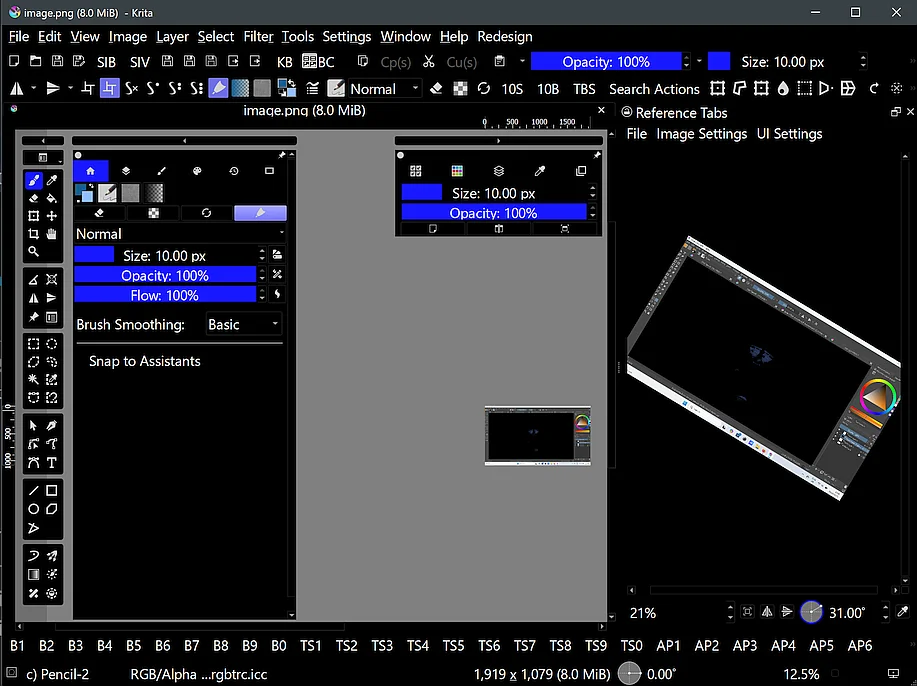
By the way, these Nightlies are development versions of Krita that can be unstable and can tend to crash, because the developers use them to check out new features for an upcoming future version of Krita.
Usually, these are quite stable, but occasionally there will be a version that will crash. Their name Nightly, or plural Nightlies, comes from the fact that these are build on a daily basis and since this happened in the past overnight when the devs were sleeping, they got their name Nightlies.
Michelist
1 Like
Oh! I understand now, I downloaded the 5.3.0 version and I have the angle selector now! Thank you for your help ^^ 
1 Like
Is their any possibility of adding a copy and paste function so that you don’t have to manually download files first before putting them as reference in the tab?
I’ve now fixed drag-and-dropping images from a web browser as well as added copy/paste functions in the File menu, thanks for the suggestion! And in case you paste something like a selection and realize later you want to save it, I added a save function too.
1 Like
Thank you so much! I now no longer need to use pureref due to my laziness and tha jankiness it can cause
I tried it works really well, thanks a lot.
i love this plugin! thanks
the plugin is good but i can’t use the canvas functions on the ref window (zoom, pan etc.), am i missing something here?
 Hello @Marauder, and welcome to the forum!
Scroll down to the very end of that docker, there you’ll find zoom, mirror and rotation settings after loading a reference into it.
Michelist
thank you @Michelist . But can i use keyboard shortcuts to zoom/pan the image in the reference docker?
At least none that I know of, and there are no shortcuts to define for this docker in Krita’s Keyboard Shortcuts.
Michelist
1 Like

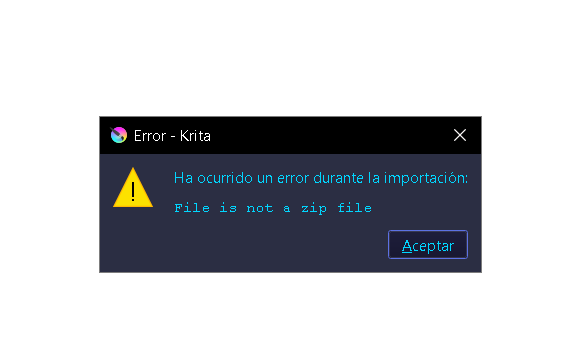
Did you download the plugin using the second link in the first post?
How did you try installing the plugin, did you try installing it via File > Open or via this way, which is the correct way:
The easiest way to install plugins in Krita is to go to “Tools” >> “Scripts” >> “Import Python Plugin from File…”, then in the dialog that opens, specify the path to the plugin, so browse to the downloaded ZIP on your PC or Mac and select the ZIP file you just downloaded and confirm the selection (so, usually, click on the OK-Button), confirm the next dialog box as well, then restart Krita and then, depending on the plugin, set up the plugin to your liking or use it right away.
Michelist
- Yes I download this plugin using the second link
- Yes, I tried to install the plugin with the “Tools” >> “Scripts” >> “Import Python Plugin from File…”, But for some reason, that message appears

Do you use a Krita nightly version? If so, for them, there was a special version of the plugin. If it still can be used these days, I can’t say, because it was published on 5th November 2023, but if you want to try that, here is the link to it in my cloud:
Michelist


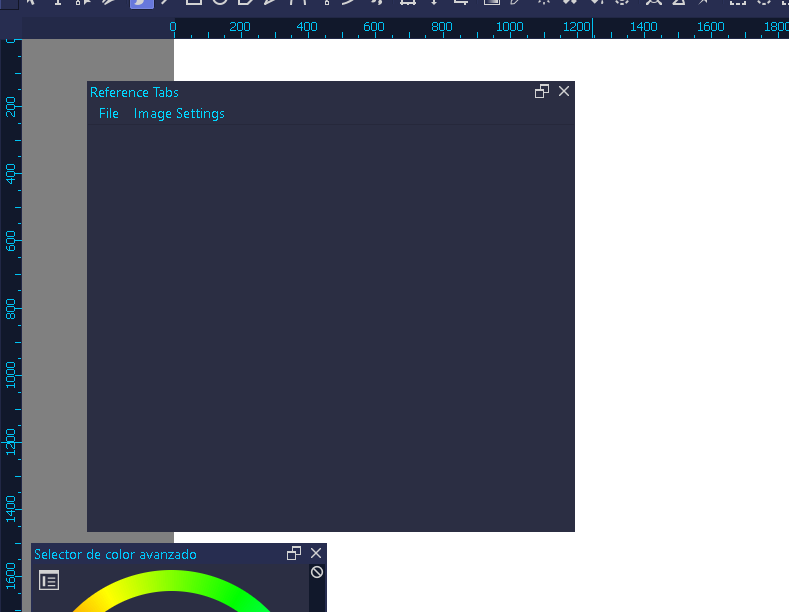
could you make the zoom using scrollwheel mouse . it would be great (●’◡’●)
Scroll over the zoom bar of the docker, then it works.
Michelist
how i can put on the krita?