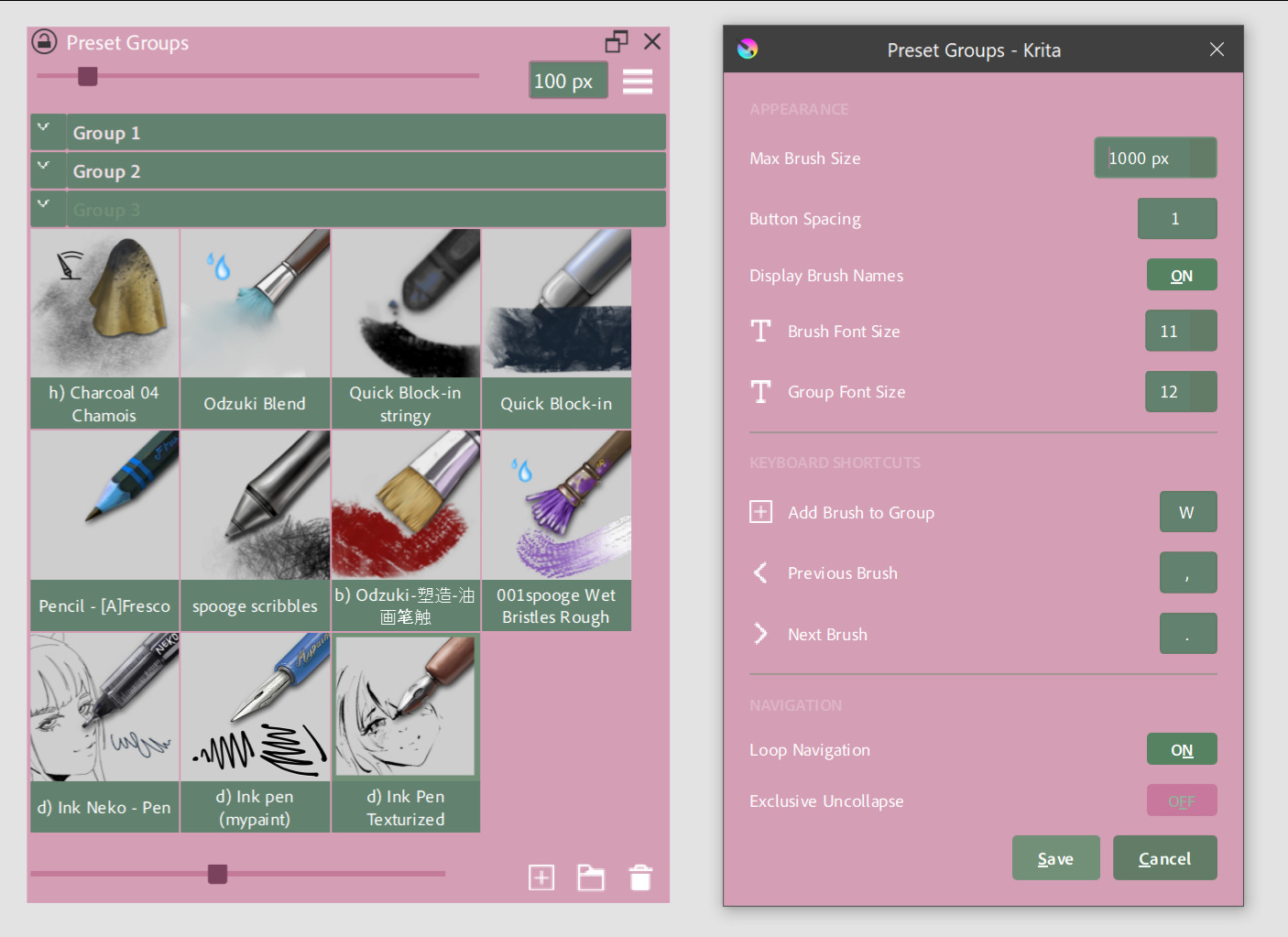
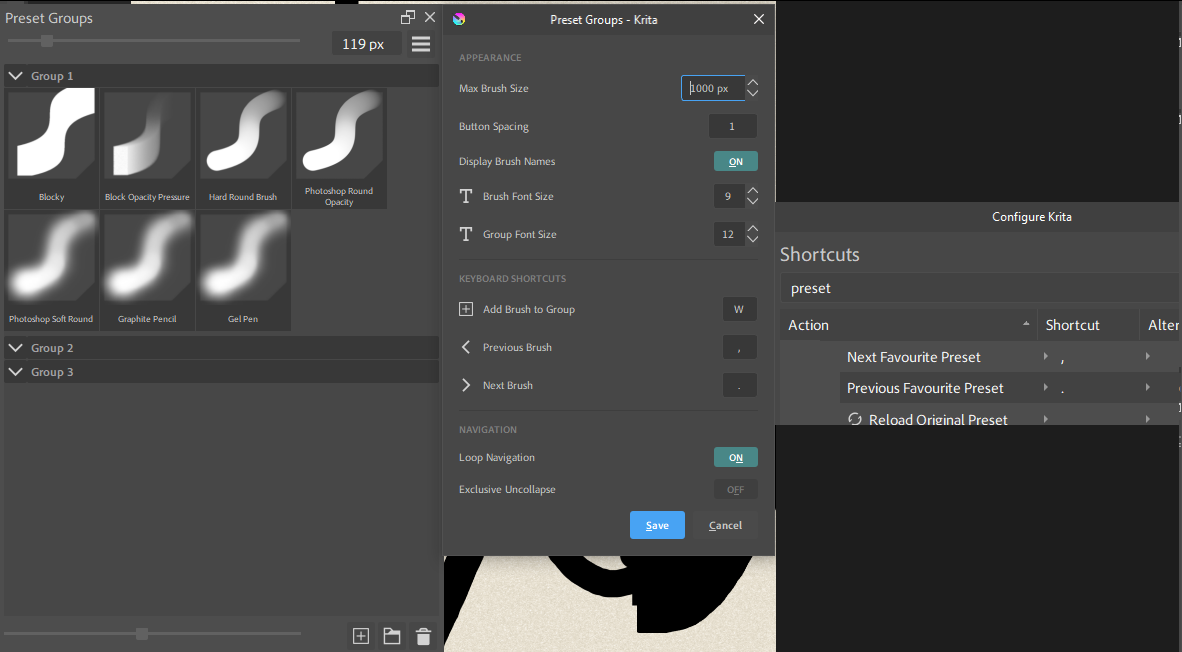
v1.2.0 Release
- Compatible with any Krita theme (requires restart)
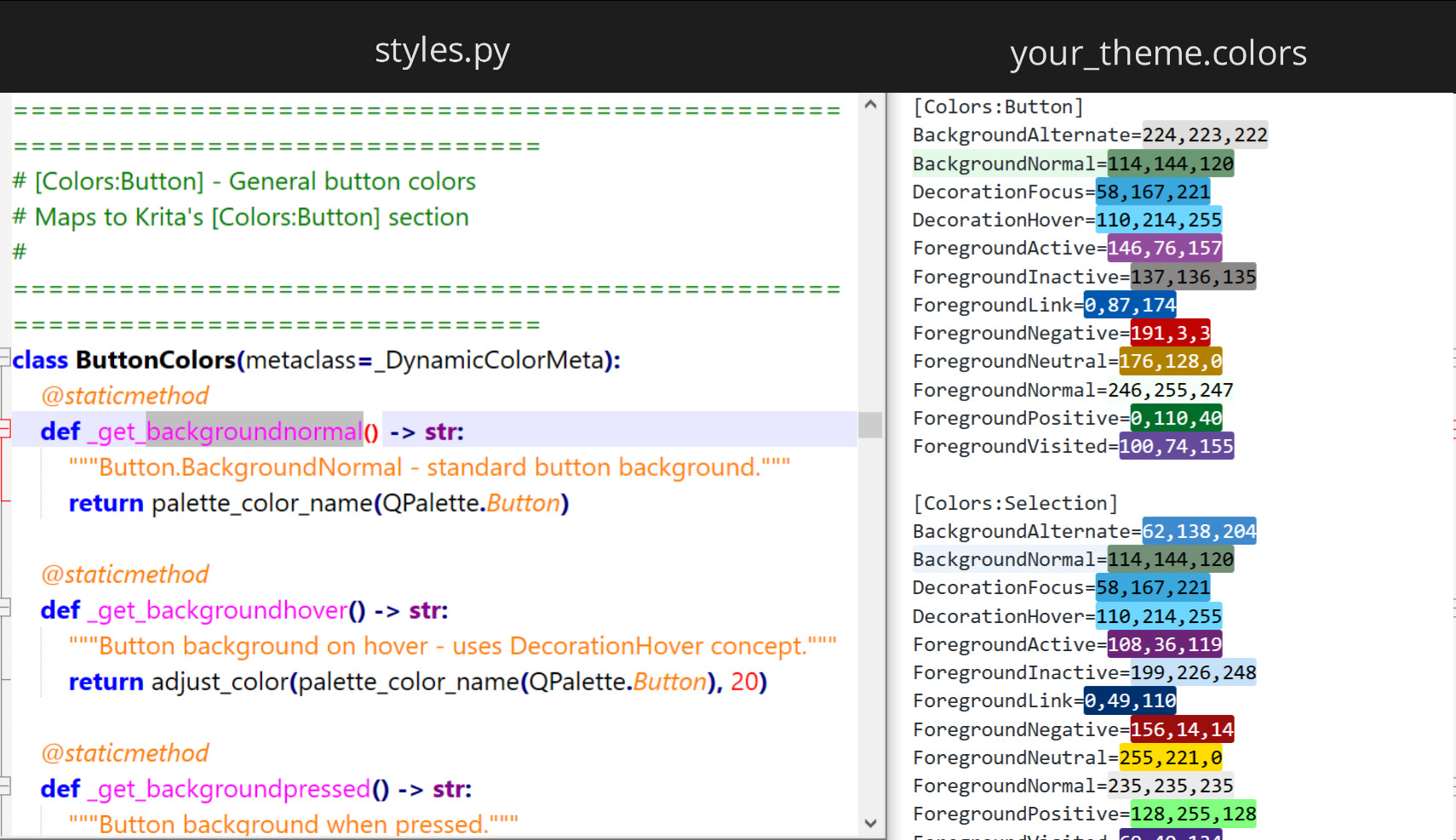
- Plugin’s colors can be customized in
styles.pyfile - You can use ctrl + scroll to resize thumbnails
- Fixed some visual bugs
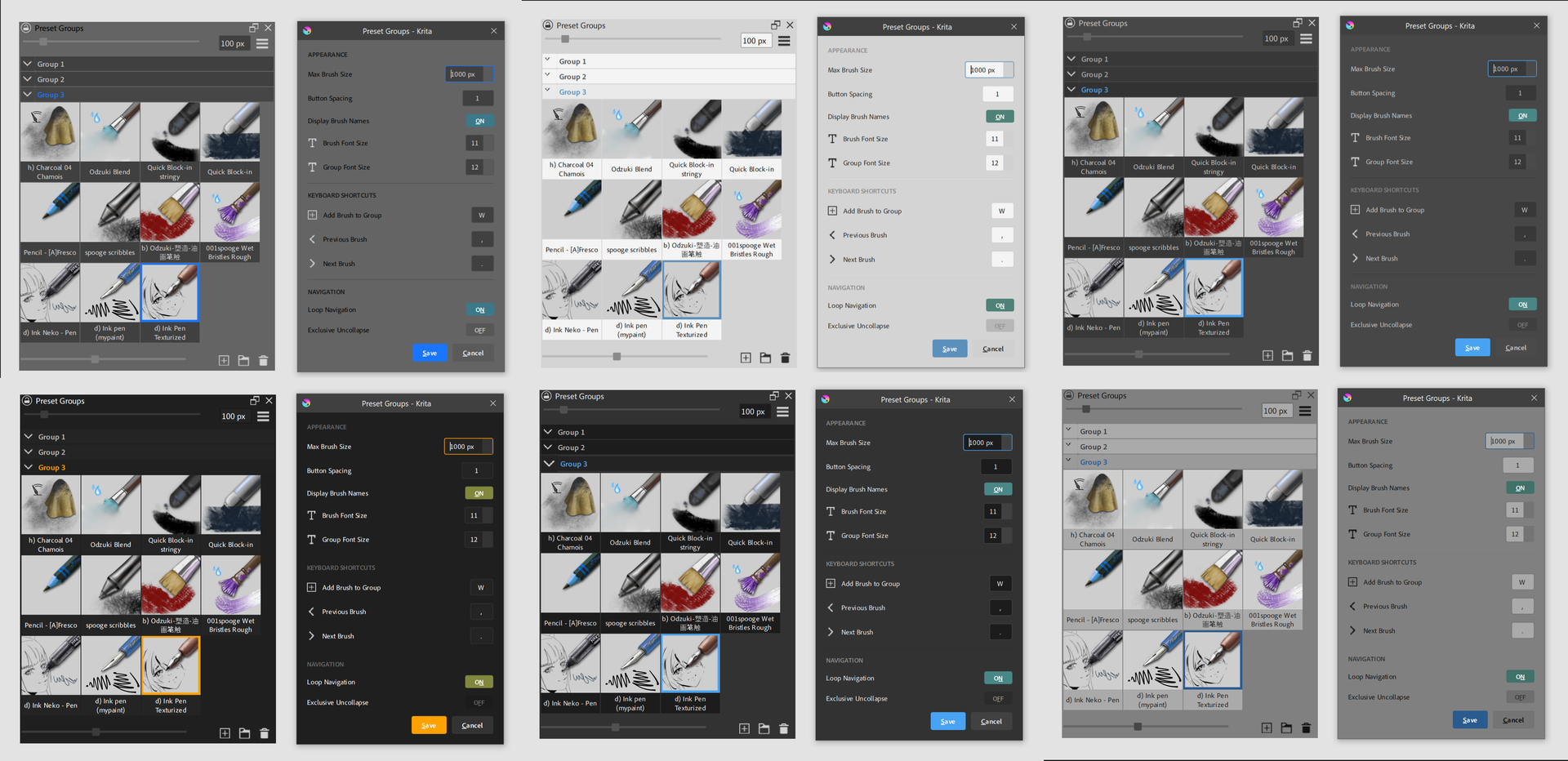
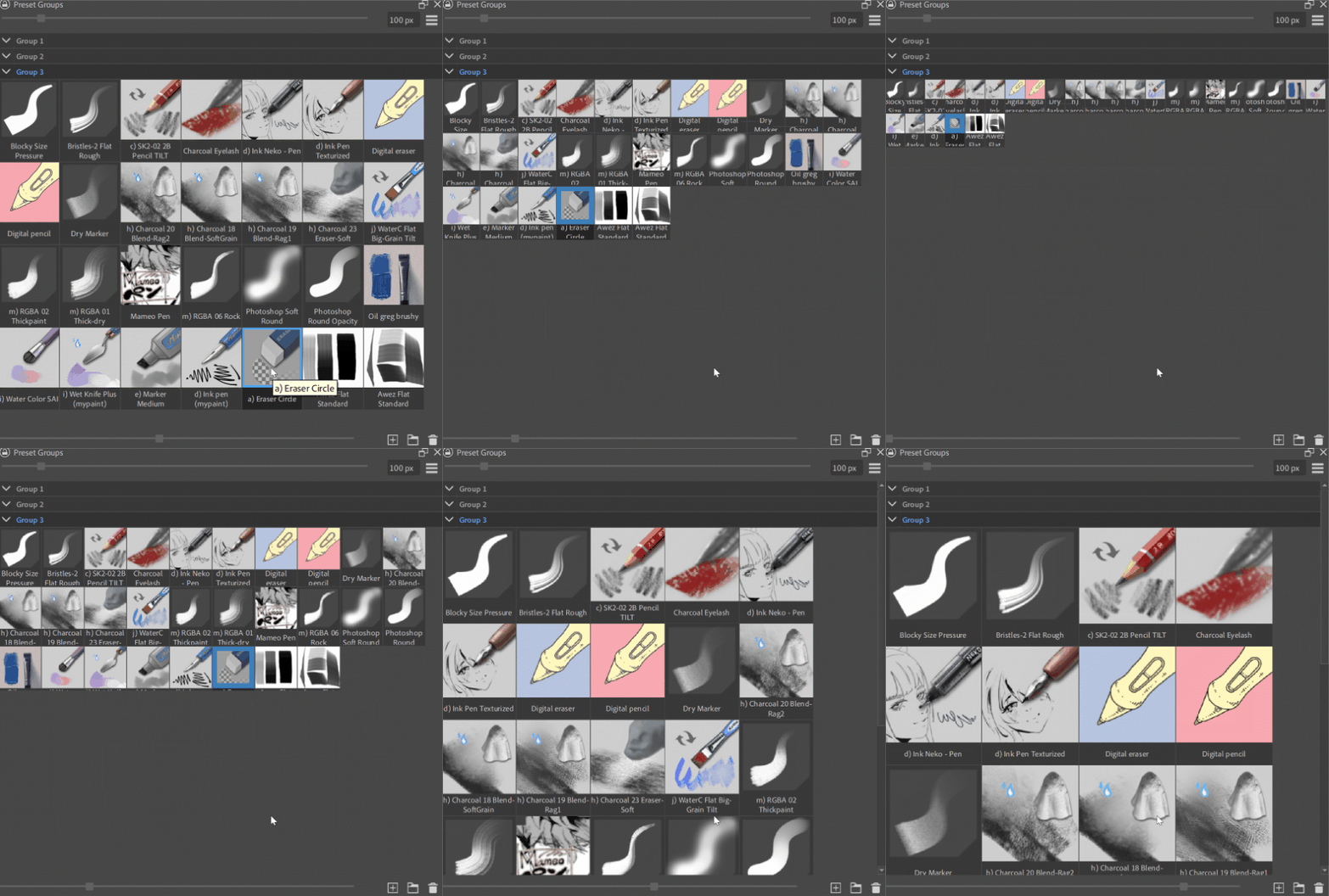
styles.py fileThanks for the link, I’ve updated the plugin with the ctrl+scroll functionality and now it looks like this with your theme:
styles.py since it calls for the same color names as your theme like BackgroundNormal:styles.py file now!preset_groups\utils\styles.py
Thank you so much, Tenzin!
doesn’t work on 5.2.15 (windows) for me, can’t see it in the menus or keyboard shortcuts, although it does appear in the plugin manager (i’ve tried disabling other plugins)
Apologies for the confusion, I exported the plugin as a .rar file instead of .zip. The release has been updated and the plugin should load now
No-no it does load in properly and i’ve tried the zip from github, but i just can’t access it even though it is enabled. It’s not in the scripts tab nor shortcut settings, am i misunderstanding how it works or has something gone wrong?
edit: i didn’t realize it was in the dockers tab, im sorry ;-; everything works fine
edit 2: i am however curious if there’s a way to call out the docker with a shortcut?
i am however curious if there’s a way to call out the docker with a shortcut?
Check out this plugin: [Plugin Release] Docker Under Cursor - make docker display in mouse position
I’m sorry, I don’t speak English, I’m using a translator. I have a problem with the plugin, the shortcut to go forward and back doesn’t work for me, even if I change “,” and “.” it still doesn’t work. Is there a solution? pleaseeeeee 
Does “W” Add Brush button also not work? If not, that means you didn’t install the plugin correctly. What version of Krita are you using and how did you install it?
The ‘w’ button does work. I just noticed that when I am inside a window, the command works, but when I go out, it doesn’t.
I have the latest version of Krita
when I am inside a window
Which window? If I open the Settings window and close it the , and . commands still work.
Your video and description are not very clear on how your shortcuts are not working.
Any window , In my video, I show how the default shortcuts work inside a window, but when I close the window, they no longer work.
That’s because the Next/Previous for Brush Presets docker and Preset Groups docker are conflicting. As stated before:
Oh my God! Thank you, I thought they were supposed to be the same, but I had to remove the default shortcuts in Krita and leave only the plugin shortcut. Thank you very much 
No problem, glad it works for you now!
Hi again  Had asked previously about being able to adjust the text size, and fix was awesome, thank you. Just got back to doing some art, and remembered had meant to ask if it’s possible for text size of the Settings popup to be increased, as tbh am really struggling to see it.
As an idea is simply amazing. because when you have a lot of bundles wirh a lot of brushes this is something that adds a lot of customization power. Being able to move brushes like this is one of my deep desires for Krita. Thanks a lot for all the effort , i need to test this right now
Thank you for this plugin! It works very well. Brush management is one of the most used functionalities in any painting program, and it could definitely serve as a decent inspiration for implementation in Krita. In addition to the awesome Docker Under Cursor plugin by Aqao, my workflow has improved drastically.
There are two features that could be a nice addition:
Brush change indicator, similarly to how it works in the Brush Presets docker. I personally don’t have the Brush Presets docker opened by default anymore (due to space optimization so to speak), so it would be very handy to have such an indicator in the Preset Groups plugin too.
Subgroups, but of course, if not too difficult to implement. This feature can probably be very useful for those who have a lot of brushes.