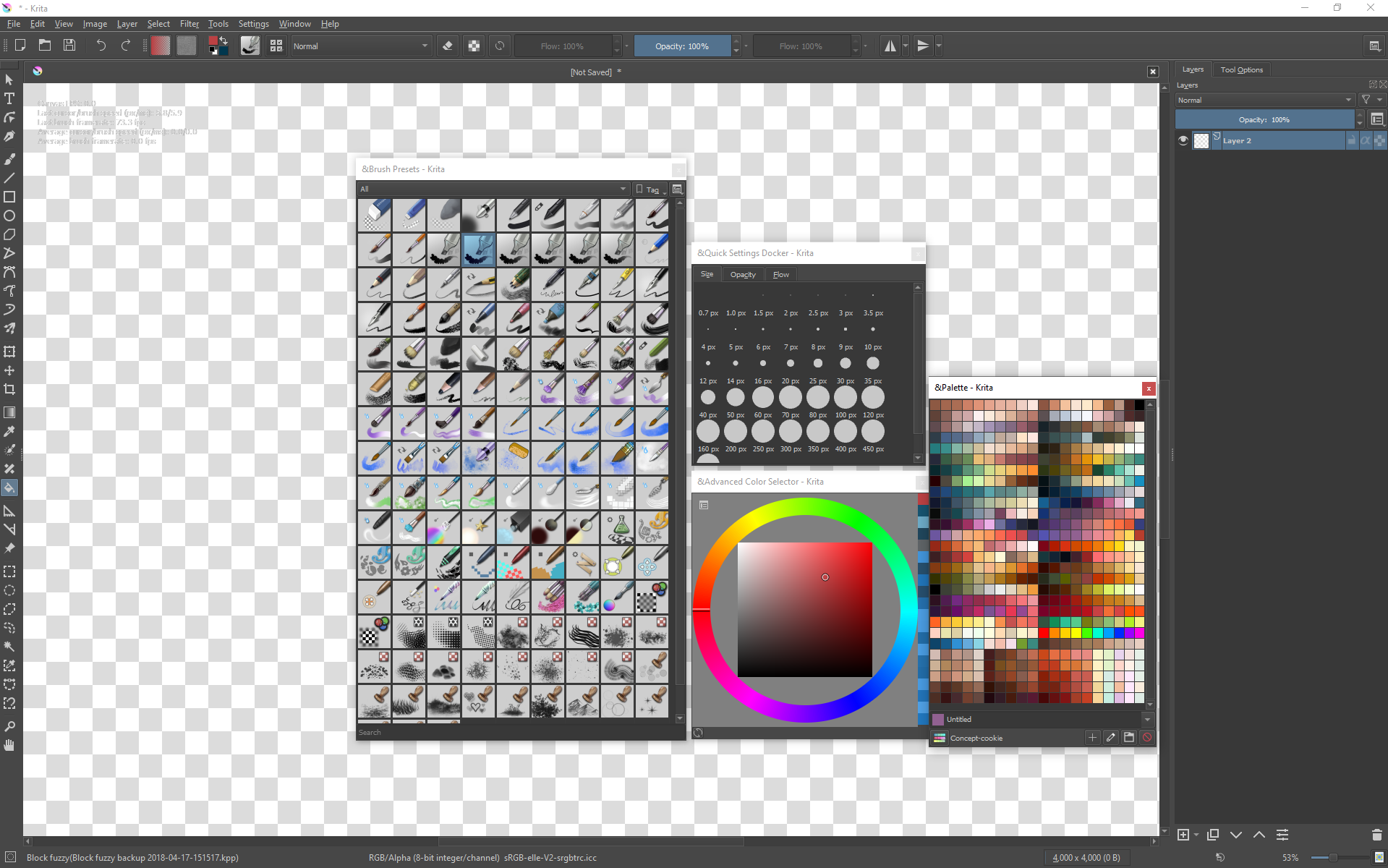
In extension of the main UI Redesign topic, this topic has been created to consolidate ideas about a potential Radial Function menu, where existing Krita functions eg. tools, brushes etc. can be accessed as an alternative to existing menus.
All ideas are welcome, this is an open discussion .
To kick off, here are some existing ideas, collated by the amazing @slightlyangrydodo:
Well, I had an idea just this morning. I think the radial menu should only contain functions that required more than 1 click, or that required precision touching in the dockers. I know one thing that I would LOVE for a radial menu that no other software has (that I know of), which would be a quick toggle to show the values of the painting. Behind the scenes it could just add a black layer and set it to overlay, and disable it when the user toggles it back again.
You can use soft proofing for that task. instead of using to show CMYK use it to show greyscale. Ctrl+Y is the shortcut. I am thinking in radial menus too and like the idea but need more elaboration.
I have the same Tab S3 tablet. And yes, Krita on the tablet is not suitable for use. Of course, you can add everything to one menu, but what’s the point? This will not add convenience, but on the whole screen there will be a huge menu with a bunch of buttons. Designing an interface for tablets requires a different approach. You need to leave a minimum of tools, hide the rest and maximize the benefits of the touch screen.
So for the same reflection of the canvas, you can double-click on the screen with your finger. Three-finger tap positioning of the canvas. Repeat and cancel the scrolling with three fingers. Just while the touch functions are poorly implemented. When scaling and rotating, the program must perform binding so that when the canvas is rotated, when the angle is close to 0, 90, 180 and 270 degrees, the canvas is snapped to this value and remains at that angle.
That would depend on what problem the radial menu is trying to achieve. As @Minstrel mentions, for small tablets, screen space is expensive. If it becomes a hub for accessing tools and function in canvas only mode, it would solve the problem of screen real estate running out.
But, in the main thread, many pointed out that the current right click popup is an quick and easy way to color and brushes, and adding things may complicate it. So, probably it should be its own tool.
Some toggles I could think of:
Color / B&W
New Layer
Show/Hide Dockers ( This could be a simple alternative to putting a complex menu filled with buttons. It will let me use dockers without leaving canvas mode.)
Previous Brush
Previous Color
Save File
And probably it could use Q as in quick menu. Currently it is mapped to Multibrush.
Yes, having a separate tool would definitely suit the purpose of this topic as well I think.
There might need to be consideration of tablet users, as this sort of function could suit their workflows well I’d imagine. I don’t know what other buttons a tablet user has?
I’m not sure I explained this bit of my idea well, but:
(In my mockup) if the “toolbar” section of the pop-up palette were customizable like the toolbar, then we could just not have all those functions there by default, making the default exactly as it is now. Having the option to add them for much less common use-cases like tablet-only would satisfy me and fix that issue entirely for users that don’t want the extra functionality.
I’m not against the idea of a new menu, separate from the Popup palette either. This would work just as well for me, as long as there’s an intuitive way to access it from both keyboard and tablet setups. I’m thinking it would be the less controversial solution as well.
Somewhere along the way, the Android port added the long-press with a finger to bring up the pop-up palette. That wasn’t always there. What I did before (back when Krita for Android was in beta) was add a button to the toolbar to toggle the pop-up palette. Adding a button to the toolbar to toggle this new menu isn’t entirely ideal, but adding just one button beats having to add several.
More likely, I think maybe a 2 finger long-press could work to toggle this secondary options menu.
I worry a little that adding too many touch gesture shortcuts could be too confusing, but this much seems fine at least, so long as it works well.
For pen tablets, I think the shortcut could easily be mapped to one of the button on the pen. So when the menu appears, pen can be easily be dragged and released to select an option. Users could also easily map it to tablet keys.
For touch input, I am not sure. Is flick/swipe a viable gesture? A two finger/ three finger swipe up could open the menu, and then tap to select an option.
Yes, I think swiping can be used in many different combinations for different functions, which would be good.
I’m supposing a delineation between radial menu and brushes popup menu could be made if the button is pressed while pen tip is on screen (for radial)? But I don’t know how that would be programmed to be honest.
Right Click menu should provide quick access to not easy accessible functions. Like slightlyangrydodo said, Radial Function Menu should only contain functions that require more than 1 click to access.
Additionality if function can be accessed by shortcuts there is no point of having it in Radial Function Menu.
I would prefer having big Advanced Collor Selector or full brush list under right click. Current RFM collor selector is quite small and lags.
Maybe RFM could open and close dockers that you can customize. Like Palletes or Brush Presets. You usually dont need them open all the time and those ony take space on UI.
For me this set of tools would be handy to have under Right Click
Hmm… There is already pop-up color picker. Action is called “Show Color Selector”, default is Shift+I but without color history which is separate pop-up action.
 .
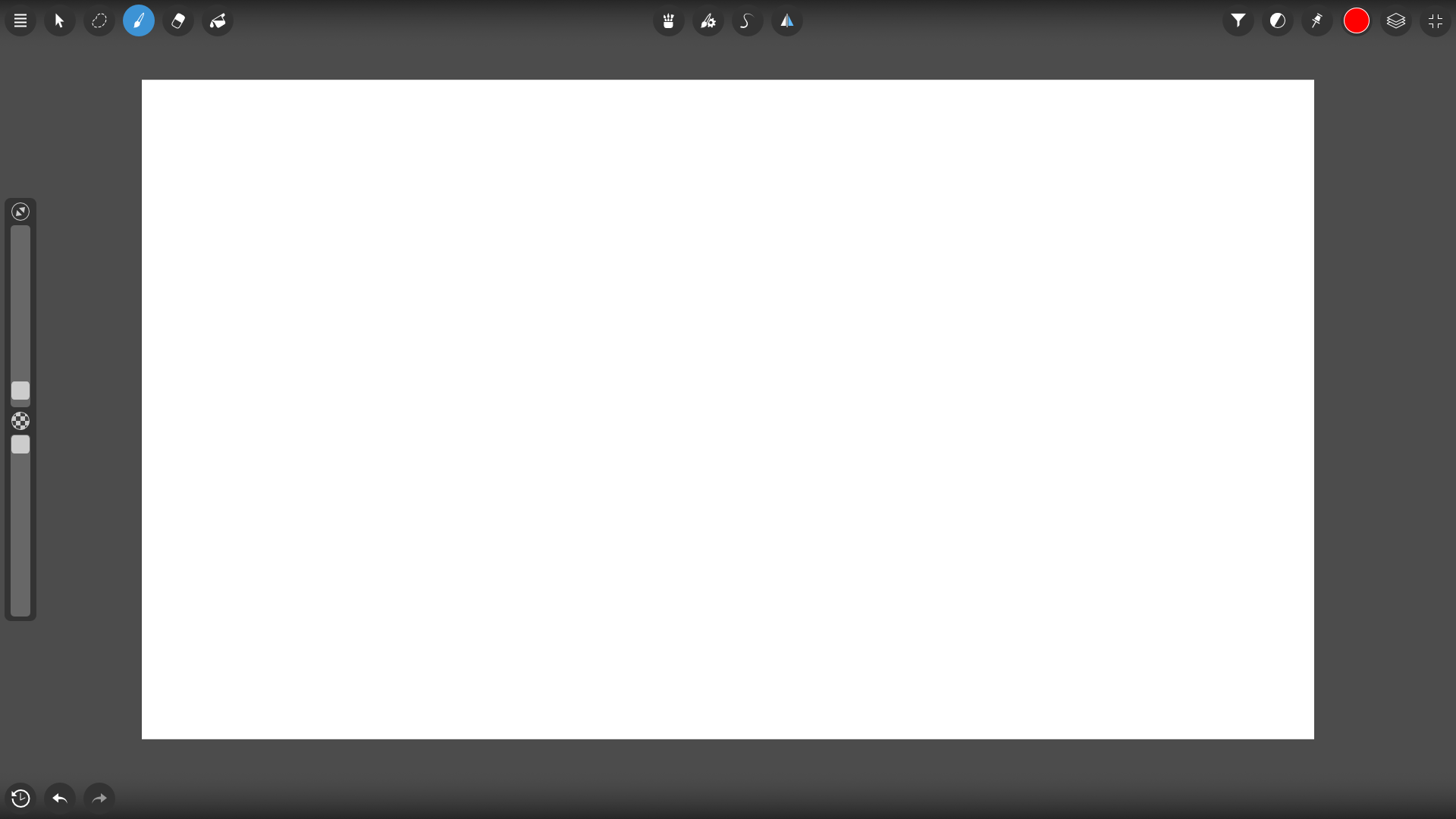
.
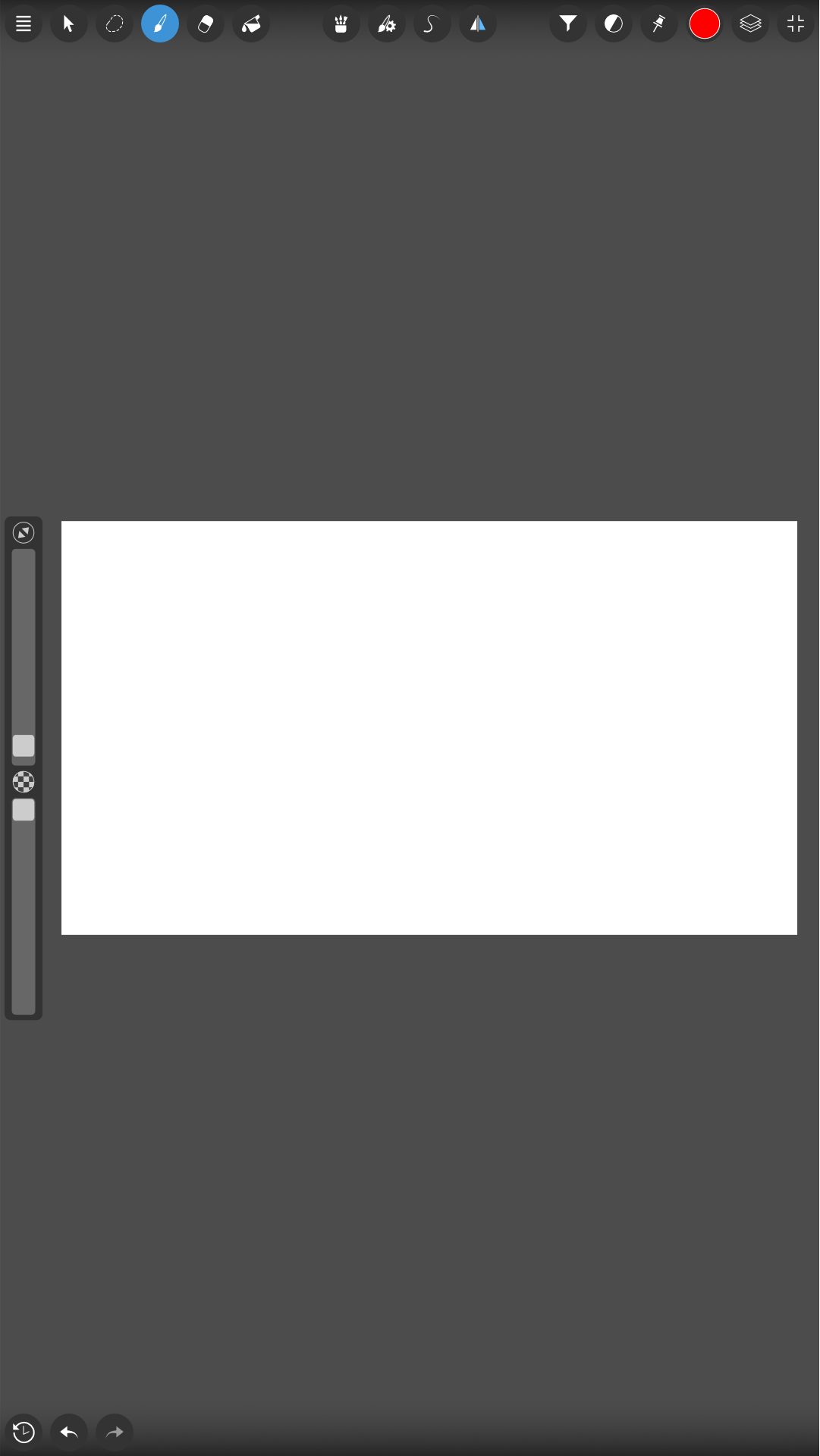
 I cant imagine how i use blender before I pie menu extension