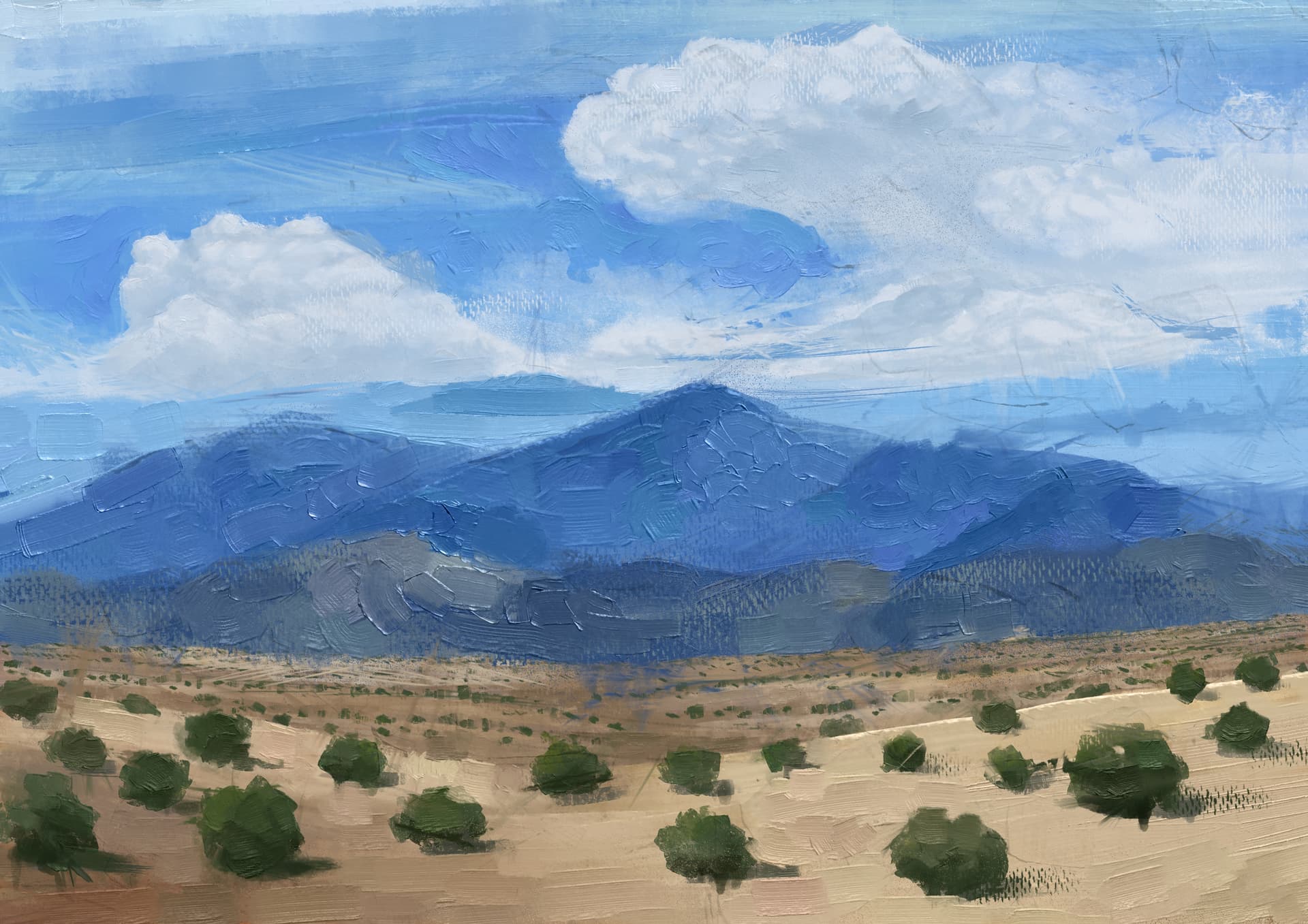
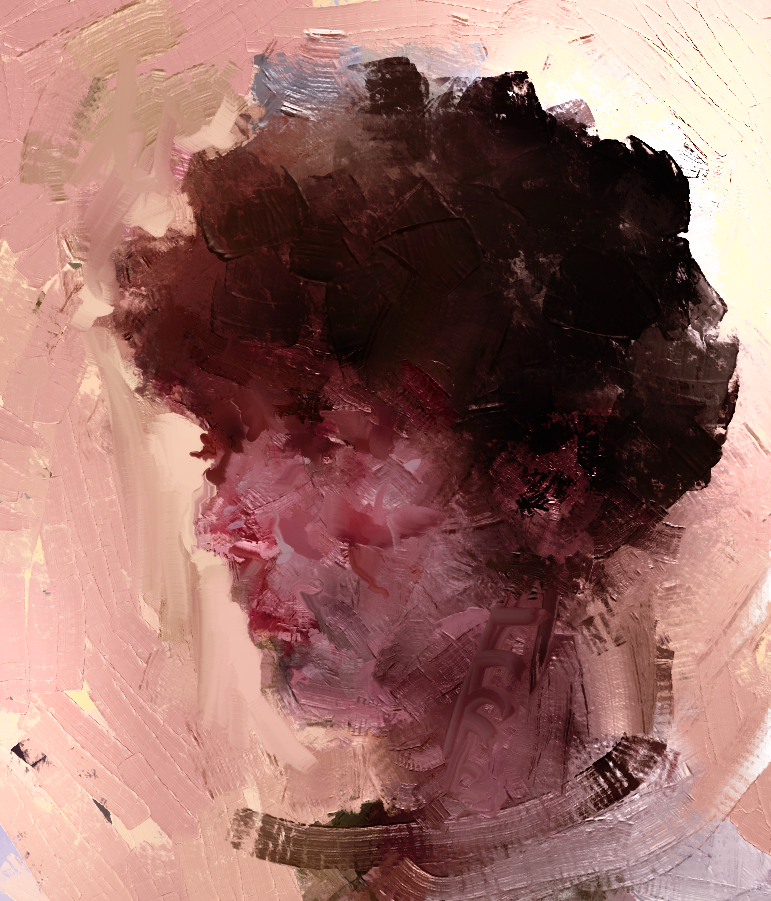
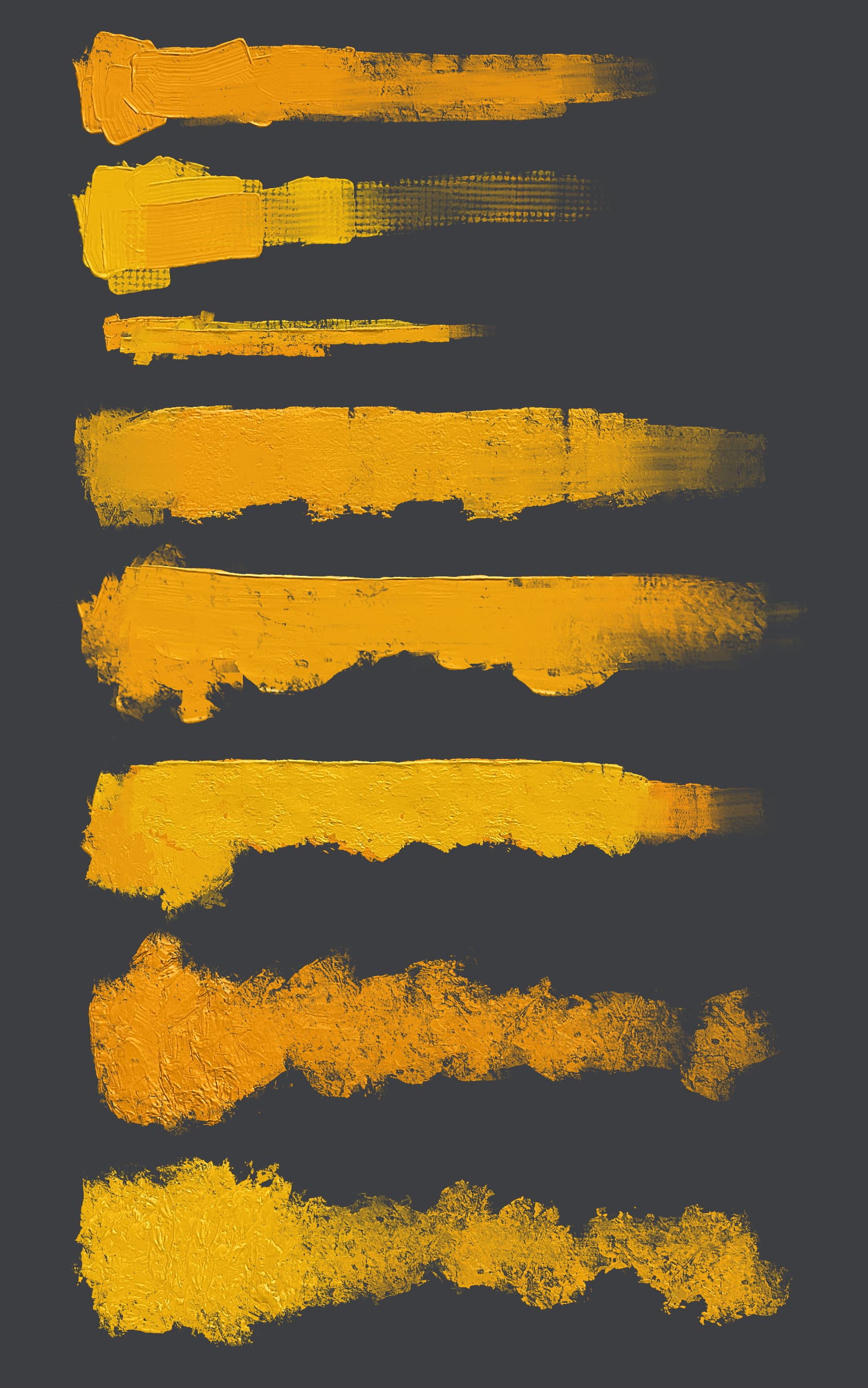
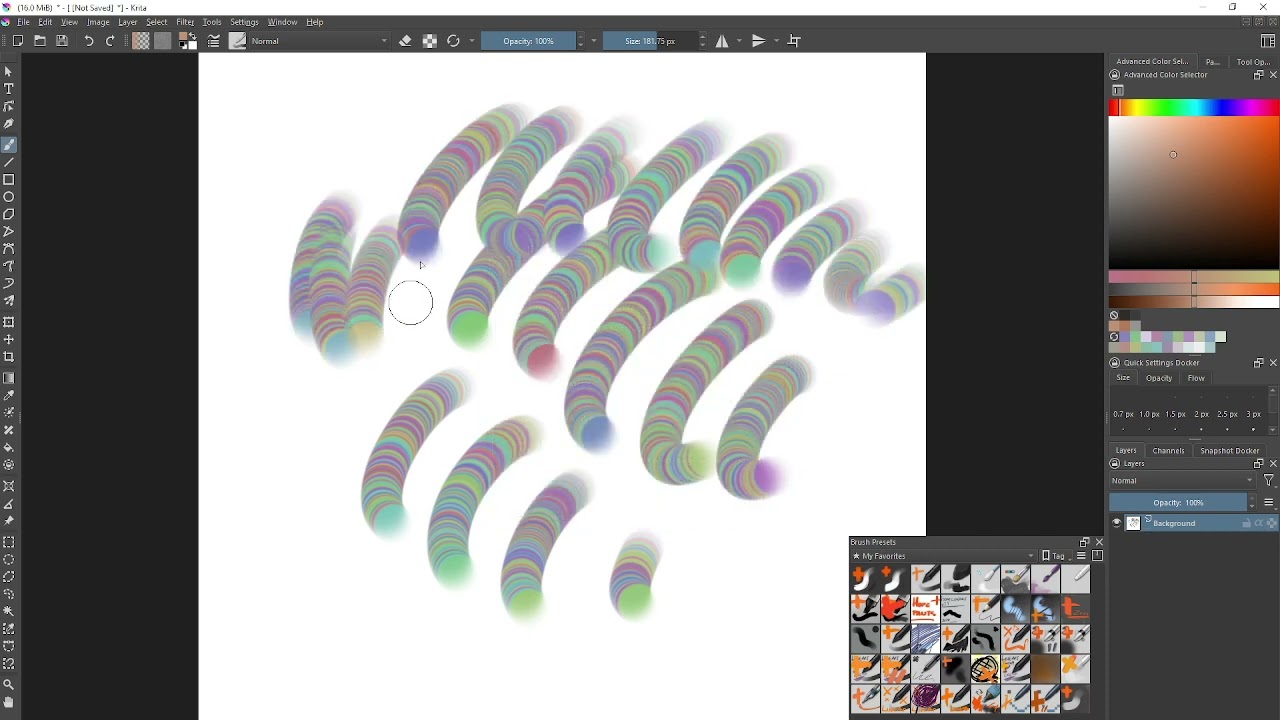
Usually, you don’t open a BUNDLE, you install a BUNDLE in Krita. It is installed in Krita via the menu ‘‘Settings’’ → ‘‘Manage Resource Libraries…’’ and in the opening dialog you have to click the button + Import in the next dialog browse to the downloaded bundle, select it and confirm the selection. Now Krita imports that bundle, and you can use its content, so the brushes in case of this bundle.
If this BUNDLE is in an archive file, such as ZIP or RAR, then you need to unpack the archive first to get the BUNDLE file it contains, then you can proceed as described above.
But if you really want to go the unusual way, then you have to rename the ‘memileo_360light_03.bundle’ to ‘memileo_360light_03.bundle.zip’, after the renaming it can be unpacked with nearly every archiving software around. But then you would need to know what you have to do with the contents you unpacked.
New version of the bundle. Removed most previous brushes and made some new ones. (You can keep previous bundles installed if you want.)
Tried a different approach for the palette knife-esque brush tips - sculpt a brush stroke, render out slices with some overlap, and use the incremental selection mode on second dimension in the .gih file.
Wow. Love the new knife detail brush in the version 4 pack. Thanks so much for all of these 360 degree memileo brushes. Total game changer. The RGBA brushes were cool, but these turn a free software into a legit replacement for ArtRage and other paid softwares. Mind = blown.
Been thinking the same thing.
Since RGBA brushes, Krita has become a heavy hitter in terms of “natural” media. These brushes @emilm worked on just added a whole new level for Krita.
These knives put a lot of similar materials in some expensive softwares to shame.
Just amazing work @emilm and thanks for the dedication, mate!
New test bundle: memileo_360light_05.bundle - Google Drive
Contains new versions of ‘Knife Smooth’ only. (You can keep previous bundle(s) activated.)
Painted a new pattern texture as well as some other little tweaks.
Knife Smooth B:light pressure - blend, medium pressure - more texture less blending, high pressure - less texture, no blending.
Knife Smooth B Loaded: fixed amount of paint and then blends, pressure controls amount of texture.
@emilm I Imported the _05 bundle into version 5.1.5 but the presets didn’t appear in the Brush Presets docker or the Resources manager.
The Brushtip and the Pattern were shown in the Resources manager and could be found in the Patterns docker and Brush Editor.
After manually removing the bundle from the resources folder and restarting, I tried importing the brush presets individually but the Resources Manager said it couldn’t open them as resources.