I created the bundle with 5.2 beta2, maybe that’s why. Does it work in beta/nightly version for you?
Remade the bundle with 5.1.5, let me know if it works better.
I created the bundle with 5.2 beta2, maybe that’s why. Does it work in beta/nightly version for you?
Remade the bundle with 5.1.5, let me know if it works better.
I’m getting the same result with 5.1.5 
I’ll try the 5.2 beta2 soon and let you know.
They do work on my machine in 5.1.5 on macOS. Are you on linux and running into the bug mentioned earlier in the thread(and the first post) perhaps? I was able to recreate the behaviour you described on my linux-install with 5.1.5 appimage.
Yes, it looks like a problem with the Linux 5.1.5 appimage. I’ve tried this on my Debian 10 daily driver and on the latest Linux Mint.
The 5.1.2 beta-2 appimage has no problems with the original --_05.bundle or the newer --_05-2.bundle.
I run the now archaic Debian 10 Linux on a daily basis. (It’s a long story, don’t ask me.)
I switch to the latest Linux Mint if I want to test the 5.2 betas. So, my testing of 5.1.5 on Debian 10 could be regarded as dubious but it has the same problem on Linux Mint.
Can you reupload it? It’s not available anymore…
It’s the same as this one.  (I removed the broken link.)
looks great, but where is it, can’t find, there is traditional mixing types only…
@emilm The ‘New test bundle:’ works ok on the 5.2-rc1 appimage on Linux Mint 21.2
You seem to have removed some patterns and brushtips compared to previous bundles.
I just wanted to say I think these brushes are great, I got around to giving them a go at last. Your file for making rgba brushtips is pure genius too.
I tried testing those brushes and I like them a lot:
My only issue is that some of them work a bit slow for me, but it’s probably because my computer is very old.
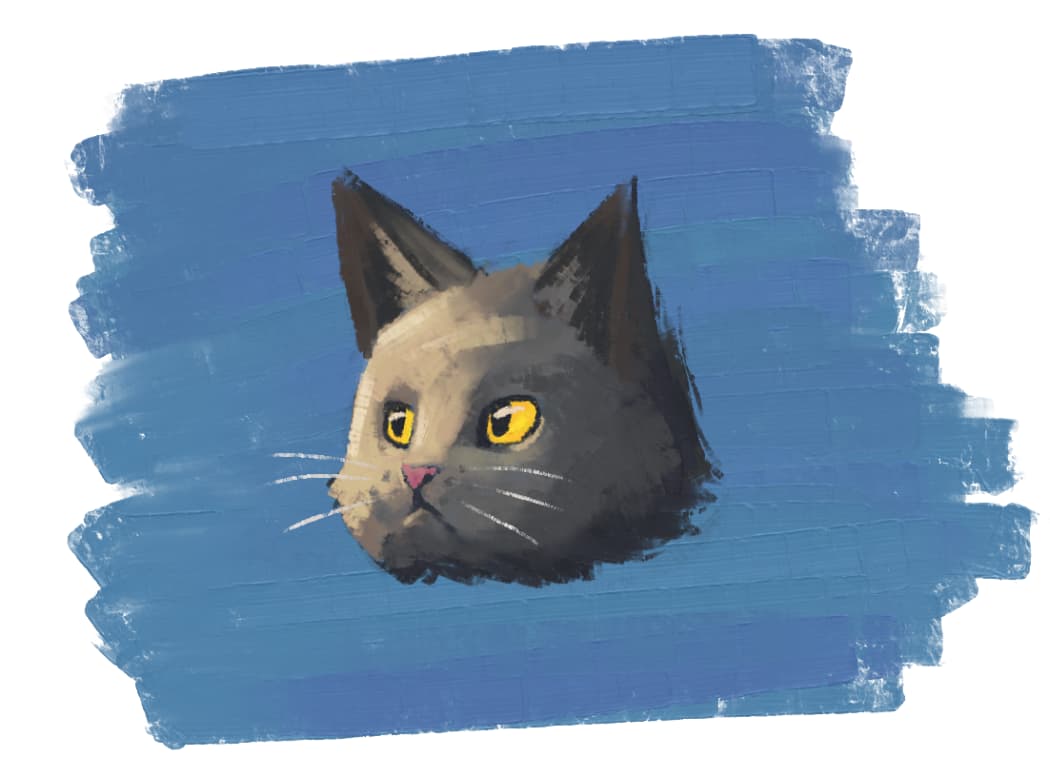
Purrrfect kitty face!
@Aleksei You can find them in the Mix category in the brush blending modes dropdown.
@AhabGreybeard Yes, are there any particular features from previous brushes you miss?
@KNap You could try optimise the brushes by switching to Dulling mode in the Smudge Lenght settings. It should be a bit faster and you can get away with more spacing. It will produce a different look however.
Also untick the additional spacing option and scatter.
If you can do without the blending, a pixel engine brush will be the fastest.
Not really. I was just providing my observation for your information
I think i need more testing but are already really good.
@emilm Hi! I noticed that the brushes behave differently with a Wacom Intuos Pro and on an XPPen Artist 24.
I prefer the Wacom behaviour - feel and would like to have it with the XP-Pen too.
Especially the “brushslice 4-dab dulling” brush in the 03.bundle.
Any ideas?
Hello @PastelSpirit, and welcome to the forum!
The issue is not in these brushes and therefore can not be solved by @emilm, because they are the same on every tablet you may use them. The different behavior and feeling lies in the tablets, or, more precisely, in their drivers. So, in order to get the same feeling of a brush with whatever tablet you are using, you have to ask the tablet manufacturers to create better drivers. And there you’ll run into a brick-wall, because every manufacturer will tell you that the issue lies in the driver of the other manufacturer.
The only thing you can try and do is to set up your tablet’s drivers as similar feeling as possible, one by one.
Michelist
I updated the XP-Pen driver, restarted and now behaviours have “exchanged place”. Now the XP-Pen has the brush behaviour that the Wacom had before and the Wacom is “messed up”. 
I have heard many people say they have trouble having 2 tablet drivers on the same system (in fact, some tablet companies say you cannot install updated drivers until you uninstall the old one and then do a restart before installing the new one).
Krita does not communicate directly with any tablet, it relies on signals from the operating system so I’m wondering if having 2 active drivers is causing problems communicating with Krita.
Hiya, loving the look of this brush! I cant seem to download it and add it into Krita though. Using adroid on a samsung tablet but its telling me the file doesnt exist and the bundle doesnt seem to upload into the resource library. Is this a bug or is there a trick to adding it? Any thoughts welcome, id really love to use this. Thanks