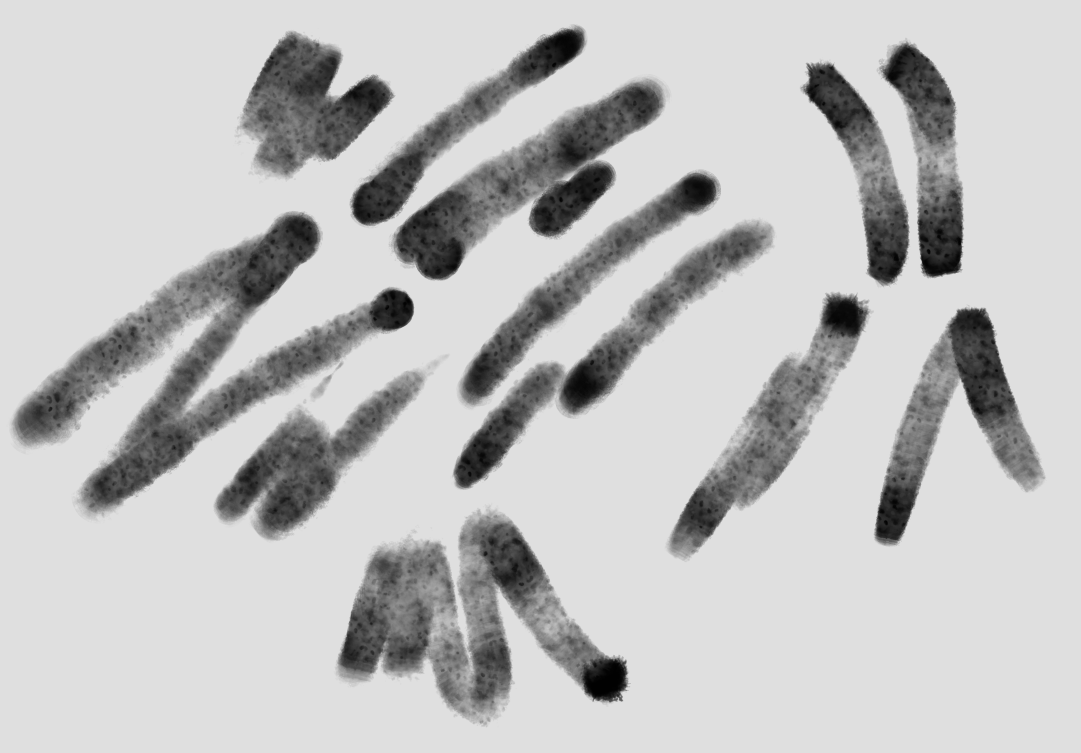
These brushes are super cool! Have been messing with them and made a similar one with airbrush turned on to get that “pooling effect” at the end of a stroke:
I can’t really figure out how to get a hard edge, though. I’ve been messing around with layer styles and filter layers and haven’t really found a satisfying solution. Was hoping to post this and get some advice, maybe, since you guys seem to know a lot about watercolor?
Thank you and nice brushes you’ve got with your modification. I dont know what effect do you want achieve exactly, If you want darken edges sometimes “satine” effect on layer can be helpful, but only to some moment, when you can see it starts to became artificial.
I’ve been hit hard with the art block recently so I’m nowhere at my best, but these brushes felt revitalizing, thank you! I hope I can make something even better with them soon
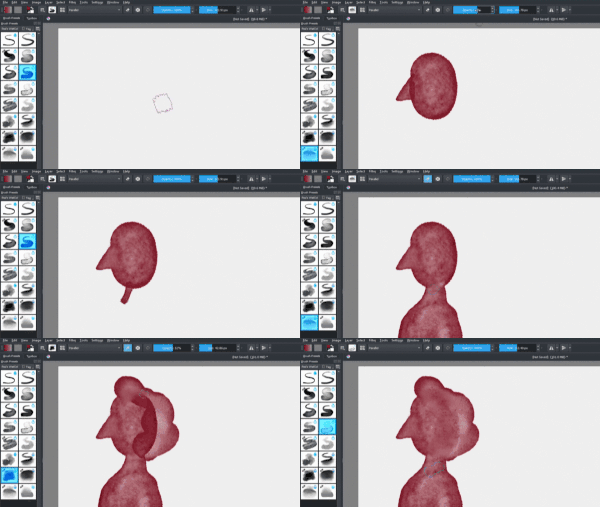
Here is my first video - kind of short info. Ive seen this trick somewhere so I decided to show how to make it with my brushes - how to connect overlaping color spots to achive one spot. Its really simple, using blending brushes in Eraser mode
Installed your watercolour brush pack to try but I can find only 2 new brushes rather than the 16 that you say it contains! What is happening here? Of course, as a new(-ish) Krita user, I could have done something wrong - help!!
Hi Mirror_Image, this could be by my mistake - most of brushes were not tagged before I did bundle. One hour ago Ive updated brushes so they are all tagged with “PESI’S WATERCOLORS” and they have default blending mode changed to Geometric Mean - you can download them from Gumroad page.
Totally agree with @Rakurri. Amazing result in look as you said. Is there any record? i think it would be nice to see what brushes you use but more important how, with your knowledge as base.
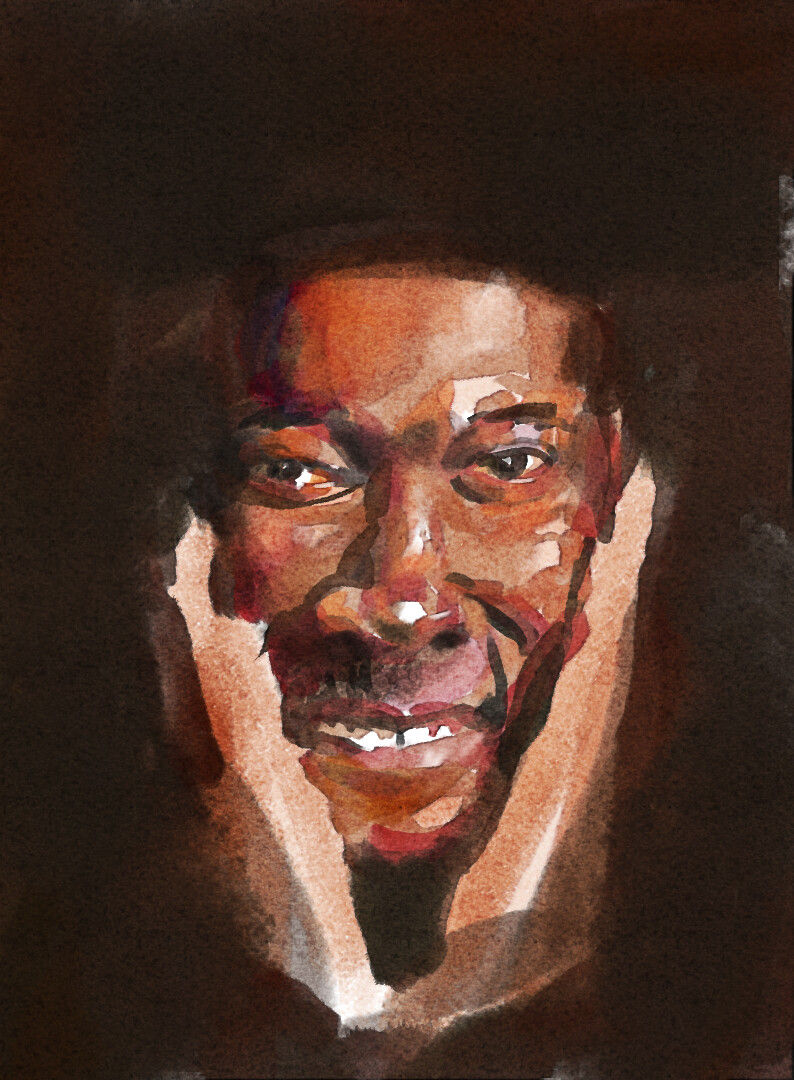
Thanks Rakurri and Ramon, I will attach link to file with this portrait so you will see whats the trick, I think with this trick you can achieve similar effect with different brushes, more important is that you know how they works.
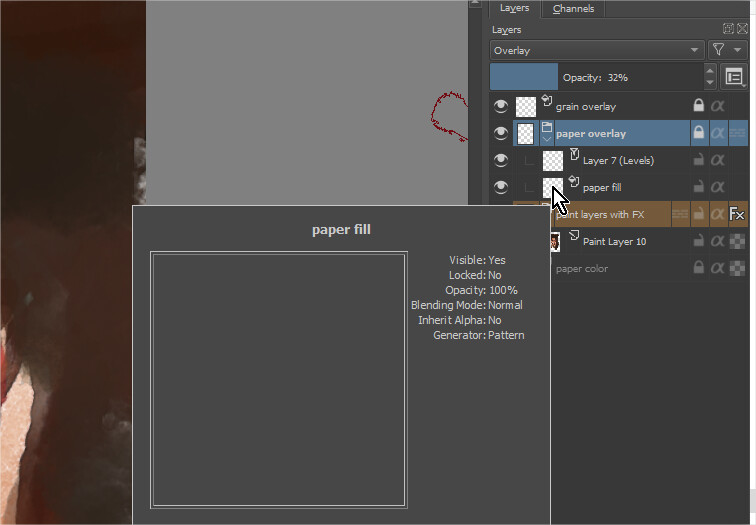
On top of the painting layers there is “Satine” effect which makes dark edges stronger and two texture overlays, one with paper, second with watercolor grain.
For the brush I was testing small idea, what if more pressure of tablet pen gives darker color but also strongest saturation. Its small effect but gives nice feeling during painting.
Testing your .kra file i open it and is not giving me grain feeling because it doesn’t load the grain in fill layers. Is weird because if i do manually is 100%ok. and what about locks? why?
Can you show me what you see when you open the file? with what papers have you selected? The effect is good. Thanks a lot for your effort and sharing


 Truly looks like real watercolour!