can i see the settings for the textures in this? it would help because variations are endless
1 Like


So looks like file doesn’t embed patterns on save. I checked what patterns I use and for paper I used your pastel paper texture from DA and for grain I did my own seamless texture. If I put this two textures in a bundle file to install, and I will publish it here - will it work for everybody? (is it ok for you anyway?)
1 Like
Try in that way if you want. I think if we only use default resources, then this must work. If not maybe is a bug? and if we add textures like external patterns then we need to make a bundle? interesting question
1 Like
I couldn’t succeed with bundles mechanism so - updated link for downloading file and added instruction for everyone:
https://drive.google.com/file/d/1QCTjX7BU3bu4r_0z2xmB_UQkIIM5Lz5V/view?usp=sharing
Mount textures in 2 steps
- Inside “Paper Fill” layer Properties you should load “DA_Pastel_Honeycomb midgrain.png”
- Inside “Grain” layer Properties load “WatercolorGrain.png”
I have added also layer for sepia toning - which is great fun to use also.
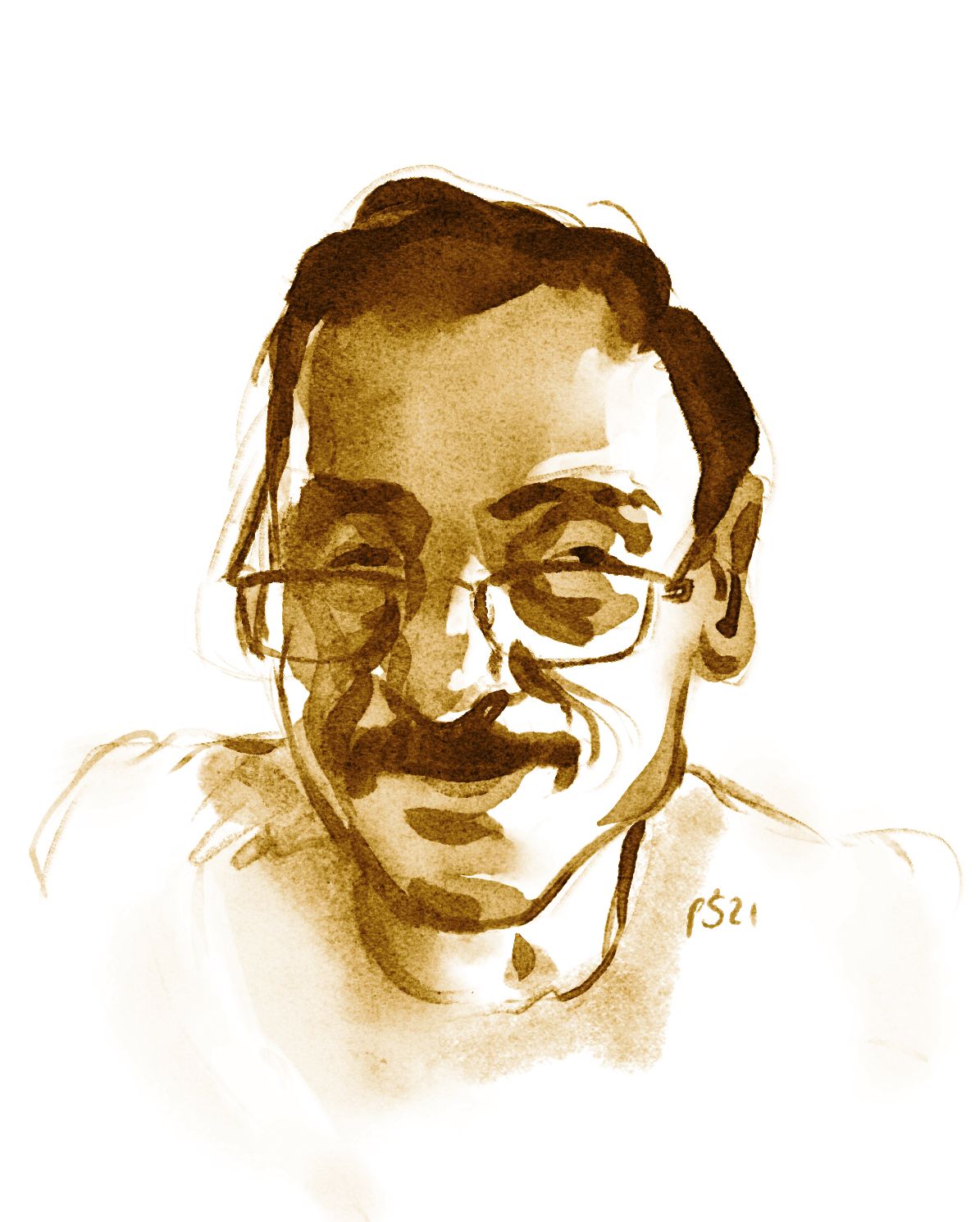
11 Likes
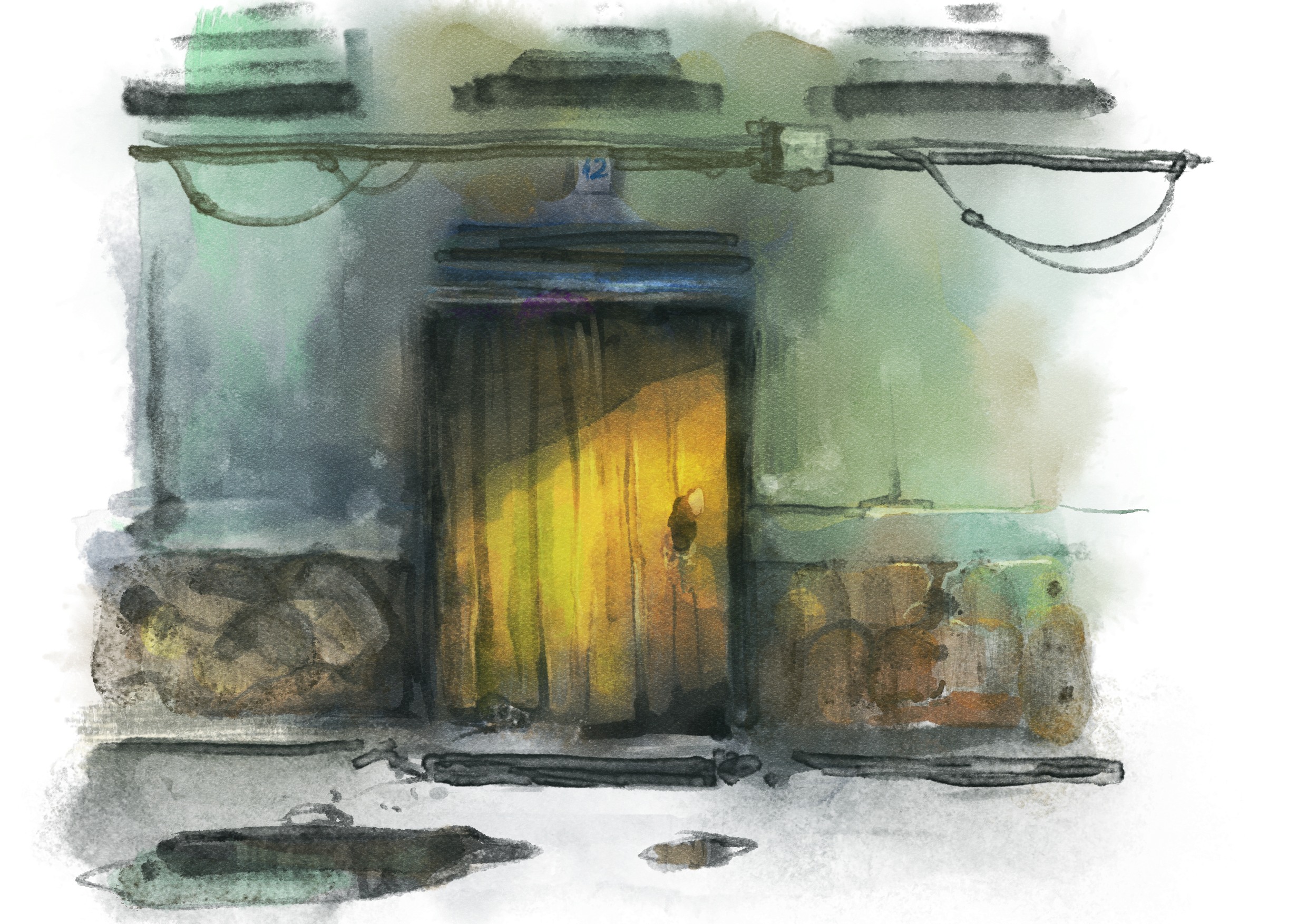
Testing some watercolor mixing your brushes and mines. They fit perfect. The more i use them, the more i want to explore them

18 Likes
Testing i have created a new .kpp for testing. Is using the spray feature because sometimes i only want a drop of water and see how blends the color. Is based on 16 Smudge and for me is cool using the trick of paper and also is faster because it doesn’t use the pattern.
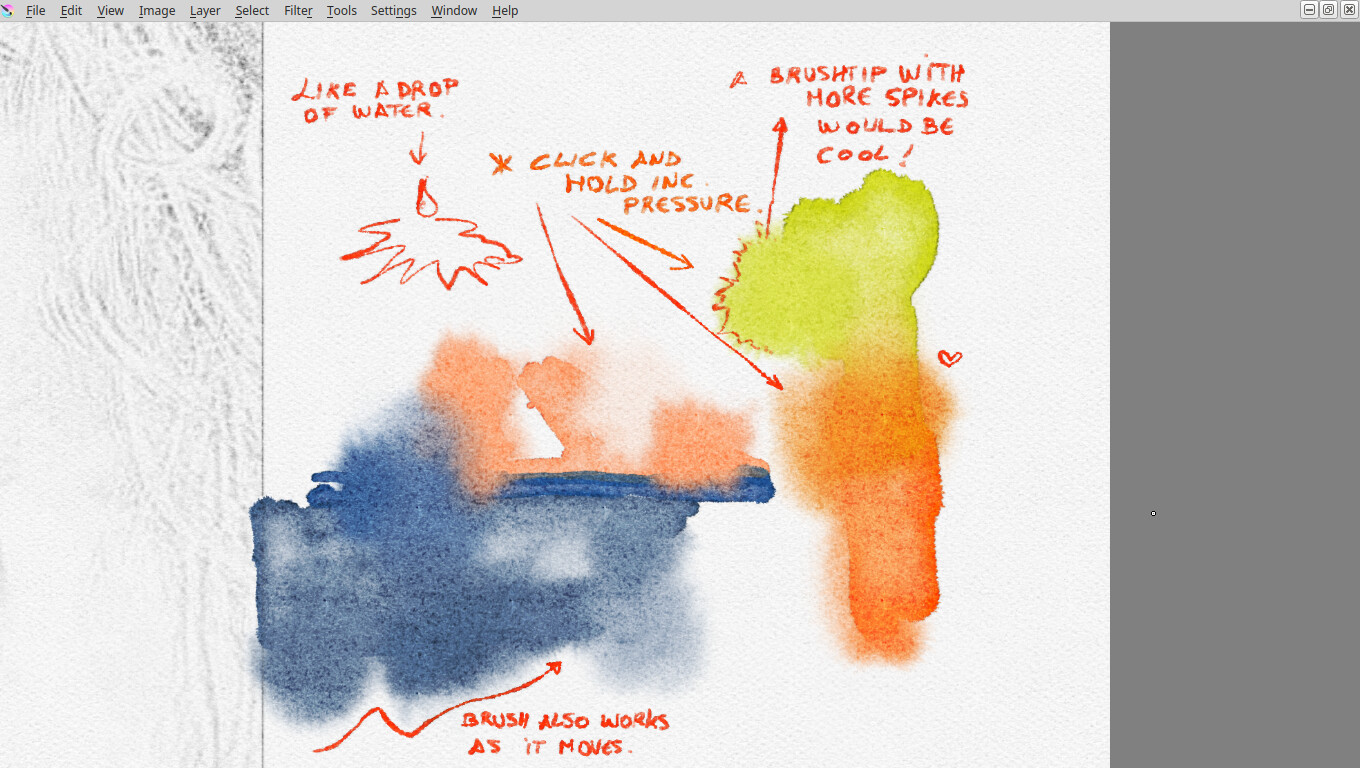
Right now i am testing these in laptop, so with tilt feature can be even better.
What do you think?
7 Likes

It seems that is not working right now in Krita 5 prealpha. please can you tell me which were your release for these tests? thanks
Right now i have this
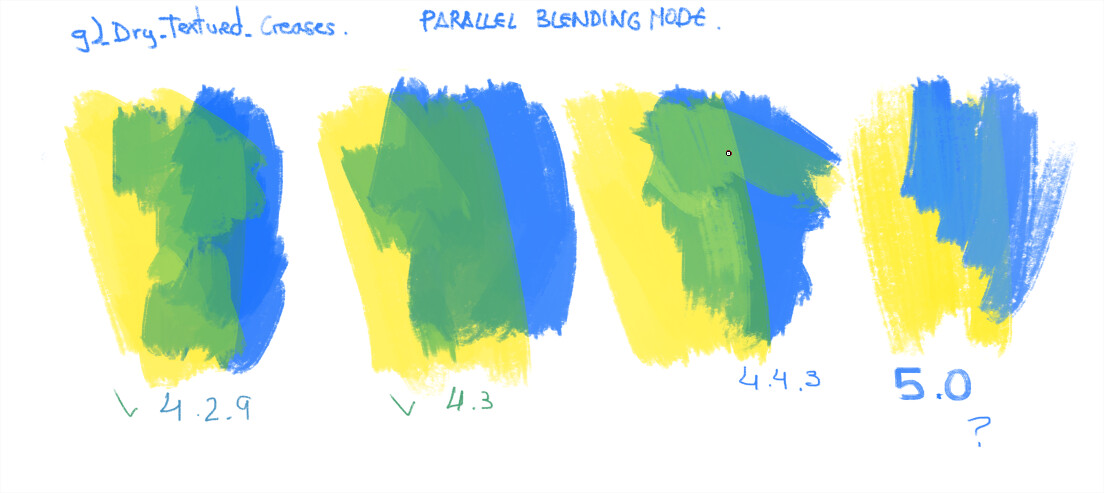
1 Like
Hi, @RamonM!
I cannot reproduce the issue here. The result seems to depend on the actual color a lot. Basically, if you choose a slightly different color, the result will be very different…
1 Like
Hi, @RamonM!
Could you please check this package? Does “Parallel” mode works as expected there? I couldn’t see the difference myself, but perhaps you can see it better?
1 Like

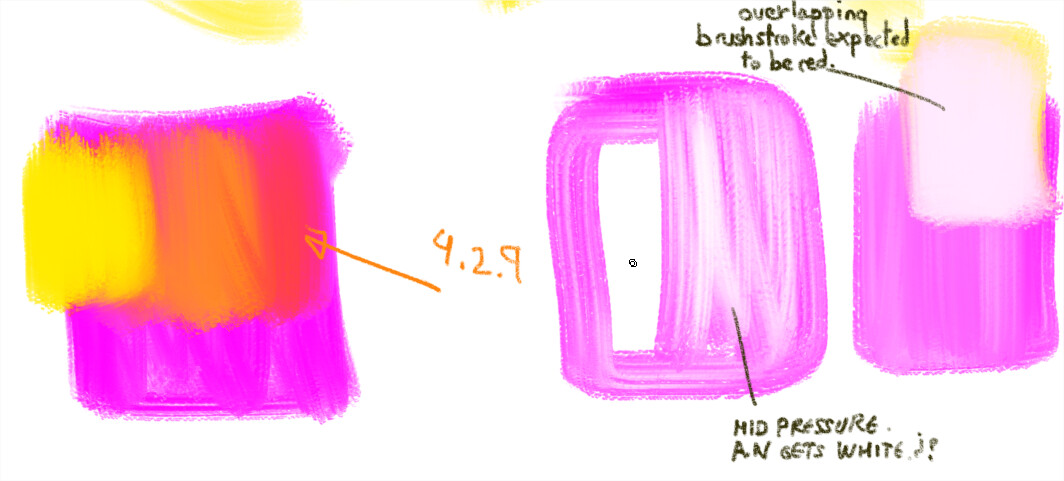
This is not working. I have deleted the cache sqlite and relase version files. And restart Krita. Following the same guidelines for testing and this is not working because if i paint with low pressure i get magenta but with higher pressure i get white. And if i select yellow and the overlap another brushstroke i don’t get red or yellow i get pink because the tendence of getting white is too strong. 
sorry if i can’t help more.
2 Likes
Hi, @RamonM!
Could you check this package? It should theoretically fix the issue: https://yadi.sk/d/emUQJHPaGJU5_A
3 Likes
Seems to work as expected. A very good job. It think is a good blending mode, @Pesi was who discovered so thanks too.

Device: Desktop pc.
Palette: default
Colors used: RGB magenta, Cadium yellow, Primary Blue, Bright french blue ( a little)
All the reds, orange, greens and purple tones are achieved by the blending mode.
You have to use it with mid, low pen pressure. High pressure overrides the mixed color.
1 b)_Airbrush soft
2 b)_Airbrush-Real_Grain
3 b)_Airbrush-Real_Grain
4 b)_Airbrush-Real_Grain
5 b)_Basic 2 opacity
6 DA_Pastel_03_Legacy
7 DA_Oil_16_Rough_Blocking
8 j)_WaterC_Spread-Pattern
9 y)_Texture_Big
10 n)_RGBA-wet_06_Bristles-Dirty (performance is affected a bit, it deppends on the machine.?)
This way we test, if this works ok in pixel brush engine, color smudge brush engine. And new RGBA
If there are more people testing this blending mode, is here
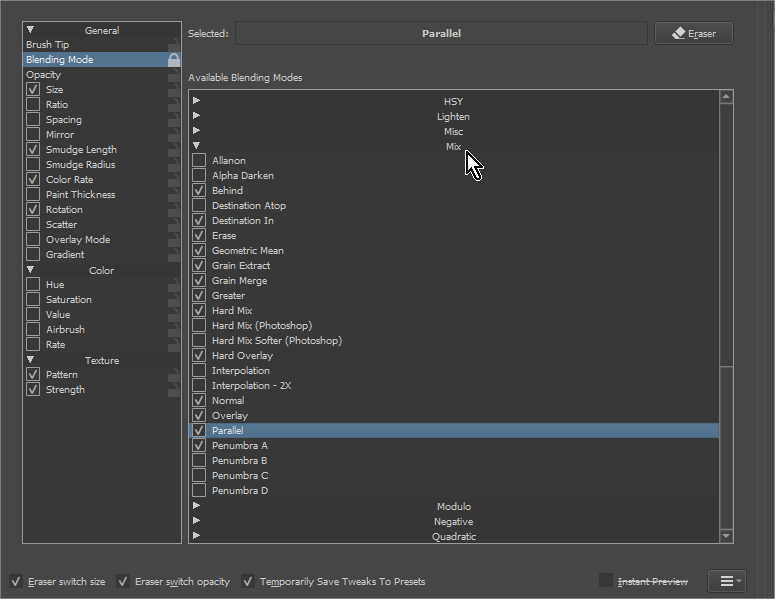
And what i do for testing is “lock” the Blending mode.
I hope this helps
4 Likes
Hi, @RamonM!
Thank you for the testing, I’ll merge the patch into master then! 
2 Likes
@RamonM and @dkazakov
thanks for bringing back Parallel mode, finally I’ve updated Watercolor brushes for Krita 5 with it!
And below sketch with updated brushes:
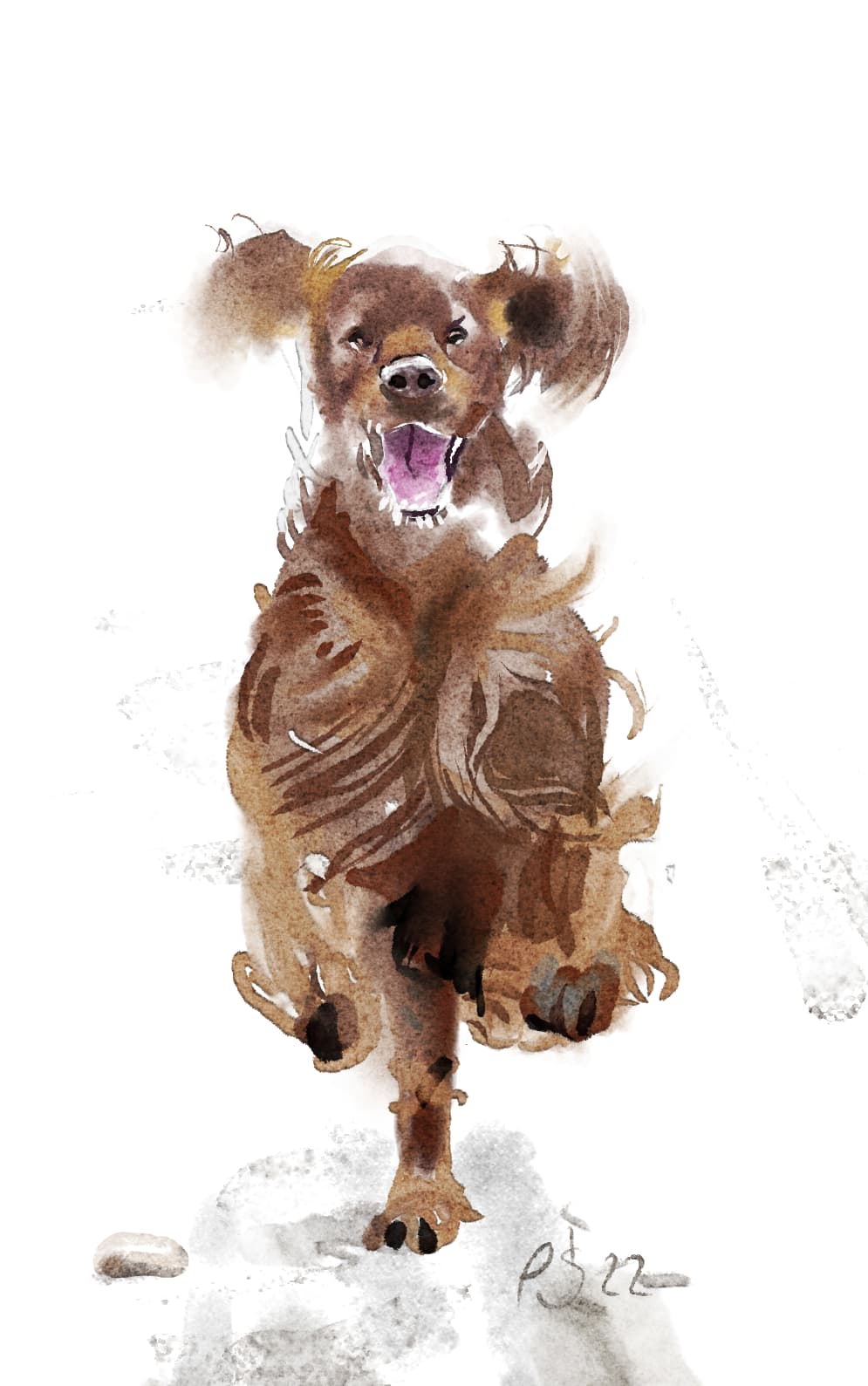
16 Likes


Hello everyone, I added the influence of opacity on parallel blending mode, so that it can be used in smudge brush. The original parallel blending effect is the effect of the modified when the opacity of src color is 0.5,I think this may replace the spectral mixing
10 Likes
Looks really cool!
1 Like
wow Pesi, if you look at him in detail is super real. This buddy is full of energy 
1 Like
Have you talked with @dkazakov ? these changes are quite complex and the more info, better results. I would like to know more about that in no coders terms please ;). As i have tested “parallel” has 2 problems:
Is slower, and if you are using brushes like crayons, then if you insist in the brushstroke your choosen color override the “mixed” color. How strong this happens deppends on how much flow you set in parameter.
1 Like