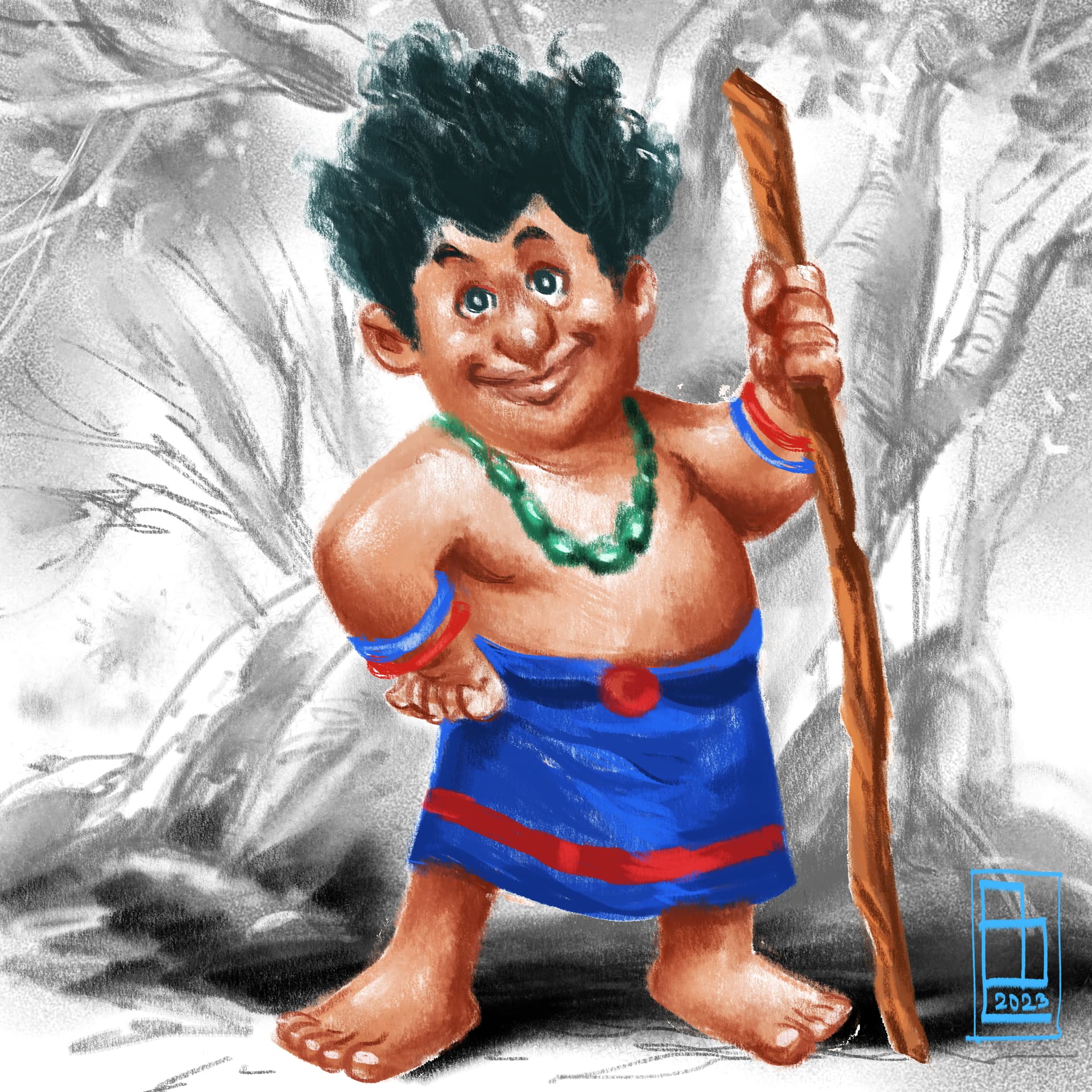
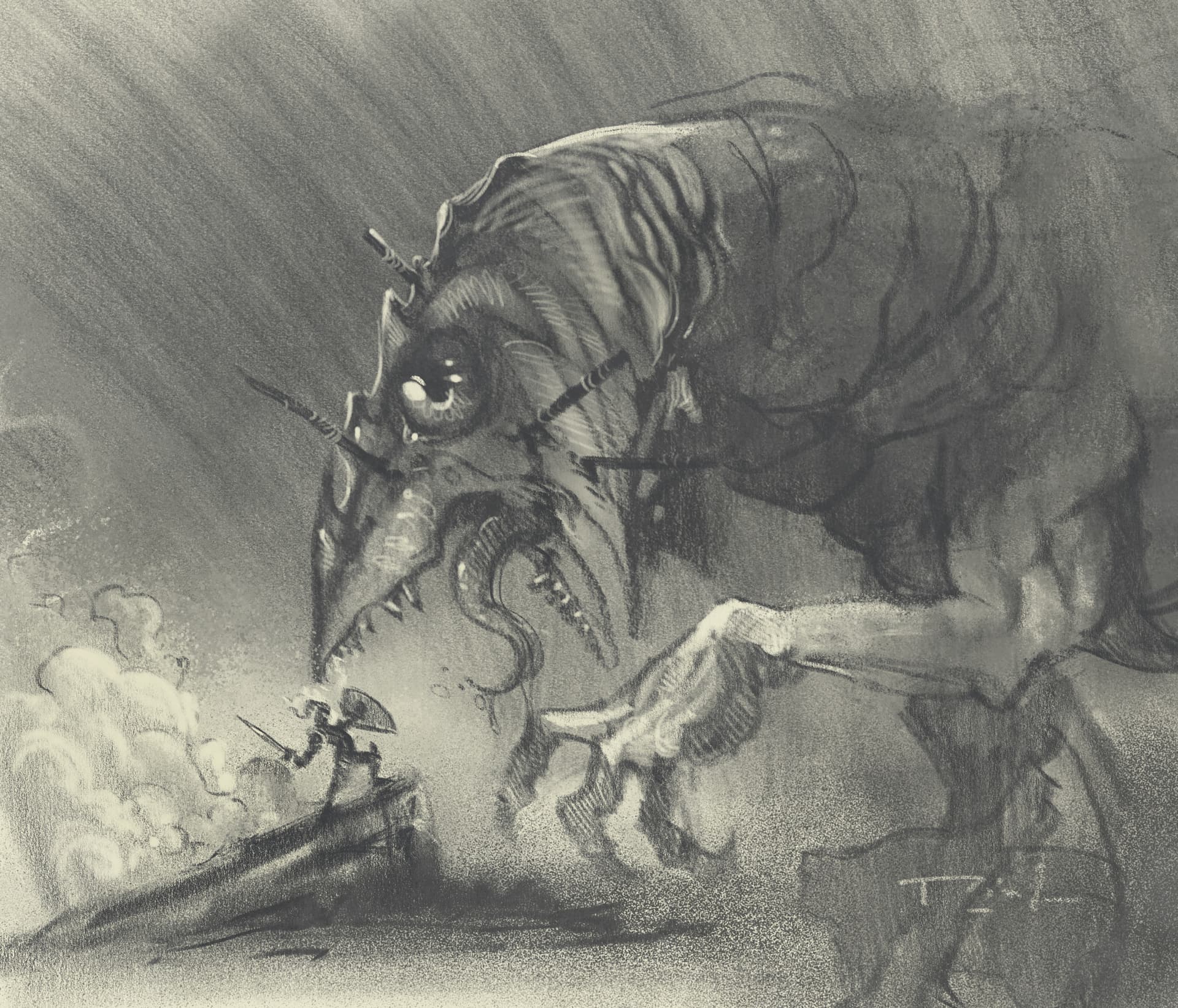
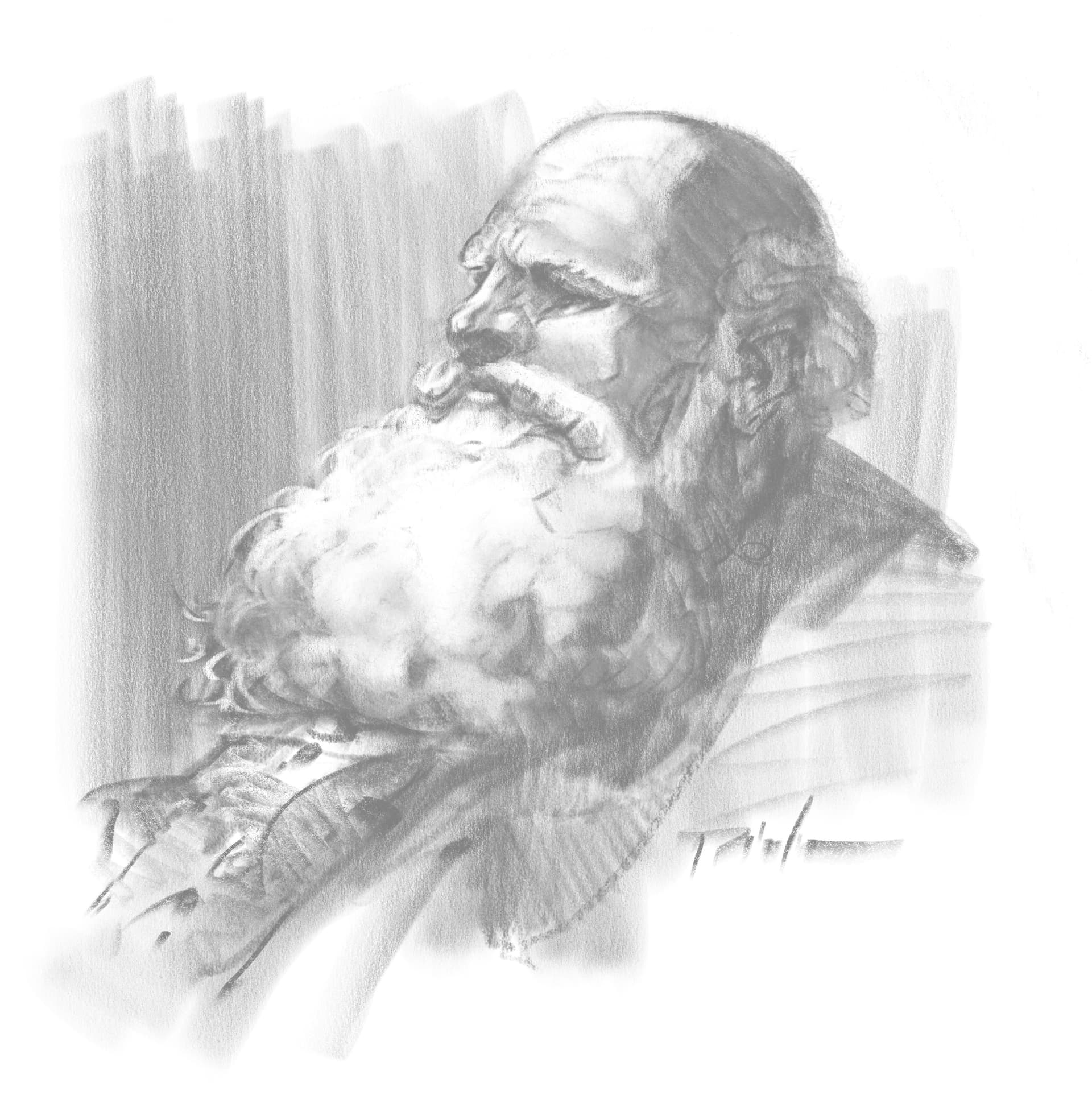
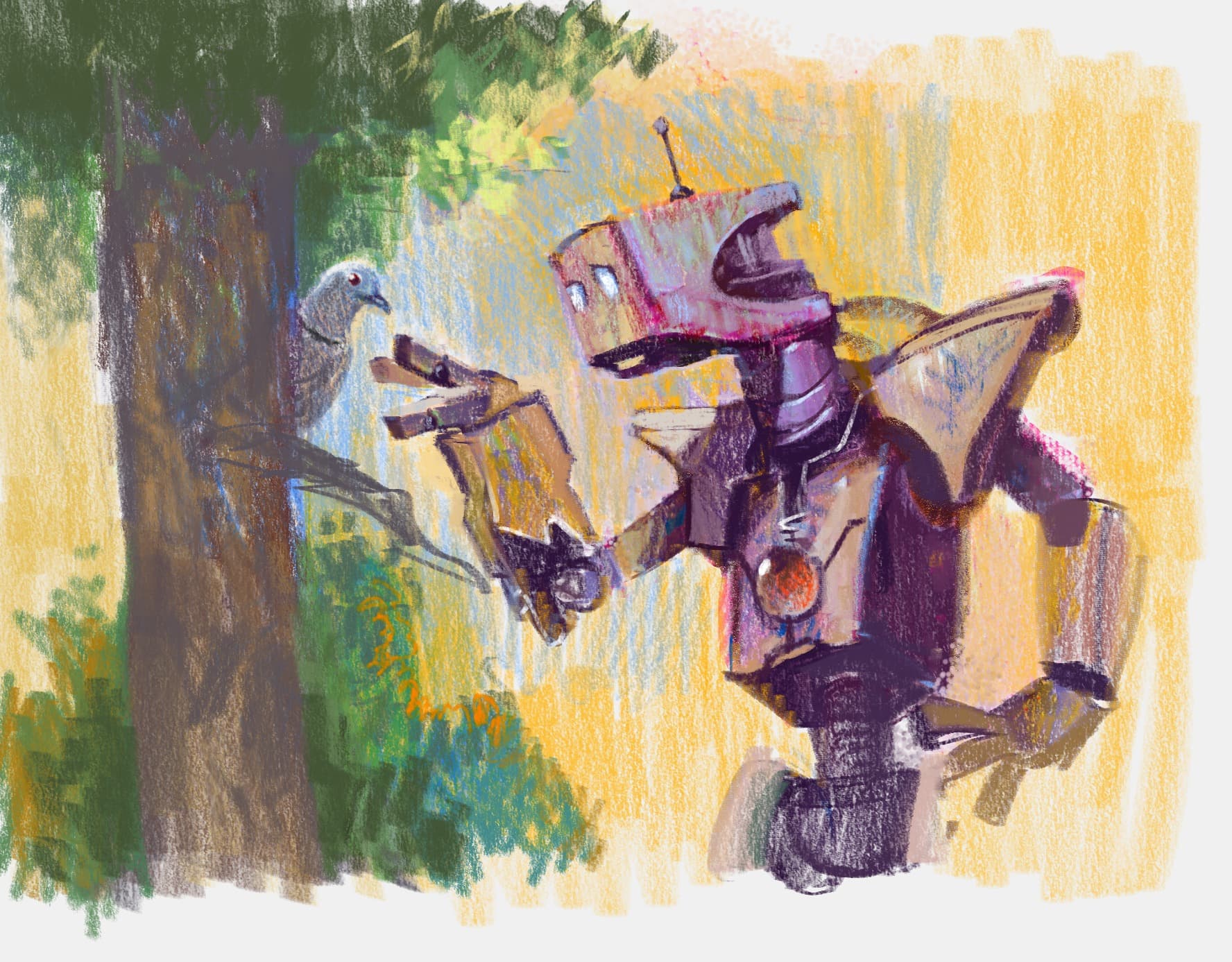
I have included all the images created with this bundle, if you want to test the pencils over and see the results. Don’t worry for destroying, smudging, overdrawing… These images are now yours too.
No, they are different names so don´t override as i have tested. In fact Sk2 is not Sk1 redefined. They differ in important things. So you decide what fits better to you. I remember i use the same icons for one brush and the erasers. (the behavior is adapted to the overal bundle feeling, also The reason is because i love them.
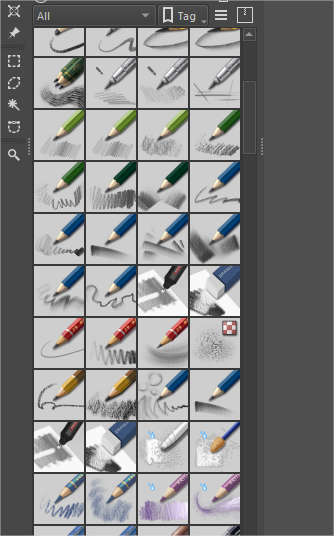
I have something like this in one computer
Wow @RamonM! I just tested out this bundle, and it feels just like traditional oil-based pencils! These are absolutely incredible, I can’t believe I’m drawing digitally with these! Absolutely love your work! Thank you so much and congratulations!
These brushes are excellent. I was speechless when I first saw your samples and this is one of the reasons why I’m sticking to Krita. I got a copy of ArtRage and Rebelle just for its traditional look but its interface and workflow doesn’t go well with me, but Krita workflow does and now seeing that it can mimic traditional look I can’t see myself going anywhere outside of Krita.
With that said, I remember downloading this bundle last month, and the post above is March 8th. So I’m a bit confused. Is this bundle an updated Sketch V2 of the last month one?
This is a great bundle (just like the others). The shaders are so comfy and well built. I’ve been looking for some soft grainy brush to sketch with, and this pack has a really good one. Thanks a lot @RamonM
You have done it again Mr @RamonM !!
What a great new bundle !
Started to experiment and enjoying it so much !
Thanks again for adding the pdf,really helpful.
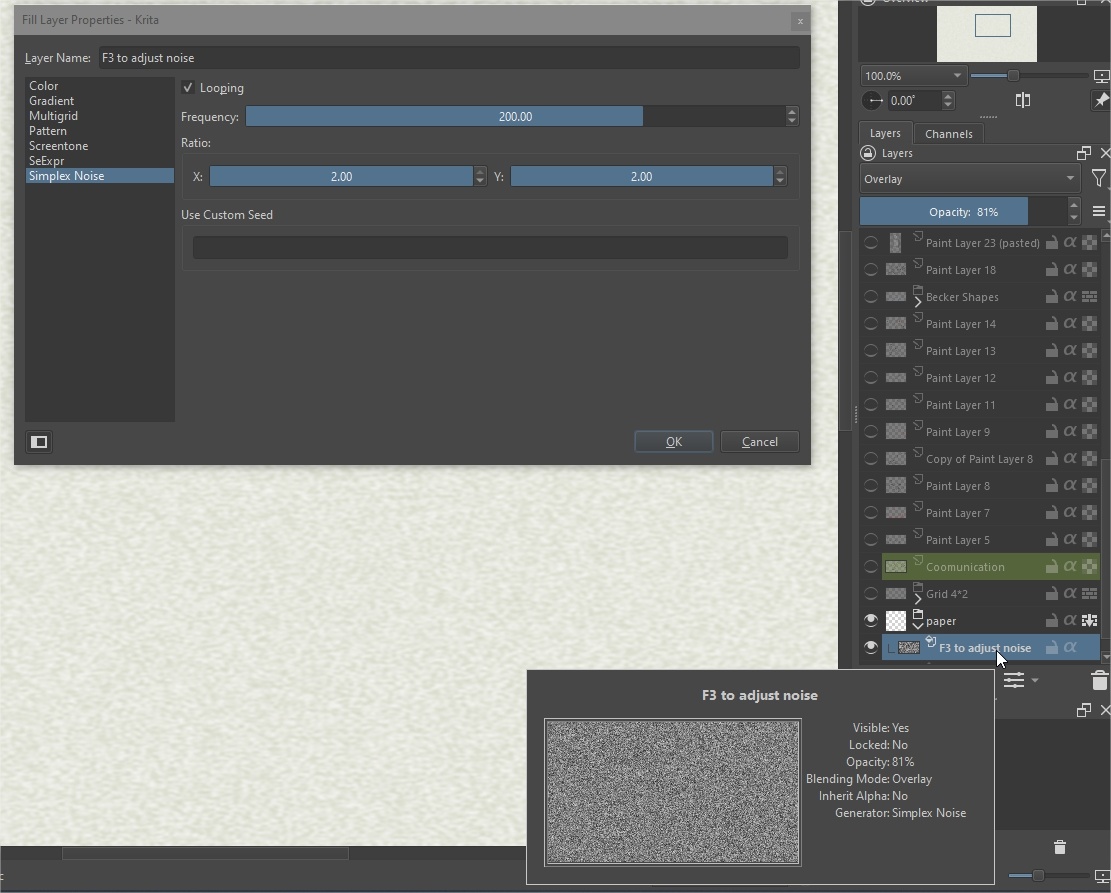
I am really happy to hear that the bundle fits your needs. All the time I invested then is well spent. @Blightlight nice to see that you have favorites so fast @Charly61 Do you know what that means for a brushmaker? is like Ahhhh! fresh air. Thanksa lot. Test them more and let me know your feedback please. @BobF Hi, remember we have more videos coming, so stay tuned! @SchrodingerCat is the simplest way to make a paper surface with noise using the impresive feature that i love: the fill layer with pattern and noise and more things. I added because i realized white BG can be a bit boring in videos.
@LaTor I looked for that because SK1 is harder more textured in low pressure areas so i wanted to make pencils for everybody and without special tricks but better callibration to make them easier to use. @TheScroll Hi, happy to see that my art can contribute to show that Krita is in top level for painting apps. I remember my self painting with Art Rage and i also got an old copy but honestly i prefer what we have already in Krita. I can paint faster. SK2 is not the same as SK1. As i said earlier SK1 is oriented to hard texture, Graphite tone callibrated. some advantages are explained in the video. SK2 is more oriented to whatever you wanna draw.Graphite, color pencils, oil pencils…you choose.
@kacart @THE_CULT_OF_BERSERK The template was not included as i explained before you can make it really fast. But SPOILER: i am designing new smart canvas samples and some tests are really cool. If you have Digital Atelier bundle, you can create impressive papers with the surfaces included. even in 1024px. for each pattern. @Tamoha Thanks for your charm comment. @ari Wei! Thanks for the image sample. And yes, the PDF has a lot of useful info. Thanks for the appreciation.
It would be amazing to show a lot of sketches created with this bundle or other pencils you have in Krita to show the world how well we can draw and sketch in Krita. Challenge Acepted?
@RamonM glancing over the brush descriptions I see you’re into Kenzo’s videos as well, they are pretty good right?
Are you in the Love Life Drawing community as well?
Awesome set of brushes btw, congrats!
I also really love the patterns and the pdf
Yes I am in the community but not as active as I would like. Kenzo is really a master in gesture specialized on that field. I would like to see him sketching with Krita. I am pretty sure he could create amazing results

 DOWNLOAD Brushes, PDF with user guide, and Template for sketching here: https://files.kde.org/krita/extras/Sketch%20V2%20for%20KRITA5.zip





 I have a question, what texture do you use for the canvas in the video?
 !!
!!