Type of device: 2-in-1 laptop
Brand and version of the device: HP Spectre x360
System : Linux Ubuntu 26.04.1
Description of the issue (you can include screenshots):
Soo I foolishly updated my OS to the newest Ubuntu 26.04.1 yesterday, and since then Krita (tested on 5.3.3 as well as 6.0.4-prealpha-2679852fa0, I’m running the .AppImage in the terminal without any options) does not recognize the stylus input anymore.
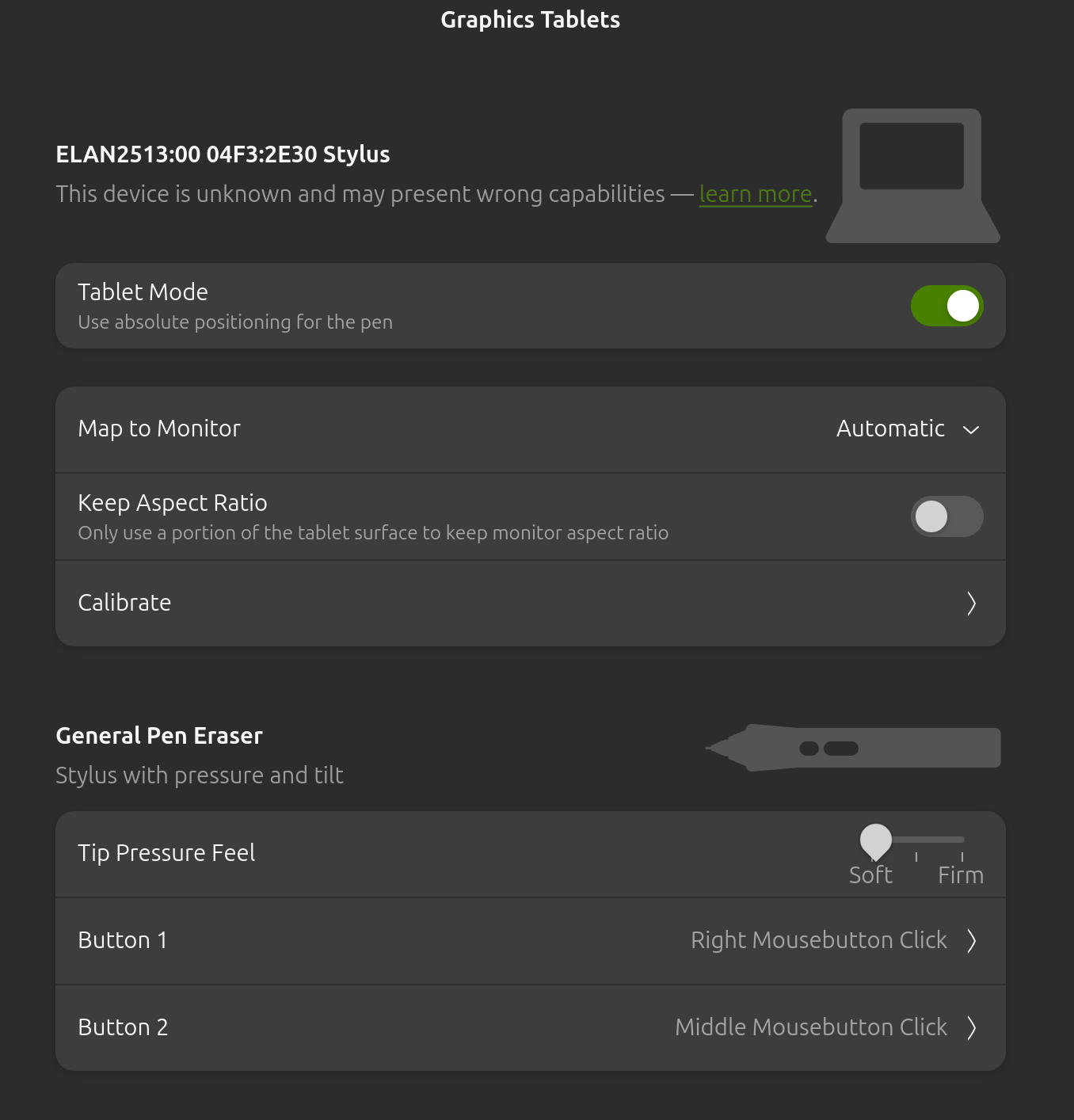
The stylus works everywhere else when using the laptop, as well as in the settings
In Krita I cannot draw, nor use the menus or toolbars using the stylus, a second cursor appears but it is useless.
The log says
WARNING: the destination object of KisSynchronizedConnection has been destroyed during postponed delivery
The imageRectInWidgetPixels topLeft() does not match the documentOffsetF!
imageRectInWidgetPixels: QRectF(-0.1,-0.1 0x0)
documentOffsetF: QPointF(0.5,0.5)
qt.qpa.xkeyboard: QXcbKeyboard::handleKeyEvent: key pressed, but it is already present in the registry code 64 qtcode 16777251 registered qtcode 16777251
qt.qpa.xkeyboard: QXcbKeyboard::handleKeyEvent: key pressed, but it is already present in the registry code 64 qtcode 16777251 registered qtcode 16777251
but I cannot say if that is relevant to my issue.