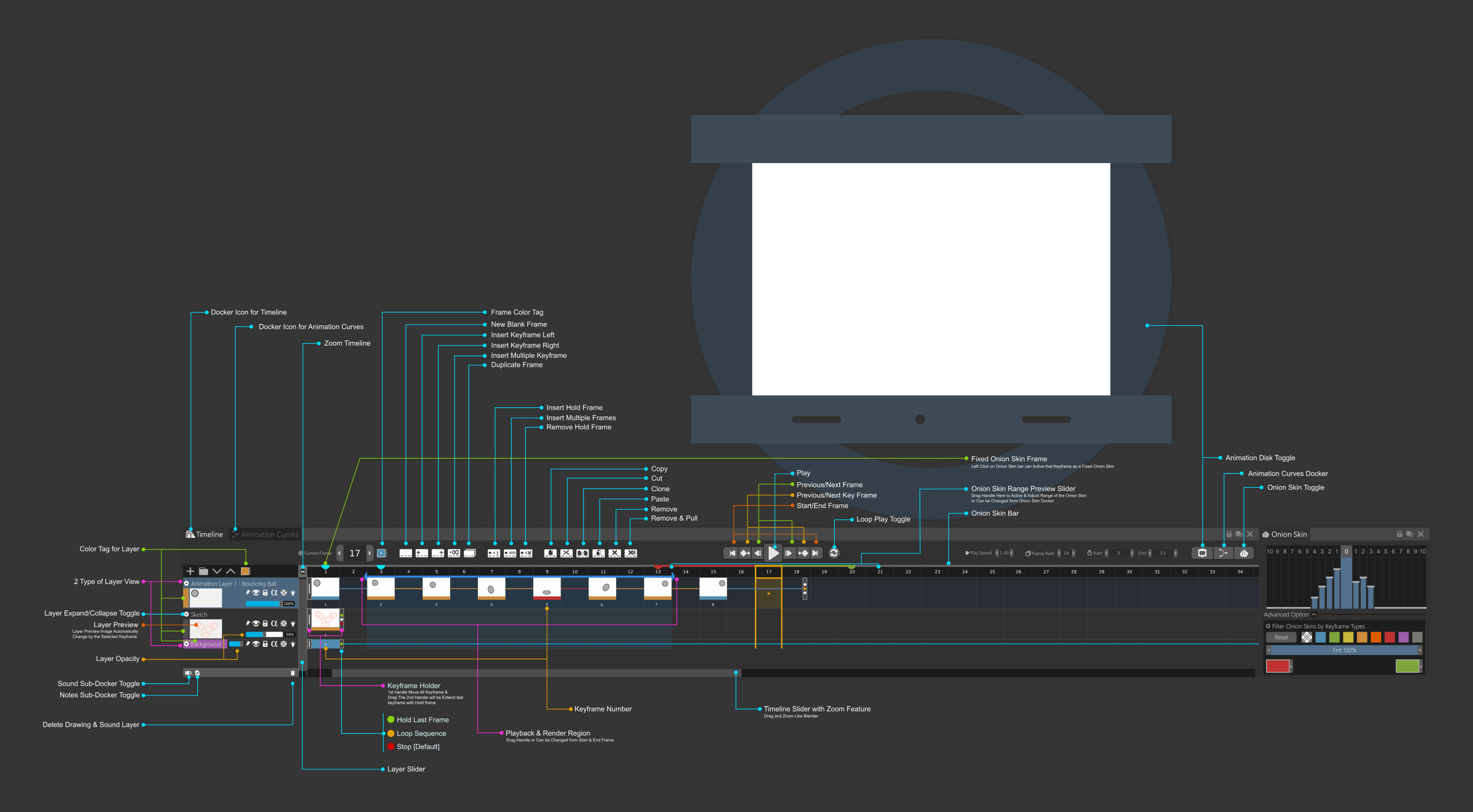
I am just making a Timeline Concept for Krita Animation. I don’t know is it possible or not but I have a lot of fun making this UI. For making this UI I get Inspiration from so many Other Animation Softwares out there and also tools that Krita has right now. I am working in my Free Time & still in a WIP state.
what you awesome animators are thought about this UI?
If you guys like it then I will complete the UI with a detailed Overview and (if possible) a short animated video about those every new features.
I know One Day Krita will be one of the best Animation tool only because of krita’s Awesome Brush Engine.
Concerning frames preview, I’m not sure.
On small animation it could be Ok, on large animation it will be resource killer; if implement, this kind of functionality should be activable/deactivable.
Also, you might need a very large screen to be able to use this (a 4K, because on a FullHD I don’t think there’s enough space to display things properly)
I understand the “Hold last frame” and “Stop” (except that “Hold last frame” should be default instead of stop for retro-compatibility with existing animation), but I don"t understand how “Loop” works.
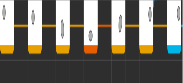
yes, Frame Preview can be fill up the screen eventually. but we can zoom in & out the timeline so that those frames have become squashed and become small horizontally.
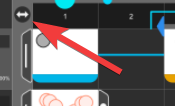
timeline zoom in/ out button
also a bar like blender that can zoom in/out the timeline
and yes you have a great idea I will add an activate/deactivate button on the UI.
Here is how Loop work: Like you have a 250 Frames long animation. but In a specific layer, you have 25 frames long animation. if you make it Loop then it will continue looping the animation until the 250 frames animation end. Hope you understand and it will be very helpful.
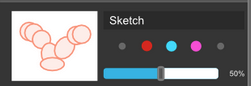
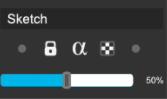
Sorry about the colored Bullets those are from the previous UI concept. I changed it later. you can find that on the 1st image. those are now icons.
This is Opacity Slider for that layer.
Hope now you understand this concept UI better. I really appreciate your comment. Thank you.
It would be best if you checked out Krita Next from the website (make sure to backup your resources and configuration!) and then kind of build upon what’s already there.
And please do note that considering that (1) quite a lot of people still have low resolution screens (or don’t know that Windows applies 150% UI scaling for fullHD…), (2) will be painting or animating on somewhat small Android devices, or (3) have bad sight and need to use bigger UI scaling than a person with good sight would use, you need to be quite mindful about how small the controls and widgets are. It might be best to screenshot Krita as it is on fullHD and make sure that you’re not making things too small for this size of the interface.
line of widgets that as classified in importance with 3 different height sets. At most should be 2 but I think just one is the best thing like the krita 5.
you don’t need frame preview… That will eat so many resources with no need for it to be done. I think a larger area to scrub would give more usability and also replace that preview thing that will sink low end computers.
also worth noticing to implement this would mean changing krita as a whole, the UI should blend in with the current UI now.
I think the krita 5 layout is really working well it does not need much change, just a bit larger scrubbing area or use like a modifier key over the keyframes to do the scrubbing. Either way.
What I really loved about yours was you icons for the layer. They look alot better than those currently used in Krita. They are more compact and look better.
Hello,
Today I am present to you an updated version of the Krita UI. Man, It takes a lot of time & hard work to make this. but also I had a lot of fun making it. Thank you guys for the useful feedback on v01. First of all, I am not a professional UI designer. So there should be lots of errors. But All I want is just to help the Developers to generate ideas & Make Krita UI Awesome.
So That’s it. Hope you like it. Please share if you have any thoughts, questions, or feedback. I really love to hear from you. I know everyone excited about the coming of Krita 5 as me and I think Krita’s new UI will play a huge role in it. So I was trying to make it modern flat UI looking. what you think should I continue on the others Parts of the UI?
This takes a lot of time to make but I will be very happy if it helps a little bit.
Please only do this for fun. UI redesigns are something we see every few month or so, and we very often cannot implement them for a variety of reasons.
You’ve already created a topic for animation timeline:
They’re very similar, and it might be better to group everything in the same topic instead of creating new feature request each time I think
Concerning other part of UI I think there’s no problem if you want, but try to group same perimeter/ideas in the same topic
And keep in mind that UI should be usable on small screens too… (at least 1920x1080, and maybe smaller…)
I think thumbnails are excatly what it needs. There should be at least chance to select it on/off. Thumbnails would be SO handy, when making storyboarding. Also timing would be easy, when see what images are in what frames.
Has there been any motion on re-doing or scrapping the current animation layer interface? It’s really confusing / non intuitive compared to almost every other animation software out there. Difficult to add blank frames, difficult to copy/paste frames and difficult or impossible to reverse a sequence easily.
I keep trying to use Krita for simple animation but run into immense frustration just doing basic things with frames. (Professional animator here) --Are there any plans to change the way the timeline operates to make it more usable to the average joe? I have many suggestions…
A lot of work needs to be done. emmet, a developer working on animation features in krita, gave a very verbose reply in 2D Camera movement about how things are going so far.
On my 4k screens, even with scaling, some Krita controls already become almost too tiny to even see what they are or hard to control with a stylus and a shaky hand. But I think that’s generally a Qt issue, have this with other Qt applications too, but it annoys me more in Krita since I use it more.