EDIT 2025.
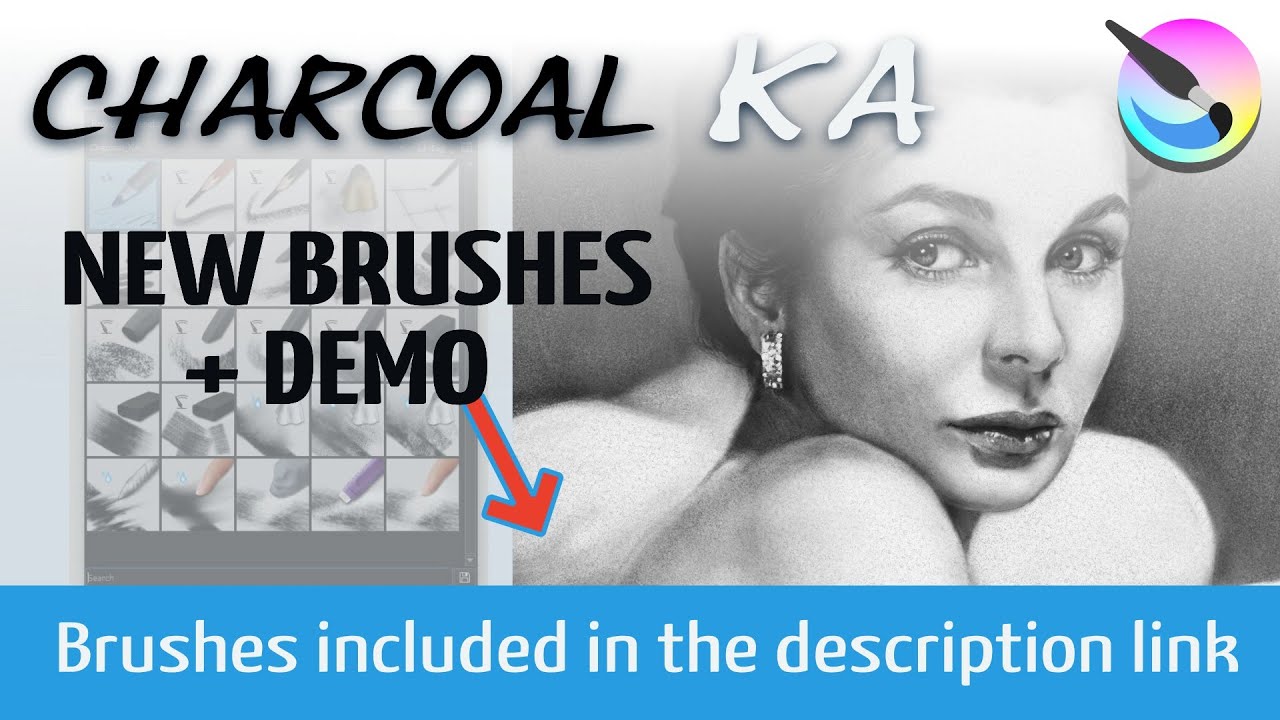
Hi, Ramon here. If you like figure drawing and traditional media…Welcome to the best 25 Charcoals created by the Krita’s community. Is a long Thread full of supercool things. Enjoy them  One of the best experiences I have had making brushes
Video explaining the brushes with a demo. https://youtu.be/l9wtk5BWtC0?si=EwTXzCKKwy7eX2-t
DOWNLOAD the BUNDLE directly here: https://files.kde.org/krita/extras/charcoal/Charcoal_KA.bundle
DOWNLOAD the Paper directly here:
https://files.kde.org/krita/extras/charcoal/Simple%20DinA4%20fibers%20toned%20paper.kra

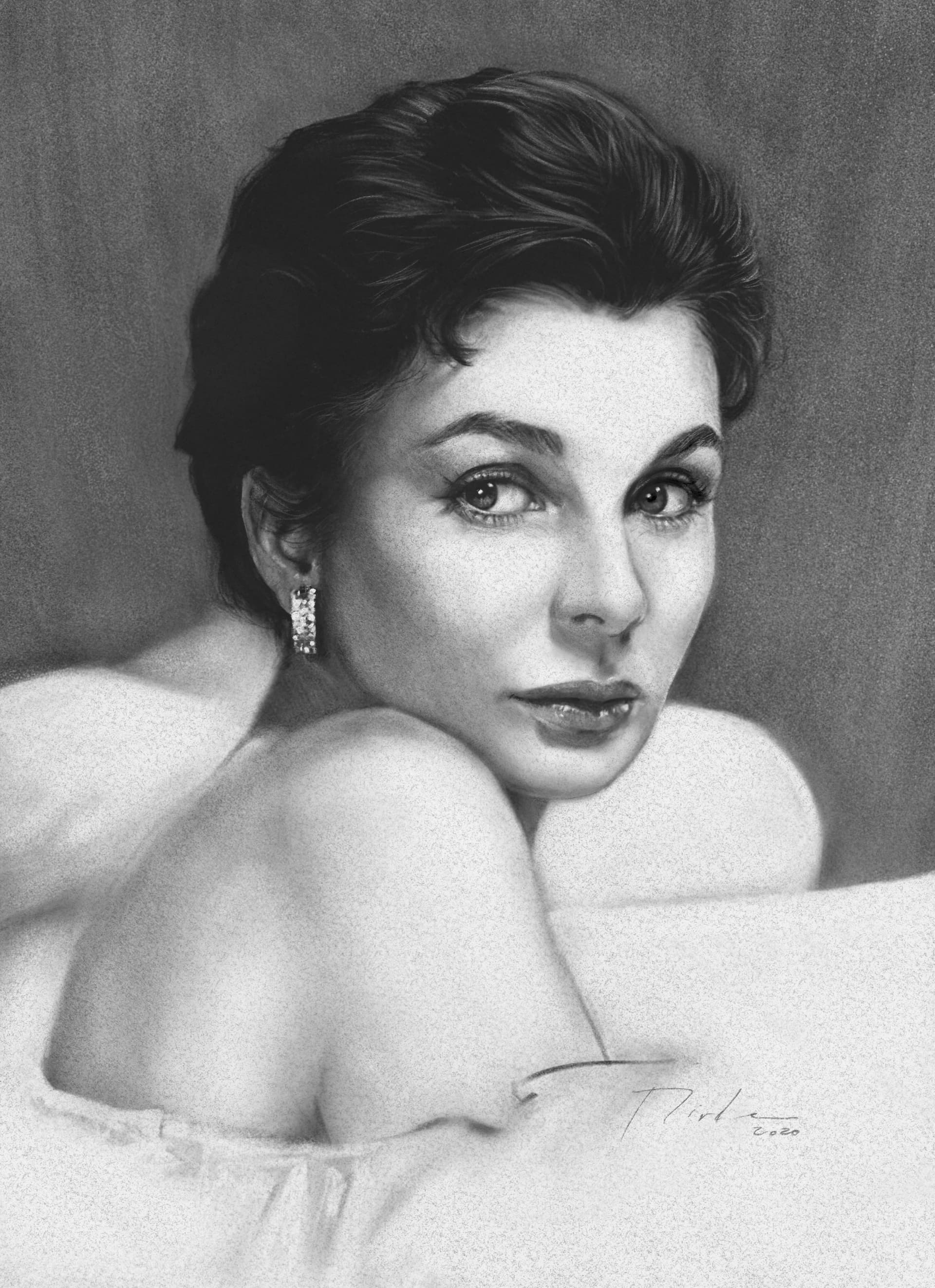
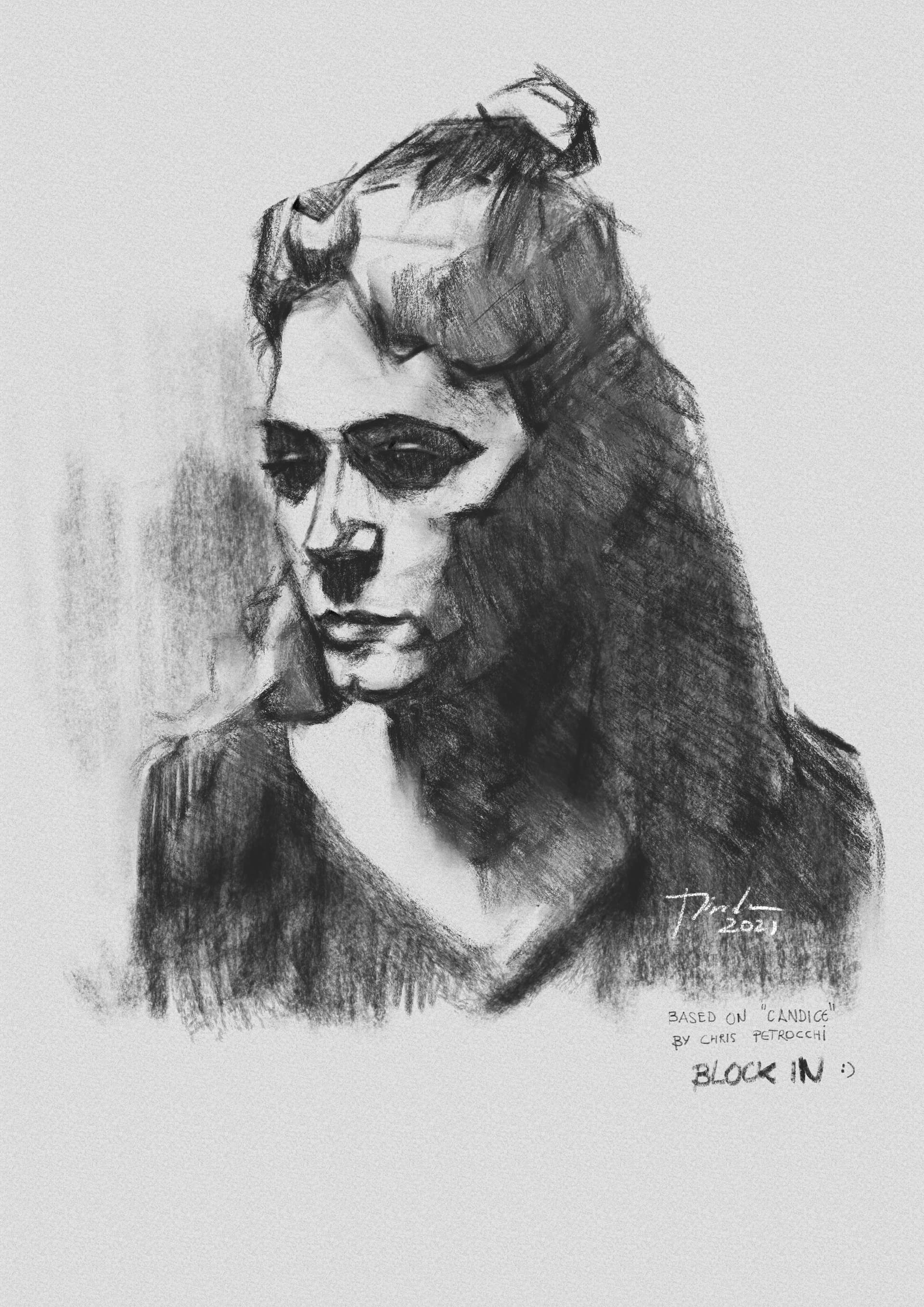
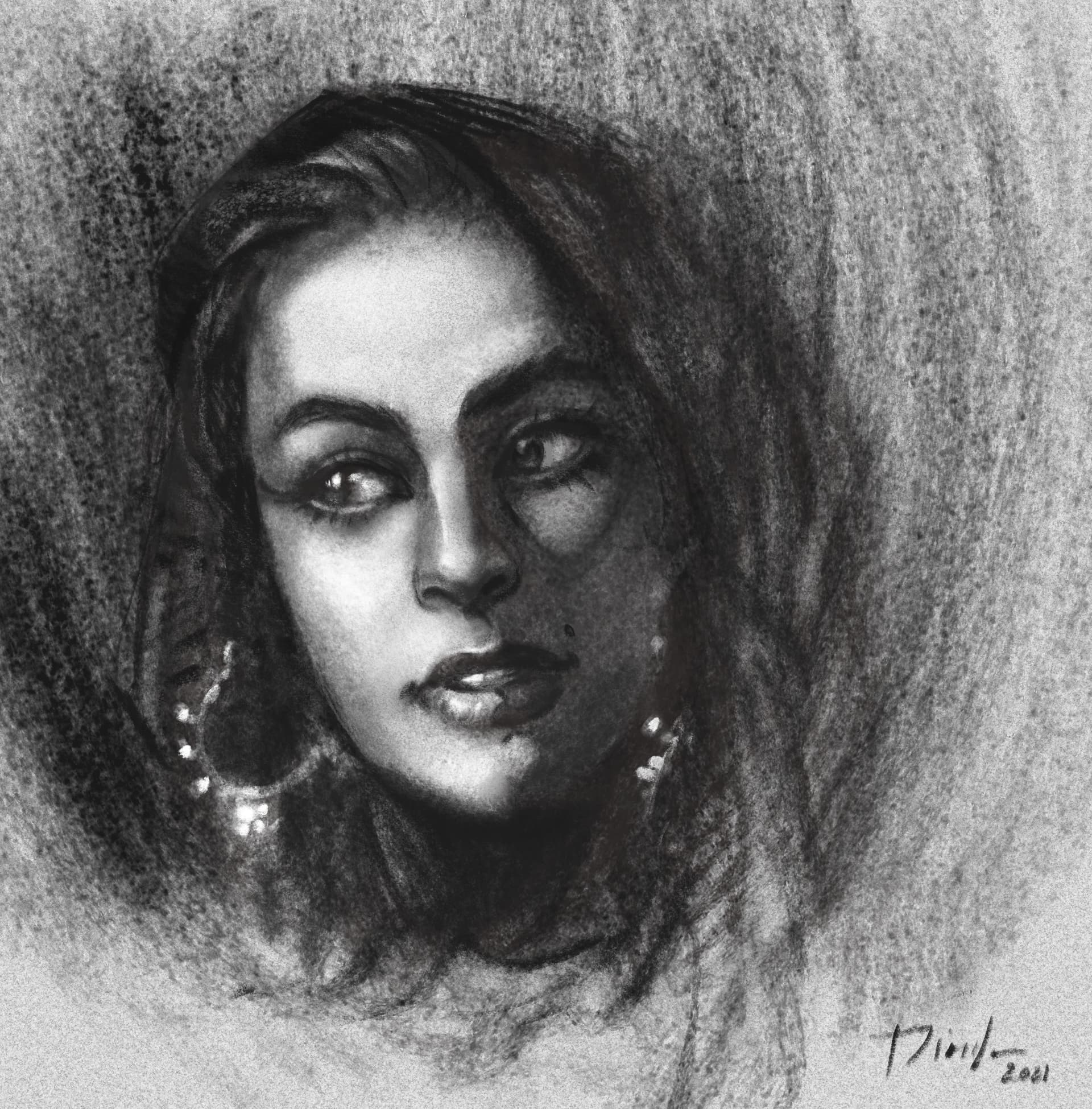
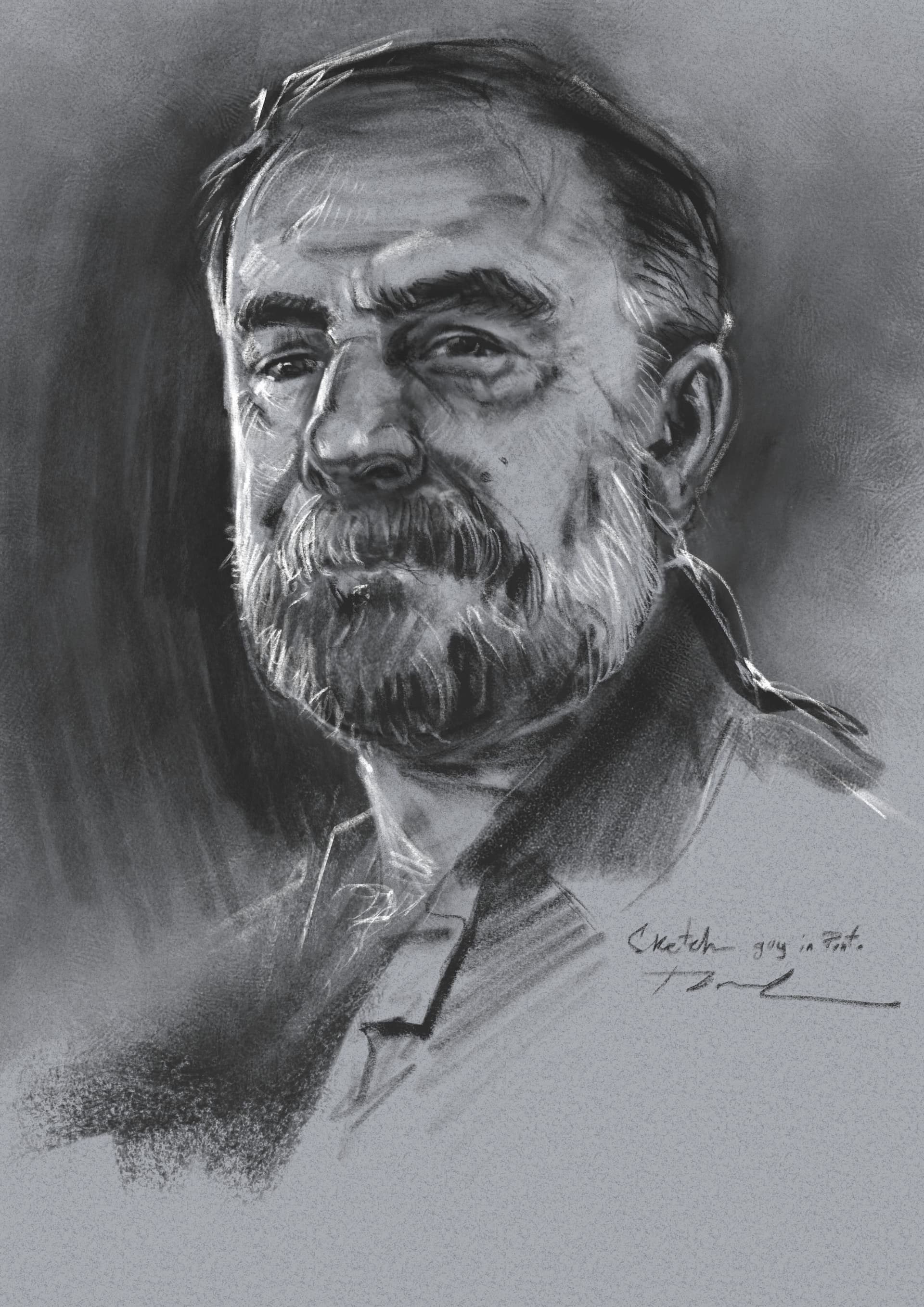

LICENSE
License Agreement for [Charcoal KA]
Author: Ramón Miranda
License: Based on Creative Commons Attribution-NonCommercial 4.0 International (CC BY-NC 4.0) with specific modifications
Terms of Use
- Free to Use for Painting – You are allowed to use these brushes to create illustrations, digital artwork, and any other type of creative work with no restrictions on devices, installations, or time.
- Commercial Use Allowed – You can use these brushes in commercial projects (such as illustrations, comics, video games, etc.) without the obligation to credit the author.
- Free Sharing Allowed – These brushes were created with community’s support and can be freely shared with others. As default or modified.
- No Resale or Unauthorized Redistribution – You may not sell, sublicense, or distribute these brushes as part of a paid bundle or service.
- No Conversion Allowed – You may not modify, extract, or use these brushes to create new brushes in other software or platforms.
- Optional Attribution – Credit is not required, but it is appreciated if you choose to mention the author or link to the original source (YT video here:https://youtu.be/l9wtk5BWtC0).
- Guaranteed to Work in Krita – These brushes are designed and tested to function properly in Krita. Compatibility with other software is not guaranteed.
No Additional Warranty – Apart from Krita compatibility, these brushes are provided “as is,” without any other guarantees of functionality.
THE NEXT TEXT WAS WRITTEN DURING THE MAKING OF THIS BUNDLE. Keek it for curious people.

Are you ready for this kind of challenge?
Hello, Ramon here. I want to create the better charcoals for Krita and i have already good ones (see at the bottom of the post), but i want to make you part of this, because the result could be epic.
i will record a video for youtube using the brushes we have created And explaining some good tips for charcoals. As a reward ALL the collaborators will be quoted in the video. Sounds nice?
As this may sound too complex i have starting point with lot of things. so don’t be shy and show the world what Krita users can do when the gather resources. We can learn a lot and also find things to be improved.
I hope you like the idea. So are you in? This is going to be fun
------------ FAQ ------------
Here i will update the most asked questions.
How this is going to be moderated? I am not the chief here, this is a collaborative work. if you have ideas post them. But remember Krita has its own character and don’t need to be a copy of another software. So we are going to be focused in use real artists, real media.
Can anybody collaborate? YES! but please, understand time is limited so don’t overpost and read the previous posts to see if your contribution will be helpful. That will keep the thread clean
And to show you this is going to be fun, here is a sneak peak. (things can change a lot)

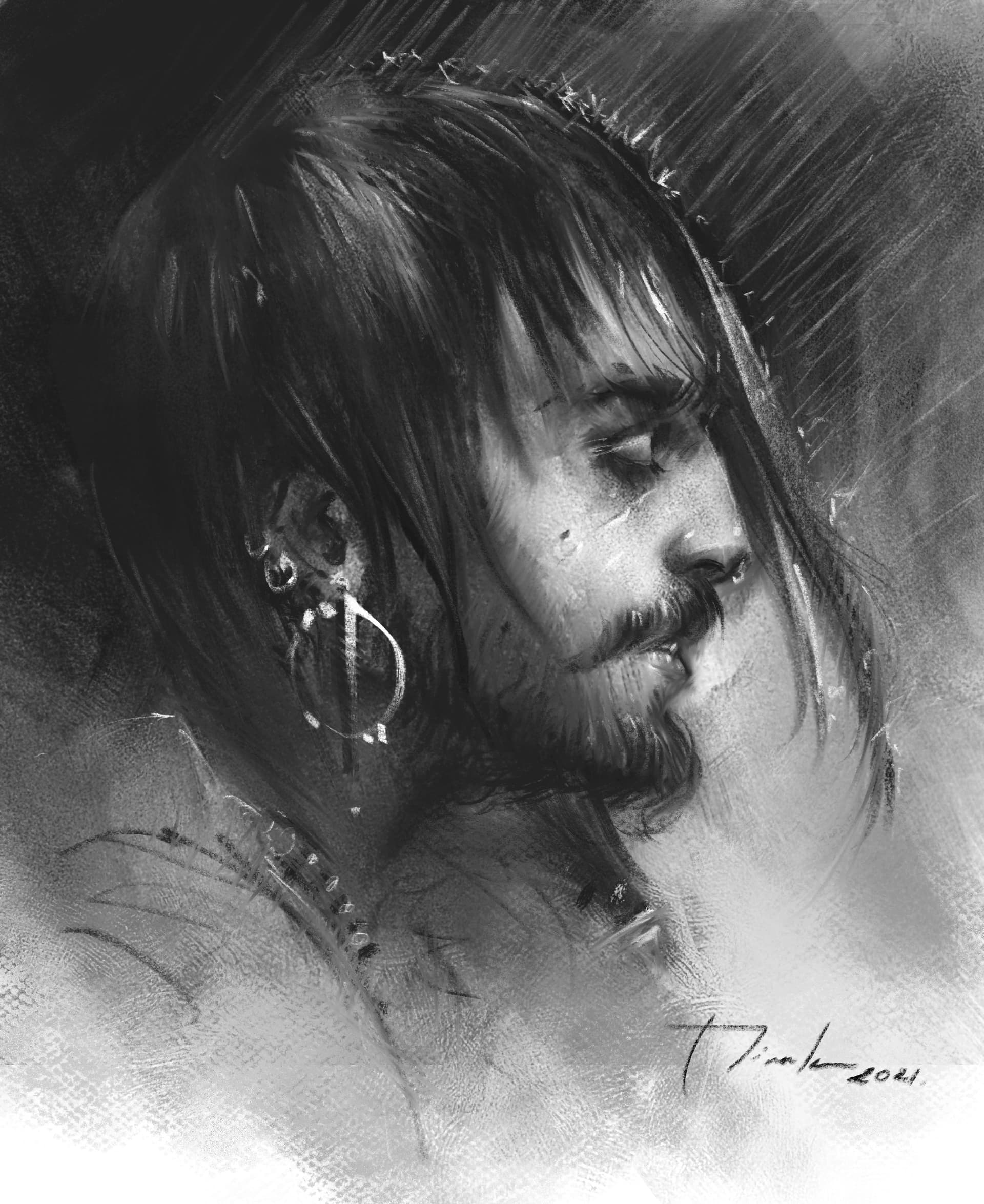
some artwork that you can already see as samples.
NOW IS YOUR TIME! 
If you are not familiar with brush making. here you have some help.
How to create brushes.
Creating a basic brush
https://youtu.be/eSun4h23wqQ?t=1405
Creating variants from another brushes (Watercolor brushes) with icon library.
https://youtu.be/drYOrnG0Ui0?t=739
Things related with brush rotation and drawing angle.
https://youtu.be/PlAlQ_RgYTY?t=478
How we can make RGBA brushes with oil behavior. Understanding a bit Masked brush.
https://youtu.be/FxjCk-yTIzI?t=164
How to Create Animated Brushes. Random
https://youtu.be/VTlh2KhkOM4?t=611
Importing Brushes, not bundles (remember you need to have the brushtips loaded, but if the brush use the default Krita 4 resources you don’t have to do anything else. When you import the brush, is done.)
https://youtu.be/drYOrnG0Ui0?t=869
Concepts used in pencils. Scatter, Pattern, Fuzzy Dab or Stroke
https://youtu.be/HtBzzXulIr0?t=302
Concepts used in Shading brushes. Scalable, Easy to change the texture, not detail oriented (this one can be discussed , Controllable with the roughness feature )
https://youtu.be/HtBzzXulIr0?t=481
First Reference to charcoal in the videos. With my Nathan’s copy.
https://youtu.be/HtBzzXulIr0?t=563
Tablets supported
https://docs.krita.org/en/reference_manual/list_supported_tablets.html?highlight=tablets
Adjust the pressure to your needs
https://youtu.be/HtBzzXulIr0?t=256
RESOURCES USED
BRUSHTIPS
https://drive.google.com/drive/folders/16UdKKawiuLwKsPT9WuilJZvp6xIpsLJM?usp=sharing
PATTERNS, i used these but we can improve them. Nothing is written in the stone, yet 
https://drive.google.com/drive/folders/1pQBRP7U3I6pNhPdhNUU9RBGvJmbiheo4?usp=sharing


 I know Nathan Fowkes teaches charcoal portraits on Schoolism.