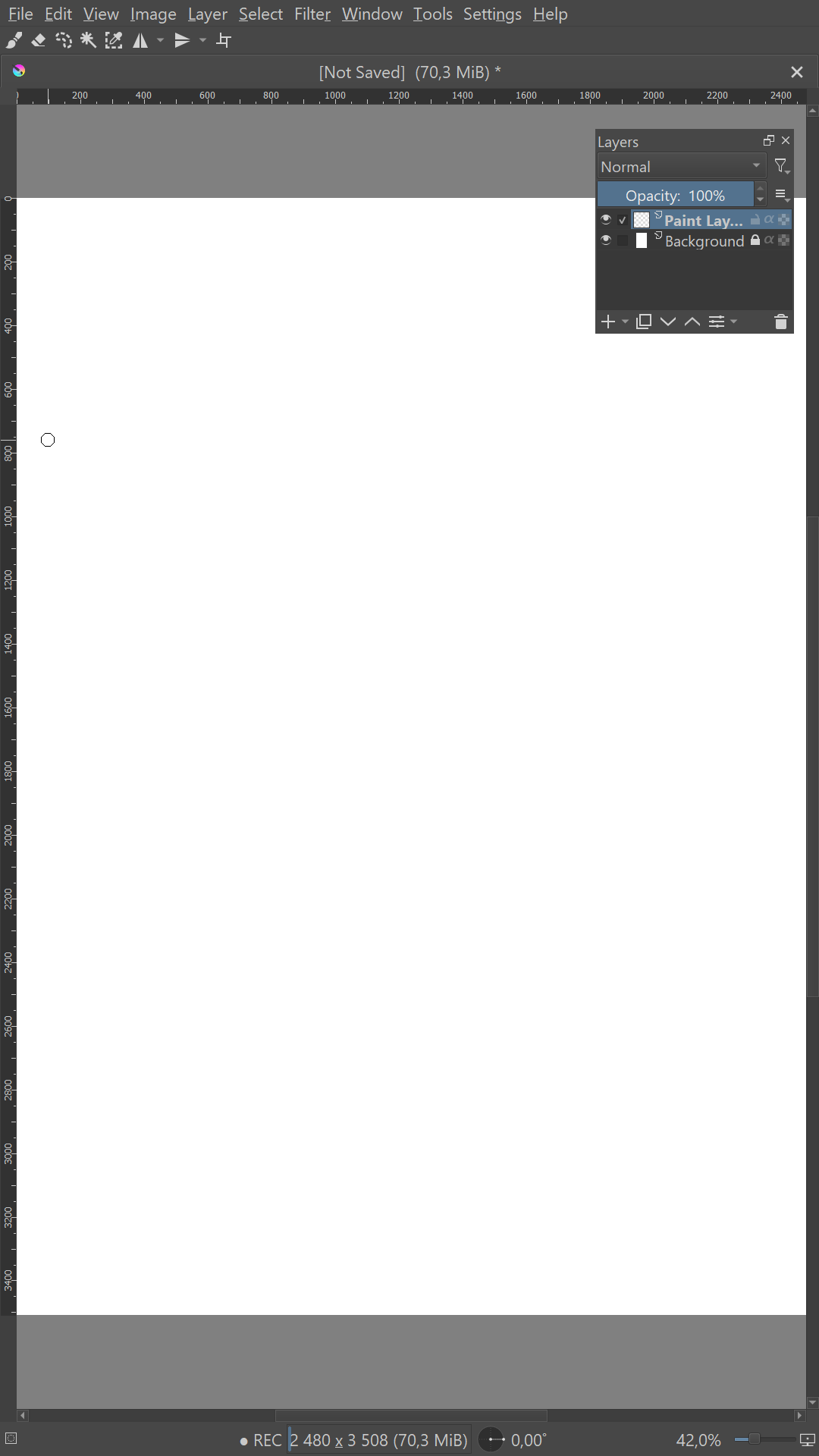
My request would be for both android and windows. Mainly because the tablet I use on PC is about the same size as that of my android tablet.
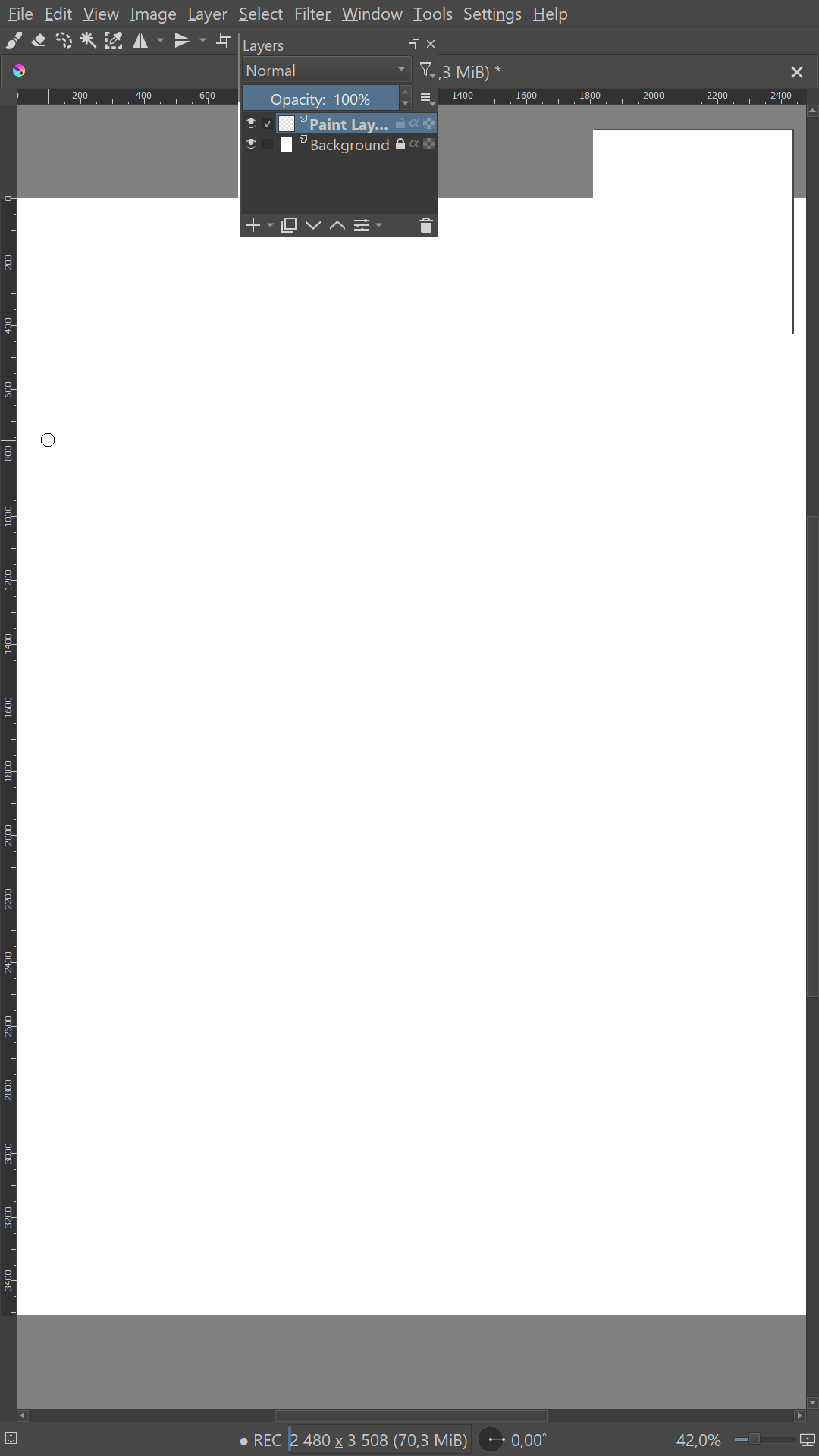
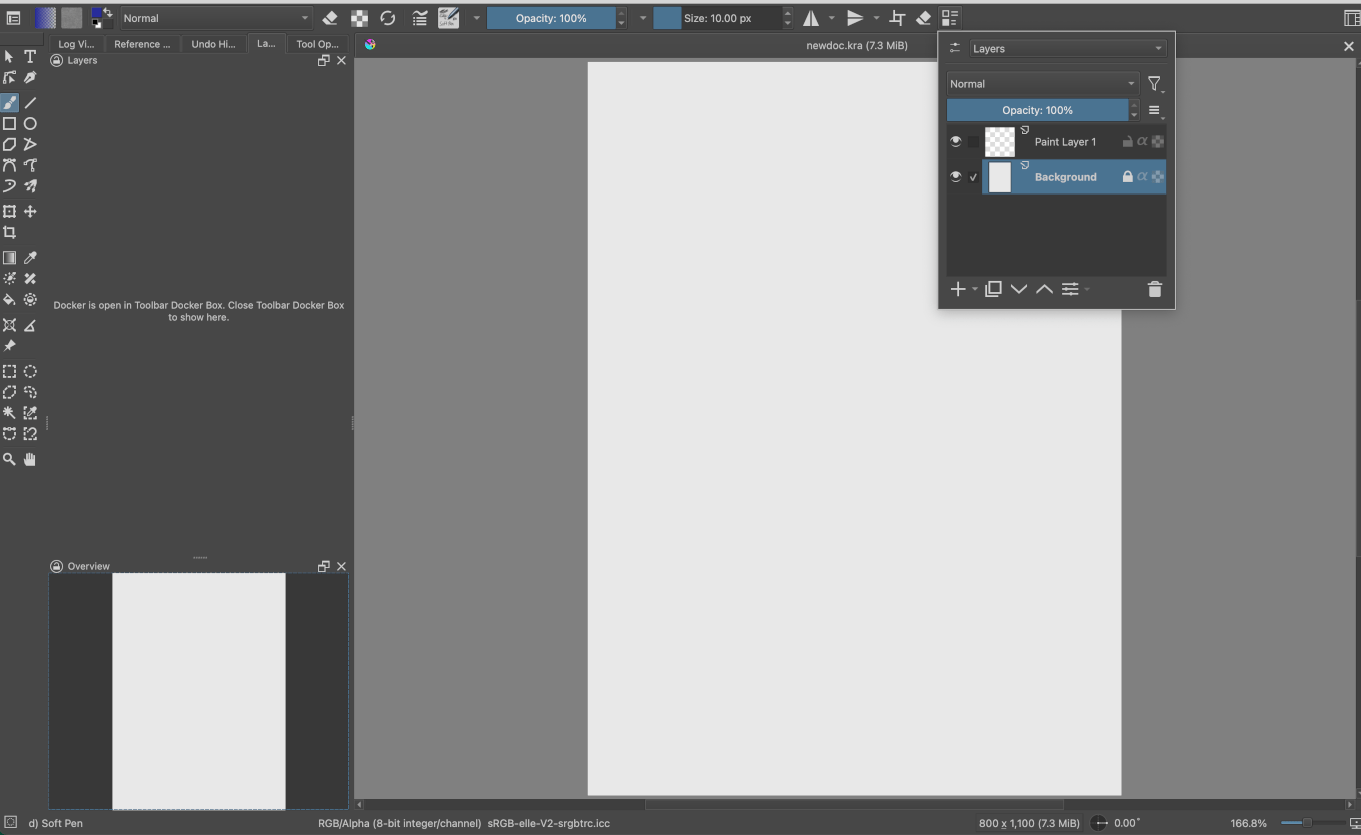
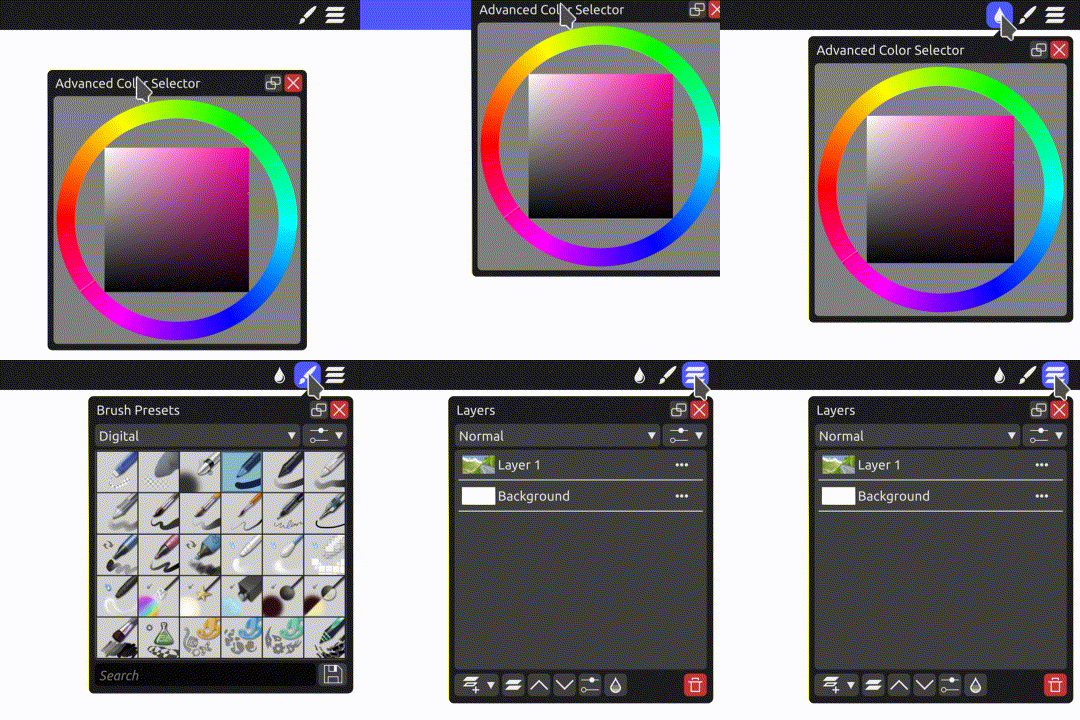
I would like the ability to take a docker (in my case the layers docker) and turn it into a dropdown menu. Basically, I’d like the ability to drag a docker onto a toolbar and have the docker title become the menu title. So that when I click on the menu button the docker will appear and when I click the button again the docker will be closed.
The second image is what I imagine the result to look like.
The reason I feel this feature would be an improvement is that screen space always seems to be at a premium and for myself at least I like my canvas to take up as much of the active screen as possible. To that extent I find that dockers take up an extremely large amount of space. This is particularly important when your drawing tablet is for instance long and narrow.
Now, it is entirely possible to work with your tablet in a landscape orientation, however that presents a problem when you are working with a document in portrait mode. Because now you must work at a considerably zoomed out size so as to fit the entire document on the screen. You are also in doing so wasting a lot of valuable screen space.
Now when you have a very large drawing tablet or multiple screens the dockers are not a problem but for users with limited screen space, the size of dockers often make them feel clunky and intrusive.
Now I am aware of the ability to hide and unhide all the dockers at once either with the use of a button or simply by entering canvas only mode. However as far as I am aware there does not exist a quick and convenient way to hide/collapse and unhide a single docker. (if, however, such a way exists I greatly appreciate it if someone could point it out to me)
It is therefore my opinion that giving users the ability to set individual (and in some cases groups of) dockers as dropdown menus would make Krita seem less cluttered and would give users the freedom to further optimize their workflow and maximize their screen space.
Yeah, krita definitely needs UI overhaul to be more responsive interface. But probably this is a big task and maybe they can think of it when moving to qt6.
Meanwhile 5.3 has dockers under pop up pallet which will work in android too and should make life much easier. Let me know if you want that apk
we have manage to get the docker under palette pretty quick - compare to other request - since most of the work there is done now, I wonder how much of it can be transferred to create docker as dropdown menu with toolbutton.
Borrowing dockers into a popup widget on the toolbar akin to the “Choose brush preset” one (part of “Painter’s Tools”) could work (in theory). The dockers-in-popup-palette implementation would need some refactoring so it can be shared (instead of duplicating the code), and to keep track of the docker’s widget because they can’t both borrow it at the same time (latest opened one would get priority).
I guess I might look into it.
And as I mentioned in the other thread, I’d also like to make my own alternate version of ‘show docker under cursor’, as I think that has its uses as well. I haven’t finished my prototype plugin for that, although maybe I should release it as-is.
Interesting if doable. this could potentially be of even more useful than docker under pop up as with little sacrifice of canvas real estate, multiple dockers can be easily accessed instead of one docker at a time. could also potentially be a stepping stone for tablet or mobile interface.
If we ever go the icon per docker approach. Ill trust @abhifx and the ones here who are good at ui design to propose .
@TheTwo yep i want to suggest icons for dockers or something like toolbar with icons for the main one.
In that regards, I can design icons. If needed more icons. I have design svg based on krita specs for my plugin. If icons are needed for the dockers that still dont have i can try making some.
I have no coding knowledge. So how you’re achieving this is well beyond me, but this is the kind of thing I was hoping for when I started this topic. So great work! I look forward to seeing where this goes.